Note-taking tools, agents, content creation, automation: the AI tools that have most changed the way we work in 2026.
This article takes a look at the tools that truly transformed the way people work in 2026, divided into four main categories: smart notetakers, AI agents, AI-assisted content creation tools, and automation platforms. For each category, we go beyond the features listed on marketing pages to focus on what really makes a difference in everyday use.
Three years ago, using AI in one’s daily work was still just a matter of testing and experimenting. People would copy and paste into ChatGPT, marvel at a more or less accurate summary, and then go back to their usual tools.
Today, it’s fundamentally different. AI doesn’t replace a tool—it integrates with it. It takes notes for you during calls, generates videos from a script, orchestrates workflows across dozens of applications, and is even starting to act autonomously on your behalf. For freelancers, growing teams, and entrepreneurs, the time saved is no longer marginal—it can amount to several hours a week.
This article takes a look at the tools that truly transformed the way people work in 2026, divided into four main categories: smart notetakers, AI agents, AI-assisted content creation tools, and automation platforms. For each category, we go beyond the features listed on marketing pages to focus on what really makes a difference in everyday use.
All the tools featured here are discount at a discount on Freelance Stack.
#1 - Fireflies.ai: The note-taker that joins you in all your meetings.
Benefit from our free deal on Fireflies.ai.
Up to 44% off on annual plan
Find over 300 free deals as well as over 850 Premium deals right now with Fireflies.ai and save on your software subscriptions. Whether you're an entrepreneur, a startup or a solo freelancer, save hundreds of euros thanks to our discounts and promo codes.
Fireflies.ai has established itself as one of the market leaders for one simple reason: it works everywhere. Google Meet, Zoom, Teams, Webex... the bot automatically joins your meetings, transcribes the conversation in real time, and then generates a structured summary highlighting key points, decisions made, and next steps.
Beyond basic transcription, Fireflies lets you search through the history of all your meetings just like an internal search engine. You can find exactly what was said about a specific topic six weeks ago—in what context and by whom. It’s this layer of organizational memory that sets it apart from lighter-weight solutions.
Native integration with HubSpot, Notion, Slack, and others.
Analysis of conversational trends across multiple meetings.
Pricing:
Free Plan: free (limited to 800 minutes of storage).
Pro Plan: starting at ~$10/month/user (check pricing directly on the Fireflies website).
Benefit from a on Fireflies.ai .
Additional 10% off on any plan
Find our best discount right now with Fireflies.ai and save on your software subscriptions. We offer over 850 promo codes and discounts on the best software and SaaS on the market.
#2 - tl;dv: The note-taking app designed for sharing and collaboration.
Benefit from our free deal on tl;dv.
30% off during 6 months
Find over 300 free deals as well as over 850 Premium deals right now with tl;dv and save on your software subscriptions. Whether you're an entrepreneur, a startup or a solo freelancer, save hundreds of euros thanks to our discounts and promo codes.
tl;dv (Too Long; Didn't View) is designed for those who want not only to record a meeting but also to make it useful for others. Its approach is based on creating clips: you highlight key moments during after the meeting, and you share only what matters—not the entire hour-long call.
This is particularly useful for product teams or managers who want to share customer insights with colleagues who weren't present. The feature that automatically summarizes key points also makes it a great tool for sales reps who want to quickly prepare their follow-ups.
Multi-meeting mode for analyzing trends across multiple calls.
Pricing:
Free plan: available with basic features.
Pro Plan: around $18–20/month. Check the official website for pricing.
Benefit from a on tl;dv .
30% off during 12 months
Find our best discount right now with tl;dv and save on your software subscriptions. We offer over 850 promo codes and discounts on the best software and SaaS on the market.
#3 - Fathom: Simplicity as its main selling point.
Benefit from a on Fathom .
2 months free on "Premium" plan
Find our best discount right now with Fathom and save on your software subscriptions. We offer over 850 promo codes and discounts on the best software and SaaS on the market.
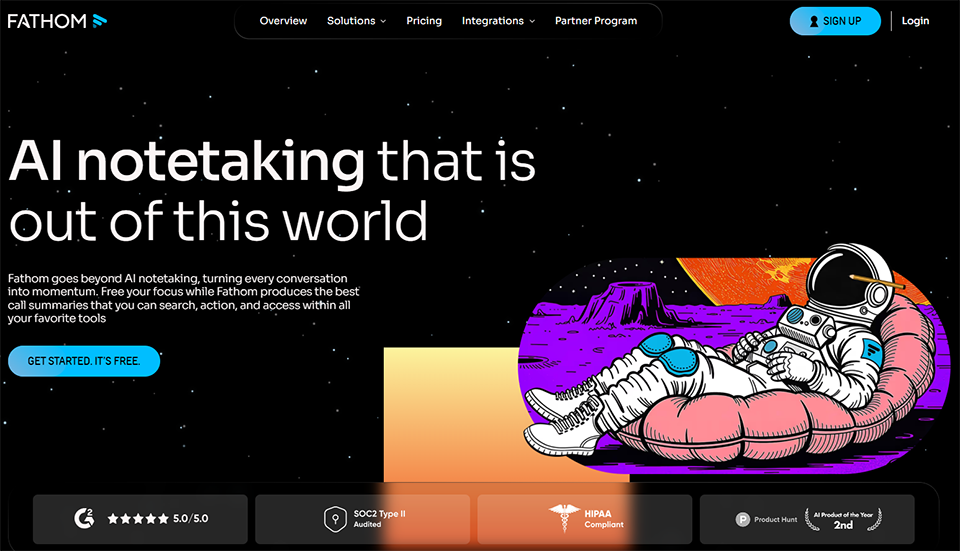
While Fireflies and tl;dv are fairly comprehensive platforms, Fathom focuses on simplicity. It takes two minutes to set up, the interface is clean and uncluttered, and it just works. For someone who just wants to stop taking notes during Zoom calls, it’s often the best entry-level option.
Fathom automatically generates a summary after each call, identifies action items, and lets you quickly share excerpts. Its freemium model is among the most generous on the market, making it an excellent first note-taking app.
Main features :
Zoom recording and transcription.
Automatic post-call summaries.
Instantly share key moments.
Salesforce, HubSpot, and Notion integrations.
A particularly user-friendly interface.
Pricing:
Free plan: very comprehensive (unlimited calls).
Team Plan: Starting at $19/month per user.
Benefit from a on Fathom .
2 months free on "Premium" plan
Find our best discount right now with Fathom and save on your software subscriptions. We offer over 850 promo codes and discounts on the best software and SaaS on the market.
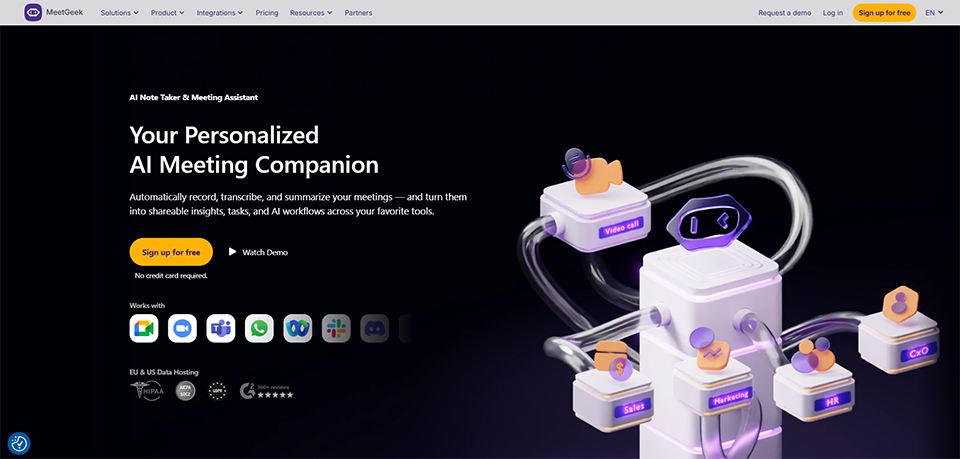
Find over 300 free deals as well as over 850 Premium deals right now with MeetGeek and save on your software subscriptions. Whether you're an entrepreneur, a startup or a solo freelancer, save hundreds of euros thanks to our discounts and promo codes.
MeetGeek stands out for its more advanced analytics capabilities compared to most of its competitors. Beyond the standard summary, it offers engagement metrics (who spoke and for how long, what topics were discussed), customizable note templates for different types of meetings, and a particularly well-designed search interface.
For sales teams or consultants who have a lot of client meetings, this data can be invaluable for identifying patterns and improving the quality of their interactions.
Find our best discount right now with MeetGeek and save on your software subscriptions. We offer over 850 promo codes and discounts on the best software and SaaS on the market.
#5 - Granola: The note-taking app that adapts to your own notes.
Benefit from our free deal on Granola.
1 months free
Find over 300 free deals as well as over 850 Premium deals right now with Granola and save on your software subscriptions. Whether you're an entrepreneur, a startup or a solo freelancer, save hundreds of euros thanks to our discounts and promo codes.
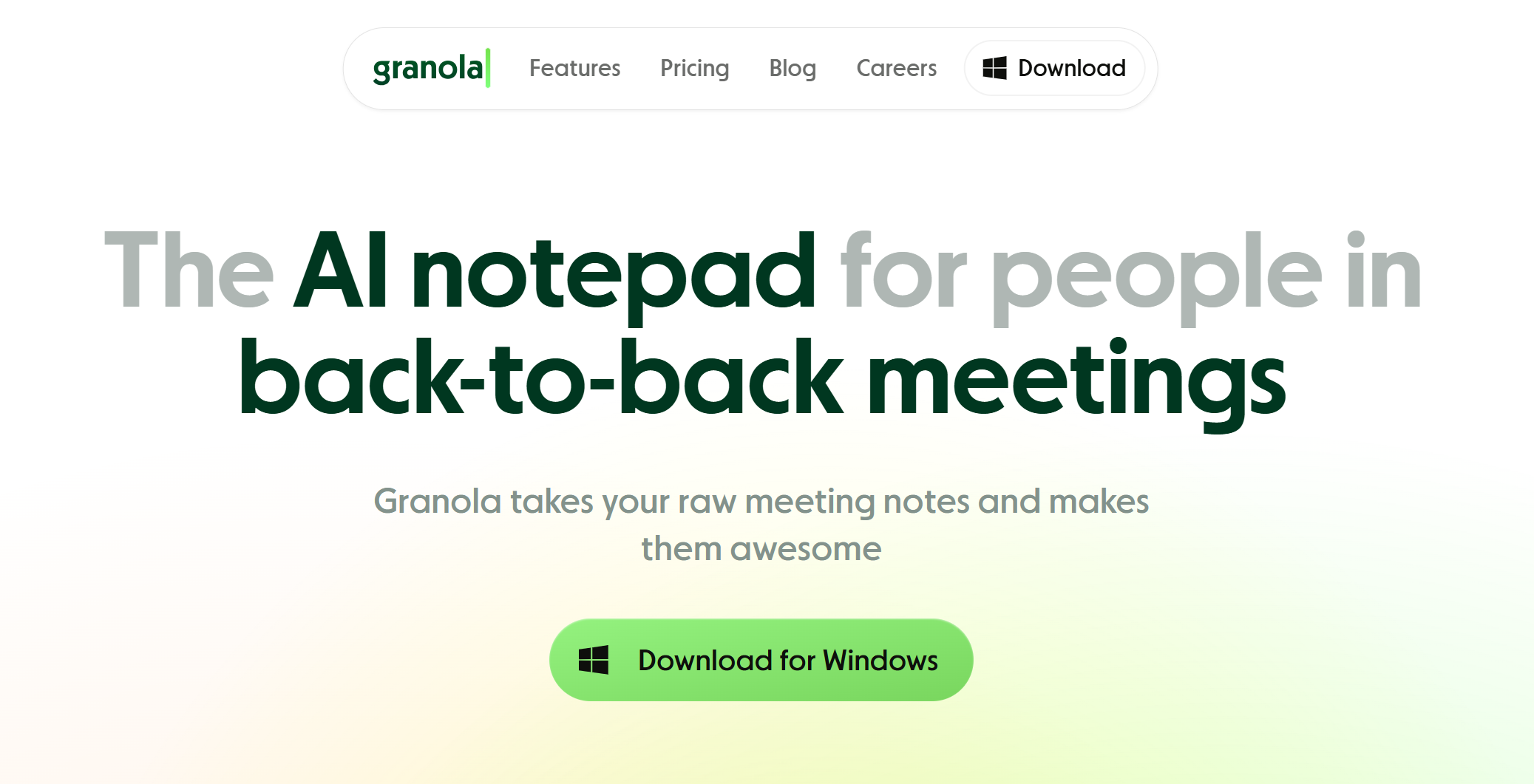
Granola takes an interesting approach: it doesn't aim to replace your note-taking; it aims to enhance it. You continue to jot down what you think is important during meeting, and Granola supplements, structures, and improves your notes based on the full transcript. The result is often much more useful than a generic AI summary.
Currently available on Mac, it's geared toward users who want to retain control over the content of their notes while still benefiting from AI assistance.
Main features :
Capture personal notes + AI-powered enhancement.
Works with any video conferencing tool (local audio detection).
Customizing output templates.
An elegant and unobtrusive interface during .
Pricing:
Free plan: limited number of meetings.
Pro Plan: about $18/month.
Benefit from a on Granola .
€40 off on any plan + 1 months free
Find our best discount with Granola and save on your software subscriptions. We offer over 850 promo codes and discounts on the best software and SaaS on the market.
#6 - Noota: The French option you shouldn't overlook.
Benefit from our free deal on Noota.
Up to 34% off on annual plan
Find over 300 free deals as well as over 850 Premium deals right now with Noota and save on your software subscriptions. Whether you're an entrepreneur, a startup or a solo freelancer, save hundreds of euros thanks to our discounts and promo codes.
Noota deserves a special mention for French-speaking users. Developed in France, it offers exceptionally accurate French transcriptions, which makes a real difference for teams that work exclusively in French and struggle with the inaccuracies of models trained primarily on English.
Noota integrates seamlessly into French corporate ecosystems and offers reporting features tailored to common business practices in France.
Main features :
High-quality French transcription.
Customizable summaries and reports.
CRM integrations and productivity tools.
GDPR compliance highlighted.
Pricing:
Plans starting at a few dozen euros per month.
Benefit from a on Noota .
Additional 20% off during 12 months
Find our best discount right now with Noota and save on your software subscriptions. We offer over 850 promo codes and discounts on the best software and SaaS on the market.
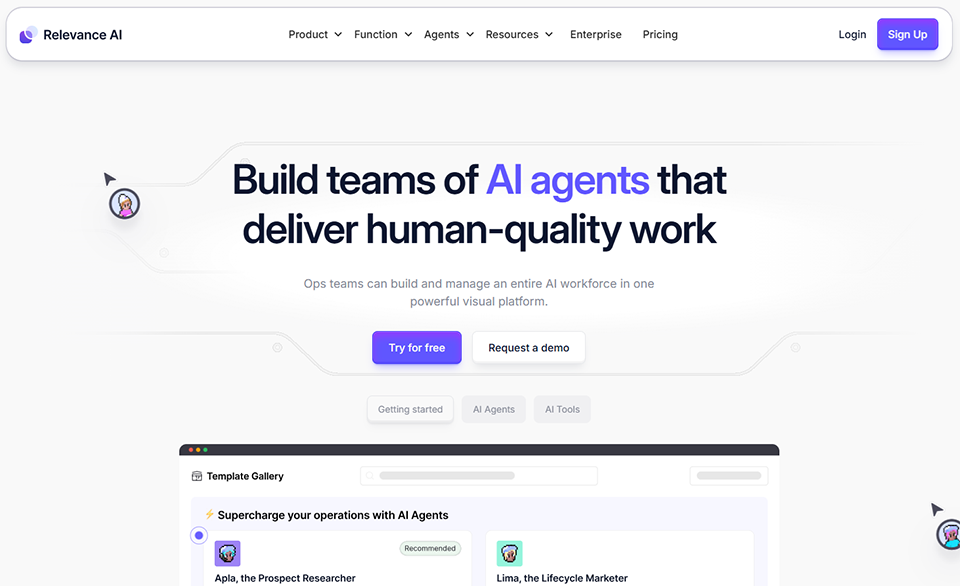
#7 - AI Relevance: Building AI Agents Without Coding.
Benefit from our free deal on Relevance AI.
33% off on annual plan
Find over 300 free deals as well as over 850 Premium deals right now with Relevance AI and save on your software subscriptions. Whether you're an entrepreneur, a startup or a solo freelancer, save hundreds of euros thanks to our discounts and promo codes.
Relevance AI is one of the most user-friendly platforms for creating custom AI agents. Without writing a single line of code, you can build agents capable of handling incoming leads, answering questions based on your internal data, drafting follow-up emails, or qualifying sales opportunities.
The platform features a catalog of pre-built "tools" that you can combine to define what your agent can do. It's a no-code approach that makes it possible for non-technical users to create agents, with a reasonable learning curve.
Main features :
Creating AI agents using no-code/low-code tools.
Tool library (web search, email sending, web scraping, API calls, etc.).
Memory and context are retained across sessions.
Deployment via chat, API, or integration.
Multi-agent collaboration.
Pricing:
Free plan: with limited credits.
Paid plans: starting at ~$20/month.
Benefit from a on Relevance AI .
An additional 15% off during 12 months
Find our best discount with Relevance AI and save on your software subscriptions. We offer over 850 promo codes and discounts on the best software and SaaS on the market.
#8 - Lindy AI: Your personal AI assistant for repetitive tasks.
Lindy positions itself as a personal AI assistant that can manage your email inbox, schedule your meetings, qualify your leads, and automate a range of administrative tasks. Unlike a traditional automation tool, Lindy understands context and can make nuanced decisions—not just follow binary rules.
It's a tool that's particularly well-suited for freelancers and consultants who want to reduce the time spent on low-value-added tasks without having to build complex workflows.
Find our best discount right now with Lindy AI and save on your software subscriptions. We offer over 850 promo codes and discounts on the best software and SaaS on the market.
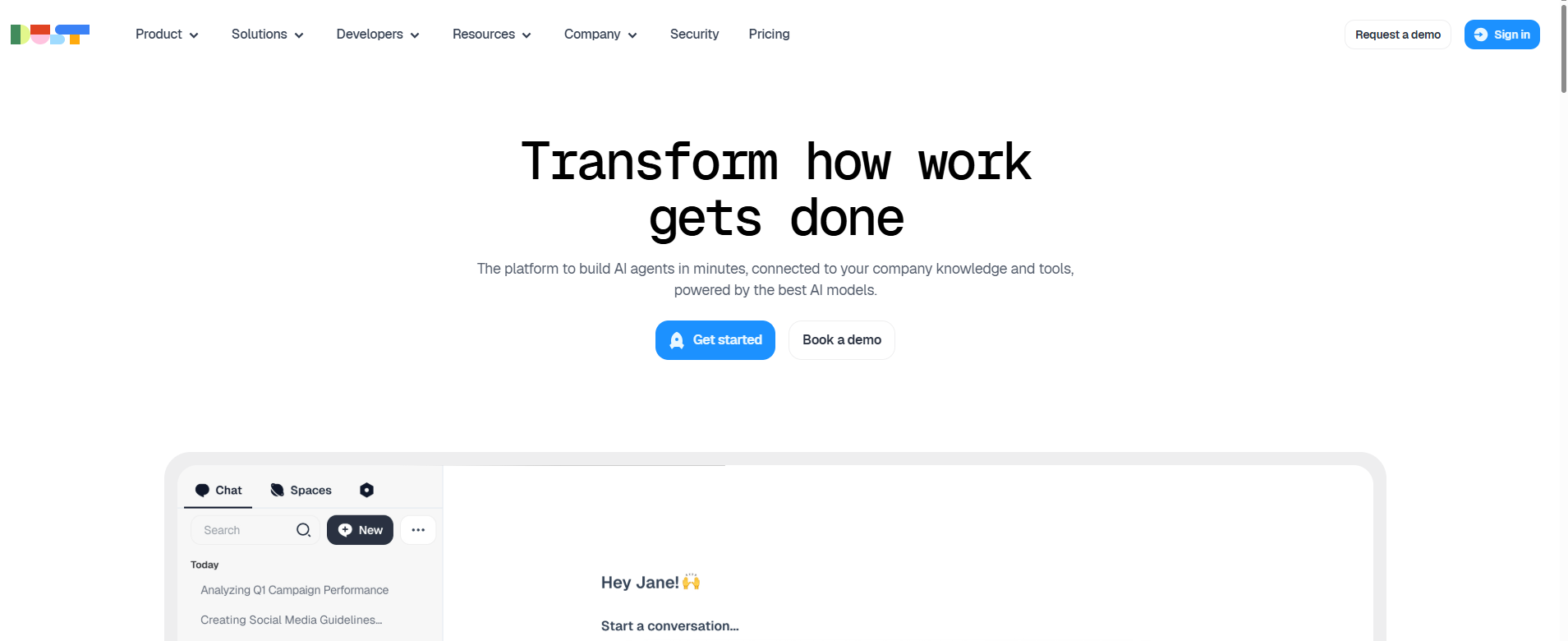
#9 - Dust: The AI agent for teams that want to stay in control.
Dust takes a different approach: rather than selling a turnkey agent, it allows teams to build custom AI assistants connected to their own data sources (Notion, Google Drive, Slack, GitHub, etc.). Each assistant created on Dust is trained using the company’s internal knowledge base, which yields much more relevant results than a general-purpose assistant.
For a startup with 10–50 employees that wants an assistant capable of answering questions about its internal processes, technical documentation, or customer data, Dust is probably one of the most reliable options on the market.
Main features :
Sign-in your internal data sources.
Development of custom AI assistants by department.
Granular control over permissions and access.
Real-time knowledge management.
Advanced compliance and security.
Pricing:
Plans starting at approximately $29/month per user.
#10 - Taskade: Project management + AI agents all in one place.
Taskade is interesting because it’s more than just an AI agent tool: it’s a comprehensive productivity platform (task management, notes, wikis, video conferencing) that integrates AI agents directly into team workflows. You can create agents that automatically generate project plans, write content, or perform research.
This is a logical choice for small teams that want a single tool covering both collaboration and AI automation, without having to switch between multiple platforms.
Main features :
Complete suite (tasks, notes, wikis, video conferencing).
Customizable, built-in AI agents.
Automatic generation of plans and content.
Workflow automation within the team.
Multi-format interface (list, kanban, mind map, etc.).
Pricing:
Free map: available.
Pro Plans: starting at ~$8/month per user.
#11 - Description: A video editor that works just like a text document.
Descript has changed the way many content creators work. The idea is simple: the automatic transcript of your video or podcast becomes your main editing tool. You edit the text, and the video updates accordingly. Deleting a word from the transcript cuts the corresponding segment from the video. It’s that simple.
The "Overdub" feature even lets you correct speaking mistakes by using AI to regenerate your voice, which eliminates the need to re-record entire takes just because of a poorly phrased sentence. For content creators, online instructors, and marketing teams, this saves a considerable amount of time.
Main features :
Transcription-based video/audio editing.
Automatic removal of pauses and "ums."
AI Vocal Regeneration (Overdub).
Creating clips for social media.
Real-time collaboration.
Pricing:
Free map: available.
Paid plans: starting at ~$24/month.
#12 - Synthesia: Videos featuring AI avatars created from plain text.
Synthesia is the leading platform for AI-generated videos featuring human avatars. You write a script, choose an avatar from their catalog (or create your own), and Synthesia generates a realistic presentation video in just a few minutes. No camera, no studio, no editing.
It is particularly useful for corporate training, onboarding videos, product tutorials, or any repetitive video content that would be too expensive to produce using traditional filming methods. Synthesia supports more than 130 languages, making it the tool of choice for international teams.
Main features :
Generating video from a text script.
160+ realistic AI avatars (or a custom avatar).
130+ supported languages.
Customizable video templates.
Integrations with LMSs and training tools.
Pricing:
Plans starting at $29/month.
Starter Plan: Check the current rates directly on Synthesia.
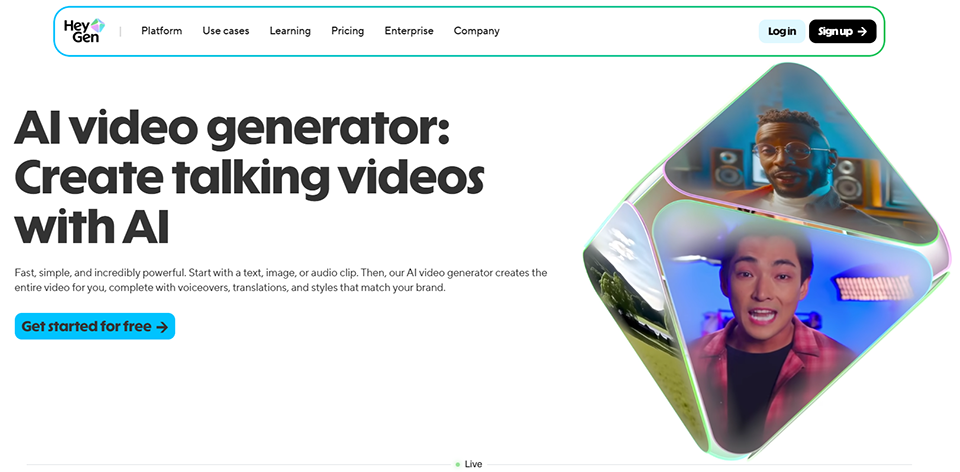
#13 - HeyGen AI: Synthesia's direct competitor, with a few distinctive advantages.
HeyGen operates in the same space as Synthesia but stands out for the quality of its streaming avatars and its video translation feature. This feature allows you to take an existing video (of yourself facing the camera, for example) and translate it into another language with lip-sync. The result is impressive.
For content creators who want to reach an international audience without having to re-edit their videos, this is a truly game-changing feature.
Main features :
AI-powered video generation with realistic avatars.
Video translation with lip-sync.
Custom avatar created from a real video.
Real-time avatar streaming (for live demos).
Extensive library of templates.
Pricing:
Plans starting at ~$29/month.
#14 - OpusClip: Automatically turn a long video into viral clips.
OpusClip solves a very real problem: you’ve recorded a one-hour webinar, a 45-minute interview, or a video podcast. How can you extract the 5 or 10 most impactful clips for social media without spending three hours editing?
OpusClip's AI analyzes your content, identifies moments with high engagement potential, trims them, formats them to the correct aspect ratio (vertical for TikTok/Reels/Shorts, square for LinkedIn), and even generates animated captions. It has become an almost indispensable tool for creators active across multiple platforms.
Main features :
Automatic detection of "viral" moments.
Automatic aspect ratio adjustment (9:16, 1:1, 16:9).
Automatically generated animated subtitles.
Viral score per video.
Post directly to social media.
Pricing:
Free plan: with monthly credits.
Paid plans: starting at ~$15/month.
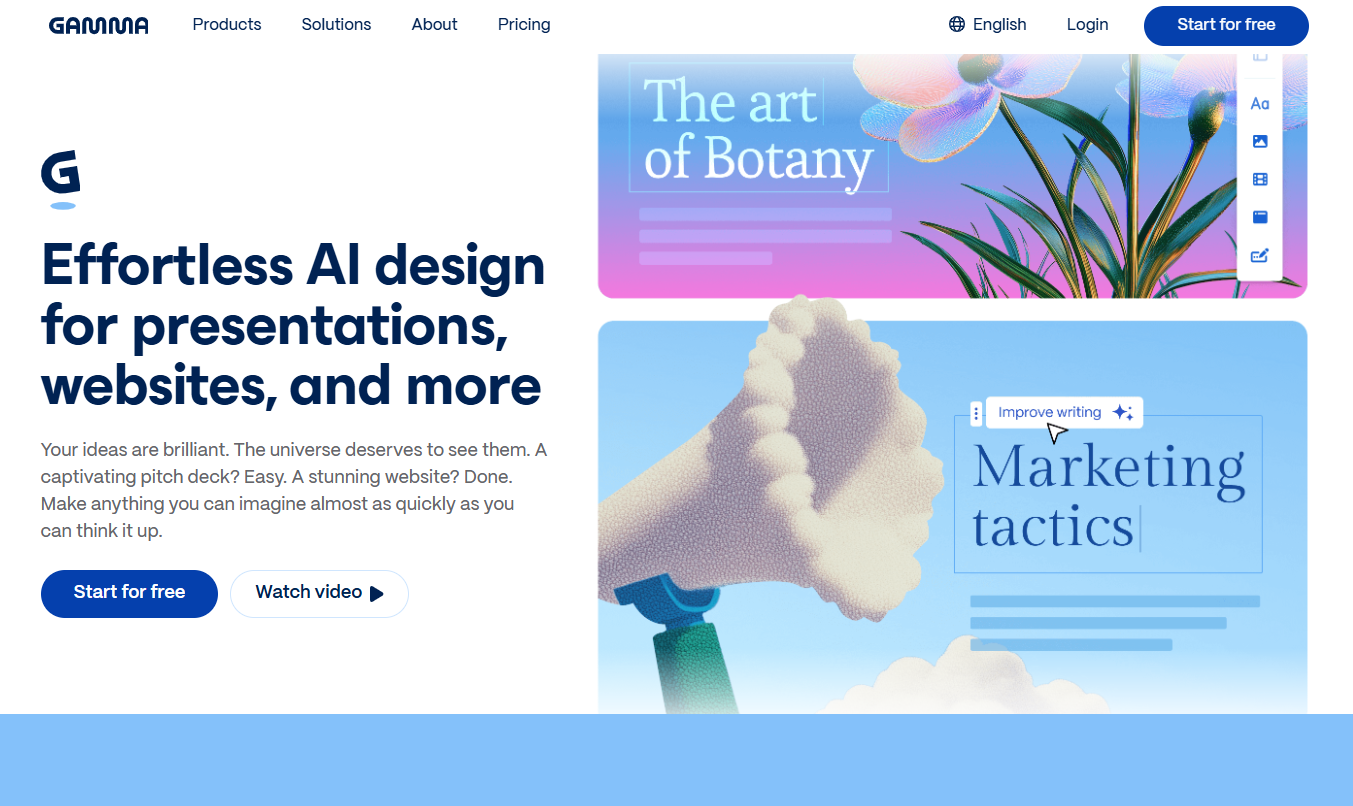
#15 - Gamma: Professional presentations generated in seconds.
Gamma has revolutionized the concept of online presentations by combining it with AI-powered generation. You enter a topic or paste some text, and Gamma generates a complete presentation with formatting, visuals, and a coherent narrative structure. The result is significantly more polished than what most traditional tools produce when starting from a blank template.
This is especially useful for quick pitches, sales proposals, internal reports, or any situation where you need a professional presentation but don't have an hour to spare.
Main features :
Generating a complete presentation from a text or an idea.
Polished and customizable visual styles.
Native web format (shared via a link, no .pptx file).
Inserting media, graphics, and interactive elements.
PDF and PowerPoint export available.
Pricing:
Free plan: with limited features.
Paid plans: starting at $8–10/month.
#16 - ElevenLabs: The go-to source for professional-quality AI voices.
ElevenLabs has become the undisputed leader in high-quality text-to-speech synthesis. The difference compared to basic solutions is immediately apparent: the voices sound natural, the intonation is spot-on, and the quality is high enough for professional use in podcasts, videos, or apps.
The voice cloning feature is particularly powerful: with just a few minutes of recording, you can generate an AI voice that sounds like your own to create audio content at scale. A must-have tool must-have content creators and marketing teams.
Main features :
Ultra-realistic text-to-speech (1,000+ voices).
Custom voice cloning.
Generated in 29+ languages.
API for integration into applications.
Voice-over studio.
Pricing:
Free plan: 10,000 characters per month.
Paid plans: starting at $5–11/month, depending on usage.
#17 - Make: The most powerful visual automation tool on the market.
Make (formerly Integromat) is probably the most flexible automation platform available today for non-developers. Its visual interface, featuring interconnected "bubble" scenarios, allows you to build highly complex workflows that remain easy to understand. Where Zapier stops (advanced conditional logic, loops, error handling, data transformations), Make goes further.
Integration with AI tools has been significantly enhanced: you can trigger calls to OpenAI, enrich data with Claude or GPT-4, and feed the results into any other tool in your stack.
Main features :
1,500+ connected apps.
Conditional Logic and Advanced Iterations.
Native AI modules (OpenAI, Anthropic, etc.).
Webhooks, REST APIs, data parsing.
Scheduling and Multiple Triggers.
Detailed execution history.
Pricing:
Free plan: (1,000 transactions/month).
Paid plans: starting at $9/month.
#18 - n8n: Open-source automation for those who want total control.
n8n occupies a unique position in the ecosystem: it is an open-source automation tool, which means you can host it yourself on your own infrastructure. For technical users or companies with data privacy constraints, this is a decisive advantage.
The cloud version is also available if you don't want to manage the infrastructure. n8n features highly advanced native AI nodes: LLM agents, prompt chains, embedding tools, and connectors to leading models. It is currently one of the best environments for building complex AI workflows.
Main features :
Open-source (self-hosted) + cloud version.
400+ integrations.
Advanced AI components (LLMs, agents, RAG, etc.).
Complex logic using native JavaScript code.
Ideal for workflows involving large language models (LLMs).
Pricing:
Free cloud version: (5,000 runs/month).
Paid plans: starting at $20/month.
#19 - Zapier: The go-to entry-level solution for frictionless automation.
Zapier remains the gold standard for a good reason: it’s the easiest tool to use for connecting two apps. If you want to automate something relatively simple (send a Slack notification when a form is submitted, create a task in ClickUp from an email, etc.), Zapier can do it in 5 minutes with no effort.
Its strength also lies in its ecosystem: over 6,000 supported apps, a massive community, and very comprehensive documentation. Its catalog of pre-built "Zaps" often lets you get started without having to build anything from scratch.
Main features :
6,000+ connected apps.
Ready-to-use Zaps (template library).
Zapier AI (workflow generation using natural language).
Tables, interfaces, and integrated data management tools.
Basic conditional logic.
Pricing:
Free plan: (100 tasks/month, 5 Zaps).
Paid plans: starting at $19.99/month.
By profile: Which tool is right for whom?
Depending on your line of work and your needs, certain tools can make a real difference in your day-to-day work—here are the most effective combinations.
👨💻 Freelancer and solo consultant:
The priority is to free up time spent on low-value tasks. A notetaker (Fathom for entry-level use, Fireflies if you have a lot of client meetings) combined with Make or Zapier to automate administrative tasks is an excellent starting point. For content creation, use OpusClip if you have a video presence, and Gamma for quick sales proposals.
🏢 Groups of 5 to 20 people:
The key challenge is capitalizing on knowledge and ensuring consistent workflows. tl;dv or MeetGeek for team meetings, Dust or Relevance AI to build an AI assistant using your internal data, and n8n if you have a technical team member available for more advanced automation.
🚀 Growing startup:
Focus on often Focus on content and go-to-market strategies. Synthesia or HeyGen for product videos and customer onboarding; ElevenLabs if you’re producing audio/video content at scale; Lindy AI for managing email and incoming sales tasks; and Make to orchestrate it all.
🎨 Content creator:
Descript for video and podcast editing, OpusClip to maximize your reach on social media, ElevenLabs for voice-overs or audio versions of your content, and Gamma to turn your ideas into shareable presentations.
Advantages and Limitations by Category.
Each category of tools offers real benefits, but also comes with challenges that are best anticipated before getting started.
Note-takers:
✅ Immediate and measurable time savings.
✅ Long-term organizational memory (remembering what was said).
✅ discount time discount writing post-meeting reports.
⚠️ Quality varies by language (French is still less well supported than English in some tools).
⚠️ Legitimate questions about the privacy of communications (check each tool's policies).
⚠️ Having a bot in a meeting can sometimes make external participants feel uncomfortable.
AI Agents:
✅ Automation of tasks that previously required human judgment.
✅ Available 24/7 without constant supervision.
✅ Customizable based on your data and processes.
⚠️ Agents can make mistakes: supervision is still necessary for critical tasks.
⚠️ Learning curve for properly configuring agents.
⚠️ Costs can rise quickly depending on usage volume.
AI Content Creation:
✅ discount in video/audio production costs.
✅ Scalability: One person can produce as much content as a small team.
✅ Brand consistency is easier to maintain.
⚠️ AI-generated avatars are still noticeable to a keen eye.
⚠️ Content generated entirely by AI may lack personality and authenticity.
⚠️ Legal issues surrounding the right of publicity in relation to voice cloning and avatars are evolving.
Automation:
✅ Often a very quick return on investment (a few hours of setup saves dozens of hours).
✅ discount human discount in repetitive tasks.
✅ Frees up time for higher-value tasks.
⚠️ Maintaining workflows can become time-consuming as they grow more complex.
⚠️ Dependence on third-party integrations (if an API changes, the workflow breaks).
⚠️ Zapier can get expensive as your volume increases.
Comprehensive Comparison Chart. 🔍
Nineteen tools divided into four Categories an overview to help you quickly identify the ones that fit your ideal tech stack.
Tool
Category
Ideal Profile
Distinctive strength
Free map
Fireflies.ai
Notetaker
Teams with a lot of meetings
Search Engine for Historical Data
✅
tl;dv
Notetaker
Sales, Product Teams
Shareable clips, CRM integrations
✅
Fathom
Notetaker
Freelancers, solo professionals
Simplicity, generous free plan
✅
MeetGeek
Notetaker
Analytics Teams
Advanced Meeting Analytics
✅
Granola
Notetaker
Mac users, fans of rich notes
Enhancing Personal Notes
✅ (limited)
Noota
Notetaker
French-speaking teams
Quality of the French Transcription
✅
Relevance AI
AI Agent
Marketing, Sales, Operations
No-Code Agent Development
✅
Lindy AI
AI Agent
Solopreneurs, consultants
Standalone email and calendar management
❌
Dust
AI Agent
Teams of 10–100 people
Internal Data Assistants
✅ (limited)
Taskade
AI Agent + Productivity
Small teams
All-in-One Project + AI
✅
Descript
Content Creation
Video/Podcast Creators
Text-Based Editing
✅
Synthesia
AI Video Creation
Training, onboarding
130+ languages, realistic avatars
❌
HeyGen AI
AI Video Creation
Multilingual Creators
Video Translation with Lip-Sync
✅ (limited)
OpusClip
Content Creation
Social Media Creators
Automatic Clip Extraction
✅
Gamma
Presentations
Business, consultants
Generating Slides from Text
✅
ElevenLabs
Audio/AI Voice
Content creators, dev
Voice quality, cloning
✅
Make
Automation
Power users, teams
Flexibility and Advanced Logic
✅
n8n
Automation
Technical Profiles
Open-source, advanced AI nodes
✅
Zapier
Automation
Beginners in Automation
Simplicity, 6,000+ apps
✅
The rates listed in this article are for informational purposes only and are subject to change. Please check each tool's website directly for the current pricing terms.
See all the software of this category: IA
Check out all the other software and discount we offer in this category. Explore other tools and choose the perfect solution to grow your business.
These are common questions about AI tools in the workplace. Here are the most straightforward answers we can provide. To explore the deals and discount on these tools, visit the Categories on Freelance Stack.
1️⃣ Are AI notetakers GDPR-compliant?
That’s a valid question. The situation varies greatly from one tool to another. Fireflies, MeetGeek, and others offer GDPR-compliant configurations, with data hosted in Europe or deleted upon request. Noota, as a French tool, places particular emphasis on this aspect. Best practice is still to inform participants that an automatic transcription is in progress before each meeting.
2️⃣ Should you let the people you're talking to know that you're using a notetaker?
Yes, and it's also a legal requirement in many countries. Most tools do this automatically via a message from the bot that joins the meeting ("Fireflies.ai is recording this meeting..."). Some, like Granola, work differently by capturing the audio locally without a visible bot, which shifts the responsibility to the user.
3️⃣ What is the difference between an automation tool (Make, n8n, Zapier) and an AI agent?
An automation tool follows fixed rules: if X happens, then do Y. An AI agent makes decisions based on context, natural language, and reasoning. In practice, the lines between them are blurring: Make and n8n now include AI nodes, and agents like Lindy use automations to carry out their actions. The two are complementary: automation handles the workflow, while the agent handles the logic.
4️⃣ Will these AI tools replace jobs in small businesses?
The reality observed in 2025–2026 is that these tools redistribute work rather than eliminate it. A freelancer using Descript + OpusClip + Make can produce as much content on their own as a small team. This changes hiring needs (less need for operational tasks, more for strategy and oversight), but in very small organizations, the main impact is greater autonomy.
5️⃣ Where do you start if you don't know anything about these tools?
Three simple starting points based on the most common needs:
Lots of meetings? → Install Fathom (free plan, 2-minute setup).
Do you have a lot of repetitive tasks across different apps? → Try Zapier or Make with a simple use case.
Need video content or a presentation fast? → Try Gamma or OpusClip, depending on your format.
6️⃣ Is the quality of the French transcripts good?
It improved significantly in 2024–2025. Fireflies, tl;dv, and MeetGeek transcribe French satisfactorily for most professional uses. Noota remains the go-to tool for French if it is your primary working language. Strong regional accents and technical conversations with a lot of specific jargon are still the situations where errors occur most frequently.
7️⃣ What budget should you plan for to equip a small team of 5 people?
A reasonable setup for a team of 5 people in 2026 might look like this: a note-taking tool like Fireflies or MeetGeek (~$50–75/month for 5 users), Make or n8n for automation (~$20–40/month), and one or two content creation tools as needed (~$30–60/month). Overall, expect to spend between $100 and $200 per month for a cohesive stack, excluding general-purpose tools (collaboration suites, CRM, etc.). And of course, the discount on Freelance Stack significantly lower the cost, especially in the first few months.