Our selection of tools for collecting and managing data for a startup
This article presents a selection of practical tools used by teams ranging from early-stage startups to scale-ups to cover the entire data lifecycle: collection, structuring, analysis, and automation. We have deliberately excluded enterprise solutions (Salesforce Data Cloud, Oracle, etc.) to stay focused on tools suited for startups-that is, tools that are accessible, quick to deploy, and evolve with you.
We often talk about products, go-to-market strategies, or fundraising. But there’s one issue that consistently comes up in post-mortems of failed startups: they failed to interpret what their data was telling them. Not because they lacked data, but because they didn’t have the right tools to collect, organize, and analyze it.
Today, a three-person startup can access the same analytical capabilities as a small or medium-sized business with 200 employees, often at very reasonable costs. The market for data-focused SaaS tools has exploded over the past five years. The real challenge is no longer access. It’s choice.
This article presents a selection of practical tools used by teams ranging from early-stage startups to scale-ups to cover the entire data lifecycle: collection, structuring, analysis, and automation. We have deliberately excluded enterprise solutions (Salesforce Data Cloud, Oracle, etc.) to stay focused on tools suited for startups-that is, tools that are accessible, quick to deploy, and evolve with you.
#1 - Typeform: The form that feels like a conversation.
Benefit from our free deal on Typeform.
16% off on annual plan
Find over 300 free deals as well as over 850 Premium deals right now with Typeform and save on your software subscriptions. Whether you're an entrepreneur, a startup or a solo freelancer, save hundreds of euros thanks to our discounts and promo codes.
Typeform has completely transformed the way we approach online forms. While most tools display a list of fields to fill out, Typeform presents one question at a time in a conversational format that significantly improves completion rates. For startups looking to collect user feedback, qualify incoming leads, or conduct satisfaction surveys, it’s often the go-to solution.
The tool allows you to create conditional forms (where subsequent questions adapt based on previous answers) and connect the results to a CRM, spreadsheet, or automation tool. The built-in analytics feature provides a clear overview of dropout rates by question.
Pricing:
Free Plan: up to 10 questions per form, 10 responses per month.
Plus Plan: ($59/month) 1,000 responses/month, removal of Typeform branding.
Business Plan: ($99/month) 10,000 responses/month, advanced analytics.
Benefit from a on Typeform .
Additional 40% off on annual plan
Find our best discount right now with Typeform and save on your software subscriptions. We offer over 850 promo codes and discounts on the best software and SaaS on the market.
If Typeform is the premium form builder, Tally is the affordable Swiss Army knife. The interface resembles Notion: you build the form just as you would draft a document, by adding blocks. Conditional logic is included in the free plan, which is rare.
For startups on a tight budget, Tally is a great option: it offers native integration with Notion, Airtable, Google Sheets, Make, and Zapier, unlimited replies even with the free plan, and a very smooth editor.
Pro Plan: (approx. $29/month) removal of branding, custom domain, file uploads.
Benefit from a on Tally .
50% off on annual plan
Find our best discount right now with Tally and save on your software subscriptions. We offer over 850 promo codes and discounts on the best software and SaaS on the market.
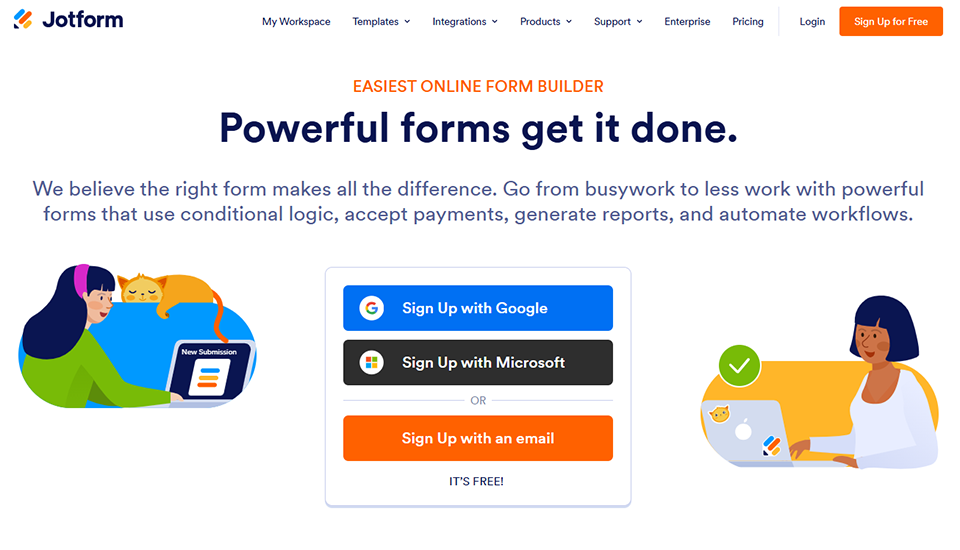
#3 - Jotform: Forms + apps + workflow, all in one.
Benefit from our free deal on Jotform.
30% off on annual plan
Find over 300 free deals as well as over 850 Premium deals right now with Jotform and save on your software subscriptions. Whether you're an entrepreneur, a startup or a solo freelancer, save hundreds of euros thanks to our discounts and promo codes.
Jotform has evolved far beyond simple forms. Today, the platform allows you to create complex forms, automated PDFs, data collection mini-apps, and even approval workflows. This is particularly useful for startups with specific needs, such as signing contracts, structured customer onboarding, and document collection.
The template library (over 10,000 templates) lets you get started quickly with specific business use cases. Integration with payment tools (Stripe, PayPal) also makes it a valuable tool for processing orders or handling paid registrations.
Find our best discount right now with Jotform and save on your software subscriptions. We offer over 850 promo codes and discounts on the best software and SaaS on the market.
#4 - Fillout: The native form for teams that live in their tools.
Fillout stands out for its particularly deep integration with databases such as Airtable, Notion, and Supabase. In practice, this means you can create a form that reads from and writes to an existing table directly, without relying on a third-party automation tool. For a startup looking to avoid adding layers of intermediaries, this makes things much simpler.
The tool also offers "Fillout Payments" for billing at the time of submission, as well as a quiz/scoring mode for more specific uses (lead qualification, admission forms).
Pricing:
Free Plan: 1,000 responses per month, unlimited forms.
Pro Plan: (approx. $40/month) 25,000 responses/month, custom domain.
Benefit from a on Fillout .
1 month free
Find our best discount right now with Fillout and save on your software subscriptions. We offer over 850 promo codes and discounts on the best software and SaaS on the market.
Airtable is probably the tool that has made databases most accessible to non-technical teams. Its interface looks like a spreadsheet, but underneath, it’s a full-fledged relational database: you create tables, link them together, filter, sort, and aggregate data.
For a startup, Airtable can serve as an in-house CRM, pipeline manager, product database, content tracker, or customer backlog. Its multiple views (grid, Kanban, calendar, gallery, form) allow you to view the same data from different perspectives depending on the user.
The integration ecosystem is extensive, and the extension marketplace (scripts, charts, pages) lets you accomplish quite a bit without any development. Note: Softr and Noloco make it easy to create customer portals or internal applications built on top of an Airtable database.
Pricing:
Free Plan: Unlimited databases, 1,000 records per database, 1 GB of attachments.
Team Plan: (approx. $20/month/user) 50,000 records per database, automations, extensions.
Business Plan: (approx. $45/month/user) 125,000 records, advanced features.
Enterprise Plan: Pricing available upon request.
Benefit from a on Airtable .
$1,000 in credits
Find our best discount with Airtable and save on your software subscriptions. We offer over 850 promo codes and discounts on the best software and SaaS on the market.
#6 - Concept: A wiki, database, and workspace all in one.
Benefit from our free deal on Notion.
20% off on annual plan
Find over 300 free deals as well as over 850 Premium deals right now with Notion and save on your software subscriptions. Whether you're an entrepreneur, a startup or a solo freelancer, save hundreds of euros thanks to our discounts and promo codes.
Notion stands apart. It isn't a traditional database, but its system of databases nested within pages makes it an extremely versatile tool. A startup can use it to store its internal documentation, simplified CRM, meeting notes, and OKR tracking all in one place.
What sets Notion apart from Airtable is its rich editing capabilities: pages have meaning in and of themselves, not just as data containers. On the other hand, Notion is less powerful than Airtable for highly data-driven use cases (large volumes, complex relationships, advanced automations).
The built-in AI (Notion AI) provides powerful summarization, writing, and research features right within the workspace, which is useful in your day-to-day work.
Pricing:
Free Plan: Unlimited pages, unlimited blocks, and sharing with 10 guests.
Plus Plan: (approx. $10/month/user) unlimited history, unlimited guests.
Business Plan: (approx. $18/month/user) SAML SSO, advanced analytics.
Enterprise Plan: Pricing available upon request.
Benefit from a on Notion .
6 months free on "Business" plan with unlimited AI
Find our best discount right now with Notion and save on your software subscriptions. We offer over 850 promo codes and discounts on the best software and SaaS on the market.
Find over 300 free deals as well as over 850 Premium deals right now with Coda and save on your software subscriptions. Whether you're an entrepreneur, a startup or a solo freelancer, save hundreds of euros thanks to our discounts and promo codes.
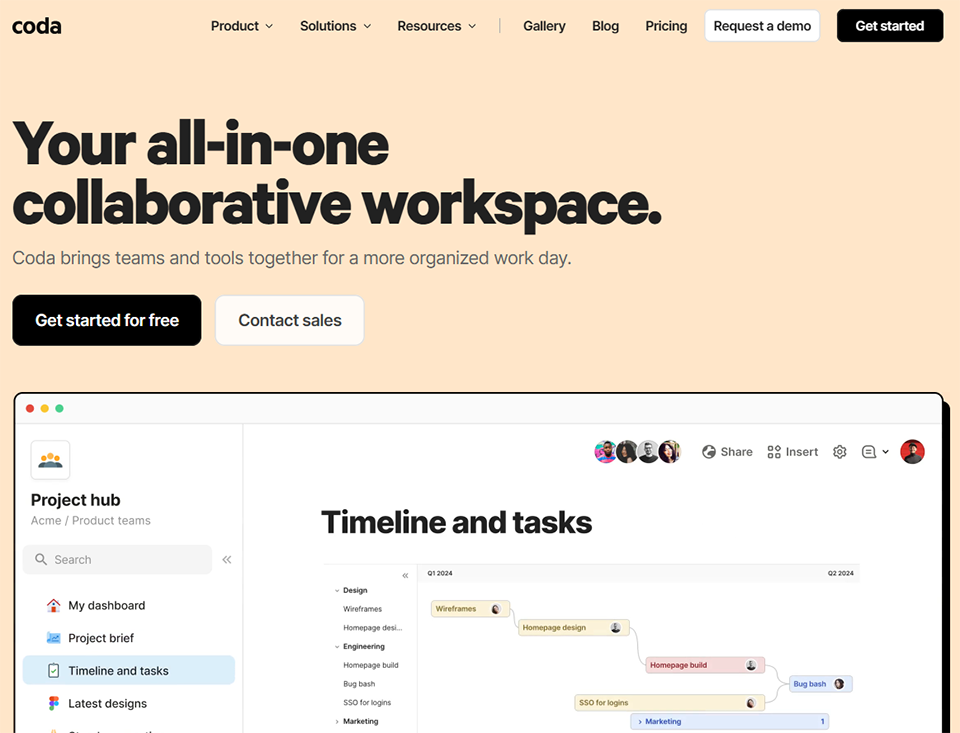
Coda sits between Notion and Airtable, with a "doc-as-app" approach. Each Coda document can contain tables, advanced formulas, buttons that trigger actions, and even integration packs (Salesforce, Jira, Slack, etc.). For a startup looking to build lightweight internal tools without coding, Coda is often the most powerful solution of the three.
"Packs" allow you to connect external data directly within the document, and the built-in automation features are more advanced than those in Notion. The tool is particularly popular for product roadmaps, OKRs, and operational processes.
Pricing:
Free Plan: Unlimited documents, subject to certain line limits.
Pro Plan: (approx. $12/month/user) unlimited-line documents, advanced automations.
Team Plan: (approx. $36/month/user) advanced collaboration, unlimited version history.
Benefit from a on Coda .
6 months free on "Team" plan
Find our best discount with Coda and save on your software subscriptions. We offer over 850 promo codes and discounts on the best software and SaaS on the market.
#8 - Supabase: The open-source database for technical teams.
Supabase is often described as the open-source alternative to Firebase. It offers a hosted PostgreSQL database, user authentication, file storage, and serverless functions. All of this comes with a visual interface that simplifies management without requiring you to do everything via the command line.
For a startup with a developer or a technical team, Supabase provides a solid foundation: a true relational database, automatically generated REST and GraphQL APIs, and native real-time capabilities. It’s the ideal starting point for a data-intensive product. You can pair it with Retool to build internal tools on top of it, or with n8n for advanced automations.
Pricing:
Free Plan: 2 active projects, 500 MB of database storage, 5 GB of data transfer.
Pro Plan: (approx. $25/month/project) 8 GB of database storage, daily backups, email support.
Team Plan: (approx. $599/month) SOC 2, HIPAA, priority support.
Benefit from a on Supabase .
$50 in free credits
Find our best discount right now with Supabase and save on your software subscriptions. We offer over 850 promo codes and discounts on the best software and SaaS on the market.
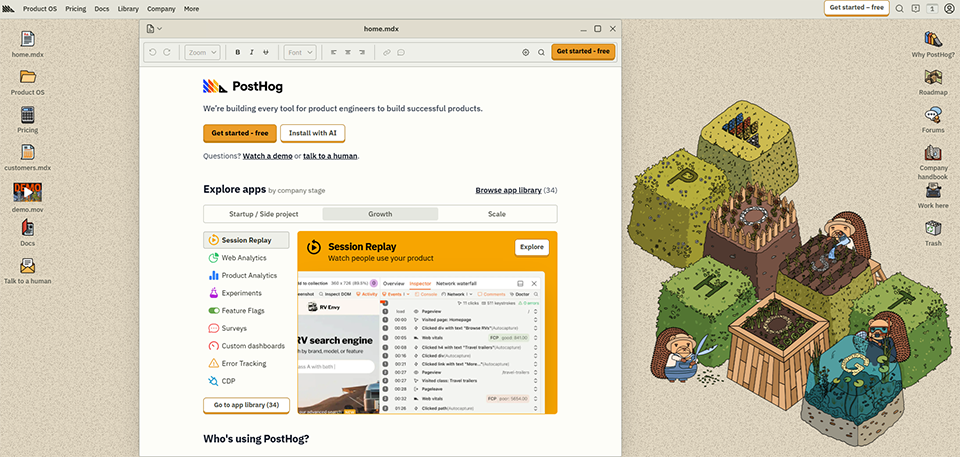
#9 - PostHog: The all-in-one analytics platform for product teams.
PostHog is an open-source platform that combines into a single tool what usually requires multiple solutions: behavioral analytics, feature flags, session recording, A/B testing, and surveys. For a startup looking to avoid juggling five different tools to understand its product, this is a compelling argument.
What sets PostHog apart is its self-hosted approach (you retain full control over your data) and its usage-based pricing model. The free plan is generous (1 million events per month), allowing you to get started without an analytics budget.
Pricing:
Free Plan: 1 million events per month included.
Paid Plan: Pay-as-you-go billing for usage exceeding one million (approximately $0.000045 per event).
Enterprise Plan: Pricing upon request, dedicated support.
#10 - Mixpanel: Event-based analytics for growth-oriented teams.
Mixpanel is the go-to tool for analyzing user behavior using a funnel approach. It allows you to track events (clicks, conversions, drop-offs), build activation funnels, and perform retention and cohort analyses. Mixpanel’s strength lies in its ability to cross-reference data: “Among users who did X within the first 7 days, how many are still active 30 days later?”
This tool is designed for teams with a strong product-centric culture that want to iterate quickly. The interface takes some getting used to, but it offers a level of analytical detail that’s hard to find elsewhere.
Pricing:
Free Plan: 20 million events/month (recently increased), basic reports.
Growth Plan: (approx. $28/month) full access to all reports, 12 months of historical data.
Enterprise Plan: Pricing upon request, dedicated support, advanced governance.
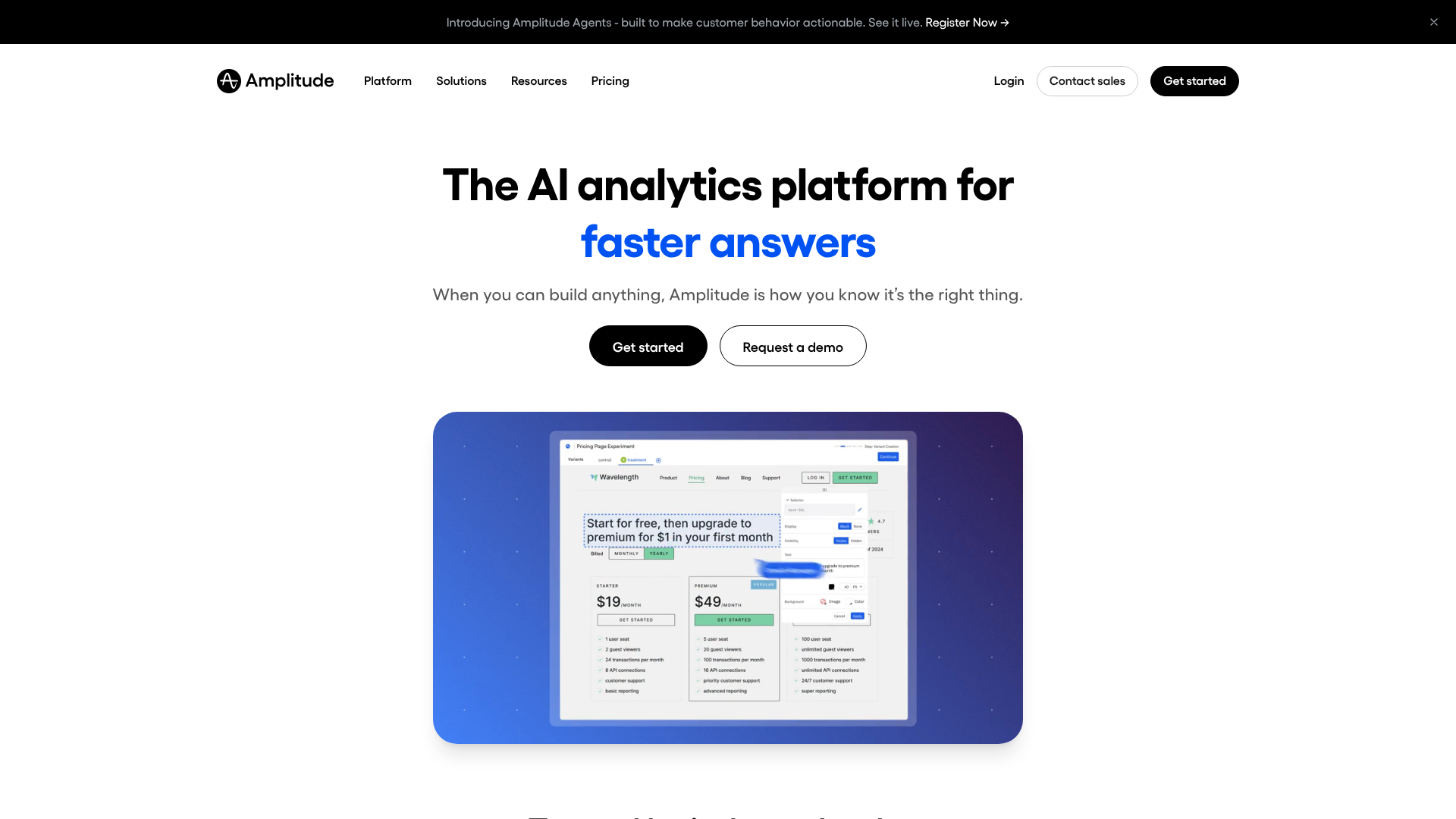
#11 - Amplitude: Product analytics for teams that want to dig deeper.
Amplitude is often compared to Mixpanel, but with a slightly different approach: while Mixpanel focuses on events and funnels, Amplitude goes further in understanding complete user journeys and predicting behavior.
The platform natively includes an "Experiment" module for A/B testing and a "Session Replay" layer to see exactly how users navigate the site. For startups that are starting to accumulate a sufficient volume of data, Amplitude enables them to move to a more predictive level of analysis.
Pricing:
Starter Plan: Free for up to 50,000 monthly active users.
Plus Plan: (approx. $61/month) advanced data management, exports.
Growth and Enterprise Plans: Pricing available upon request.
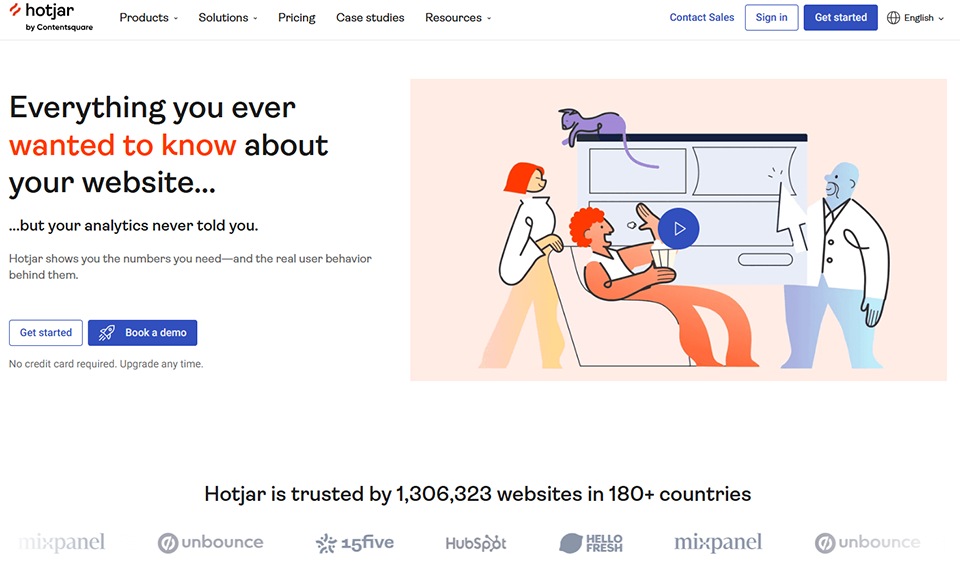
#12 - Hotjar: See how your users really use your product.
Hotjar approaches the problem from a different angle: rather than counting events, it visually shows you what’s happening. Heatmaps reveal where visitors click (and where they don’t). Session recordings let you replay actual visits. In-app surveys allow you to survey users directly within the product.
For a startup in the product validation phase, Hotjar is often the tool that provides the most actionable insights. Reviewing just 10 session recordings can reveal UX issues that no statistics would have picked up on. Pair it with Mixpanel or PostHog for a comprehensive view.
Pricing:
Basic Plan: Free, 35 recorded sessions per day, limited heatmaps.
Plus Plan: (approx. $39/month) 100 sessions/day, advanced filters.
Business Plan: (approx. $99/month) unlimited sessions, user identification, API.
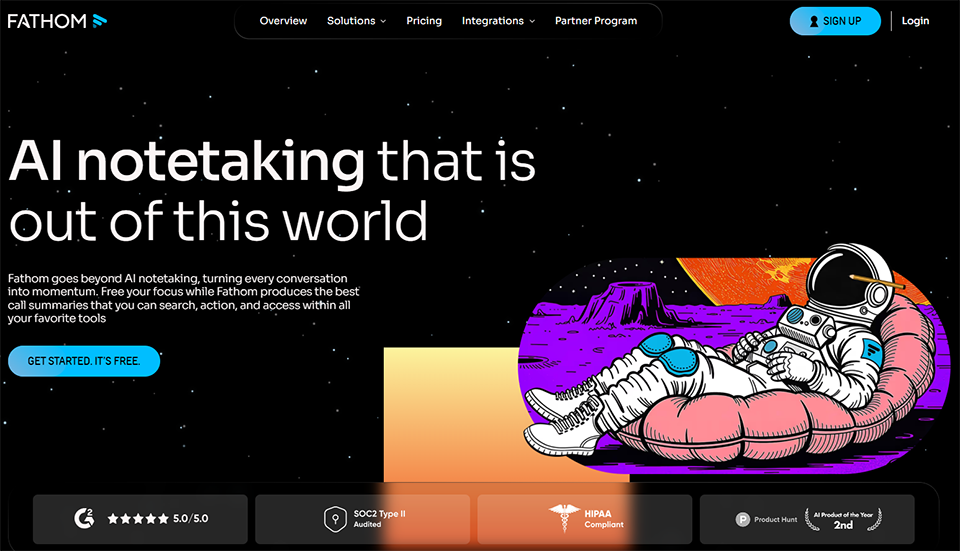
#13 - Fathom: Simple, fast, and privacy-friendly web analytics.
Fathom is an alternative to Google Analytics that prioritizes data privacy: no cookies, native GDPR compliance, and aggregated, non-personal data. For a startup that doesn’t want to deal with the legal complications of advanced tracking or that has an audience concerned about privacy, it’s often the best solution.
The tool covers key metrics (page views, traffic sources, bounce rate, conversions) without the complexity of Google Analytics 4. Setup takes five minutes, and there are no cookie banners to manage.
Pricing:
Starter Plan: (approx. $14/month) up to 100,000 page views/month, unlimited websites.
Pricing then increases based on the number of page views.
#14 - Make: The most powerful visual automation tool on the market.
Make (formerly Integromat) is the automation platform designed for teams that need more than what Zapier can offer. Its visual "scenario" editor allows you to build complex workflows: conditions, loops, error handling, and JSON data manipulation. You can connect virtually any application (over 1,500 integrations) and trigger automations based on schedules or events.
When it comes to data management, Make is particularly useful for syncing disparate sources: forms → databases → CRM → notifications. For example, a startup can automate the process of qualifying leads from a Typeform to Airtable and then to Slack, without writing a single line of code.
Pricing:
Free Plan: 1,000 operations per month, 2 active scenarios.
Pro Plan: (approx. $18.82/month) 10,000 trades + advanced features.
Teams Plan: (approx. $34.12/month) team collaboration.
#15 - n8n: Open-source automation for technical teams.
n8n is the automation tool of choice for teams with developers who want to maintain full control over their workflows. Open source and self-hostable, it lets you create visual workflows while integrating JavaScript code at any stage.
The difference from Make or Zapier: n8n has no limit on the volume of data processed (in self-hosted mode) and provides access to true code logic within nodes. For complex data flows involving transformations, custom API calls, or advanced conditional logic, it is often the best option.
Pro Plan: (approx. $50/month) 10,000 executions/month, environment variables.
Enterprise Plan: Pricing upon request, managed self-hosted.
#16 - PhantomBuster: Automate data collection from social media.
PhantomBuster is a platform specialized in extracting data from structured web sources: LinkedIn, Sales Navigator, Instagram, Twitter/X, and Google Maps. It offers "Phantoms" (pre-configured agents) that perform repetitive tasks for you: scraping a list of profiles, extracting contacts from a LinkedIn search, and collecting followers from an account.
For startups in the prospecting phase, PhantomBuster helps build lists of qualified leads with enriched data. Pair it with Clay for data enrichment or Airtable for storage.
Pro Plan: (approx. $128/month) 80 hours/month, unlimited Phantoms.
Team Plan: (approx. $352/month) 300 hours/month, multi-account.
#17 - Clay: The smart spreadsheet for data enrichment.
Clay is a tool that combines the functionality of a spreadsheet with data enrichment. You import a list of contacts or companies, and Clay automatically retrieves additional information from dozens of sources (LinkedIn, Clearbit, Hunter, Apollo, etc.), consolidates it, and cleans it up.
Clay's value lies in its ability to consolidate data from multiple sources into a unified interface and then trigger actions (such as sending emails or exporting data to a CRM). For startups in the commercial scaling phase, Clay can save dozens of hours of manual research each week.
Apify is a web scraping and browser automation platform. It offers "Actors" (pre-built scripts) for extracting data from thousands of websites, and also allows users to create their own scrapers. For a startup that needs to monitor competitor prices, collect customer reviews on third-party platforms, or aggregate public data, Apify provides a robust infrastructure without the need to manage servers.
The Apify Store offers hundreds of ready-to-use Actors (Amazon, Google Maps, LinkedIn, Booking, etc.), which significantly reduces development time.
Pricing:
Free Plan: Includes $5 in credits.
Starter Plan: (approx. $49/month) $49 in credits, residential proxy access.
Scale Plan: (approx. $499/month) heavy usage, priority support.
#19 - Retool: Create dashboards and internal tools in just a few hours.
Retool is the go-to platform for building internal tools without starting from scratch. The idea is to connect your databases (PostgreSQL, MySQL, Supabase, Airtable, etc.), your APIs, and your services, and then build visual interfaces on top of them using drag-and-drop.
For a startup, Retool makes it possible to create an operations dashboard, a customer support portal, a data validation tool, or a product admin interface in just a few hours-features that would have taken weeks to develop from scratch. It offers a wide range of UI components, and SQL queries can be written directly within the interface.
Pricing:
Free Plan: 5 internal users, 25 public users, basic features.
Team Plan: (approx. $10/month/internal user) query history, staging.
Business Plan: (approx. $50/month/internal user) audit logs, custom branding.
Enterprise Plan: Pricing available upon request.
#20 - Softr: Turn an Airtable database into a web portal in just a few clicks.
Softr is designed for non-technical teams that want to present their Airtable or Google Sheets data as a web application. Whether it’s a customer portal, member directory, internal marketplace, or knowledge base, Softr generates clean interfaces based on your existing data.
This is often the ideal solution when a startup needs to share certain data with partners, customers, or external users but lacks the resources to develop a custom interface. Compared to Retool, Softr is more geared toward "public" use cases (external-facing portals), whereas Retool is stronger when it comes to internal tools.
Less granularity than a full-featured analytics solution
Make
The most powerful no-code platform, with advanced logic
May be difficult for non-technical users
n8n
Open source, built-in code, unlimited volume
Requires technical knowledge
PhantomBuster
Highly Effective LinkedIn Data Extraction
Depends on the terms of use of the platforms
Clay
Multi-source data enrichment, huge time savings
High cost for small quantities
Apify
Robust scraping infrastructure, Store included
May require code for complex cases
Retool
Internal tools available very quickly, numerous connectors
Interface less compatible with external tools
Softr
Perfect for no-code portals on Airtable
Less flexible than Retool for complex cases
By profile: Which tool is best for which need?
Depending on where you are in your development process, your priorities will vary. Here are the recommended tech stacks by profile.
🚀 The startup in the pre-product/market fit phase:
At this stage, the goal is to gather feedback quickly and understand user behavior without overspending. The recommended tech stack focuses on the essentials:
Tally for forms (free, quick to set up), Notion or Airtable to centralize responses and insights, PostHog for product analytics (generous free plan), and Hotjar to track user behavior during sessions. Potential monthly budget: less than €50.
📈 The startup in the growth phase (Series A/B):
As the team grows and data volumes increase, coordination becomes a challenge. We need to establish structure without sacrificing agility.
Airtable as an operational data hub, Mixpanel or Amplitude for advanced product analytics, Make or n8n to automate workflows between tools, Retool for internal dashboards, and Typeform for satisfaction surveys (NPS, churn interviews).
🧑💻 The technical team with a data engineer:
For teams with true data maturity, the tech stack is stepping up: Supabase as the primary database, Fivetran for centralizing data sources, n8n for custom automations, self-hosted PostHog to maintain control over data, and Retool for internal tools connected directly to the databases.
🧩 The solo founder or the micro-team:
The key here is simplicity and speed. Every tool must provide immediate value.
Notion (or Coda) to centralize everything in one place, Tally or Fillout for data collection, Fathom for web analytics (simple and GDPR-compliant), and Make to automate repetitive tasks. A complete tech stack for less than €100/month.
🔄 Overall comparison chart.
Twenty tools with a wide range of uses-here’s an overview to help you quickly compare them and identify the ones that fit your ideal tech stack.
Tool
Category
Ideal Profile
Free map
Starting at
Typeform
Forms
All sizes
✅ (limited)
$29/month
Tally
Forms
Solo, small team
✅ Generous
$29/month
Jotform
Forms
SMEs, business cases
✅
$34/month
Fillout
Forms
Data teams
✅
$15/month
Airtable
Database
All sizes
✅
$20/month/user
Notion
Workspace
Solo to SME
✅
$10/month/user
Coda
Workspace
Operational teams
✅
$12/month/user
Supabase
Backend/Database
Technical teams
✅
$25/month
PostHog
Product Analytics
All sizes
✅ Generous
Usage-based
Mixpanel
Product Analytics
Growth/Scale
✅
$28/month
Amplitude
Product Analytics
Scale-up
✅
$61/month
Hotjar
UX Analytics
All sizes
✅
$39/month
Fathom
Web analytics
Solo, GDPR Compliance
❌
$14/month
Make
Automation
All sizes
✅
$10.59/month
n8n
Automation
Technical teams
✅ (self-hosted)
$20/month
PhantomBuster
Scraping LinkedIn
Sales, Growth
14-day trial
$56/month
Clay
Enrichment
Sales, Growth
✅ (100 credits)
$149/month
Apify
Web scraping
Techniques
✅
$49/month
Retool
Internal tools
Tech teams
✅
$10/month/user
Softr
No-code platforms
Non-technical
✅
$49/month
Prices were verified at the time of writing. Please check the publishers' websites directly for current rates.
See all the software of this category: Juridique
Check out all the other software and discount we offer in this category. Explore other tools and choose the perfect solution to grow your business.
Answers to the most frequently asked questions about building a robust data stack without getting lost in the complexity.
1️⃣ What’s the difference between Airtable and a real database like Supabase?
Airtable is designed to be used directly by non-technical teams. The interface is visual, collaborative, and user-friendly. Supabase, on the other hand, is a true relational database (PostgreSQL) with all the power and flexibility that entails, but it requires technical skills to be fully utilized. For a startup without a developer, Airtable is the right place to start. If you have a CTO or a developer, Supabase is often a more sustainable solution as you grow.
2️⃣ Should you choose between Mixpanel and Amplitude?
Both tools do essentially the same thing, but with some differences. Mixpanel is often seen as more accessible for teams just getting started with behavioral analytics. Amplitude offers more sophisticated journey analytics and a more advanced predictive layer. The choice often depends on the volume of data you’re handling and your team’s analytical maturity. In either case, migrating from one tool to the other is costly, so it’s best to take the time to choose wisely from the start.
3️⃣ Can PostHog really replace multiple tools?
For the most part, yes. PostHog covers event analytics, feature flags, session replay, A/B testing, and surveys. For an early-stage startup looking to limit the number of tools it has to manage, this is a great fit. The limitations become apparent if you have very specific needs in one of these Categories Hotjar, for example, remains more intuitive for visual session analysis, and Mixpanel remains more powerful for advanced funnels and cohorts.
4️⃣ Do you need to comply with the GDPR for analytics?
Yes, as long as you collect behavioral data on European users. In practice, this means obtaining explicit consent before setting tracking cookies or enabling behavioral analytics. Tools like Fathom circumvent this requirement by not collecting personally identifiable information and operating without cookies. For others (Mixpanel, Amplitude, Hotjar, etc.), a compliant consent banner is required. Also be sure to review the data policies of the providers, particularly regarding hosting (whether servers are located in Europe or not).
5️⃣ Can you manage all of a startup’s data using no-code tools?
For the vast majority of early-stage startups, yes. Airtable, Notion, Make, and PostHog cover the basics. Limitations start to emerge when data volumes become large (millions of records), when data transformation needs become complex, or when compliance requires full control over the infrastructure. At that point, tools like Supabase, Fivetran, or n8n (self-hosted) take over.
6️⃣ What is "web scraping," and is it legal?
Web scraping involves automatically extracting data from public websites. Its legality depends on the context: extracting public data for research or monitoring purposes is generally tolerated, but it may conflict with the terms of use of certain sites (notably LinkedIn). Tools like PhantomBuster, Apify, or Octoparse facilitate this extraction, but it is recommended that you review the terms of service of the targeted platforms and consult a legal advisor if you plan to use them extensively for commercial purposes.
7️⃣ What data stack should a startup with no budget use?
It’s entirely possible to build a highly effective tech stack on virtually no budget: Tally (forms, free), Notion (workspace, free), PostHog (analytics, free up to 1 million events per month), Make (automation, 1,000 operations per month free), and Google Analytics or Fathom for web analytics. This covers data collection, storage, and analysis for a startup team.