What tools are available for measuring customer satisfaction without overwhelming users with forms?
This guide introduces you to the best tools available in 2026 for measuring customer satisfaction effectively, including their use cases, strengths, limitations, and their actual costs.
Why has customer satisfaction become such a fixation?
We all know that a satisfied customer comes back, recommends your business, and is more willing to overlook minor issues. An unsatisfied customer, on the other hand, often leaves without saying a word. It is precisely this silence that makes measuring customer satisfaction so difficult to implement.
Except that, in their enthusiasm, many teams fall into the opposite trap: too many surveys, too frequent, and too long. The result? Plummeting response rates, data skewed by those who still bother to respond, and users who eventually start systematically ignoring every new request for feedback.
So the real question isn't "how can we collect more feedback?" but "how can we collect the right feedback at the right time without overwhelming our users?"
Today, there is a whole range of tools designed specifically for this purpose: solutions that integrate satisfaction surveys directly into the user journey, minimize friction as much as possible, and centralize insights to help you take action-not just measure results. From Typeform to Hotjar, SurveySparrow, Tally, and Userback, the market has become significantly more established in recent years.
This guide introduces you to the best tools available in 2026 for measuring customer satisfaction effectively, including their use cases, strengths, limitations, and their actual costs.
#1 - Typeform: The form that feels like a real conversation.
Benefit from our free deal on Typeform.
16% off on annual plan
Find over 300 free deals as well as over 850 Premium deals right now with Typeform and save on your software subscriptions. Whether you're an entrepreneur, a startup or a solo freelancer, save hundreds of euros thanks to our discounts and promo codes.
Typeform has changed the way we think about online surveys. Whereas most tools displayed a long list of checkbox questions, Typeform introduced the "one question at a time" format: each question appears alone on the screen, just like in a natural conversation. This design detail has a direct impact on the user experience-and, consequently, on completion rates.
The tool is designed to make forms and surveys more user-friendly. Navigation is smooth, transitions are animated, and the overall experience feels light and airy, even for relatively long questionnaires. When it comes to measuring customer satisfaction, this is a significant advantage: respondents stay engaged longer.
Key features:
Typeform lets you create NPS (Net Promoter Score) surveys, CSAT (Customer Satisfaction Score) questionnaires, post-purchase or post-onboarding surveys, interactive quizzes, and data collection forms with advanced conditional logic. Logical flow paths allow you to customize the user journey based on the answers provided, which prevents irrelevant questions from being asked of certain segments.
Integration with tools such as Intercom, HubSpot, and Slack, as well as CRMs like Salesforce, is built-in or can be easily set up via Zapier or Make.
Pricing:
Free Plan: Up to 10 questions per form (10 responses per month).
Basic Plan: starting at €25/month (100 responses/month).
Plan Plus: starting at €50/month (1,000 responses/month, advanced logic included).
Business Plan: starting at €83/month (10,000 responses, Typeform branding removed).
✅ The benefits:
A polished user experience, high completion rate.
Powerful conditional logic.
Numerous and well-documented integrations.
⚠️ The downsides:
Prices that rise rapidly as the volume of responses increases.
Advanced customization is available only on higher-tier plans.
Typeform branding is difficult to remove without a Business plan.
Benefit from a on Typeform .
Additional 40% off on annual plan
Find our best discount right now with Typeform and save on your software subscriptions. We offer over 850 promo codes and discounts on the best software and SaaS on the market.
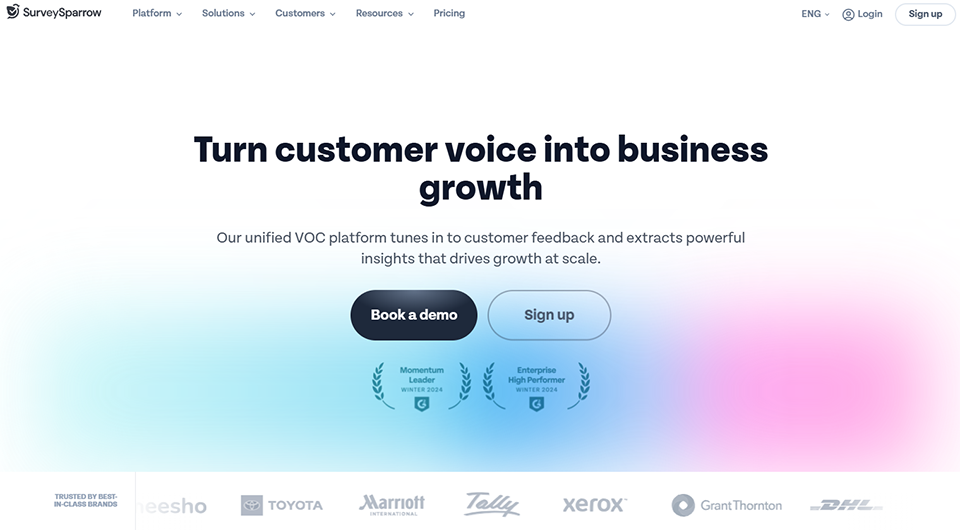
#2 - SurveySparrow: Conversational surveys, automated NPS, and much more.
SurveySparrow isn't as well-known as Typeform in France, but it offers a set of features that are particularly useful for teams looking to automate and scale their feedback collection process.
The tool offers two survey formats: "chat-like" mode (conversational, similar to Typeform) and classic mode. What really sets it apart is its ability to manage recurring satisfaction campaigns. For example, you can automatically schedule an NPS survey to be sent to your active customers every quarter, track changes over time, and compare scores by segment or by period.
Key features:
SurveySparrow covers a wide range of applications: NPS, CSAT, CES (Customer Effort Score), 360° surveys, internal surveys (HR, employees), and multi-step forms. The platform features a comprehensive analytics dashboard, including trend tracking, respondent segmentation, and customizable alerts that trigger when a score falls below a defined threshold.
It also offers a "Case Management" feature: when a customer leaves a negative review, a task can be automatically created to have a team member follow up with them. This type of closed-loop process is rarely included in tools in this price range.
Pricing:
Free Plan: Basic features (100 responses/month).
Basic Plan: starting at $19/month (ideal for solo teams or micro-startups).
Starter Plan: starting at $49/month (with access to recurring surveys and NPS).
Business Plan: starting at $99/month (case management, advanced integrations).
✅ The benefits:
Ideal for recurring NPS campaigns.
Case management (integrated closed-loop system).
Comprehensive analytical dashboards.
⚠️ The downsides:
The interface is less intuitive than Typeform for beginners.
Less well known in France; documentation is sometimes available only in English.
The price may go up with advanced features.
Benefit from a on SurveySparrow .
$2,000 in credits for $500 purchased
Find our best discount right now with SurveySparrow and save on your software subscriptions. We offer over 850 promo codes and discounts on the best software and SaaS on the market.
#3 - Tally: Radical simplicity for effective feedback.
Tally is the tool we recommend when you want to get straight to the point. No cluttered interface, no complicated pricing plans: a "Notion-like" editor that lets you create a form in just a few minutes, and a free plan that’s surprisingly generous.
Tally's promise is simple: you create your form just as you would write a text document. Questions are inserted as you go, and the formatting is minimal but clean. For quick feedback collection, short satisfaction surveys, or internal polls, Tally is probably the fastest tool to get started with.
Key features:
Tally supports multiple-choice questions, rating scales (perfect for NPS or star ratings), free-form text fields, conditional logic, calculations, and integrations via webhooks, Zapier, or Make. Forms can be embedded on any web page, shared via a link, or displayed in a pop-up.
One notable feature: Tally offers unlimited responses even on its free plan. This is a significant advantage for entrepreneurs small businesses that want to measure satisfaction without paying for each response.
Pro Plan: starting at $29/month (removal of branding, advanced conditional logic, extensive customization, custom domain).
✅ The benefits:
Free with unlimited answers.
You'll get the hang of it almost right away.
A very user-friendly Word-style editor.
⚠️ The downsides:
Limited analytics features.
Less suitable for complex or multi-segment surveys.
Design customization is limited in the free version.
Benefit from a on Tally .
50% off on annual plan
Find our best discount right now with Tally and save on your software subscriptions. We offer over 850 promo codes and discounts on the best software and SaaS on the market.
#4 - Hotjar: See what your users are actually experiencing.
Benefit from our free deal on Hotjar.
20% off on annual plan
Find over 300 free deals as well as over 850 Premium deals right now with Hotjar and save on your software subscriptions. Whether you're an entrepreneur, a startup or a solo freelancer, save hundreds of euros thanks to our discounts and promo codes.
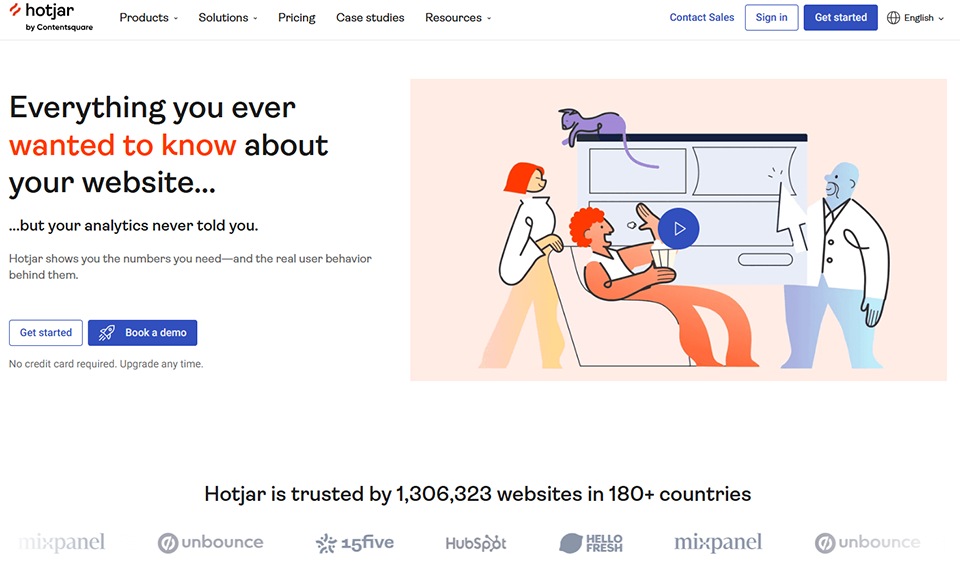
Hotjar stands out from the rest on this list. While other tools tell you what users say (via forms), Hotjar shows you what they do. This combination of behavioral data and declarative feedback makes it a particularly valuable tool for understanding the friction points that lead to dissatisfaction.
Hotjar includes several add-ons: heatmaps (which show where users click, scroll, and pause), session recordings (video replays of user behavior), and feedback widgets. These widgets allow you to display a short satisfaction survey directly on a page or at a specific point in the user journey, without interrupting the experience.
For a startup or product team, this is often the first tool they install: it answers the question "Why are my users dropping off?" before they've even considered sending them a survey.
Main features :
In terms of pure feedback, Hotjar offers "Surveys" (triggered by behavioral rules such as leaving a page, inactivity, scrolling to 50% of the page, etc.) and "Feedback Widgets" that allow users to rate a page and leave a comment at any time. Combining these with screen recordings then makes it possible to put each piece of feedback into context.
Data can be exported or sent to tools such as Slack and HubSpot, or analytics platforms such as Amplitude and Mixpanel.
Pricing:
Free Plan: 35 sessions per day (basic heatmaps and feedback, polls with up to 20 responses per month).
Plus Plan: starting at $39/month (100 sessions/day, surveys with 250 responses/month).
Business Plan: starting at $99/month (higher volumes, advanced filters, integrations).
Plan Scale: starting at $213/month (for teams with high volumes).
A combination of quantitative and qualitative feedback.
⚠️ The downsides:
This is not a substitute for a full-featured survey tool.
May raise GDPR compliance issues depending on the configuration.
Pricing based on the number of sessions can be surprising at scale.
Benefit from a on Hotjar .
Additional 40% off on annual plan
Find our best discount right now with Hotjar and save on your software subscriptions. We offer over 850 promo codes and discounts on the best software and SaaS on the market.
#5 - Userback: Visual feedback that eliminates ambiguity.
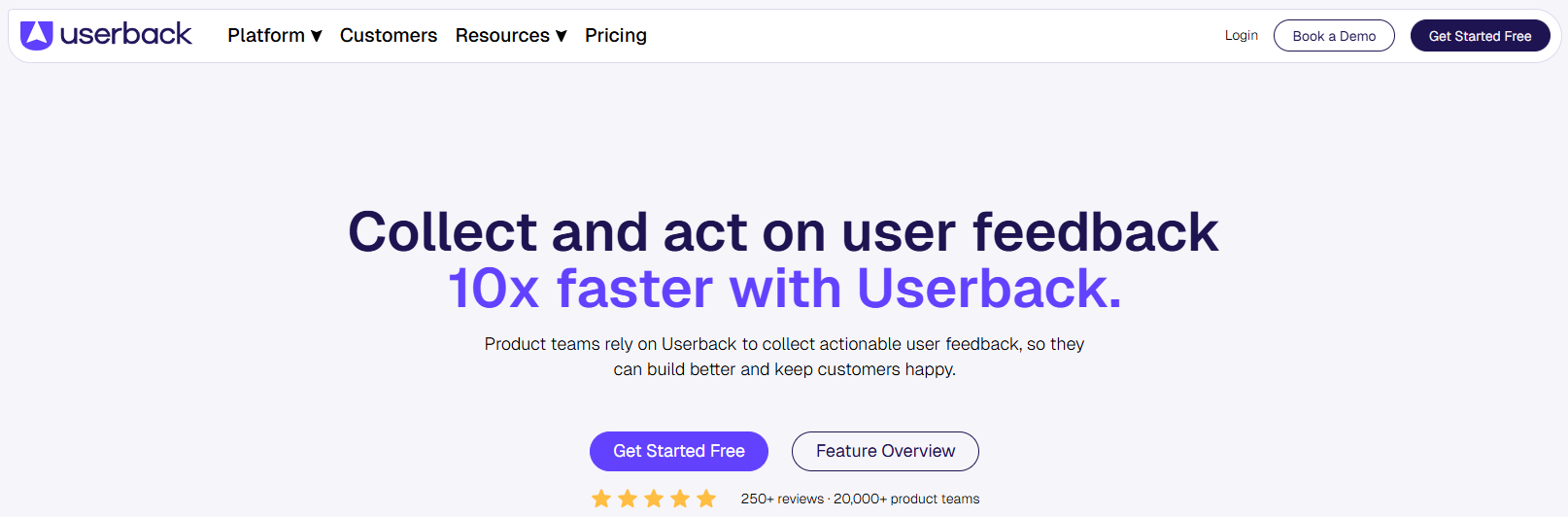
Userback tackles a very real problem: user feedback is often vague. "The button doesn't work," "the page isn't displaying properly," "it's complicated"... These vague descriptions make it difficult for product and technical teams to take swift action. Userback solves this by allowing users to annotate screenshots of what they see directly.
The tool integrates into your app or website via a small widget. When a user wants to report an issue or share feedback, they can take a screenshot, draw on it, add notes, and send it along with their comments. Each submission is automatically enriched with technical metadata (browser, OS, screen resolution, page URL), which significantly speeds up processing by the teams.
Key features:
Userback also offers satisfaction surveys (NPS, CSAT, open-ended questions) that are integrated directly into the app’s interface. The advantage over an external tool is that the context is immediate. Users respond right where they are, during using the product, without being redirected to an external form.
Feedback is centralized in a dashboard that displays processing statuses, assignments to team members, and integrations with Notion, Jira, GitHub, or Monday.com.
Pricing:
Starter Plan: starting at $59/month (1 project, feedback widgets, user portal).
Plan Company: starting at $99/month (multiple projects, built-in NPS and CSAT, advanced integrations).
Premium Plan: starting at $217/month (expanded data limits, SSO, customization).
✅ The benefits:
Visual feedback through annotations, which eliminates vague feedback.
Technical metadata collected automatically with each return.
Native integrations with Jira, Notion, GitHub, and Monday.com.
⚠️ The downsides:
The Basic Plan is limited to 1 project for $59/month.
NPS and CSAT are available exclusively with the $99/month Company plan.
Adoption may be low among users who are not tech-savvy.
Benefit from a on Userback .
50% off on any plan
Find our best discount with Userback and save on your software subscriptions. We offer over 850 promo codes and discounts on the best software and SaaS on the market.
#6 - BlockSurvey: Confidential feedback for sensitive topics.
BlockSurvey is a lesser-known but particularly suitable alternative for use cases where the confidentiality of responses is a real concern: sensitive HR surveys, feedback on personal matters, and data collection in regulated industries.
What sets BlockSurvey apart is its "zero-knowledge" privacy model: respondent data is encrypted end-to-end, and even the tool’s publisher has no access to it. For teams concerned about GDPR compliance or working in sectors where user trust is critical (healthcare, HR, finance), this is a major differentiator.
Key features:
The tool offers the standard features of a survey builder (conditional logic, various question types, visual customization), enhanced by its privacy guarantees. Forms can be anonymous or semi-anonymous, and the option to respond without cookies is available by default.
When it comes to customer satisfaction, BlockSurvey is particularly well-suited for post-incident surveys, surveys about negative experiences that users are reluctant to share, or any situation where perceived confidentiality improves the quality of responses.
Pricing:
Free Plan: 3 active forms, 50 responses per month, basic features.
Basic Plan: starting at $19/month, 10 forms, 500 responses/month.
Pro Plan: Starting at $49/month, unlimited forms, 5,000 responses/month, integrations.
Team Plan: Starting at $79/month for multiple users.
✅ The benefits:
Uncompromising data privacy.
Native GDPR compliance.
Good value for money.
⚠️ The downsides:
Low brand awareness = fewer community resources.
The interface is less polished than Typeform's.
Fewer integrations than leading tools.
Benefit from a on BlockSurvey .
20% off during 12 months
Find our best discount right now with BlockSurvey and save on your software subscriptions. We offer over 850 promo codes and discounts on the best software and SaaS on the market.
#7 - Crisp Chat: Contextual feedback, during conversation.
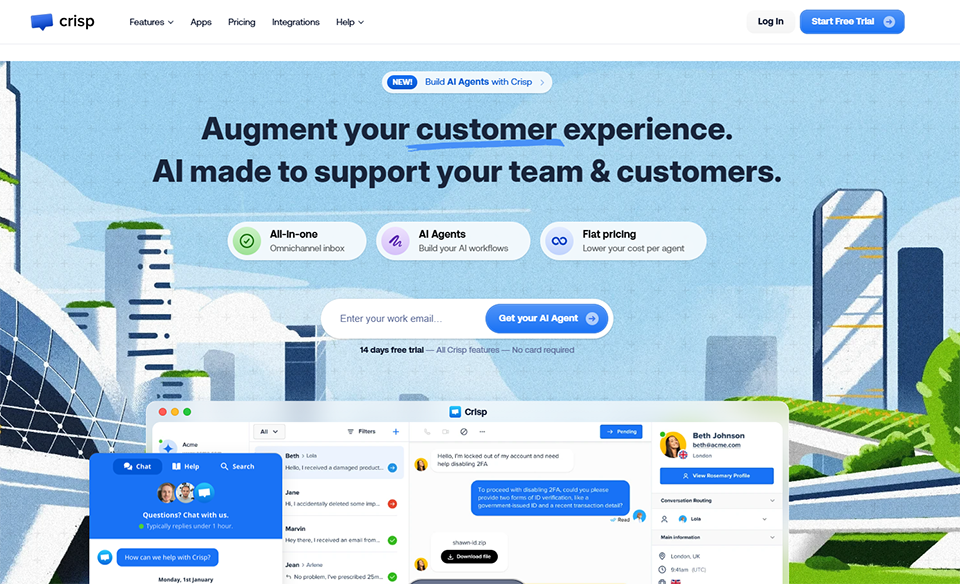
Crisp is primarily a customer messaging platform (live chat, chatbot, shared inbox), but its ability to collect feedback directly within the conversation flow makes it a relevant tool in this comparison.
Instead of sending a cold, generic satisfaction survey via email, Crisp lets you trigger a feedback request directly in the chat window at the end of the conversation. The user experience is seamless and natural: the question appears right after the conversation ends, while the experience is still fresh in the user’s mind. Response rates are generally much higher than those for surveys sent via email.
Key features:
Crisp includes a post-conversation satisfaction module (rating + optional comment), automatic event-based triggers (ticket closure, time since the last interaction, etc.), and a consolidated view of scores by agent, time period, and channel.
For small teams looking to consolidate their customer support and satisfaction surveys into a single tool, Crisp offers a cost-effective and well-integrated solution. It easily connects to HubSpot, Slack, or Notion to centralize data.
Pricing:
Free Plan: 2 agents, live chat, basic shared inbox.
Pro Plan: Starting at €25/month/workspace, automations, integrations, post-chat satisfaction surveys.
Unlimited Plan: starting at €95/month, high data allowances, advanced chatbot, comprehensive analytics.
✅ The benefits:
Satisfaction measured in context (post-conversation).
All-in-one support + feedback.
Affordable pricing for small teams.
⚠️ The downsides:
Less suitable for long or segmented surveys.
Not a dedicated customer satisfaction tool: the analytics are still basic.
Advanced chatbot features are available only on higher-tier plans.
Benefit from a on Crisp Chat .
20% off on any plan "Essentials" and "Plus" on any plan
Find our best discount with Crisp Chat and save on your software subscriptions. We offer over 850 promo codes and discounts on the best software and SaaS on the market.
The list is long, and there are many different use cases. Here’s how to choose the right option based on your situation.
🧑💻 Freelancer or solopreneur:
If you run your business on your own and want to gather feedback from your customers without spending a lot of time on it, Tally is the perfect place to start. It’s free, quick to set up, and more than sufficient for simple satisfaction surveys. If you’d prefer something with a more polished look for your customers, Typeform’s free plan might be just what you need.
🚀 Startup in the growth phase:
For a startup with a digital product, the winning combination is often Hotjar (to understand user behavior) + Typeform or SurveySparrow (for structured, recurring surveys). If you have a product team and a backlog to maintain, Userback provides real value in putting feedback into context.
🏢 SMEs or teams with a structured customer service department:
Crisp Chat or Intercom (also available on Freelance Stack) allow you to centralize support and satisfaction surveys in one place. SurveySparrow is well-suited for quarterly NPS tracking with alerts and management of negative cases.
🔒 Sensitive sectors or teams concerned about GDPR:
BlockSurvey is the obvious choice: end-to-end encryption, anonymous responses, and built-in compliance. Consider it for HR surveys or sensitive internal investigations as well.
📊 Data and Product Analytics Teams:
When used in combination with tools like Mixpanel or Amplitude (both available on Freelance Stack), Hotjar allows you to cross-reference behavioral and declarative data to gain a comprehensive view of the customer journey.
Overall comparison table 📊
Here is a summary to help you make your decision:
Tool
Best for
Primary format
Free map
Admission fee
Key strengths
Typeform
Conversational UX Forms
Surveys, NPS, CSAT
✅ (limited)
~€25/month
UX, conditional logic
SurveySparrow
Recurring NPS, SMEs
Casual + classic
✅ (limited)
~$19/month
Automation, closed-loop
Tally
Quick and easy feedback
Doc-like form
✅ (unlimited answers)
~$29/month
Generous free offer, fast service
Hotjar
Product / UX Teams
Heatmaps + feedback
✅ (limited)
~$39/month
Behavioral perspective
Userback
Product / Dev Teams
Annotated visual feedback
❌
~$59/month
Accuracy of returns
BlockSurvey
Sensitive sectors, GDPR
Poll results
✅ (limited)
~$19/month
Maximum confidentiality
Crisp Chat
Integrated support and satisfaction
Chat rating
✅ (2 agents)
~€25/month
All-in-one, immediate context
💡 The prices listed are for reference only and are subject to change. We recommend checking the current rates directly on each website.
See all the software of this category: Juridique
Check out all the other software and discount we offer in this category. Explore other tools and choose the perfect solution to grow your business.
FAQ: How to measure customer satisfaction without overwhelming your users ❓
Answers to key questions for implementing an effective feedback strategy that respects your users.
1️⃣ What is the difference between NPS, CSAT, and CES?
These are three complementary metrics used to measure different aspects of the customer experience. The NPS (Net Promoter Score) measures the likelihood of recommending your product on a scale of 0 to 10: it is an indicator of loyalty and advocacy. CSAT (Customer Satisfaction Score) measures satisfaction following a specific interaction (a purchase, a support interaction, a delivery). CES (Customer Effort Score) assesses the effort the customer had to expend to complete an action, based on the idea that reducing friction improves retention. These three metrics work well together and complement rather than replace one another.
2️⃣ How often should you send out satisfaction surveys?
There’s no one-size-fits-all rule, but here are a few useful guidelines: NPS is typically measured once or twice a year, or following key milestones (completion of onboarding, subscription renewal). Post-interaction CSAT surveys can be sent after every support interaction. The golden rule is to avoid overwhelming customers: if a customer receives a feedback request every time they log in, they’ll eventually stop responding to them altogether.
3️⃣ How can you improve your survey response rates?
Several strategies have proven effective: keeping the survey short (3 to 5 questions maximum for a satisfaction survey), triggering the survey at the right time (immediately after a significant action rather than out of the blue), personalizing the subject line of the invitation message, and explaining how you will use the responses. Conversational formats like those from Typeform or SurveySparrow also increase completion rates compared to traditional forms.
4️⃣ Can we measure satisfaction without sending out a survey?
Yes, and that’s where tools like Hotjar really come into their own. Implicit feedback (abandoned pages, repeated clicks on a button that doesn’t respond, time spent on an error page) provides valuable insights into friction points without asking the user for anything. Passive feedback widgets (a button that’s always visible on the side of a page) also allow you to collect feedback when the user chooses to do so, without any forced interruptions.
5️⃣ How do you choose between a general-purpose tool and a specialized customer satisfaction tool?
If your primary goal is to measure satisfaction, a tool like SurveySparrow or Typeform will be more suitable than a CRM like HubSpot or Zendesk, even though the latter include feedback features. On the other hand, if you’re looking to centralize all your customer relations in a single tool, customer service platforms like Freshdesk or Intercom offer satisfaction modules that integrate seamlessly into your existing workflows.
6️⃣ Are these tools GDPR-compliant?
GDPR compliance depends both on the tool and how you use it. Most of the tools mentioned (Typeform, SurveySparrow, Tally, Crisp) offer compliant options: the option for hosting in Europe, a Data Processing Agreement (DPA) available, and consent management. BlockSurvey goes even further with its zero-knowledge architecture. In any case, be sure not to collect more data than necessary and to inform your users about how it is used.
7️⃣ Which tools integrate best with a CRM?
Both Typeform and SurveySparrow offer native integrations or integrations via Zapier with major CRMs (HubSpot, Salesforce, Pipedrive). Crisp connects easily to HubSpot. Userback integrates more with project management tools (Jira, Notion, Monday). For teams that use Airtable as a centralized database, Tally connects seamlessly via its native integration.