







Close CRM: The Ultimate Guide for Freelancers, Startups, and Small Businesses
In this article, we take a close look at Close from every angle: what it does really well, what it doesn't…
Read more


Customer relationships have never been more critical to a company's success. Whether you're a freelancer, a growing startup, or a well-established small business, the way you manage your leads, nurture your customers, and organize your business interactions has a direct impact on your revenue.
The CRM software market is projected to exceed $88 billion by 2025, and for good reason: companies that use a dedicated tool to manage their customer relationships see, on average, a 29% increase in sales and a significant improvement in customer satisfaction. These are not insignificant figures.
The problem is that there are simply too many options. Between industry giants like Salesforce and HubSpot, agile solutions for small businesses like NoCRM and Folk, and customer support platforms like Zendesk and Freshdesk, it’s hard to make sense of it all without some basic guidelines.
That is exactly what this article is about: giving you a clear and structured overview of the best tools available in 2026 for managing your customer relationships, based on your profile, needs, and budget. Here, we focus solely on software for which discount are available on Freelance Stack, allowing you to test or adopt them at more favorable rates.
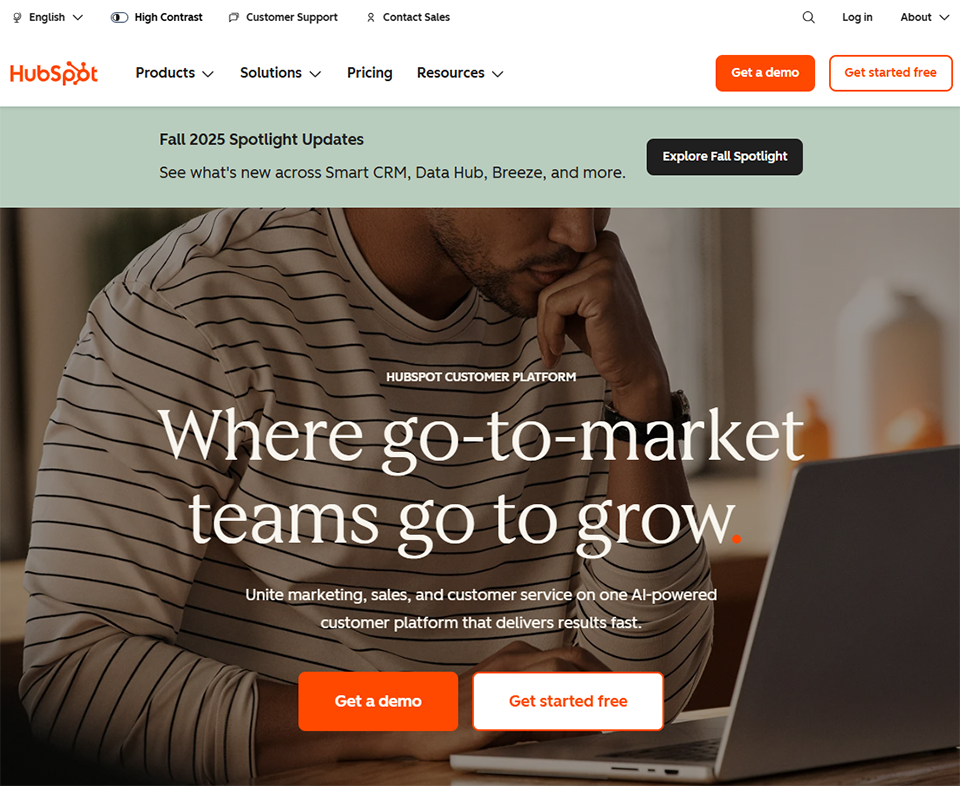
HubSpot is likely the best-known CRM in the startup and SMB ecosystem. Its strength lies in the seamless integration of the CRM itself with marketing tools, sales management, and customer service-all within a unified interface.
The platform is organized around "Hubs": Marketing Hub, Sales Hub, Service Hub, CMS Hub, and Operations Hub. They can be used separately or combined as needed. It is this modular approach that explains its success: every team can find what it needs without having to switch to a third-party tool.
Among the most frequently used features are: tracking emails and calls directly within the CRM, visual sales pipelines, automation of repetitive tasks, support ticket management, and a comprehensive analytics dashboard. Synchronization with Gmail, Outlook, Slack, or Salesforce is seamless and built-in.
🚀 Startups in the scaling phase: HubSpot is designed for teams that want to integrate marketing and sales into a single tool. The free version is enough to get started, and you can upgrade gradually.
👔 Sales reps and teams: The Sales Hub offers email campaign management, open tracking, and customizable templates. Everything you need to streamline your outreach without compromising on quality.
🏢 Small and medium-sized businesses with a dedicated team: whenever multiple people are involved in customer relations (SDRs, account managers, support), HubSpot provides a consistent, shared view. The customer history is accessible to all team members, which helps prevent duplicate efforts and oversights.


Pipedrive was founded by salespeople frustrated by CRMs that were either too complex or too generic. The result? A tool that puts the sales pipeline at the center of everything, with an intuitive Kanban interface that sales teams naturally embrace.
Pipedrive’s vision is simple: you need to see where each opportunity stands in your sales cycle, and the tool should guide you toward the next steps to take. Its features are built around this philosophy: deal management, automated follow-ups, revenue forecasting, email integration, and built-in AI that suggests priority tasks.
The LeadBooster module also lets you capture leads directly from your website, using a customizable chatbot and built-in forms.
💼 Freelancers and B2B consultants: Pipedrive is a pleasure to use, whether you’re working alone or in a small team. Its streamlined interface keeps you from getting bogged down in complex settings, and you can track opportunities in real time.
📈 Sales teams of 2 to 30 people: Its pipeline-focused model makes it a go-to tool for sales teams looking to streamline their processes without breaking the bank.
🔄 Profiles imported from an Excel spreadsheet: If you’re still managing your leads in a Google Sheet, Pipedrive is often the natural first step toward a full-fledged CRM. The learning curve is virtually nonexistent.

Zoho is a provider that is often underestimated in Europe, but one that truly deserves attention. The CRM alone is already very comprehensive, and it integrates natively with the entire Zoho suite: Zoho Mail, Zoho Projects, Zoho Books, Zoho Campaigns... The main selling point: you can build a complete stack around a single provider, which simplifies management, billing, and support.
In terms of features, Zoho CRM offers sales, marketing, and support modules; an AI named Zia that analyzes behavior and suggests actions; advanced workflow automation; and granular permission management by team. The flexibility for customization is remarkable for the price.
🌍 Small and medium-sized businesses with an international outlook: Zoho CRM natively supports multiple currencies, languages, and time zones. Ideal for organizations that operate in multiple countries.
💡 Entrepreneurs looking for a cohesive tech stack: if you’re already using Zoho One or multiple Zoho products, integrating the CRM is a no-brainer. Data synchronization between modules is seamless.
⚙️ Technical or operations roles: customization options (custom modules, conditional fields, complex workflows) make this a very powerful tool for those who want a CRM that’s truly tailored to their processes.

NoCRM (formerly noCRM.io) is based on a simple observation: most CRMs require sales reps to enter tons of data before they can even get to work. NoCRM flips that logic on its head. The tool is designed so that a sales rep can create a lead in just a few seconds and focus on taking action, not on data entry.
The interface is intentionally minimalist: a list of leads with statuses, a system for reminders and follow-ups, and a Focus on section highlighting the next action to take. No unnecessary modules, no tedious setup. In fact, that’s its stated positioning: "not a CRM, but a sales tool."
🧑💻 Freelancers and solopreneurs: NoCRM is probably the best tool for anyone managing their own lead generation. No need to spend an hour setting up the system. Just create a lead, schedule a follow-up, and get to work.
📞 Field sales teams: perfect for sales reps who are actively prospecting and need a mobile-first, fast, and reliable tool.
🔁 Users who have switched from other CRMs: If you’ve tried HubSpot or Salesforce and got lost in the settings, NoCRM is often a game-changer.

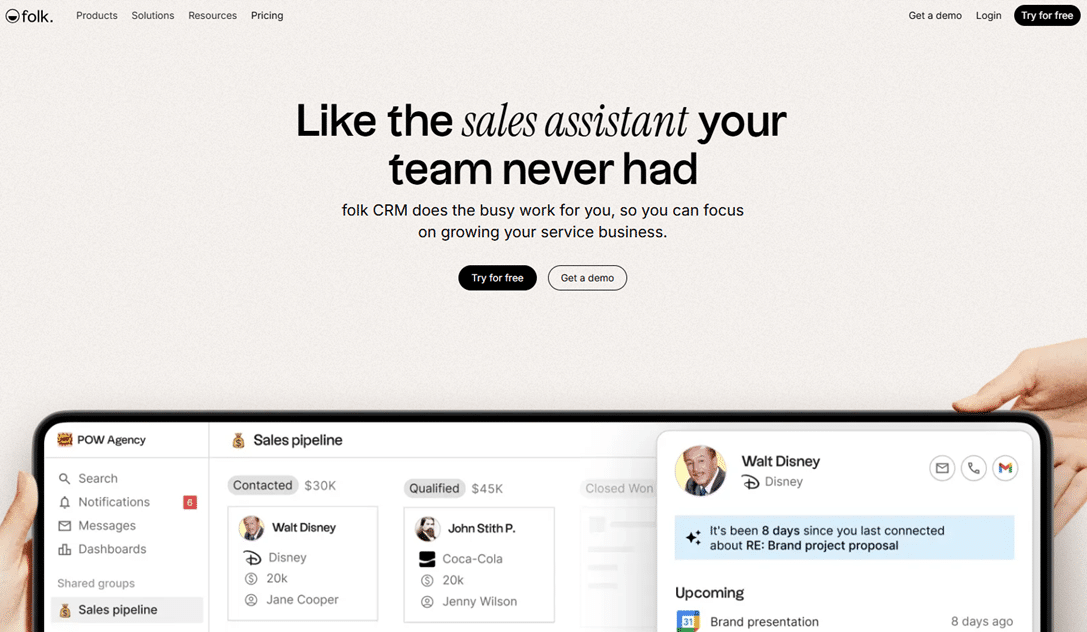
Folk is one of the most promising new entrants in the CRM category. Founded by a French team, it positions itself not merely as a sales tool, but as a universal relationship management platform covering customers, partners, investors, recruitment, and community engagement. The vision is compelling, and the execution is polished.
Its interface is a cross between Notion and Airtable, featuring contact blocks, customizable pipelines, and a particularly useful Chrome extension for importing contacts from LinkedIn with a single click. The built-in artificial intelligence (folkX) drafts personalized messages based on the contact’s context.
🌱 Founders and entrepreneurs: Folk is perfect for managing a wide range of relationships all in one place. Whether you’re juggling prospects, partners, investors, and recruitment, Folk brings it all together seamlessly.
📣 Networking-focused profiles: The Chrome extension for importing LinkedIn contacts is a real time-saver for anyone who uses this network for prospecting.
✍️ Teams looking to personalize their outreach at scale: the AI feature for crafting context-sensitive messages is particularly useful for prospecting campaigns.

Attio is often described as "the Notion of CRM." It offers a rare degree of structural flexibility: you build your objects, attributes, and views according to your own business logic. No predefined fields, no generic pipeline. You start with a blank slate and model your customer relationships exactly as you see fit.
The platform also offers powerful automation features, real-time synchronization with your email inbox and calendar, and a highly sophisticated reporting system. It’s the ideal tool for teams with specific CRM processes that refuse to be constrained by off-the-shelf software.
🔬 Tech startups and ops teams: if your CRM processes are complex or non-standard, Attio lets you model them precisely. No compromises on your data structure.
📊 Teams looking for robust CRM analytics: Attio’s dashboards and reports are among the most powerful on the market in this price range.
🤝 VCs, funds, accelerators: Paradoxically, Attio is widely used in the investment ecosystem to manage deal flow, monitor portfolios, and maintain relationships with founders.

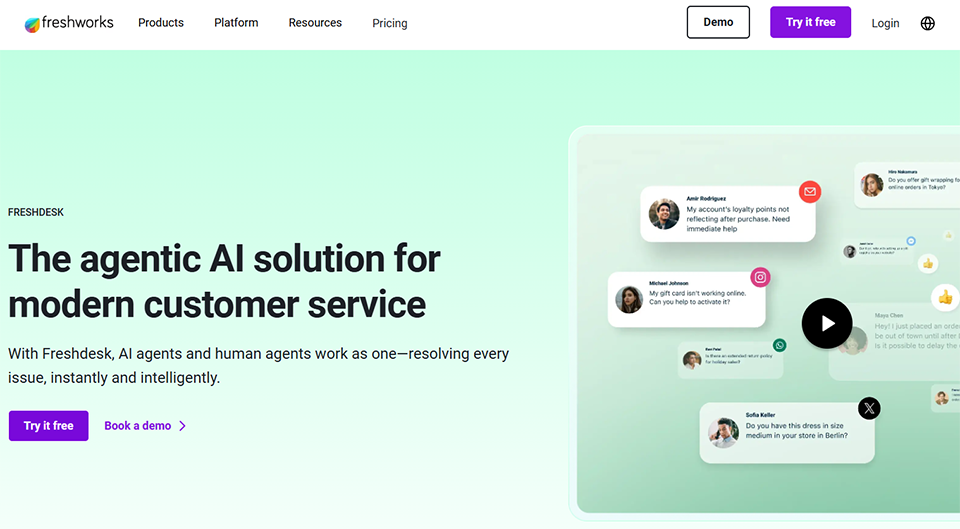
Freshdesk stands out from traditional sales-focused CRMs: its Focus on customer support and ticket management. If your main priority is to respond effectively to post-sale customer inquiries, Freshdesk is a top-tier solution.
The platform centralizes requests from all channels (email, chat, phone, social media, self-service portal) into a single interface. Features include SLA management, automated ticket sorting and assignment, a knowledge base, and detailed reports on support performance. Its AI, Freddy, provides suggested responses and automates recurring cases.
It is part of the Freshworks ecosystem, just like Freshsales for sales CRM.
🛒 E-commerce businesses and SaaS providers: Freshdesk is particularly effective for organizations that handle a high volume of customer tickets. Automated triage ensures that requests don’t fall through the cracks.
🧑🤝🧑 Dedicated support teams: As soon as you have one or more people handling support, Freshdesk helps organize teamwork, SLAs, and workload tracking.
📱 Multi-channel support: If your customers contact you via email, WhatsApp, phone, and social media all at once, centralizing everything in Freshdesk really helps you stay on top of things.


Zendesk is undoubtedly one of the world leaders in customer service. While Freshdesk is user-friendly, Zendesk is powerful. It is used by thousands of companies-from high-growth startups to large corporations-to manage large volumes of tickets with structured teams.
The Zendesk suite includes Zendesk Support for ticket management, Zendesk Chat for live chat, Zendesk Talk for phone support, and Zendesk Sell for sales CRM. The platform also offers a well-stocked app marketplace, and its integration capabilities with tools like Slack, Salesforce, and Jira are very robust.
Zendesk's recent AI developments (particularly autonomous agents) position the platform as a major player in AI for customer service.
📦 High-volume e-commerce and marketplaces: Zendesk handles thousands of tickets with ease. Its automation and routing rules make it possible to manage complex workflows efficiently.
🏗️ Support teams of 5 or more people: for teams with fewer than 5 agents, the cost may seem high. Once the team reaches a certain size, the investment is fully justified by the resulting increase in productivity.
🤖 Organizations looking to integrate AI into their support: Zendesk AI agents can handle entire conversations on their own, reducing the workload on human teams when it comes to recurring cases.

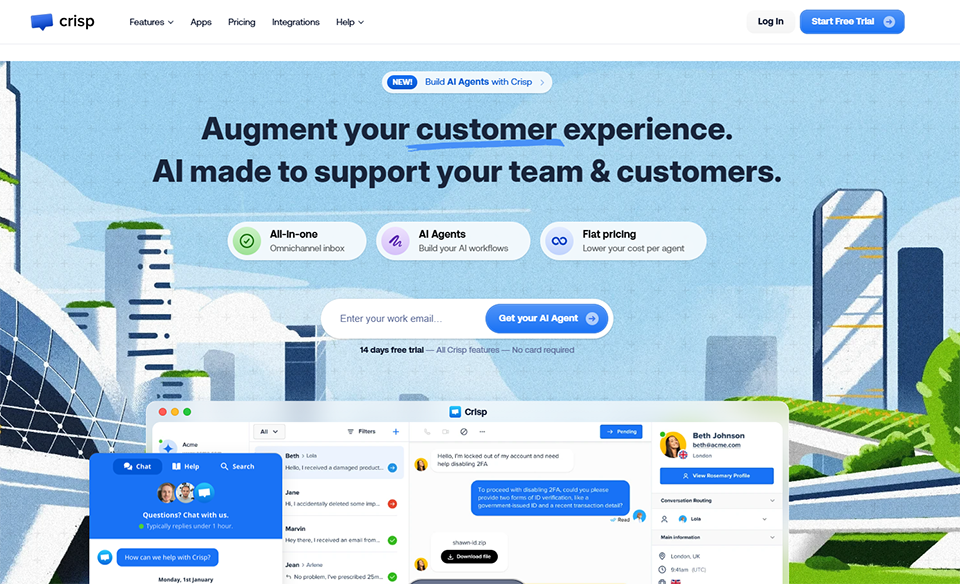
Crisp is a French solution that combines live chat, multi-channel messaging, a knowledge base, and a lightweight CRM into a single interface. Its mission is clear: to provide startups and small and medium-sized businesses with a comprehensive customer communication tool without having to pay a premium price.
Crisp consolidates messages from the website chat, emails, Instagram, WhatsApp, Messenger, Telegram, and even LinkedIn into a single shared inbox. The chat widget is customizable, setup is quick, and the shared inbox allows multiple team members to respond to conversations without stepping on each other’s toes.
🛍️ E-commerce businesses and web apps: Crisp is widely used by online stores that want to engage their visitors in real time and manage customer service from a single inbox.
🌍 Teams looking to consolidate multiple channels: if your customers contact you via email, Instagram, and WhatsApp, Crisp brings it all together without any complicated setup.
💸 Early-stage startups with a limited budget: The free version is sufficient to get started, and the paid plans are still affordable compared to Zendesk or Intercom.
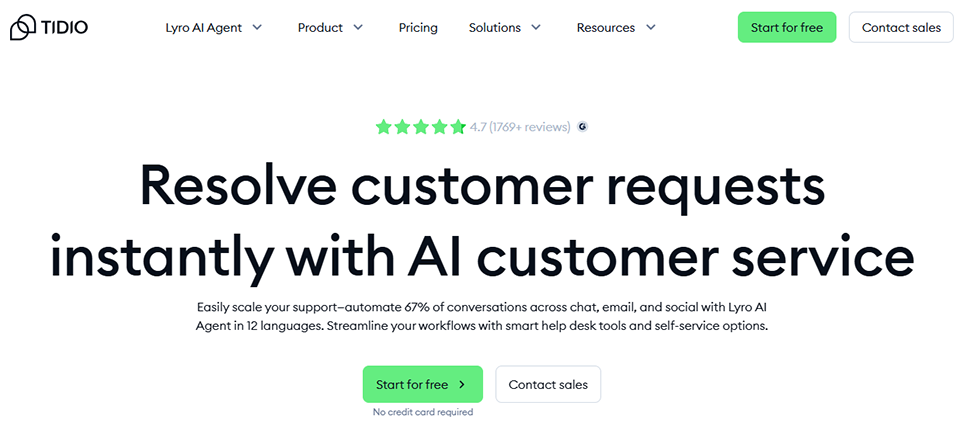
Tidio sits at the intersection of live chat and marketing automation. The tool is very popular among e-commerce businesses and website builders who want to proactively engage their visitors, respond in real time, and automate responses to frequently asked questions using chatbots.
Its AI-powered Lyro module automatically handles a large portion of customer inquiries without human intervention. It’s quick to set up, integrates with Shopify, WooCommerce, or WordPress in just a few minutes, and offers a wide variety of chatbot templates.
🛒 Online retailers using Shopify or WooCommerce: Tidio is one of the best options for online stores. Integration is seamless, and Lyro can handle order tracking, returns, and product availability on its own.
🌐 High-traffic B2C websites: If you get a lot of visitors and want to maximize conversions, Tidio’s behavioral triggers (such as displaying the chat after X seconds on a page) are very effective.
🤖 Organizations looking to get started with conversational AI: Lyro is a great place to start if you want to test AI in your customer support without any technical development.
Before reviewing this table, here’s a helpful note: the prices listed are approximate ranges based on data available at the time of writing. They may vary depending on promotions, billing frequency, and the number of users. Always check the official websites for current pricing, or view the negotiated deals available on Freelance Stack.
| Software | Main type | Free map | Admission price | Key strengths | For whom |
|---|---|---|---|---|---|
| HubSpot | All-in-one CRM | ✅ Yes | ~15 $/month | Comprehensive ecosystem: marketing + sales | Startups, growing small and medium-sized businesses |
| Pipedrive | Sales CRM | ❌ No (14-day trial) | 14 €/month | A visual, simple, and effective pipeline | Sales teams, B2B freelancers |
| Zoho CRM | Comprehensive CRM | ✅ Yes (3 users) | 14 €/month | Pricing, flexibility, the Zoho ecosystem | SMEs, technical roles |
| NoCRM | Sales tool | ❌ No (trial) | 12 €/month | Simplicity, quick action | Solo entrepreneurs, field sales representatives |
| Folk | Relationship Management CRM | ❌ No (trial) | 20 $/month | User interface, LinkedIn extension, AI | Founders, networking |
| Attio | Flexible CRM | ✅ Yes (3 users) | 34 $/month | Structural flexibility, analytics | Data-driven startups, VC |
| Freshdesk | Customer Support | ✅ Yes | 15 €/month | Multichannel, AI Freddy, free plan | E-commerce, support teams |
| Zendesk | Customer Support | ❌ No | 55 €/month | Power, reliability, advanced AI | Structured support teams |
| Crisp | Chat messaging | ✅ Yes (2 agents) | 25 $/month | Made in France, multichannel, price | Startups, e-commerce businesses |
| Tidio | Chat AI | ✅ Yes | 29 $/month | AI chatbot, e-commerce, ease of use | E-commerce businesses, B2C |
Here are the questions that entrepreneurs and freelancers most often ask themselves before choosing a CRM or customer support tool.
A CRM (Customer Relationship Management) system primarily manages the pre-sale and sale phases: tracking leads, managing the sales pipeline, and maintaining a history of interactions. Customer support software comes into play after the sale, to handle requests, complaints, and tickets. Tools like HubSpot or Zoho CRM cover both aspects, while Zendesk or Freshdesk are more specialized in support.
For freelancers or solopreneurs, NoCRM or Pipedrive are often the best choices. NoCRM stands out for its speed and sales focus, while Pipedrive offers a slightly more structured way to track opportunities. Folk is also excellent if you manage a wide range of relationships (clients, partners, network). These three tools strike an excellent balance between ease of use and operational efficiency.
For a small startup, yes. HubSpot’s free CRM lets you manage contacts, create pipelines, track emails, and record calls with no time limits. The limitations become apparent when you need advanced marketing automation or a high volume of contacts. At that point, paid plans quickly become necessary, and that’s when the costs can really add up.
Yes, and it’s actually quite common. Many companies use a sales CRM (Pipedrive, HubSpot) for sales and a support tool (Freshdesk, Crisp) for post-sales support. These tools generally integrate well with each other. The key is to avoid creating silos: customer data must flow between the two systems so that your teams have a consistent view.
Studies show that companies using a CRM system improve their conversion rate from leads to customers by an average of 20 to 30%. This impact stems primarily from the discipline that CRM imposes: systematic follow-up on leads, visibility into current opportunities, and prioritization of actions. The AI features of modern CRMs (Zoho Zia, HubSpot AI, Pipedrive AI) further enhance this effect by identifying the hottest leads.
Most of the CRMs mentioned here allow you to import CSV files with just a few clicks. Before migrating, clean up your data (remove duplicates and missing fields) and define your pipeline structure. The migration itself rarely takes more than half a day for a database of a few hundred contacts. Tools like NoCRM or Pipedrive are particularly well-suited for this transition from Excel.
Yes. Crisp is developed entirely in France and offers support in French. NoCRM also has French-speaking teams and an interface available in French. Zoho CRM, HubSpot, and Pipedrive offer interfaces and support in French, even though they are international companies.
For a team of 3 to 10 people, a budget of €30 to €150 per month covers most needs with a good tool. The savings achieved through better sales organization more than justify this investment. For larger teams or those with specific needs, consider the Enterprise plans. And don’t forget that on these software solutions are available at Freelance Stack, which can significantly reduce the cost in the first year.


