






How to Edit a Professional Video Without Any Technical Skills in 2026
This article reviews the best software available in 2026 for creating, editing, and sharing high-quality videos,…
Read more


during , producing professional content meant having a substantial budget, a specialized agency, or a large in-house team. Polished videos, striking visuals, well-structured newsletters, and clear podcasts: all formats that seemed out of reach for a freelancer, a solo entrepreneur, or a startup in its seed stage.
Those days are long gone. The explosion of SaaS tools designed for content creation has completely changed the game. Today, with the right set of tools, it’s entirely possible to produce videos featuring an AI presenter, put together a polished podcast, create eye-catching visuals, or write engaging newsletters-all without advanced technical skills or a budget for a dedicated creative team.
But you still need to know which tools to choose-and for what purpose. The market is flooded with solutions that look similar on the surface but differ significantly in practice. This guide reviews 10 practical, proven tools, providing a detailed overview of each one, including the types of users who get the most out of them and the limitations you should be aware of before subscribing.
A few helpful notes before we begin: the prices listed here reflect the monthly plans with no commitment at the time of writing. They are subject to change, so it’s best to check directly on each tool’s website. And if you’d like to access on several of them, you’ll find the corresponding deals on Freelance Stack.
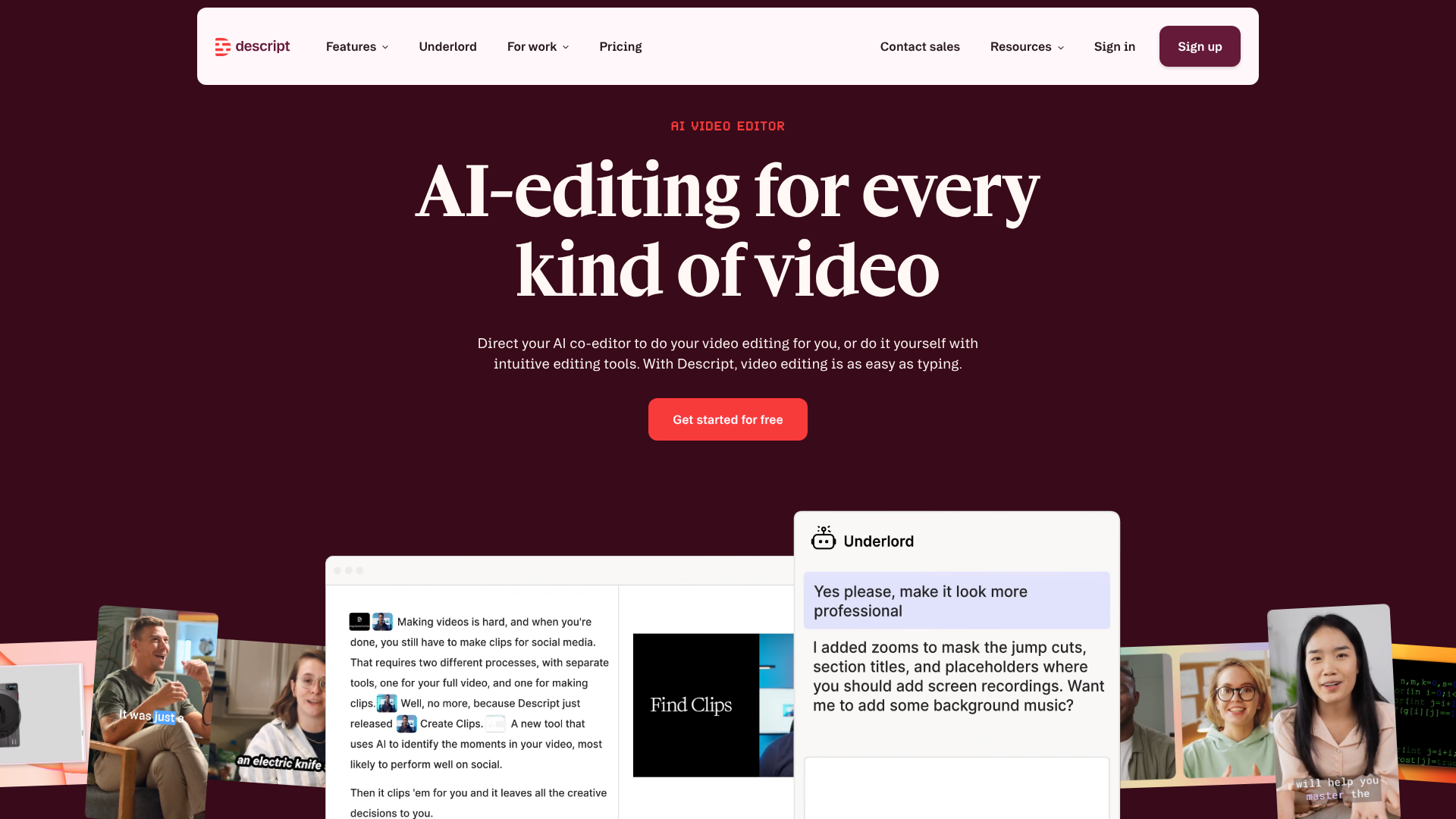

Descript starts with a simple observation: editing a video or podcast is unnecessarily complicated for someone who doesn’t spend their life in editing software. Its solution is radical. Once you import your file, Descript automatically transcribes the audio and presents the content as text. To delete a sentence, you delete the text. To move a section, you copy and paste. It’s as intuitive as editing a Word document.
The features go far beyond simplified editing. Descript offers one-click silence removal, correction of "ums" and hesitations, an overdub feature that lets you correct a sentence without re-recording (by recreating your voice using AI synthesis), a background noise removal tool, and built-in subtitle templates. The latest version also includes features for generating short clips from long videos, designed to feed social media.
🎤 The solo podcaster: You record from home using a decent but non-professional microphone. Descript lets you eliminate background noise, trim out the filler, and produce a polished episode in a fraction of the time it would take with traditional software.
📹 The consultant who posts LinkedIn videos: No editing suite, no assistant-Descript lets you turn a raw recording into a publish-ready video with captions in less than an hour.
🎓 The online instructor: Creating video lessons often involves multiple takes. Overdubbing eliminates the need to re-record everything just to correct a mistake or update a figure.


Riverside has established itself as the go-to solution for recording interviews, group podcasts, and remote broadcasts, with recording quality that’s virtually indistinguishable from a studio recording. The concept is simple yet technically robust: each participant records their audio and video locally on their own device, eliminating any issues caused by internet connectivity. The files are then automatically synchronized and stitched together.
The result is high-quality video and audio that isn’t dependent on your guest’s internet connection. Even if the connection is unstable during , the final file remains clear. Riverside also includes lightweight production tools (teleprompter text, background noise removal, real-time transcription) and a feature for automatically generating short clips to share on social media.
🎙️ Podcast hosts with guests: No more interviews where a guest’s audio quality ruins the entire episode. Riverside guarantees consistent audio quality regardless of your guest’s equipment.
📡 Entrepreneurs producing a show or web series: The combination of local recording and automatic synchronization makes it possible to produce content featuring multiple people using a workflow similar to a live broadcast, but without the constraints of a physical studio.
💼 Agencies or freelancers who produce content for their clients: The professional quality of the recordings makes it easier to sell high-value-added services without requiring a significant investment in equipment.


Synthesia offers something that would have been considered science fiction just five years ago: creating a video featuring a realistic human presenter without having to film anything. You write a script, choose an avatar from a library of over 160 characters, select the language and voice, and the video is generated automatically. In about ten minutes, you get a presentation, training, or internal communication video featuring a presenter on screen.
The tool is particularly useful for training videos (onboarding, product tutorials, e-learning), sales presentations, and regular updates that would otherwise require repeated filming. The update feature is one of its key strengths: if the content changes, all you need to do is edit the script and regenerate the video, without having to film it again.
Pricing:
🏫 Training managers or entrepreneur trainers: Synthesia is tailor-made for creating e-learning modules. Videos can be updated without having to be reshot, which is a major advantage for training programs that change regularly.
🚀 The startup that needs to onboard its users: Creating a welcome video, a product tutorial, or a feature demo without hiring a video production agency-that’s exactly what Synthesia is for.
🌍 A company operating in multiple markets: The ability to produce the same video in 120 different languages, while maintaining the same high quality, is a significant advantage for teams working internationally.
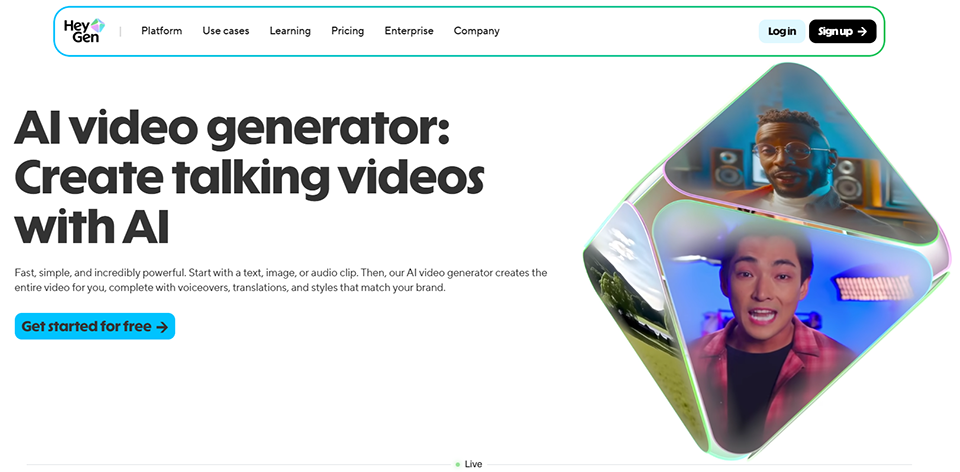
HeyGen is often compared to Synthesia but stands out for its stronger focus on marketing and social media. The tool offers highly realistic AI avatars, a video cloning feature that uses your own image (you upload a video of yourself, and HeyGen creates an avatar that looks just like you), and, most notably, a highly popular feature: the translation and dubbing of existing videos with lip-syncing.
This last feature is particularly powerful. You record a video in French, HeyGen translates it into English, Spanish, or Japanese, syncs the lip movements to the new audio track, and delivers a video in which you appear to speak the target language like a native speaker. The results are impressive, and the value for content creators looking to reach an international audience is clear.
📢 Content creators looking to reach an international audience: Lip-sync translation is the most unique feature on the market. For YouTubers, trainers, or speakers, it offers the chance to expand their audience without having to re-record anything.
🛍️ E-commerce businesses or DTC brands: HeyGen is ideal for creating product videos or video ads without the need for a film set.
💡 Consultants or coaches who create content for LinkedIn or Instagram: Social media-friendly templates and the ease of customizing visuals make this a great tool for maintaining a consistent online presence.

The reality of social media in 2025 is that short-form content dominates. A one-hour webinar, a recorded conference, a long video tutorial: all of this content has value, but it doesn’t meet the expectations of platforms like TikTok, Instagram Reels, or LinkedIn. OpusClip solves this problem automatically. It analyzes your long-form video, identifies the most engaging moments (using models that assess pacing, hooks, and moments of narrative tension), cuts them out, and formats them for various social media formats.
Each clip is automatically cropped to a vertical format, subtitles are generated and formatted, and a "virality" score is assigned to each clip to help you prioritize. The time savings are significant: what would take several hours to edit manually can be done in less than ten minutes.
🎤 Entrepreneurs who publish recordings of webinars or conferences: A 90-minute webinar can yield 15 to 20 usable clips. OpusClip automates the extraction and formatting process, turning a one-off event into a content machine.
📱 For the solo entrepreneur who wants a consistent social media presence without spending all day on it: Using a single long weekly video to feed TikTok, Reels, and LinkedIn Shorts-that’s exactly what OpusClip promises.
🎬 An agency that manages multiple clients: Multi-account management and brand-specific customization enable the creation of efficient workflows for large-scale music video production.

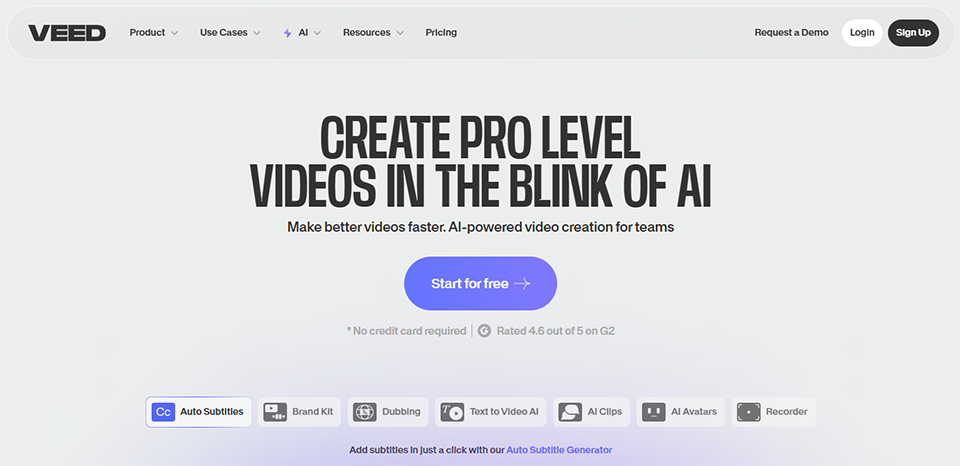

Veed is probably the most comprehensive online video editing tool for users with no editing experience. It runs entirely in the browser, requires no installation, and offers an interface that resembles a professional tool without the complexity. The timeline is clear, the tools are well-organized, and the learning curve is manageable.
Among its most popular features are: automatic background removal (green screen without a green screen), automatic subtitles with precise synchronization, cropping tools for various formats, the ability to add animated text and stickers, and a built-in library of royalty-free music. Veed also includes AI features for voice editing, audio cleanup, and thumbnail generation.
📲 Community manager or social media content creator: Veed excels at quickly creating short videos with captions, animated text, and music. It’s ideal for maintaining a consistent, visually cohesive online presence.
👩💼 Freelancers or entrepreneurs who create video presentations: Veed lets you create polished presentation videos (for products, services, or LinkedIn profiles) without needing the skills of a video editor.
🧑🏫 The instructor or educator: Accurate automatic captions and easy multi-format export make this a reliable tool for creating accessible educational content.
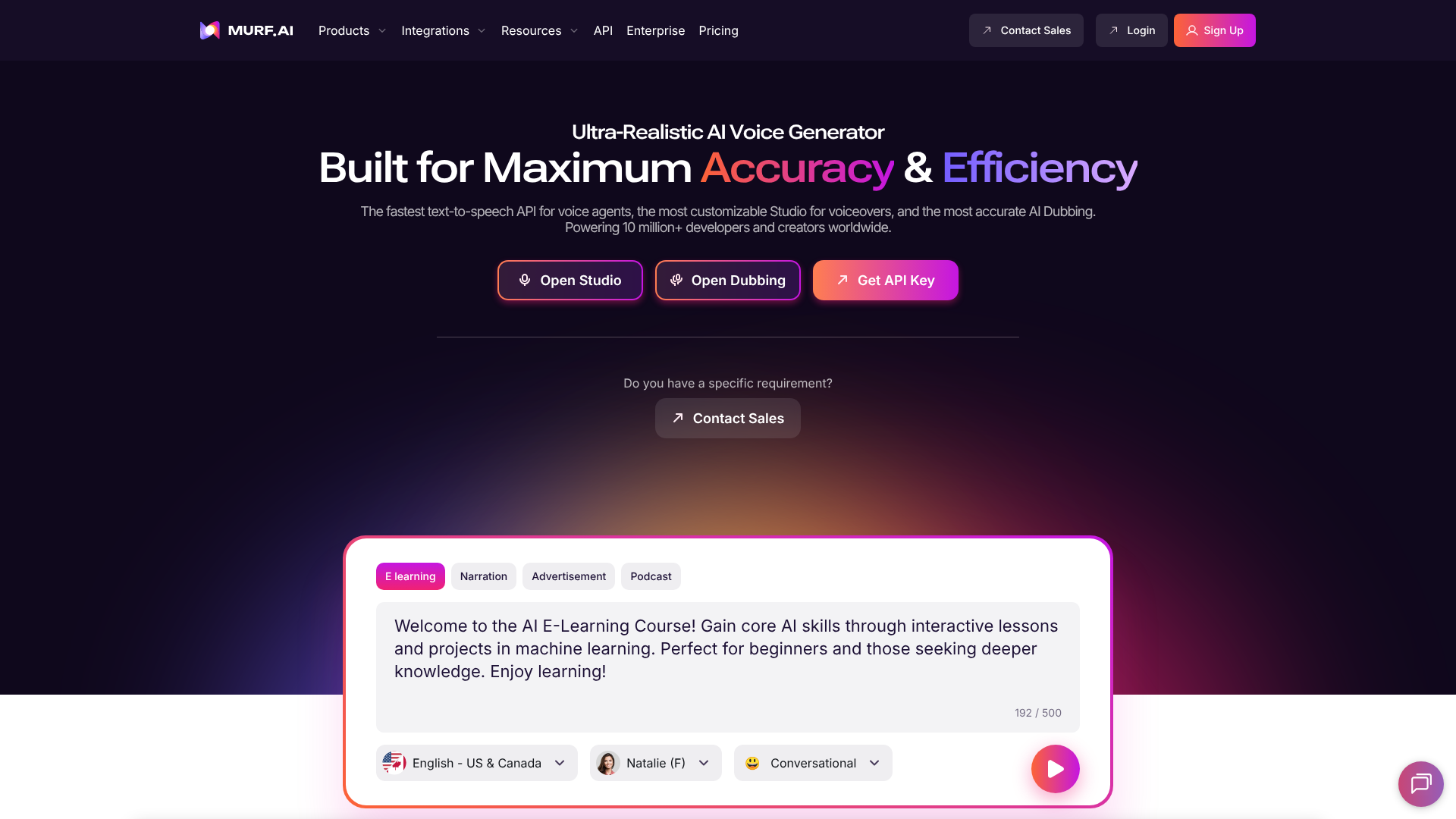

Voice is one of the key factors that distinguishes amateur content from professional content. Murf AI offers a library of over 120 voices in more than 20 languages, all generated by AI text-to-speech technology, with levels of realism that have improved significantly in recent years. For training videos, presentations, audio ads, or podcasts, Murf voices provide clear and expressive narration without the need for a voice actor.
The interface is designed to make synchronization easy: you import your script, choose a voice, adjust the pace, intonation, and pauses, and preview the result in real time. You can then import the generated voice directly into your video editing software. Murf also offers a "voice cloning" feature that lets you replicate your own voice from a recording.
📚 The online course creator: Murf is particularly well-suited for long instructional scripts. The ability to edit a sentence without having to re-record saves a huge amount of time on long courses.
🎙️ Podcasters who produce narrative or documentary content: For formats where voice-over plays a key role (audio documentaries, storytelling), Murf offers sufficient quality for professional production.
📢 Entrepreneurs who create video ads or product demos: A polished voice-over paired with a screen capture or animated presentation can completely transform how the content is perceived.

It’s hard to talk about content creation tools without mentioning Canva. In just a few years, the platform has become the de facto standard for anyone who needs to create professional visuals without formal training in graphic design. With over 185 million users worldwide, its adoption is universal-and for good reason: the drag-and-drop interface, thousands of ready-to-use templates, and built-in AI tools make it possible to produce visuals for just about every format imaginable.
LinkedIn posts, Instagram carousels, presentations, flyers, newsletter covers, YouTube thumbnails, infographics: Canva covers the entire spectrum. The Pro version adds consistent branding (color palettes, fonts, saved logos), background removal, a library of premium assets, and team collaboration features. The AI tools, grouped under the name "Magic Studio," allow you to generate images, edit text, animate elements, and turn presentations into videos.
🧑💼 For solopreneurs or freelancers who handle their own marketing: Canva is probably the first tool you should install. The free version already covers most of your needs, and upgrading to Pro makes sense as soon as maintaining visual brand consistency becomes a priority.
📣 The marketing team at a startup or small business: Collaboration features and the brand manager allow multiple people to create consistent content without having to go through a designer for every minor tweak.
🧑🎓 The trainer or educational content creator: The ease with which presentations and infographics can be created, combined with educational templates, makes this a highly effective tool for presenting complex content in a clear and accessible way.

Creating high-quality content only makes sense if that content reaches its audience. Metricool is a social media planning and analytics tool that brings together everything a solo entrepreneur or small team needs in a single interface: scheduling posts across all platforms (Instagram, LinkedIn, Twitter/X, TikTok, YouTube, Pinterest, Facebook, Google Business...), performance analysis, monitoring competitors and their content, and optimizing posting times.
What sets Metricool apart from solutions like Buffer or Hootsuite is the depth of its analytics-particularly for LinkedIn and TikTok-and its highly competitive value for money. The tool also offers a visual content planner (an editorial calendar with a grid view), which makes it easier to maintain visual consistency, especially on Instagram.
📱 Content creators who post across multiple platforms: Manually managing posts on 5 or 6 social media platforms is time-consuming and prone to errors. Metricool centralizes and automates this process, freeing up time for content creation itself.
📈 For entrepreneurs who want to understand what really works: Metricool’s analytics are among the most accurate on the market for small and medium-sized businesses. Understanding which types of posts generate engagement, at what times, and on which platforms allows you to gradually refine your content strategy.
🏢 Startups or small and medium-sized businesses that manage multiple brands or clients: Its multi-brand management capabilities and exportable reports make it a great choice for teams working with multiple clients or on multiple projects.

To round out this overview, here’s a tool that’s often underestimated compared to its English-speaking competitors: MarkCopy. It’s one of the few AI-powered writing solutions truly designed for the French-speaking market, with a particular focus on SEO optimization and brand consistency.
Here’s how it works: you define your brand’s identity (tone, values, specific vocabulary, persona), and MarkCopy generates content that aligns with these parameters. Blog posts, sales pages, product descriptions, social media posts, emails-it covers everything. The SEO functionality is particularly robust, featuring integration of target keywords, semantic density analysis, and structural recommendations. For a startup or entrepreneur needs to regularly produce optimized content without a dedicated copywriter, this is a tool that truly sets them apart.
✍️ For entrepreneurs or consultants who manage their own blog and SEO: MarkCopy is designed to help you create optimized articles without spending hours on each one. The automated SEO brief is a truly effective starting point.
📧 Freelancers or startups that produce a lot of marketing content- such as sales pages, email campaigns, and product descriptions-will find that MarkCopy’s ability to handle a wide range of formats and maintain a consistent tone across all content makes it a valuable tool for streamlining content production.
🌍 Teams operating in France or French-speaking markets: The quality of the generated French is significantly higher than that of translated English-language tools. For content intended for a French audience, this is a real advantage.
Ten tools with complementary uses-here’s an overview to help you quickly identify which ones fit your content creation workflow.
| Tool | Primary use | Starting price | Ideal for | Interface FR |
|---|---|---|---|---|
| Descript | Audio/Video Editing | ~$19/month | Podcasters, video creators | No |
| Riverside | Professional-quality recording | ~$19/month | Podcasters, interviews | No |
| Synthesia | Video featuring an AI avatar | ~$29/month | Training, onboarding | No |
| HeyGen AI | AI Video + Translation | ~$29/month | Marketing, multilingual | No |
| OpusClip | Automatic short clips | ~$15/month | Social media | No |
| Veed | Online video editing | ~$18/month | Generalist in video | No |
| Murf AI | AI voice-over | ~$29/month | Training, audio advertising | No |
| Canva | Visual design | Free / ~$15/month | All profiles | Yes |
| Metricool | Planning & Analytics | ~$18/month | Cross-platform | Yes |
| MarkCopy | AI SEO Content Creation | ~$29/month | Blog, SEO, marketing | Yes |
To find discount these tools: the negotiated deals are available in theContent Creation, Audio/Video and Podcasting, Image Design and Motion Design, and Social Media Categories on Freelance Stack.
Everything you need to get started with confidence, even without a creative background or an agency budget.
Yes, provided you choose the right tools and accept that "professional" doesn't mean "perfect." The tools listed in this article are specifically designed to lower the technical and creative barriers. An entrepreneur startup can certainly produce polished videos, consistent visuals, and optimized copy without a designer or editor, provided they invest a little time in learning how to use the tools.
If you have to choose just one to start with, go with Canva. Its free version covers most of your immediate visual needs, and the tool will continue to support you no matter which direction your content strategy takes. For scheduling posts, Metricool is a natural second choice.
Both generate videos featuring AI presenters, but their use cases differ. Synthesia is more focused on training and internal communication, with a very extensive library of avatars and excellent multilingual support. HeyGen excels in marketing and translation with lip-sync, a feature that Synthesia does not offer to the same degree of sophistication. If your priority is to reach an international audience using an existing video, HeyGen is the better choice.
The level of French language support varies by tool. Canva, Metricool, and MarkCopy offer fully localized interfaces. Descript and Veed produce high-quality French subtitles and transcripts, but their interfaces remain in English. Synthesia and HeyGen handle French content generation (voices, scripts) very well, even though the user interface is in English.
Not necessarily at first. The best approach is to identify your primary content format (video, written, visual, audio) and focus on the tool that works best for it. Once you’ve mastered that first tool, you can gradually expand your toolkit. Many tools offer free plans that are sufficient for thorough testing before you commit.
You have two options. The first: sign up only for annual plans once a tool has been approved (saving 20% to 40% depending on the case). The second: use a deals platform such as Freelance Stack , which negotiates discount SaaS subscriptions for entrepreneurs startups. Several of the tools featured in this article have special offers available there.
This is a valid question, particularly when it comes to text and videos featuring avatars. For text, tools like Winston AI can be used to assess how easily content can be detected as AI-generated. For videos, the quality of avatars from Synthesia and HeyGen has improved to the point where the general public may not immediately recognize them as AI-generated, though an expert eye can still spot them. The best practice remains not to use these tools as complete substitutes for your voice and expertise, but rather as production accelerators.
For the vast majority of use cases (blog content, LinkedIn videos, online training, newsletters, social media posts), yes. Limitations arise in projects where personalization, creativity, or technical specifications are very high: a national advertising campaign, a high-end brand film, or highly demanding editorial content will likely require the involvement of professionals. For everything else, the tools presented here allow you to achieve a level of quality perfectly suited for professional use.
