





Visual Identity: The 6 Best Tools for Building Your Brand from A to Z
This guide reviews six tools, each of which addresses a specific need in the process of building a visual identity…
Read more


Just a few years ago, creating a professional video meant mastering complex software like Premiere Pro or Final Cut, spending hours on it, or even hiring a specialized service provider. Those days are gone. A new generation of no-code tools has profoundly transformed the way video content is produced, and this shift affects independent creators and marketing teams at small and medium-sized businesses, as well as entrepreneurs just starting their online presence.
Video has become the dominant format on virtually every platform: LinkedIn has integrated native videos into its algorithm, Instagram and TikTok are building their audiences around short vertical videos, YouTube Shorts has seen explosive growth in usage, and video newsletters are on the rise. For a startup, a freelancer, or a small business, not producing video content means missing out on a major visibility tool. And yet, the gap between the desire to create and the technical skills required has long held many professionals back.
Today, creating a professional-quality video directly in a browser-in less than 20 minutes and without any special technical skills-is not only possible but has become the norm in certain industries. Automatic captions, editing based on transcripts, AI avatars, converting articles into videos... the features available have become truly impressive.
The problem? There are simply too many options. Between tools specialized in creating short videos, those geared toward training, and those designed for marketing teams, it’s hard to know where to start. This comparison guide helps you choose the tool that truly fits your needs, your budget, and your workflow.
In this guide, we review six major no-code solutions: Descript, Veed.io, InVideo AI, Pictory, OpusClip and Lumen5. For each one, you’ll find a detailed overview, the user profiles they’re best suited for, as well as the pros and cons you should know before getting started. 🎬
Before getting into the details, a clarification is in order. In the context of video editing, the term "no-code" can mean quite different things depending on the tool. It can refer to:
without writing a single line of code, accessible via a web browser. It could also be a tool that uses AI to automate tasks once reserved for professional editors (automatic cutting, subtitling, voice generation). Or it could be a solution that transforms existing content (text, audio, presentations) into video without using a traditional video editor.
They drastically lower the barrier to entry for video production. You don’t need to know about codecs, color grading, or audio levels to produce something polished and professional. That’s exactly why they’re so valuable for a freelancer looking to create LinkedIn content, a startup wanting to shoot product tutorials, or an SME looking to boost its social media presence.
No-code video doesn't mean zero effort. These tools free you from technical constraints, but the quality of video content still depends on the quality of the script, the clarity of the message, and the appropriateness of the format. They are accelerators, not substitutes for editorial judgment.
The video content creation market has evolved around several major categories of no-code tools. Here, we present the most representative and widely used ones in French-speaking professional environments. Each one addresses specific needs, and you’ll find a comparison chart at the end of this guide to help you make a quick decision.
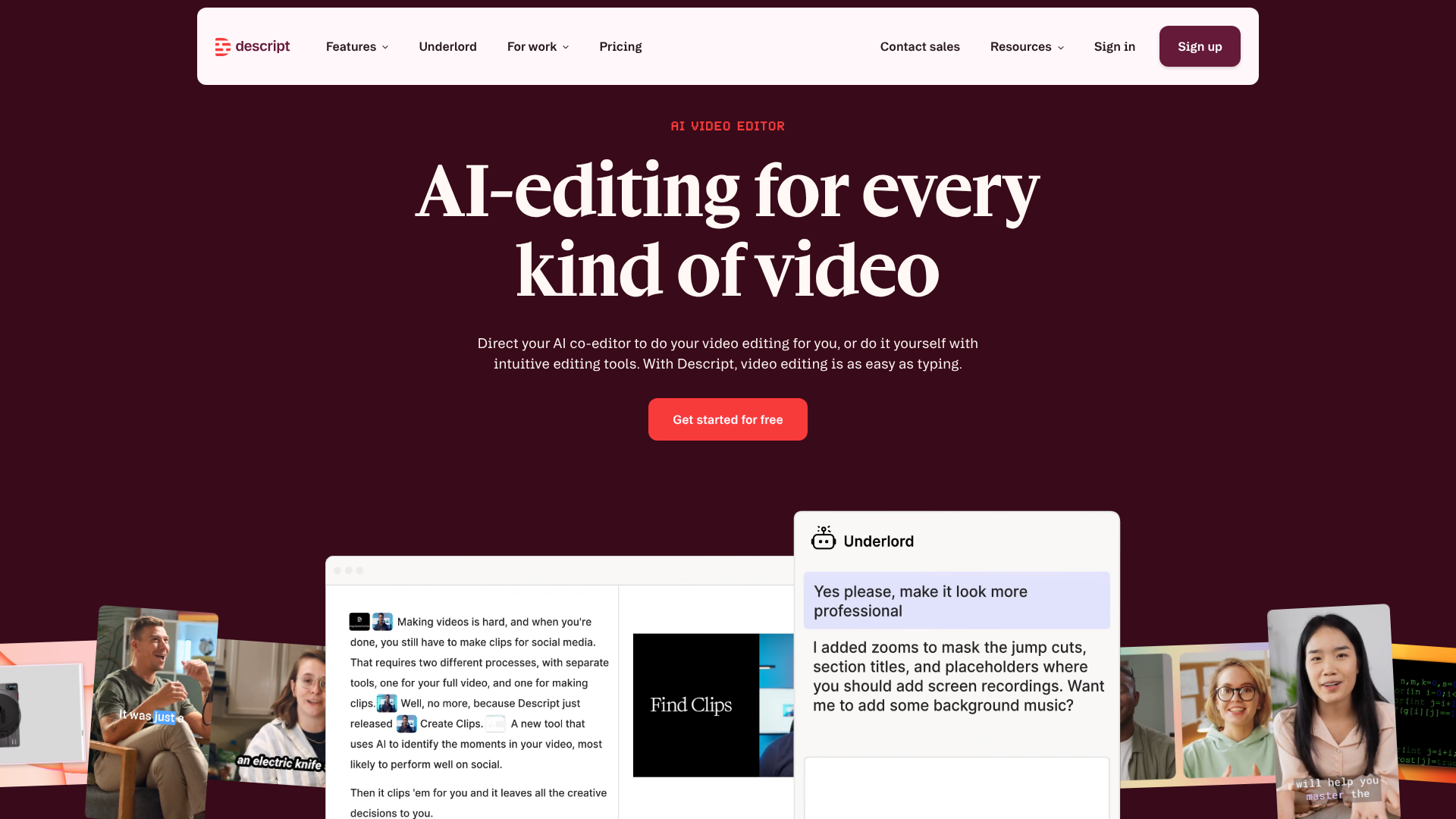

Descript is probably the most unique tool on this list. Its approach is based on a simple yet radical principle: you edit your video just as you would edit a Word document. The tool automatically transcribes your video’s audio, and all you have to do is delete, move, or rewrite portions of the text for the video to adjust accordingly.
This is especially useful for interviews, video podcasts, tutorials, or any narrative-based content. No more scrubbing frame by frame to find the exact cut. Just identify the word, delete the section, and you’re done.
What sets Descript apart from a basic transcription tool is the seamless integration between text editing and video editing. When you delete a sentence in the transcript, the corresponding cut in the video is made automatically. When you move a paragraph, the video segments reorder themselves. This approach has won over a large community of creators, particularly in the United States, and is gaining traction in Europe.
Descript offers a fairly comprehensive set of features for a no-code tool:
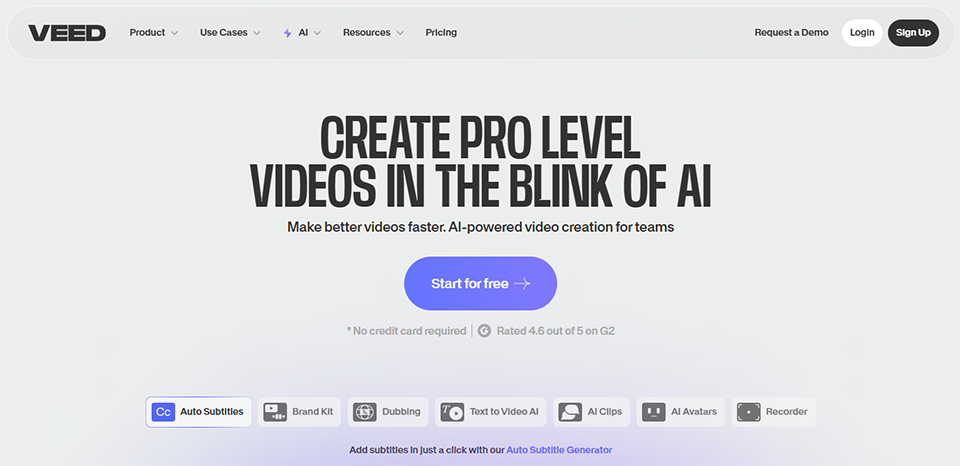

Veed.io has established itself as the go-to platform for pure online video editors. Unlike highly specialized tools, Veed takes a general-purpose, versatile approach: you can perform basic editing, add subtitles, record your screen, create videos using ready-made templates, and even access AI features such as background removal or automatic subtitle translation.
The interface is designed to be intuitive without sacrificing functional depth. It’s a tool that works equally well for solo creators and small marketing teams. What stands out when using it for the first time is how quickly you can get the hang of it: most features are accessible with just a few clicks, without a lengthy learning curve.
Veed also stands out for its commitment to localization and multilingual support. Its automatic subtitling engine is one of the most powerful on the market for European languages, including French, and offers the ability to automatically translate subtitles into over a hundred languages-a major advantage for content intended for an international audience.
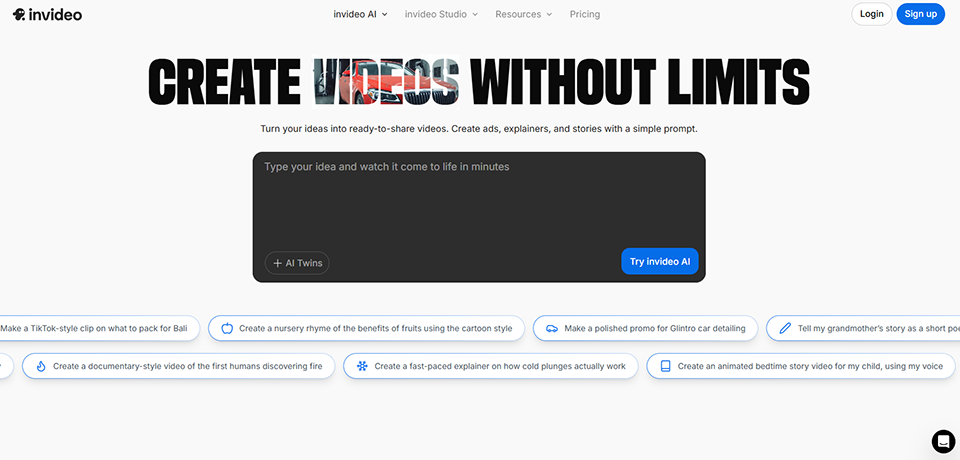

InVideo AI takes a different approach. Here, you describe what you want, and the AI handles the rest. You enter a natural-language prompt-such as "Create a 60-second video on digital marketing trends for LinkedIn"-and the tool automatically generates a script, selects stock video footage, adds a voice-over, includes subtitles, and puts it all together in just a few minutes.
InVideo is specifically designed for professionals who need to produce large volumes of content without spending hours on it. It’s a solution tailored for content marketing, social media, and creating explainer videos.
What makes InVideo AI particularly powerful for teams is its conversational approach: after generating an initial version, you can continue to interact with the tool to refine the result. "Make the tone more dynamic," "add a concrete example in the second section," "change the background music to something more corporate"... these natural language instructions are processed directly by the AI. This co-creation approach is well-suited to iterative marketing workflows where multiple versions of content are tested before publication.


Pictory is a tool with a very specific focus: it automatically converts text content into video. You paste in a blog post, a script, or a transcript, and Pictory breaks the text down into segments, pairs it with relevant stock footage, adds an AI voiceover, and produces a structured video.
This is particularly useful for teams that already produce written content and want to repurpose it as video without starting from scratch. A blog post can be turned into a short LinkedIn or YouTube video with minimal effort.
Content repurposing has become a central part of modern content marketing strategies. Pictory addresses this need effectively: if you have a backlog of articles, newsletters, or webinar transcripts, the tool can transform this editorial content into a video library in just a few hours. It’s a smart way to extend the lifespan of content that has already required production work, while expanding the range of possible distribution formats.

OpusClip was built around a specific idea: automatically extracting the best moments from a long video to create short, engaging clips optimized for TikTok, Instagram Reels, YouTube Shorts, or LinkedIn. You upload your 45-minute webinar, video podcast, or interview, and OpusClip identifies the most compelling segments, cuts them out, crops them to a vertical format, and adds captions.
The time savings are real. What used to take 2 to 3 hours to edit can now be done in just a few minutes. For creators who post regularly on social media, this is a huge advantage.
The algorithm behind OpusClip is trained to detect moments of high conversational value: thought-provoking questions, bold statements, and short anecdotes. The virality score assigned to each generated clip lets you prioritize your time without having to watch all the clips produced. For an entrepreneur who regularly hosts live streams, webinars, or presentations, this is a natural way to keep their social media feeds fresh without spending extra hours on it every week.


Lumen5 is one of the pioneers in converting written content into video. Its mission is clear: to help marketing teams and content creators produce social media videos using their existing articles, newsletters, or scripts. The interface is organized around visual scenes, and the tool automatically suggests visuals and animations tailored to each segment of text.
Lumen5 focuses on polished, professional results, with a strong emphasis on brand identity. It relies less on "generative AI" than InVideo and places greater emphasis on editorial control over the final result.
Where Lumen5 really stands out is in the consistency of its visual output. The templates are created by professional designers, and the built-in branding kit automatically applies your company’s colors, fonts, and logos to every new project. For an SME or startup looking to produce instantly recognizable videos for its social media channels without hiring an agency, this is a significant advantage. Lumen5 is also one of the few tools on this list to have been widely adopted by large organizations, which speaks to its robustness for team use.

Choosing a no-code video editing tool isn't just about a list of features. It all depends on how you work, what you produce, and how often you need it. Here are some guidelines based on the most common user profiles.
If you regularly record interviews, discussions, or other spoken content, Descript is clearly the tool of choice. The ability to edit using text radically changes how you manage your time. What used to take two hours can now be done in 30 minutes, especially if your main goal is to remove silences, hesitations, and redundant sections.
OpusClip is the perfect next step: once you’ve edited your episode in Descript, import it into OpusClip to extract the best clips to share on your social media channels.
Veed.io is likely the most versatile choice for a small team. It covers the most common use cases (subtitles, basic editing, multi-format exports, collaboration) without requiring any training. For teams producing large volumes of content-such as social media video campaigns, product tutorials, and internal communications- InVideo AI enables them to scale up production without straining their dedicated human resources.
Lumen5 is a great fit for teams that already have an active blog and want to repurpose their written content into video format, with a particular focus on brand identity.
For those who produce video training courses, webinars, or long-form educational content, Descript remains the best option for clean editing. The feature that removes silences and filler words is invaluable for this type of content, where clarity of speech is essential.
Pictory can also be useful for turning training materials into summary videos, or for condensing long webinars into more digestible clips.
If you're just getting started and want to quickly produce content of acceptable quality without investing time in training, InVideo AI is the most accessible solution. You describe what you want, and the tool generates a first draft that you can edit in just a few minutes. The result won't be cinematic, but it will be professional and consistent.
Veed.io is also a great starting point for anyone who wants to take control of the editing process without starting from scratch.
The combination of Descript and OpusClip is often cited as the most effective solution for users who regularly produce client content. For agencies managing brands with strict visual guidelines, Lumen5 or Veed.io Pro offer greater control over the final output.
An approach that works well in an agency setting: use Veed.io for final deliverables (subtitles, multi-format exports, post-production) and InVideo AI for initial drafts or videos with lower creative stakes. This allows you to optimize the time spent based on the nature and complexity of each project.
Note that there are also other specialized tools available on Freelance Stack: Submagic for advanced AI subtitling, Klap for creating short clips, HeyGen AI for videos with realistic avatars, and Runway AI for more advanced creative and generative uses. Tools like Animoto or Powtoon may also be useful depending on the use case, particularly for animated videos or sales presentations.
There is no one-size-fits-all solution: the best tool is one that integrates seamlessly into your creative process and enables you to produce content you wouldn’t have created otherwise. It is this criterion, rather than a list of features, that should guide your choice.
ℹ️ Note: The prices listed are for informational purposes only and are based on the pricing tables available at the time of writing. They are subject to change. We encourage you to check prices directly on the publishers’ websites or via the deals pages on Freelance Stack.
| Tool | Ideal for | Admission fee | Interface | Built-in AI | Collaboration |
|---|---|---|---|---|---|
| Descript | Audio content, video podcasts | ~ $24/month | ⭐⭐⭐⭐ | ✅ Strong | ✅ Yes |
| Veed.io | General use, subtitles | ~ $18/month | ⭐⭐⭐⭐⭐ | ✅ Good | ✅ Yes |
| InVideo AI | Content creation, social media | ~ $25/month | ⭐⭐⭐⭐ | ✅ Very strong | ❌ Limited |
| Pictory | Repurposing written content | ~ $23/month | ⭐⭐⭐⭐ | ✅ Good | ❌ Limited |
| OpusClip | Short videos, social media | ~ $15/month | ⭐⭐⭐⭐ | ✅ Strong | ❌ No |
| Lumen5 | Brand content, marketing teams | ~ $29/month | ⭐⭐⭐⭐ | ✅ Moderate | ✅ Yes |
Below you’ll find the most frequently asked questions about no-code video editing tools, ranging from questions about choosing a tool to practical tips on using them on a daily basis.
For everyday use in professional settings-such as social media, internal communication, training, and marketing content-yes, absolutely. These tools cover the vast majority of needs without the steep learning curve of professional software. However, when it comes to film post-production, advanced color grading, or complex compositing, no-code solutions quickly reach their limits. It all comes down to how you use them.
Most interfaces are in English, although some offer a French version (Veed.io, for example). The technical English used in these tools is generally fairly simple and visual. Descript, Veed.io, and Pictory work well with French content, particularly for transcription and automatic subtitles.
Veed.io is widely regarded as one of the best in this regard, offering high accuracy for French and a wide range of visual customization options. Descript is also excellent, particularly for continuous spoken content. Submagic is an alternative that specializes in AI-generated subtitles for short-form content, with very polished results.
Yes, but this specific use case is better addressed by dedicated tools like Synthesia or HeyGen AI, which allow you to generate videos featuring realistic avatars delivering your script in multiple languages. These tools are particularly useful for e-learning courses or corporate communication videos.
The choice depends on your starting point. If you’re starting with an existing text or article that you want to turn into a video, Pictory is more straightforward and precise for this purpose. If you want to generate a video from an idea or topic without any prior written content, InVideo AI is better suited thanks to its AI prompt-based approach.
Absolutely, and it’s even recommended for certain workflows. A common and effective combination: Descript for the main edit, OpusClip for extracting short clips, and Veed.io for minor edits or final subtitling. Each tool excels in its own area, and using them together helps optimize both quality and production time.
Yes. OpusClip is probably the most advanced in this regard, with its automatic 9:16 cropping and virality score. Veed.io also offers good support for vertical formats, as does InVideo AI, which features templates optimized for various platforms. The vertical format is now a standard that is well supported by all the tools presented here.
Most of these solutions offer promo codes or negotiated discounts, available through specialized platforms. You can find deals on Descript, Veed.io, InVideo AI, Pictory, OpusClip, Lumen5, and many other audio-video tools directly on Freelance Stack, which lists over 850 discount for entrepreneurs teams.