






The 5 Best Collaboration Tools for Businesses
This article introduces you to 5 collaboration tools that really make a difference, each with its own unique features, strengths, and…
Read more


There’s a certain irony in the way we adopt digital tools. We rush to use the big platforms everyone’s talking about, spend hours setting up a CRM or optimizing our workflow on Notion, and during , low-key tools—often much cheaper, sometimes even free—continue to do the job quietly for those who’ve taken the time to discover them.
The rise of AI has accelerated this trend. In 2024 and 2025, ChatGPT and large language models captured everyone’s attention. But beyond these giants, a generation of specialized tools has emerged, each designed to automate a specific, recurring task: transcribing a meeting, sorting through a cluttered inbox, planning a workweek, or turning notes into a presentation.
These tools don't make headlines in the tech media. Yet the professionals who use them every day often report time savings that are hard to ignore—sometimes several hours a week—on tasks that have no intrinsic added value.
This article reviews seven practical AI tools, all of which are accessible to freelancers, consultants, small businesses, and startups. No promises of a revolution. Just tools that, once integrated into your routine, tend to become a permanent part of it.

Reclaim's promise is simple to state, but its value can only truly be understood by using it: the tool automatically manages your Google Calendar based on your actual priorities, not on who took the liberty of blocking off a time slot.
The concept: Reclaim connects to your calendar and learns your habits. You tell it your important tasks (with durations and deadlines), your routines (exercise, lunch, deep work blocks), and the times when you’re available for meetings. The AI then adjusts your schedule in real time, moves blocks around when a meeting comes up, and ensures that your daily priorities remain protected.
Reclaim isn't just a calendar tool. It's more like an assistant that manages your time for you and keeps your schedule from turning into a patchwork of impromptu meetings.
👨💻 The multi-project freelancer:
Juggling multiple clients means juggling multiple schedules. Reclaim lets you set aside blocks of time for deep work on each project without having to do it manually every week.
🧑💼 The manager or project manager:
When meetings pile up and important tasks keep getting pushed aside, Reclaim is the safety net that forces you to prioritize your schedule.
🚀 The Founder in the Early Stages:
When you juggle multiple roles (sales, product, recruitment), managing your schedule is a skill in its own right. Reclaim automates a good portion of it.

Take any consultant, freelancer, or project manager, and ask them this question: How much time do they spend transcribing, summarizing, or researching what was said during a meeting? The answer is almost always uncomfortable.
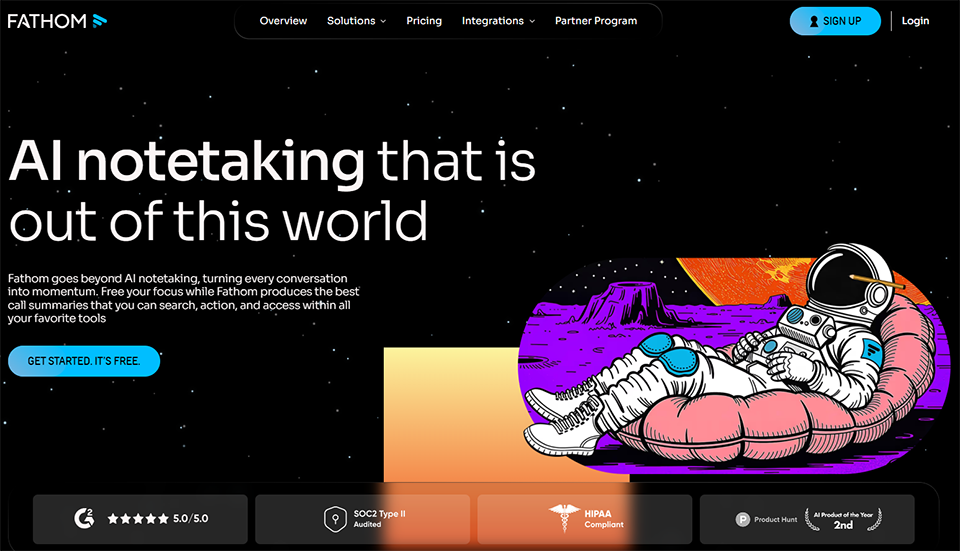
Fathom is an AI meeting assistant that joins your Zoom, Google Meet, or Microsoft Teams calls, records them, transcribes them in real time, and automatically generates a structured summary once the call is over.
What sets Fathom apart from many of its competitors is the quality of its summaries. It’s not just a simple, mechanical bullet-point list, but a readable summary with decisions and actions clearly separated—exactly what you would have written yourself if you’d had 20 minutes after each call.
🧑💼 The sales representative or business developer:
After five calls in a day, your head is full, but your notes are often incomplete. Fathom ensures a reliable record of every conversation, without any extra effort.
👨💻 The consultant or service provider:
Having a structured summary to send to the client right after a call is a sign of professionalism that requires no extra effort.
🚀 Our Growing Team:
Centralizing call logs in a shared space, with CRM synchronization, radically changes the way a team leverages its interactions with customers.


Tl;dv (short for "Too Long; Didn't View") is based on a fairly accurate observation: meeting recordings are almost never useful because no one takes the time to watch them in their entirety. The tool is built on the opposite idea: making meetings searchable, indexed, and shareable in just a few seconds.
What makes Tl;dv particularly useful for teams is its cross-platform search feature. Being able to find in 10 seconds what a prospect said during a call three weeks ago—that’s the kind of detail that can make all the difference in a negotiation or during onboarding.
🚀 The Product and UX Teams:
Being able to make the most of user interviews without having to listen to them all over again saves a considerable amount of time. Tl;dv transforms every research session into structured data.
🧑💼 Sales teams:
Analyzing recurring objections across dozens of calls and identifying patterns in customer conversations—that's exactly what Tl;dv's multi-call report does.
👨💻 The solopreneur or freelancer:
Having a perfect memory of every customer interaction—without taking a single note during —really changes the quality of the relationship.

Motion is one of the few tools that delivers on its promise over the long term. The core idea: you don’t have to decide when to do what. You specify what needs to be done, set priorities and deadlines, and Motion automatically builds your daily schedule, taking into account your meetings, your available energy, and the constraints of each task.
This is a fundamental difference from a simple task management tool like Todoist or Things: Motion doesn't just list what needs to be done. It tells you when to do it, in real time.
👨💻 The entrepreneur Freelancer or entrepreneur :
When to-do lists are overflowing and you always end the week feeling like you’ve been running in place, Motion provides a structure that the brain alone can’t guarantee.
🚀 The small project team:
Motion automatically assigns tasks to each member's schedule based on their availability—for teams of 2 to 10 people.
🧑💼 Any profile with multiple deadlines:
When you're managing multiple deliverables at the same time with different deadlines, Motion really shines.



The inbox is probably where most professionals waste the most time without really realizing it. Not because of important emails, but because of the background noise: newsletters, service notifications, automated follow-up emails, and reminders from tools we no longer really use.
SaneBox is a smart filter that learns your reading habits and automatically sorts your incoming emails by importance. What matters ends up in your main inbox. The rest goes into secondary folders that you can check when you have time.
Trial Plan: 14-day free trial with no commitment.
Pro Plan: starting at ~$7/month.
SaneBox is one of those tools where it's fairly easy to calculate the ROI: if you save 20 minutes a day managing your inbox, the subscription pays for itself in just a few days each month.
🧑💼 Anyone who receives more than 50 emails a day:
Once the volume reaches a certain level, your inbox becomes a mentally draining space. SaneBox brings back a sense of calm.
👨💻 The freelancer with multiple clients:
When emails from multiple clients are mixed in the same inbox with newsletters and notifications from various tools, sorting them manually is a systemic waste of time.
🚀 The entrepreneur or founder:
Protecting your attention from unimportant emails means protecting your ability to focus on what really matters.

Document your processes. It's advice that everyone gives, but very few follow, because writing a step-by-step guide takes time that no one really has.
Scribe solves this problem at its root: the tool automatically captures your on-screen actions during you perform a task and generates an illustrated step-by-step guide with screenshots and descriptions—without you having to write a single word.
Here is the formatting:
Scribe is particularly valuable for teams that hire regularly, for freelancers who delegate recurring tasks to contractors or assistants, or for anyone who has to explain the same processes over and over again.
👨💻 The freelancer who delegates:
Training a virtual assistant or contractor on a repetitive process (invoicing, social media posts, data updates) takes a considerable amount of time if done verbally or via email. With Scribe, the guide is ready in just a few minutes.
🚀 The startup in the scaling phase:
As a team grows, documentation becomes essential. Scribe makes it possible to create this knowledge base without allocating dedicated resources to it.
🧑💼 Operations staff, office managers, and administrative managers:
All documentation related to business processes (onboarding, internal tools, procedures) can be created in real time rather than planned as a separate project.


PowerPoint isn't dead, but the time it takes to put together a decent presentation remains a real problem. Layout, visual consistency, slide selection, information hierarchy—every presentation ends up taking 2 to 4 hours, even for someone who's organized.
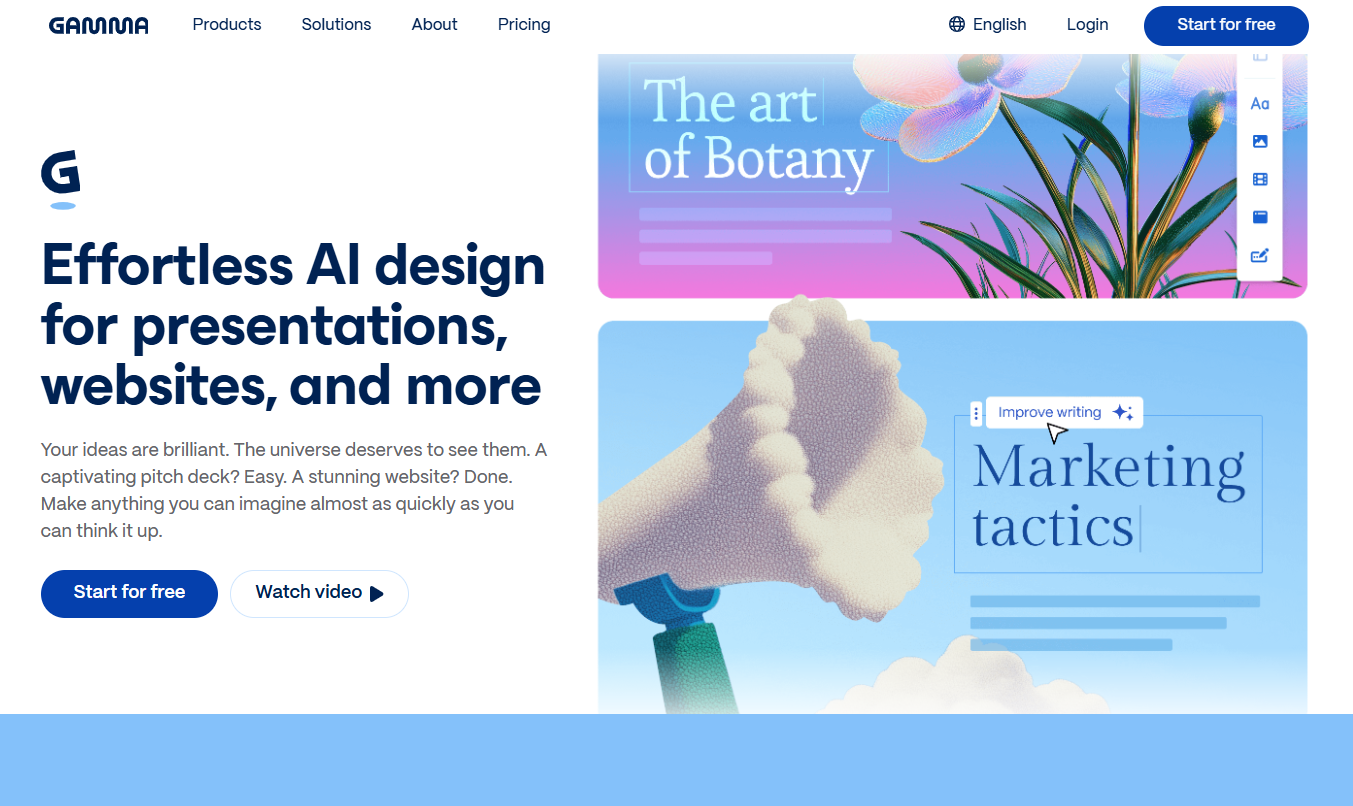
Gamma is an AI-powered presentation generator that transforms an idea or a text into slides ready to share, featuring a professional layout, consistent typography, and relevant visuals.
Here is the formatting:
Gamma is no substitute for a creative agency when it comes to a polished brand presentation. However, for quick client pitches, sales proposals, internal presentations, or progress reports, it radically changes the way you manage your time.
👨💻 The consultant or freelancer:
Being able to produce a high-quality visual deliverable for a client without spending half a day on it is a direct competitive advantage.
🚀 The founder in the fundraising phase:
A quick first pitch deck to share right away, without waiting for a designer to become available.
🧑💼 The marketing and sales teams:
Expand the range of presentation formats without increasing production time.
Most of these tools offer either a free plan that can be used on a daily basis or a trial period long enough to form a solid opinion before committing any budget.
| Tool | Category | Primary use case | Free map | Estimated price | Ideal for |
|---|---|---|---|---|---|
| Reclaim.ai | AI Planning | Automate the calendar | ✅ Yes | ~$8/month | Freelancers, managers |
| Fathom | AI Meetings | Automatic Reports | ✅ Yes | ~$15/month | Sales Representatives, Consultants |
| Tl;dv | AI Meetings | Team Report | ✅ Limited | ~$18/month | Product and Sales Teams |
| Motion | Task Management | Automatic scheduling | ❌ No | ~$19/month | Overloaded profiles |
| SaneBox | AI Email | Smart Inbox Organization | ❌ 14-day trial | ~$7/month | Any profile > 50 emails/day |
| Scribe | AI Documentation | Automatic Creation of Guides | ✅ Yes | ~$12/month | Freelancers Who Delegate |
| Gamma | AI Overview | AI-generated slides | ✅ Limited | ~$8/month | Consultants, Founders |
The prices listed are approximate and subject to change. Please check each platform directly for exact prices.
These tools are becoming increasingly popular, but there are a few questions that always come up before taking the plunge. Here are some honest answers.
It depends entirely on your current usage. A freelancer who has four meetings a week and spends 30 minutes writing up meeting minutes after each call can easily calculate the benefits using Fathom or Tl;dv. On the other hand, if your meetings are infrequent or if you never take notes, the benefit will be minimal. Most of these tools offer a free plan: try them out for two weeks at your own pace before making a decision.
This is a valid question, especially for tools that record meetings or access your email account. Most of the tools mentioned (Fathom, Tl;dv, Reclaim, SaneBox) offer storage options in Europe and privacy policies that comply with the GDPR. Check the terms and conditions specific to your use, and inform the people you’re speaking with when you’re recording a call—this is a legal requirement, regardless of the tool you use.
Absolutely not. The idea isn't to adopt everything at once, but to identify where your main bottleneck lies. If your inbox is the problem, start with SaneBox. If you're wasting time in meetings, try Fathom. If your calendar is out of control, Reclaim is the priority. One or two well-integrated tools are better than seven tools used poorly.
Both are excellent, with slightly different use cases. Fathom is simpler, with a more generous free plan and a nearly immediate learning curve. Tl;dv is more powerful for teams, particularly thanks to its cross-meeting search and templates tailored to different types of calls. For individual use, Fathom is more than enough. For teams, Tl;dv is worth the investment.
Most have made significant progress in multilingual support. Fathom, Tl;dv, and Fireflies.ai handle French well. Reclaim and Motion have English interfaces but are still accessible without an advanced level of English. SaneBox is language-agnostic (it filters emails regardless of the language). Gamma generates content in French if you write to it in French.
Yes. In addition to the 7 featured here, you can explore deals on tools like Notion, ClickUp, Fireflies.ai, and Perplexity AI in our Categories & Collaboration and AI-Powered Software Categories . These tools address complementary use cases: knowledge management, augmented search, and workflow automation.
