In this article, we review the best marketing software of 2026 by category—email, SEO, social media, advertising, landing pages, and automation—with a negotiated deal available on Freelance Stack for each one.
Why Does Your Choice of Marketing Tools Really Make a Difference in Your Results?
There is no shortage of digital marketing tools. What’s often missing, however, is clarity on which ones are truly worth the time and budget we devote to them. In 2026, the global marketing software market is worth tens of billions of euros, and every week new players emerge, promising the moon and the stars.
The result: many entrepreneurs and freelancers end up juggling 6, 7, or even 10 different tools—half of which overlap—without ever really getting the most out of any of them.
This article does not claim to be exhaustive. Its goal is different: to introduce you to software solutions that have proven themselves in the main areas of digital marketing, clearly distinguishing which ones are best suited for a beginner solopreneur, a structured marketing team, or an SME looking to move quickly. Each tool featured here is discount a discount price or discount a discount on Freelance Stack, allowing you to test them without breaking the bank.
This article covers six major categories of tools: email marketing, SEO, social media, online advertising, landing pages, and automation. Enjoy the read.
#1 - Brevo: The French company that's competing with the big players.
Benefit from our free deal on Brevo.
10% off on annual plan
Find over 300 free deals as well as over 850 Premium deals right now with Brevo and save on your software subscriptions. Whether you're an entrepreneur, a startup or a solo freelancer, save hundreds of euros thanks to our discounts and promo codes.
Brevo (formerly Sendinblue) has established itself as one of the few European players capable of seriously competing with the American giants in the industry. The platform brings together email marketing, SMS marketing, live chat, lead capture forms, and a lightweight CRM all in a single environment. For a business starting from scratch or looking to consolidate its tools, this is a combination that’s hard to beat.
In terms of features, the drag-and-drop editor is smooth, and the available templates cover most common use cases (newsletters, welcome sequences, e-commerce follow-ups). Contact list management is intuitive, performance reports are clear, and French-language support is a real plus for organizations that don’t want to struggle with an English interface.
Pricing:
Free Plan: free (up to 300 emails per day).
Pro Plan: starting at ~€25/month (high volumes, marketing automation).
👤 Who is this for?
🧑💻 Freelancers and solopreneurs:
Brevo is probably the best tool for getting started with email marketing without breaking the bank. Even the free version lets you send decent campaigns, and upgrading to higher tiers is a gradual process.
🏢 Small and medium-sized businesses:
Combining email, SMS, and CRM in a single interface saves both time and money. It’s ideal for teams of 2 to 10 people who want to centralize their customer communications without having to sign up for multiple subscriptions.
🚀 Growing startup:
Automation features and API integrations make Brevo a strong option for automating onboarding, nurturing, and re-engagement sequences.
✅ Key features:
Pricing based on email volume (not on the number of contacts), which makes all the difference for large lists with low engagement.
French interface, French-speaking support.
Natively integrated SMS features.
GDPR-compliant, European hosting.
👎 The downsides:
Advanced automations require a Business plan, which can quickly become expensive.
The email editor is good, but not as sophisticated as some specialized competitors.
The analysis reports could go into greater detail regarding entry-level models.
Benefit from a on Brevo .
75% off on annual plan
Find our best discount right now with Brevo and save on your software subscriptions. We offer over 850 promo codes and discounts on the best software and SaaS on the market.
#2 - ActiveCampaign: The go-to tool for advanced marketing automation.
Benefit from our free deal on ActiveCampaign.
25% off on annual plan
Find over 300 free deals as well as over 850 Premium deals right now with ActiveCampaign and save on your software subscriptions. Whether you're an entrepreneur, a startup or a solo freelancer, save hundreds of euros thanks to our discounts and promo codes.
ActiveCampaign occupies a unique position in the market: it is at once an email marketing solution, a CRM, and a marketing automation platform. This “all-in-one” approach makes it a top choice for organizations that want to go beyond simple newsletters and build true behavioral sequences.
ActiveCampaign's key strength lies in its visual automation engine. You can build highly sophisticated customer journeys by combining behavior-based triggers (opens, clicks, page views, purchases) with a variety of actions (sending emails, updating contact information, internal notifications, etc.). This level of granularity is rarely found in tools at this price point.
Pricing:
Starter Plan: starting at ~$15/month (1,000 contacts).
Plan Plus: starting at ~$49/month (advanced automations).
Professional Plan: starting at ~$79/month (full-featured CRM).
👤 Who is this for?
🧑💻 Content creators and infopreneurs:
Precise management of segments and automations is ideal for building complex sales funnels around training courses, webinars, or coaching programs.
🏢 Structured marketing team:
The built-in CRM features allow marketing and sales teams to work together using a single tool, without having to pay for a separate CRM platform.
✅ Key features:
Some of the most powerful automation systems on the market in this price range.
There is a real learning curve, especially when it comes to fully leveraging the potential of automation.
The interface is dense, and at times a little austere.
The price rises rapidly as the list grows.
Benefit from a on ActiveCampaign .
15% off on any plan
Find our best discount right now with ActiveCampaign and save on your software subscriptions. We offer over 850 promo codes and discounts on the best software and SaaS on the market.
Find over 300 free deals as well as over 850 Premium deals right now with Klaviyo and save on your software subscriptions. Whether you're an entrepreneur, a startup or a solo freelancer, save hundreds of euros thanks to our discounts and promo codes.
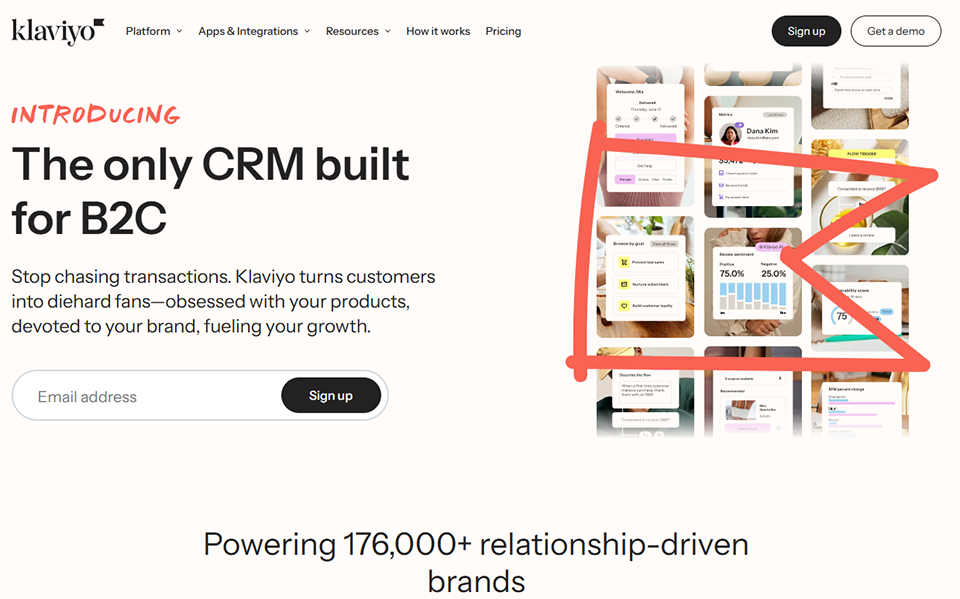
If you run an online store, Klaviyo is definitely worth checking out. Designed from the ground up to meet the specific needs of e-commerce, it uses transactional data (abandoned carts, purchase history, on-site behavior) to trigger highly personalized emails and text messages.
The difference compared to a general-purpose tool becomes apparent right away: pre-built segments for e-commerce, templates optimized for conversion, and native logic built around Shopify or WooCommerce events save online sellers a considerable amount of time.
Pricing:
Free Plan: free (up to 250 contacts, 500 emails per month).
Pro Plan: starting at ~$45/month (1,001 to 1,500 contacts).
👤 Who is this for?
🛒 E-commerce businesses and DTC:
It's the go-to tool for this segment. The native Shopify integration is particularly well-developed, and e-commerce automations (cart abandonment, win-back, post-purchase) are available with just a few clicks.
✅ Key features:
E-commerce data processed natively.
Very practical reporting on revenue generated via email.
Advanced behavioral segmentation.
Templates designed to drive product conversions.
👎 The downsides:
Less relevant if you don't have an online store.
The price rises quickly as the list grows.
The interface may seem complicated at first.
Benefit from a on Klaviyo .
Find our best discount right now with Klaviyo and save on your software subscriptions. We offer over 850 promo codes and discounts on the best software and SaaS on the market.
#4 - SEMrush: The most comprehensive SEO suite on the market.
Benefit from our free deal on SEMrush.
Up to 17% off on annual plan
Find over 300 free deals as well as over 850 Premium deals right now with SEMrush and save on your software subscriptions. Whether you're an entrepreneur, a startup or a solo freelancer, save hundreds of euros thanks to our discounts and promo codes.
Over the years, SEMrush has become an must-have tool must-have anyone who takes SEO seriously. The platform offers an impressive array of features: keyword analysis, technical site audits, rank tracking, competitor analysis, backlink analysis, content marketing tools... it’s hard to find an aspect of SEO that isn’t covered.
What sets SEMrush apart from a basic keyword tool is the depth of its competitive data. You can analyze exactly which keywords your competitors are ranking for, which pages are driving their organic traffic, and where their backlinks are coming from. This is a goldmine of information for building an effective SEO strategy.
Pricing:
Pro Plan: starting at ~$139.95/month.
It's a significant investment, but one that quickly pays off for an organization that is seriously committed to organic content.
👤 Who is this for?
📝 SEO consultants and agencies:
The wealth of data and reporting capabilities make it a fully-fledged professional tool. Its multi-project features are particularly well-suited for managing multiple clients.
🏢 Small and medium-sized businesses with a content strategy:
For companies that rely on blogging and organic content as their primary acquisition channel, SEMrush enables them to build a strategy based on real data rather than intuition.
✅ Key features:
One of the most extensive keyword databases on the market.
A very in-depth competitive analysis.
Comprehensive technical audit with prioritized recommendations.
Built-in SEO writing tool.
👎 The downsides:
High cost for small organizations.
The sheer volume of data can be overwhelming for beginners.
Some features of the Pro plan are limited (e.g., number of projects).
Benefit from a on SEMrush .
$200 extra off on annual plan
Find our best discount right now with SEMrush and save on your software subscriptions. We offer over 850 promo codes and discounts on the best software and SaaS on the market.
#5 - Surfer SEO: The tool that optimizes content in real time.
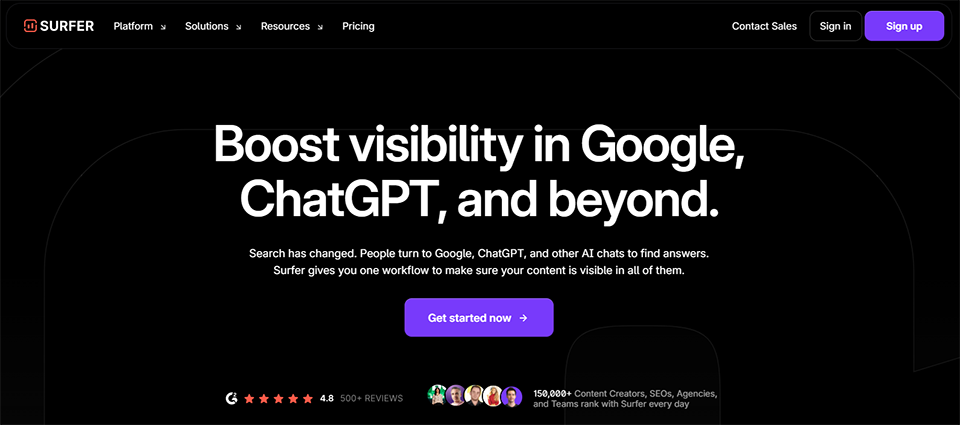
Surfer SEO takes a different approach from traditional SEO tools. Rather than focusing on keyword research or technical analysis, it specializes in on-page content optimization. The tool analyzes the pages that currently rank for your target query and provides specific recommendations: heading structure, semantic density, ideal length, and words and phrases to include.
Its built-in content editor, which provides a real-time optimization score, is fundamentally changing the way SEO articles are written. Instead of writing first and then optimizing, you make adjustments on the fly. For teams that regularly produce content, the productivity gains are tangible.
Pricing:
Essential Plan: starting at $89/month.
👤 Who is this for?
✍️ Writers and content managers:
The content editor is their natural playground. The tool is designed to be used directly during , without requiring in-depth SEO knowledge.
🧑💻 Freelancers specializing in SEO:
When combined with SEMrush for keyword research, Surfer covers the "content optimization" aspect in a way that's hard to match.
✅ Key features:
Content optimization guided by actual SERP data.
Built-in editor with real-time scoring.
Reliable semantic analysis.
An easy-to-use interface.
👎 The downsides:
Does not cover the technical aspects of SEO or backlink analysis.
Use this in conjunction with a keyword research tool.
The number of articles that can be analyzed depends on the plan you choose.
Benefit from a on Surfer SEO .
Additional 25% off on any plan
Find our best discount with Surfer SEO and save on your software subscriptions. We offer over 850 promo codes and discounts on the best software and SaaS on the market.
Find over 300 free deals as well as over 850 Premium deals right now with Buffer and save on your software subscriptions. Whether you're an entrepreneur, a startup or a solo freelancer, save hundreds of euros thanks to our discounts and promo codes.
Buffer is one of the few tools that people genuinely say “delivers on its promises.” No frills, no cluttered dashboard: just a clean interface for scheduling posts on LinkedIn, Instagram, Facebook, X (Twitter), TikTok, and Pinterest.
What users like about it is precisely its simplicity. You connect your accounts, prepare your content, and schedule posts. The tool manages the publication queue, sends reminders for Stories that can’t be posted automatically, and provides clear statistics on the performance of each post.
Pricing:
Free Plan: free (up to 3 channels).
Essentials Plan: starting at ~$6/month per channel.
Team Plan: starting at ~$12/month per channel.
👤 Who is this for?
🧑💻 Freelancers and solopreneurs:
The value for money is unbeatable for someone who manages their social media presence on their own. It’s easy to get started right away—no training required.
🏢 Small marketing teams:
The Team plan allows multiple people to collaborate on content and have posts approved before publication, which is useful for maintaining editorial consistency.
Less suitable for organizations that need social listening or advanced community management.
No engagement features (replying to comments) on any plans.
Some platforms are less well integrated than others.
Benefit from a on Buffer .
Additional 25% off on annual plan
Find our best discount right now with Buffer and save on your software subscriptions. We offer over 850 promo codes and discounts on the best software and SaaS on the market.
#7 - SocialBee: Social media management using a Categories-based approach.
Benefit from our free deal on SocialBee.
16% off on annual plan
Find over 300 free deals as well as over 850 Premium deals right now with SocialBee and save on your software subscriptions. Whether you're an entrepreneur, a startup or a solo freelancer, save hundreds of euros thanks to our discounts and promo codes.
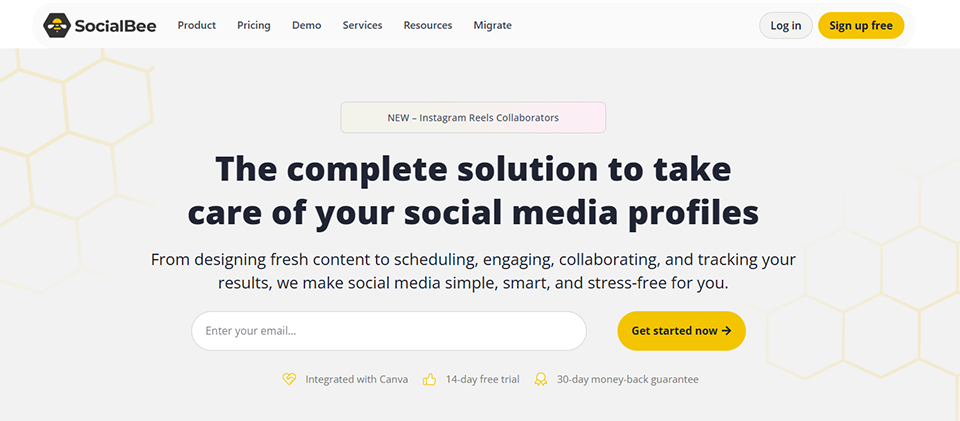
SocialBee offers a more structured approach than its competitors for organizing social media content. The Categories system allows you to define “buckets” (e.g., educational content, promotions, customer testimonials, engagement) and automatically schedule a rotation among these different types. This is a particularly effective way to maintain a consistent editorial approach over time.
The tool also automatically repurposes evergreen content, which is a real time-saver for organizations that produce high-quality content and want to maximize its lifespan.
Pricing:
Bootstrap Plan: starting at $29/month.
👤 Who is this for?
🚀 Content creators and entrepreneurs:
The Categories feature Categories automatic recycling are particularly well-suited for creators who want to maintain a consistent presence without spending hours each week on planning.
🏢 Communications agencies and consultants:
Multi-account management and collaboration tools make it a solid choice for professionals who manage multiple clients.
✅ Key features:
A Categories system for organizing the editorial calendar.
Automatic recycling of evergreen content.
Detailed performance analyses.
Integration with Canva to create visuals without leaving the tool.
👎 The downsides:
The interface is more complex than Buffer's and takes some getting used to.
Some advanced features are available only on higher-tier plans.
Less well-known than its competitors, and therefore with fewer community resources available.
Benefit from a on SocialBee .
Additional 20% off on any plan
Find our best discount with SocialBee and save on your software subscriptions. We offer over 850 promo codes and discounts on the best software and SaaS on the market.
Google Ads remains the most widely used advertising platform in the world, and for good reason: it allows you to reach users at the exact moment they express an intent to buy or search. From advertising on the Google Search Network to Shopping campaigns for e-commerce and Performance Max campaigns that combine multiple formats, it’s an entire ecosystem to master.
For startups, the challenge isn't so much understanding the technology (interfaces have become much simpler in recent years) as it is structuring their campaigns effectively, choosing the right keywords, and managing their budget optimally to avoid spending money without generating conversions.
Pricing:
Auction Model: No fixed subscription (daily or monthly budget set by the advertiser).
Welcome credits: regularly available to new advertisers.
👤 Who is this for?
🛒 E-commerce retailers:
Shopping and Performance Max campaigns are direct growth drivers for online stores looking to generate sales quickly.
🏢 Small and medium-sized businesses (SMEs) with a local or national presence:
Precise geographic targeting and the ability to reach users who are actively searching make it a highly effective customer acquisition tool for local services or B2B offerings.
✅ Key features:
Purchase intent is at the heart of targeting.
Complementary display network for remarketing.
Full control over the budget and bidding.
Accurate conversion tracking.
👎 The downsides:
High cost-per-click in competitive industries.
Requires a minimum level of skill or guidance to avoid waste.
Automated campaigns (Performance Max) can lack transparency regarding spend allocation.
Benefit from a on Google Ads .
Up to €1,200 in Ads credits
Find our best discount right now with Google Ads and save on your software subscriptions. We offer over 850 promo codes and discounts on the best software and SaaS on the market.
#9 - LinkedIn Ads: The go-to platform for B2B marketing.
In the B2B world, LinkedIn Ads stands out from the rest. No other platform allows for such precise targeting by job title, industry, company size, level of experience, or skills. When it comes to reaching decision-makers, HR directors, CFOs, or IT managers, it’s hard to find a better option.
The cost per click is generally higher than on Google or Meta, but the quality of the leads generated often justifies this difference on any plan high-value-added on any plan . The available formats (Sponsored Content, InMail, Lead Gen Forms) offer a variety of ways to engage a professional audience.
Pricing:
Minimum budget: ~$10/day or more is recommended.
Auction Model: No fixed subscription fee (similar to Google Ads).
👤 Who is this for?
🏢 B2B Companies:
The ability to target audiences very precisely by job function, industry, or company size is unmatched when it comes to generating qualified leads for B2B offerings.
🚀 Startups in the growth phase:
Native lead generation forms (Lead Gen Forms) allow you to capture qualified leads without the user even having to leave LinkedIn.
✅ Key features:
The most precise B2B targeting available on the market.
Lead Gen Form formats for minimal friction.
A professional environment that fosters brand credibility.
Remarketing to website visitors.
👎 The downsides:
High CPM and CPC compared to other platforms.
Less suitable for consumer-oriented offerings or very limited budgets.
The algorithm favors large advertisers for certain competitive targeting options.
#10 - Unbounce: The landing page tool with built-in AI.
Unbounce is one of the most mature tools on the market for creating conversion-optimized landing pages. Its drag-and-drop editor lets you create pages without coding, but what sets it apart from its competitors is the growing integration of AI into its features. The “Smart Traffic” feature automatically analyzes visitor profiles and redirects them to the page variant most likely to convert them, without any manual intervention.
For teams that conduct a lot of A/B testing, this results in significant time savings and increased efficiency. Integrations with Google Ads, HubSpot, Salesforce, and Brevo are native and well-documented.
Pricing:
Build Plan: Starting at $99/month.
👤 Who is this for?
🎯 Growth and Performance Marketing Teams:
The Smart Traffic feature and advanced A/B testing capabilities are designed for teams that run data-driven campaigns and seek to optimize every conversion point.
✅ Key features:
AI-powered Smart Traffic for automatic optimization.
Native A/B tests that are easy to set up.
Extensive integrations with common marketing tools.
A wide variety of templates optimized for conversion.
👎 The downsides:
High price for occasional use.
Extensive customization may require CSS or JavaScript.
Some advanced features are available only on higher-tier plans.
#11 - Landingi: The affordable alternative for creating websites without coding.
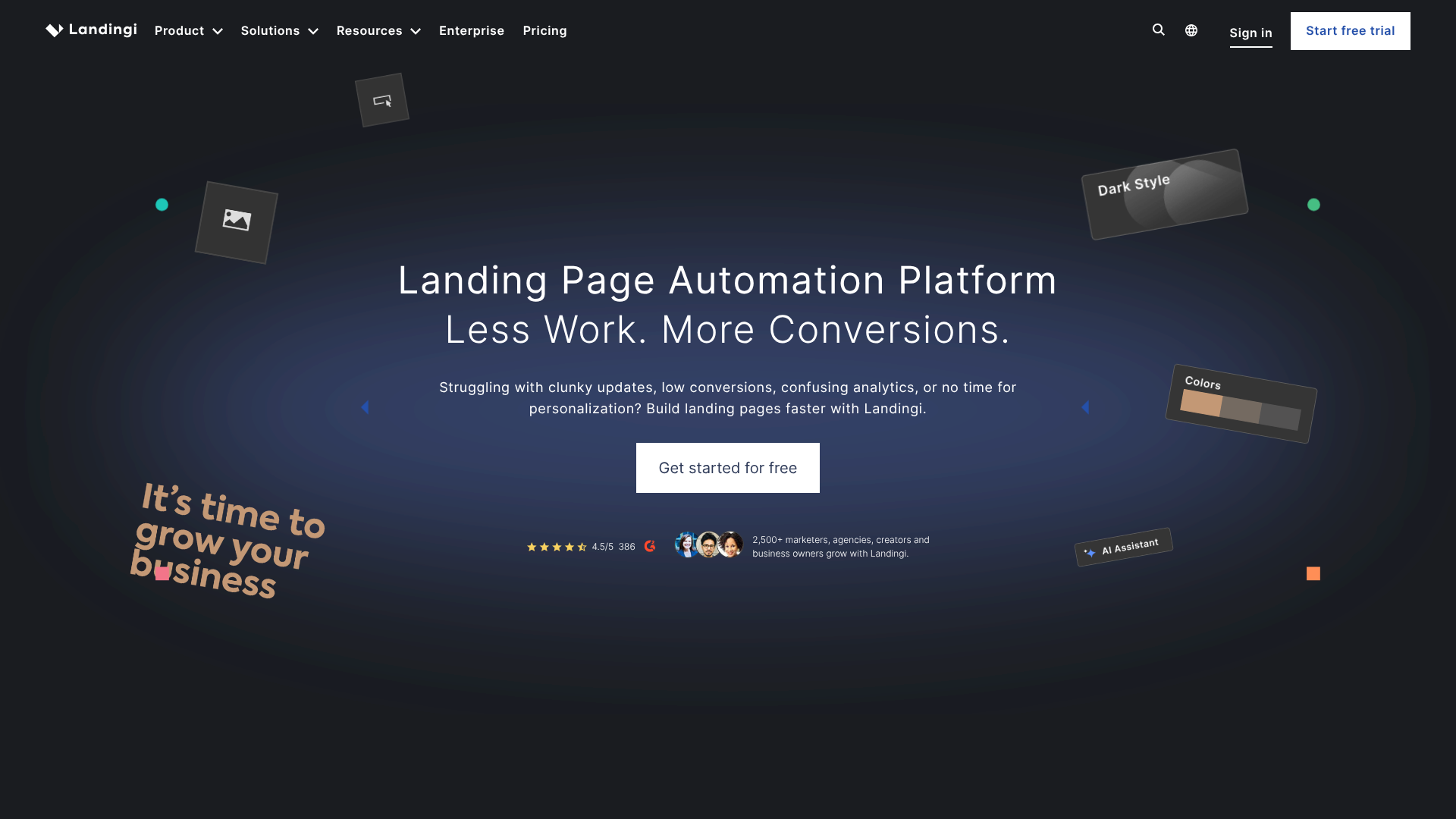
Landingi is designed for anyone who wants to create clean, effective landing pages without spending too much time or investing a significant budget. The platform offers more than 400 customizable templates, an intuitive visual editor, and basic features for A/B testing and conversion tracking.
It isn't the most powerful tool on the market in terms of optimization features, but its value for the price makes it a very reasonable option for entrepreneurs small businesses that need to get landing pages up and running quickly.
Pricing:
Core Plan: starting at $29/month.
👤 Who is this for?
🧑💻 Freelancers and consultants:
The low cost and ease of use make it an ideal solution for one-time needs or for testing a product before investing in a more sophisticated tool.
✅ Key features:
More than 400 templates available.
Simple interface, easy to learn.
Integrations with leading CRM and email tools.
Very affordable price.
👎 The downsides:
Fewer advanced optimization features than Unbounce.
Smart Traffic and advanced customization are not available.
Make (formerly Integromat) has become one of the go-to automation platforms for creators, entrepreneurs, and tech teams for one simple reason: its visual, scenario-based interface makes complex automations much easier to understand than other tools on the market. You visually connect applications to one another, define triggers and actions, and see exactly how data flows from one tool to another.
While Zapier is limited to linear automations (if A, then B), Make lets you create branching scenarios with conditions, filters, iterations over data tables, and complex transformations. For users who want to go beyond basic automations, this is a major difference.
Pricing:
Free Plan: free (1,000 transactions/month).
Pro Plan: starting at ~$9/month (10,000 transactions/month).
👤 Who is this for?
🔧 Operations and Automation Specialists:
Make is their go-to tool for building complex workflows without having to code. The library of built-in apps covers more than 1,500 services.
🧑💻 Freelancers and technical consultants:
The generous free plan and the platform's power make it a tool that many consultants use both for their own needs and for their clients.
✅ Key features:
A visual interface that makes complex scenarios easy to understand.
More than 1,500 connected apps.
A very generous free plan.
Advanced data transformations (compared to Zapier).
Pricing that is much more affordable than the competition's.
👎 The downsides:
Learning curve for advanced scenarios.
It can be difficult to predict the operational workflow for large volumes.
Customer support may be less responsive than some competitors' entry-level plans.
Comprehensive comparison table. 📊
The prices listed are for reference only and are subject to change. Check the current rates directly on each tool's website.
Tool
Category
Entrance Map
Ideal for
Level
Brevo
Email marketing
Free / ~€25/month
Freelancers, Microbusinesses and Small and Medium-Sized Enterprises
Beginner to Advanced
ActiveCampaign
Email + CRM + Automation
~$15/month
Marketing teams, infopreneurs
Intermediate to Advanced
Klaviyo
E-commerce Email
Free / ~$45/month
E-commerce retailers
Intermediate
SEMrush
Comprehensive SEO
~$140/month
SEO Consultants, Small and Medium-Sized Businesses
Intermediate to advanced
Surfer SEO
Content Optimization
~$89/month
Writers, content teams
Beginner to intermediate
Buffer
Social media
Free / ~$6 per channel per month
Solopreneurs, small teams
Beginner
SocialBee
Social media
~$29/month
Designers, agencies
Intermediate
Google Ads
Search Advertising
Unrestricted budget
E-commerce, B2C and B2B SMEs
Intermediate
LinkedIn Ads
B2B Advertising
Unrestricted budget
B2B, startups
Intermediate to Advanced
Unbounce
Landing Pages
~$99/month
Growth, performance marketing
Intermediate to Advanced
Landingi
Landing Pages
~$29/month
Freelancers, small businesses
Beginner
Make
Automation
Free / ~$9/month
Operations, tech consultants
Intermediate
Which stack should you choose based on your situation? 💡
Rather than starting out with all these tools at once (which would be counterproductive), here are three typical setups:
Minimalist tech stack to get started (as a freelancer or solopreneur):
Brevo for email, Buffer for social media, and Make to automate whatever can be automated. Monthly budget of less than 50€ depending on volume.
Intermediate stack for a small team:
ActiveCampaign for email and CRM, Surfer SEO for content, SocialBee for social media, Landingi for landing pages. This level of organization is sufficient for most very small businesses.
Advanced stack for a growing organization:
SEMrush for SEO, ActiveCampaign or Klaviyo depending on your business model, Unbounce for landing pages, LinkedIn Ads or Google Ads depending on your target audience, and Make to coordinate it all.
See all the software of this category: Marketing
Check out all the other software and discount we offer in this category. Explore other tools and choose the perfect solution to grow your business.
Here are some answers to frequently asked questions about digital marketing tools.
1️⃣ Do you really need to use multiple tools, or is there an all-in-one solution?
All-in-one solutions do exist (HubSpot is the best-known example, and it’s available on Freelance Stack our HubSpot deal). They have the advantage of centralizing data and reducing friction between teams. On the other hand, they’re generally more expensive and less specialized than the best tools in each category. For small businesses, combining 3 to 5 specialized tools is often more cost-effective.
2️⃣ How do you choose between Brevo and Mailchimp for email marketing?
Mailchimp has historically been better known, but Brevo often offers more advantages for French organizations: pricing based on email sends (not on contacts), a French-language interface, and European hosting for GDPR compliance. If your list is large but not used very often, Brevo will generally be less expensive for the same capacity.
3️⃣ Is SEMrush really worth the price for a small business?
For a small business or freelancer just starting to invest in SEO, SEMrush’s price may seem high. One alternative to consider is Moz SEO, which is less expensive and more accessible for beginners. SEMrush really comes into its own when SEO becomes a key acquisition channel and you want to conduct a detailed analysis of the competition.
4️⃣ What is the difference between Make and Zapier?
Both allow you to automate tasks across different applications, but Make is more powerful for complex scenarios (multiple conditions, data transformations, loops). Zapier is easier to get started with for basic automations. To begin with, both offer free plans. Make is usually the natural choice for those who want to take things further.
5️⃣ What tools are best for getting started on a very tight budget?
Buffer (free plan for 3 channels), Brevo (free plan for up to 300 emails per day), Make (free plan with 1,000 actions per month), and Surfer SEO’s entry-level plan provide a solid foundation without spending more than €100 per month. That’s enough to build a solid digital presence and test what works before investing more.
6️⃣ How can I tell if my ad campaigns are profitable?
Measuring advertising ROI requires effective conversion tracking, which means correctly installing tracking pixels (Google Tag, Meta Pixel, LinkedIn Insight Tag) on your website. Hotjar is a useful tool for understanding visitor behavior on your landing pages and identifying friction points that prevent conversions.
7️⃣ Are AI tools really a game-changer in marketing?
Yes, increasingly so. Whether it’s to generate variations of advertising copy, analyze content performance, or personalize emails on a large scale, AI is gradually being integrated into nearly all the tools presented here. The productivity gains are real, but strategy and human judgment remain essential for steering these tools in the right direction.