The 5 Best Project Management Software for Startups and Small Businesses in 2026
In this comparison, we’ve taken a close look at five solutions designed to boost agility in small organizations: ClickUp, Notion, Monday, Asana, and Trello. Each offers a specific solution to operational chaos, and that’s exactly what we’ll break down to help you choose your future command center.
Managing a project when you're a small organization is like a combat sport.
When a team is small, every hour lost is costly. A client waiting for a deliverable, a task that falls through the cracks, a follow-up meeting that goes on twice as long as it should because no one shares the same view of the project’s progress… These situations are familiar to anyone who has ever managed a project without a dedicated tool.
And yet, the project management software market has grown so much in recent years that it has become a headache in and of itself. Too many options, vague marketing messaging, and prices that skyrocket as soon as you need an essential feature. It’s not easy.
This article is here to set the record straight. We’ve selected five tools that are truly suited for startups, microbusinesses, and small and medium-sized enterprises: platforms that teams of 2 to 50 people use every day, with concrete feedback. No software designed for CIOs at CAC 40 companies, no overly complicated systems. Solutions that get the job done, with a reasonable feature-to-price ratio for organizations that don’t have an unlimited budget.
Each tool is covered in depth: concept, key features, pricing, user profiles that get the most out of it, and points to watch out for. A comparison table summarizes everything at the end of the article.
#1 - ClickUp: The Swiss Army knife that aims to replace all your tools at once.
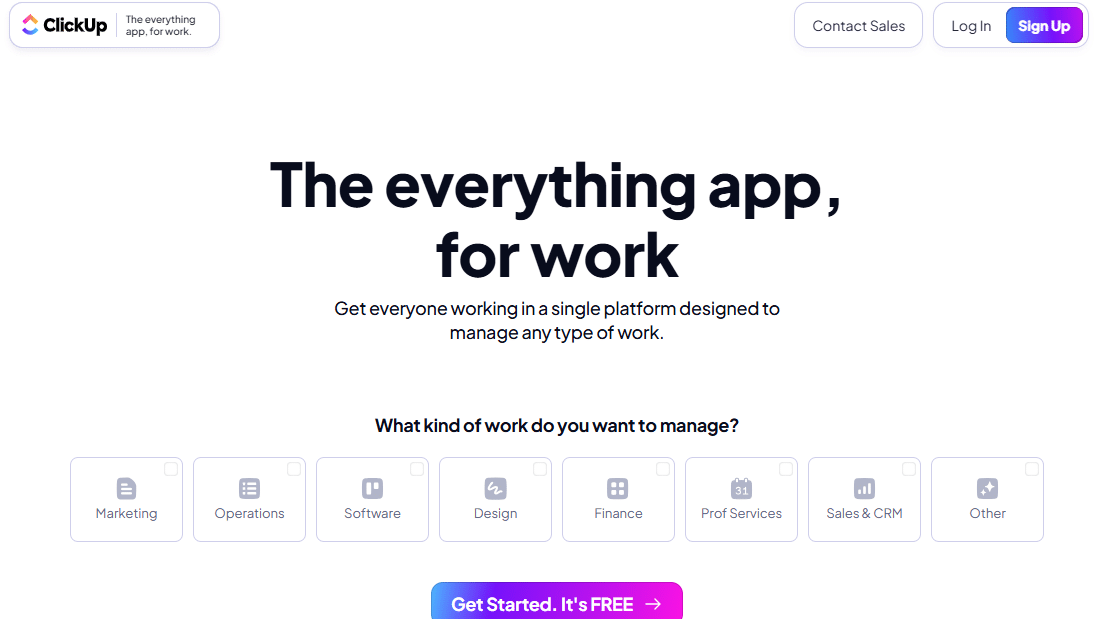
In just a few years, ClickUp has established itself as one of the industry’s key players. Its positioning is clear right from the homepage: a single platform to manage your tasks, documents, goals, dashboards, and team communications. That’s an appealing proposition when you’re usually juggling three or four different tools.
Here's what ClickUp actually offers:
ClickUp's strength lies in its modularity. The workspace is organized into Spaces, Folders, Lists, and Tasks—a hierarchy that allows you to structure everything from simple projects to complex, cross-team operations. Each task can include subtasks, checklists, priorities, due dates, attachments, comments, and multiple assignments.
When it comes to views, ClickUp is particularly generous: list view, Kanban board, Gantt chart, calendar, spreadsheet view, workload view to see each team member’s workload, and even a mind map view for visual thinkers. It’s one of the few tools that offers so many different ways to view the same project.
Notable features include:
ClickUp Docs: a built-in collaborative document editor that's directly linked to tasks.
Goals: Goal tracking with automatic progress indicators.
Dashboards: customizable dashboards with widgets.
Automation: Conditional rules (if/then) to reduce repetitive manual tasks.
ClickUp AI: a built-in AI assistant for writing task summaries, generating briefs, or rewriting descriptions.
The integrations cover all the essentials: Slack, Google Drive, Notion, GitHub, Figma, Zapier, and several hundred others via the API or native connectors.
Pricing:
Free Forever Plan: Unlimited tasks and members, with basic features (limits on storage and certain views).
Unlimited Plan: About €7 per user per month, with most features unlocked.
Business Plan: approximately €12 per user per month, advanced automations, exports, granular permissions.
Enterprise Plan: Pricing based on a quote, SSO, enhanced security, dedicated support.
👥 Who is ClickUp for?
🚀 For fast-growing startups:
ClickUp is often the first true cross-functional coordination tool. When a team grows from 5 to 20 people, managing tasks via email and Google Sheets reaches its limits. ClickUp lets you quickly centralize everything without having to purchase multiple separate solutions.
🏗️ For agencies and service providers:
The ability to create separate spaces for each client, manage multiple projects simultaneously, and track each employee's workload is invaluable. The Workload view is particularly useful for preventing overloads.
🛠️ For product or tech teams:
Integration with GitHub and development tools, combined with Gantt charts and agile sprints, makes it a versatile tool for managing development cycles without ever leaving the platform.
✅ What works well:
It offers real functional depth. Few tools provide so many different views and so much customization at this price point. The free plan is one of the most generous on the market, allowing a small team to thoroughly test the platform before upgrading to a paid subscription.
👎 Drawbacks to be aware of:
The flip side of this richness is a significant learning curve. For someone new to the tool, the first week can be disorienting. The abundance of options can sometimes be confusing, especially for non-technical teams. The interface, while modern, can seem cluttered. And performance on very large task databases can sometimes suffer.
Benefit from a on ClickUp.
An additional 20% off on any plan
Find our best discount right now with ClickUp and save on your software subscriptions. We offer over 850 promo codes and discounts on the best software and SaaS on the market.
#2 - Notion: The platform for teams that want to centralize everything: projects, documents, and a knowledge base.
Notion occupies a somewhat unique position in this comparison. Technically, it isn't a project management tool in the traditional sense. It's an all-in-one workspace where every page can become a database, a Kanban board, a wiki, or a working document. And that's precisely what makes it a formidable choice for certain users.
Here's what Notion actually offers:
Notion's philosophy is based on a simple concept: everything is a page, and every page can contain a database. In practice, this means that a team can build its own custom project management system, with custom properties, relationships between databases, and filtered views tailored to each need.
Available views include the board (Kanban), grid, calendar, gallery, list, and Gantt chart (available on paid plans). Each view can be filtered and sorted independently, offering great flexibility.
Where Notion really stands out is in document management. Documentation pages, internal wikis, knowledge bases, and creative briefs coexist seamlessly with project tracking tables. This is a significant advantage for teams that spend time creating and sharing documentation.
Notion AI, available as an option, lets you generate page summaries, auto-complete briefs, and translate or rephrase blocks of text directly within the workspace.
Notion has fewer native integrations than ClickUp, but it connects to Slack, Google Drive, Figma, and GitHub, and offers a robust API that enables automations via Make or Zapier.
Pricing:
Free Plan: Unlimited pages for personal use; collaborative features limited to the essentials.
Plus Plan: About €10 per user per month, unlimited history, unlimited guests, advanced synchronization.
Business Plan: approximately €18 per user per month, private spaces, advanced export options, team-based permission management.
Enterprise Plan: priced on a quote basis, with audit logs, SAML SSO, and priority support.
👥 Who is Notion for?
✍️ For creative and editorial teams:
Notion is often the obvious choice. Content agencies, marketing teams, and design studios: the seamless integration of working documents and tracking databases fits perfectly with the way they work.
💼 For organized solopreneurs and freelancers:
Notion is a powerful tool for centralizing your clients, projects, notes, and resources in a single, organized space. Its flexibility allows you to build a system that’s truly tailored to the way you work.
📚 For startups that value internal documentation:
The ability to directly link a product specs wiki to a development tracking board is a real value-add. Companies like Figma and Linear used Notion internally in their early days.
✅ What works well:
Its flexibility is unmatched in its category. The Notion community is extremely active and offers thousands of free templates to help you get started quickly. Once you get the hang of it, the interface is pleasant and uncluttered. And the combination of documents and databases remains unique on the market.
👎 Drawbacks to be aware of:
Notion is not, by design, a structured project management tool. It does not support task dependencies, critical paths, or automated progress reporting features. For projects with many interdependencies or teams that require formal reports, Notion may reach its limits. Performance also degrades with very large databases.
Benefit from a on Notion.
6 months free on “Business” plan with unlimited AI
Find our best discount right now with Notion and save on your software subscriptions. We offer over 850 promo codes and discounts on the best software and SaaS on the market.
#3 - Monday.com: The visual tool designed for teams that want immediate clarity.
Monday.com is probably one of the most recognizable tools in its category, thanks to its colorful interface and its promise to make project management accessible to non-technical users. And it does a pretty good job of keeping that promise.
Here's what Monday.com actually offers:
Monday.com is organized around Boards, which are at the heart of the user experience. Each board consists of rows and columns (statuses, dates, assigned people, formulas, etc.). The visual clarity is excellent: color-coding, progress bars, and customizable statuses provide a clear overview of a project’s status in just a few seconds.
Available views include the board, Kanban, Gantt, calendar, form, card, and Workload views. Monday WorkOS is their unified platform that covers not only project management but also CRM, customer service, and product development through dedicated applications.
Automations are user-friendly and visual, presented as "when X happens, do Y" rules. No technical knowledge is required to set up automatic notifications, status changes, or dynamic assignments.
Notable features include:
Monday AI: meeting summaries, column generation, and assistance with task formulation.
Native integrations: Slack, Teams, Zoom, Salesforce, HubSpot, GitHub, Jira, and many more.
Monday Forms: Collect requests or briefs using forms embedded directly in boards.
Dashboards: A cross-sectional view across multiple boards with custom metrics.
Pricing:
Free Plan: Up to 2 users, basic features.
Basic Plan: approximately €12 per user per month, unlimited boards, 5 GB of storage.
Standard Plan: approximately €14 per user per month, Gantt and calendar views, basic automations (250 per month).
Pro Plan: approximately €24 per user per month, advanced automations (25,000 per month), private boards, formulas.
Enterprise Plan: Price upon request.
👥 Who is Monday.com for?
📊 For sales and marketing teams:
Monday is particularly well-suited for this. Managing sales pipelines, tracking campaigns, and coordinating between marketing and sales teams happens seamlessly thanks to CRM integrations and the visual clarity of the boards.
🏢 For microbusinesses and small businesses looking for a tool that can be implemented quickly:
The intuitive interface reduces resistance to change. There’s no need for extensive training for teams: it’s easy to get started, even for employees who aren’t very comfortable with digital tools.
🔗 For teams that work with external stakeholders:
(Clients, partners, service providers)—the ability to share boards with external guests, either for viewing or editing, is a real advantage.
✅ What works well:
The user experience is well-designed, and teams generally adopt it quickly. Customer support is responsive. Integrations with CRMs like HubSpot and Salesforce are among the best on the market. And the product roadmap is active, with regular new features.
👎 Drawbacks to be aware of:
Monday is one of the most expensive tools in this selection once you need advanced features. The Standard plan is often too limited, and the Pro plan represents a significant investment for a small organization. In addition, the tiered pricing (minimum of 3 users) can come as a surprise to very small teams.
Benefit from a on Monday.com.
Find our best discount right now with Monday.com and save on your software subscriptions. We offer over 850 promo codes and discounts on the best software and SaaS on the market.
#4 - Asana: The go-to tool for teams looking for rigorous and structured project management.
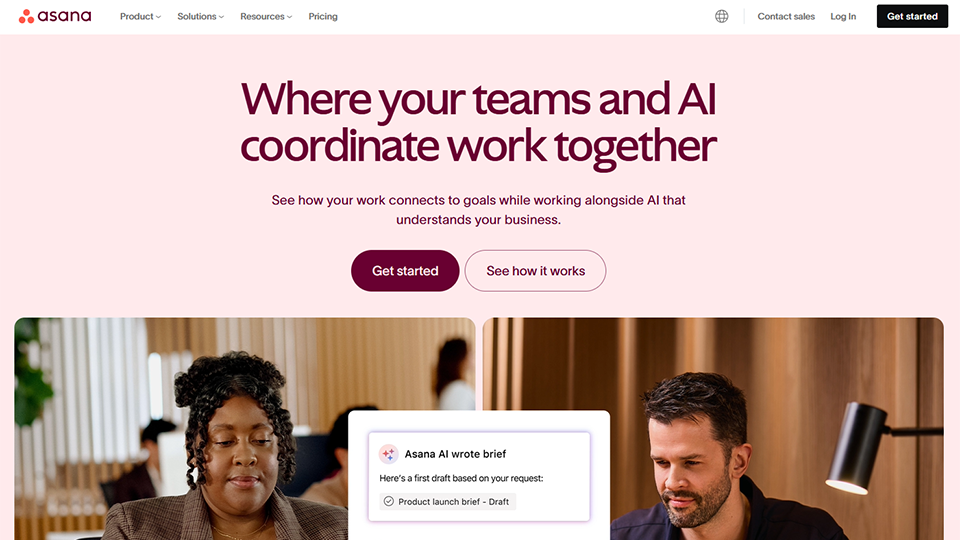
Asana is one of the pioneers in the industry. Founded in 2008 by former Facebook employees, it has long been the go-to solution for teams seeking more structure than basic task managers could provide. Even today, it remains a solid choice for organizations that value methodological rigor.
Here's what Asana actually offers:
Asana is organized around Projects and Tasks, with a clear hierarchy: workspace > team > project > section > task > subtask. This structure makes it possible to manage everything from simple projects to complex programs involving multiple teams.
The available views include the list view, the Kanban board, the Gantt chart (called "Timeline"), the calendar, and the Portfolio view, which provides a cross-project overview of multiple projects simultaneously. This last view is particularly valuable for managers who oversee several projects at the same time.
Asana's automation rules are among the most powerful on the market for paid plans: automatic assignment, conditional status changes, custom notifications, and automatically generated subtasks. The Workload module lets you view and balance team members' workloads.
Asana has also invested in Asana AI, which includes features for generating subtasks, creating project summaries, and identifying potential roadblocks.
When it comes to integrations, Asana is well-connected: Slack, Microsoft Teams, Google Workspace, Salesforce, Zoom, Adobe Creative Cloud, and an open API for custom integrations.
Pricing:
Personal Plan: Free, up to 10 users, list and table views, unlimited tasks.
Starter Plan: approximately €13 per user per month, Timeline, basic automations, forms.
Advanced Plan: approximately €30 per user per month; Portfolios, Workload, advanced reporting, goals.
Enterprise / Enterprise+ Plan: Upon request.
👥 Who is Asana for?
🎯 For process-oriented teams:
Asana excels at structuring recurring workflows. Whether it’s an HR team managing onboarding processes, a marketing team handling regular product launches, or an agency replicating the same type of project for different clients, Asana’s project templates and automations save a considerable amount of time.
📈 For startups in the scaling phase:
When an organization begins to organize itself into separate teams (product, marketing, operations), Asana provides the necessary cross-functional visibility through Portfolios and Goals, which help link operational tasks to strategic objectives.
🤝 For distributed or remote teams:
Asana's clear structure reduces ambiguity regarding responsibilities and deadlines, which is crucial when teams aren't meeting in person.
✅ What works well:
The platform is robust and built to last. The Timeline (Gantt) feature is among the best in its class for complex projects. The product has benefited from many years of development and remains very stable. The documentation and training resources are excellent.
👎 Drawbacks to be aware of:
Pricing can rise quickly: the Starter plan is sufficient for many teams, but as soon as you need Portfolios or Workload, upgrading to the Advanced plan represents a significant jump in price. Subtask management, while available, is less intuitive than with some competitors. And the interface, while clean, sometimes lacks a bit of visual warmth.
Benefit from a on Asana.
50% off on annual “Starter” and “Advanced” plans
Find our best discount right now with Asana and save on your software subscriptions. We offer over 850 promo codes and discounts on the best software and SaaS on the market.
#5 - Linear: The tool designed for technical teams that want speed and precision.
Linear is the newest addition to this selection, but it’s also the one that has generated the most buzz in the tech ecosystem over the past three years. Founded in 2019, it quickly established itself as the go-to tool for product development teams who found Jira too cumbersome and other tools too general-purpose.
Here's what Linear actually offers:
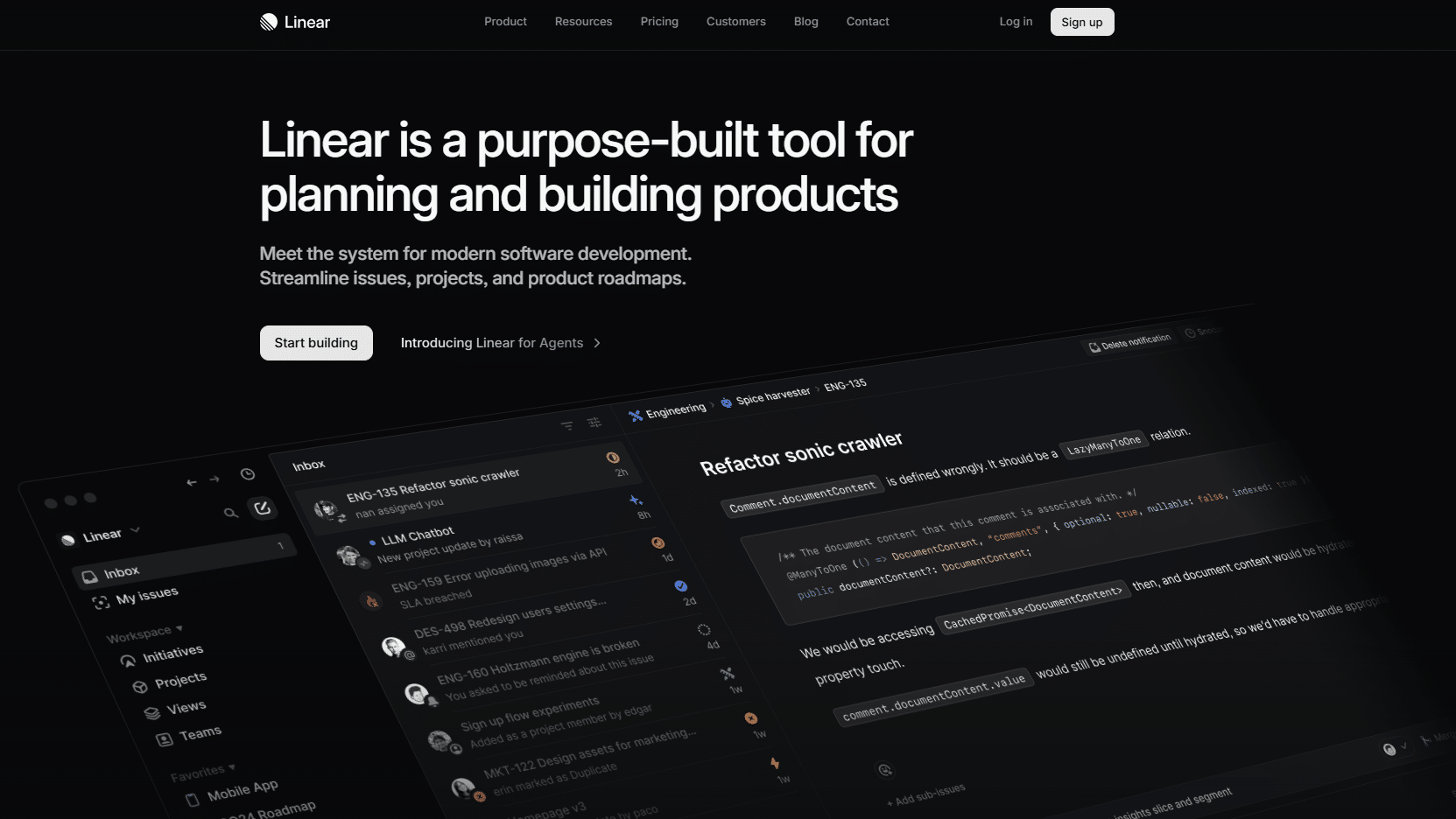
Linear is built around one obsession: speed and fluidity. The interface is streamlined, keyboard shortcuts are everywhere, and load times are virtually instantaneous. It’s the fastest project management tool in this selection, and it really changes the day-to-day experience.
The organization follows a clear product hierarchy: Teams > Projects > Cycles (sprints) > Issues (tasks). Issue management is highly granular, with priorities, estimates, labels, assignments, customizable statuses, and relationships between tickets (blocked by, linked to, duplicate).
Linear's distinctive features:
Cycles: the equivalent of agile sprints, with automatic planning, velocity, and burn-down charts.
Roadmap: A strategic overview of current and upcoming projects, ideal for presentations to investors or stakeholders.
Linear Ask: a Slack integration that lets you create issues directly from a Slack message and track their status without leaving the app.
Git Integration: Native integration with GitHub, GitLab, and Bitbucket to link commits and pull requests to issues.
Linear AI: automatic generation of issue titles and project summaries; identification of recurring issues.
Linear's API is widely regarded as one of the best in its class, making it a tool that can be easily integrated into automated workflows.
Pricing:
Free Plan: up to 250 issues, basic features.
Basic Plan: approximately €8 per user per month, with unlimited issues, cycles, and projects.
Business Plan: approximately €14 per user per month, advanced roadmap, analytics, guest management.
Enterprise Plan: based on a quote, SSO, audit log, SLA.
👥 Who is Linear for?
👩💻 For development teams:
Linear is in a league of its own. Its deep integration with Git tools, sprint management, and high-quality API make it the natural choice for tech teams looking for a tool tailored to their way of working—without the bloat of Jira.
🚀 For early-stage startups with a technical team:
Linear lets you structure product development from the start using best practices (sprints, backlogs, roadmaps) without investing in a complex tool. Its pricing is among the most affordable in this selection.
📱 For product teams that want a strong link between strategy and execution:
Linear's Roadmap allows you to visually link long-term goals to ongoing development cycles—a connection that is often missing in other tools.
✅ What works well:
The speed and fluidity are unmatched. The Git integration is the best on the market in this segment. The pricing is competitive. And the Linear team releases regular updates while truly listening to the community.
👎 Drawbacks to be aware of:
Linear isn’t for everyone. If your team isn’t tech-savvy, the tool may seem too “developer-oriented,” and certain concepts (cycles, issues, triage) can be confusing. Document management is basic. And for cross-functional projects involving non-technical teams (marketing, HR, sales), Linear shows its limitations.
Benefit from a on Linear.
3 months free
Find our best discount with Linear and save on your software subscriptions. We offer over 850 promo codes and discounts on the best software and SaaS on the market.
FAQ: Your Questions About Project Management Software. 💬
Before you get started, here are the most common questions teams ask when choosing a tool.
1️⃣ Does a freelancer really need project management software?
The answer depends on the number of projects and the complexity of the tasks. If you have fewer than 3 or 4 active projects at the same time with few interdependencies, a simple task manager like Todoist may be enough. But as soon as you’re juggling multiple clients, delegating work to subcontractors, or needing to share regular progress updates with clients, a structured tool becomes a real time-saver. Notion and ClickUp are particularly popular in the freelance community for their flexibility and generous free plans.
2️⃣ What is the difference between project management software and a CRM?
These are two complementary but distinct tools. A CRM (Customer Relationship Management) system manages customer relationships: contacts, sales opportunities, and communication histories. Project management software manages execution: tasks, deadlines, resources, and progress. Some tools, such as Monday.com, offer integrated CRM modules, but for serious sales management, a dedicated CRM like HubSpot or Pipedrive remains the better choice.
3️⃣ Is it better to pay annually or monthly?
Most providers offer discounts of 15% to 40% on annual subscriptions. If you’re confident in your choice after a thorough one-month trial, the annual commitment is often worth it. However, to avoid getting stuck with a tool that ultimately doesn’t suit your team, start with the monthly plan. The free plans from ClickUp, Asana, and Notion already let you thoroughly test the software before making any commitment.
4️⃣ How can you convince your team to adopt a new project management tool?
That’s often the real challenge. Here are a few principles that work: involve one representative per team in choosing the tool (someone who becomes the internal ambassador), start with a pilot project before migrating the entire workflow, and choose a tool that’s quick to learn. Monday.com and Asana are often cited for their ease of adoption. Avoid migrating during peak periods.
5️⃣ Can external clients be managed on these platforms?
Yes, all the tools in this selection allow you to invite external collaborators (clients, vendors, partners) with limited access. Asana and Monday.com are particularly well-suited for this use case, with dedicated “guest” views that show only what’s necessary. Notion also makes it very easy to share read-only spaces, which is handy for project reports or shared briefs.
6️⃣ What’s the best alternative to Jira for a startup?
Jira is powerful but is often perceived as too complex for small organizations. Linear has been the most frequently cited solution in the tech ecosystem in recent years: it offers the same depth of issue and sprint management, but with a much more intuitive interface and pricing tailored to small teams. For less tech-savvy teams, ClickUp or Asana are good, versatile alternatives.
7️⃣ Do these tools work well on mobile devices?
Overall, yes—they all offer functional iOS and Android apps. Asana and Monday.com have particularly well-rated mobile apps. ClickUp and Linear have made progress in this area in recent years but are still more user-friendly on desktop for advanced use cases. Notion on mobile is adequate for viewing and editing pages, but not well-suited for creating complex databases from a smartphone.
8️⃣ Should you choose a single tool for the entire company?
Ideally, yes, to avoid information fragmentation and duplicate management efforts. But in practice, it’s not uncommon to see two tools coexisting within the same organization: for example, Linear for the tech team and Notion for documentation and non-technical teams. What matters is clearly defining where each piece of information belongs, so you don’t end up with conflicting updates in two different places.