







Tidio vs Intercom: Features, differences, and use cases
This article is not intended to identify a "best" tool in absolute terms. The goal is to give you enough…
Read more


Launching a SaaS startup on your own is an adventure that’s attracting more and more entrepreneurs. No VCs to convince, no co-founders to manage, no HR processes to build from day one. Just you, an idea, and the ability to execute quickly. This is precisely the model now referred to as a SaaS solopreneur orindie hacker, and it has been growing in popularity over the past few years.
According to a Stripe study published in 2023, more than 60% of new digital projects start with fewer than three people. It’s no coincidence that dozens of SaaS companies generating between €10,000 and €100,000 in MRR (monthly recurring revenue) are now the work of a single person. Technology has radically changed the game: where it used to take a full team to build, deploy, and market a product, a well-equipped solopreneur can now cover the entire value chain.
But here’s the catch: choosing the wrong tools from the start can be costly-not just in terms of money, but also in terms of time wasted on migration, data lost during transitions, and energy wasted on learning interfaces that didn’t really meet your needs.
This article does not claim to be an exhaustive list of everything available on the market. It is the actual, tested, and consistent operational stack of someone launching a SaaS startup on their own in 2025: from product creation to billing, including customer acquisition, support, and analytics.


Bubble has become an must-have tool must-have non-developer solopreneurs (and even for developers who want to get things done quickly). The idea is simple: build full-featured web applications using a visual interface, complete with an integrated database, user management, automated workflows, and advanced business logic.
For a solopreneur launching their first SaaS product, Bubble is often the best balance between speed of development and functional robustness.
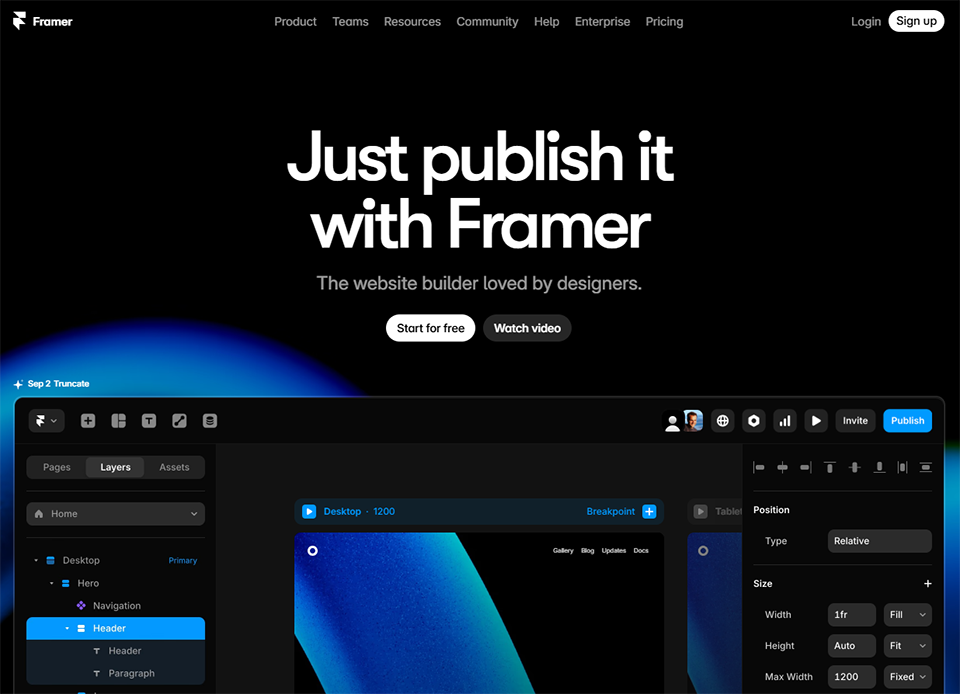

Framer is the tool you use when you want a landing page or a portfolio site that really stands out, without spending hours in Webflow or WordPress. The editor is smooth, the animations are native, and the final result far surpasses what most generic templates can produce.
Framer is particularly powerful for the initial versions of a SaaS site, where the goal is to validate that the product resonates with users before investing in a more robust infrastructure.
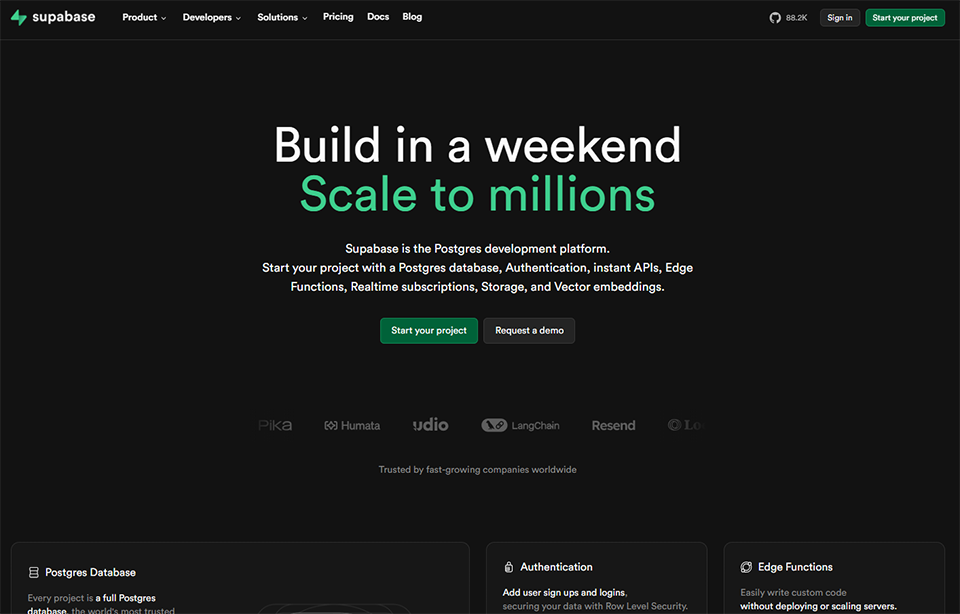
For solo developers, Supabase has become the go-to alternative to Firebase. It offers a managed PostgreSQL database, out-of-the-box authentication, automatically generated REST and GraphQL APIs, and native real-time capabilities.
Supabase is particularly well-suited for B2B SaaS applications, where PostgreSQL’s flexibility offers a real advantage over more rigid NoSQL databases.


If you're developing with Next.js, React, or just about any modern JavaScript framework, Vercel is the go-to hosting provider. Deployment from GitHub takes just a few seconds, every pull request generates a preview environment, and performance is optimized out of the box.
For most SaaS companies in the launch phase, the Hobby or Pro plan is more than enough.

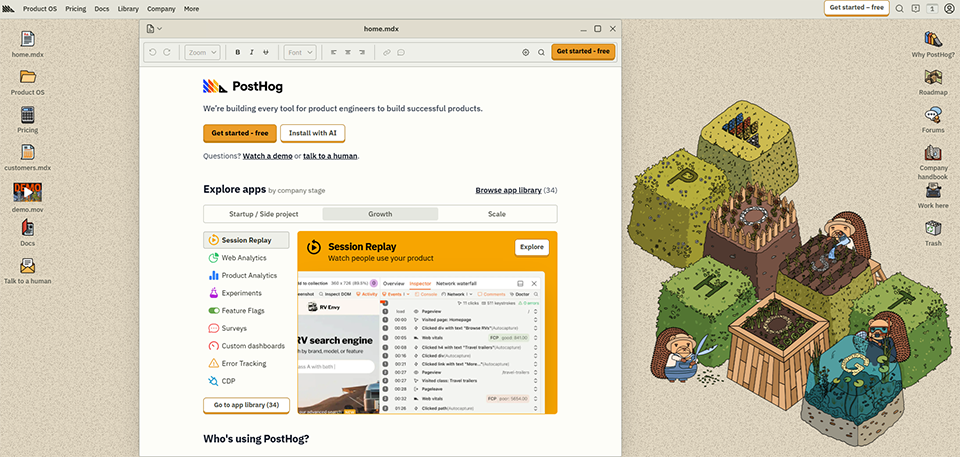
PostHog combines into a single tool what would normally require Mixpanel + Hotjar + LaunchDarkly + a session replay solution. For a solopreneur, this is a huge advantage: one integration, one interface, one invoice.
It’s one of the few solutions on the market to offer such a generous free plan for such a comprehensive tool. It’s ideal for understanding how your early users actually interact with your product.

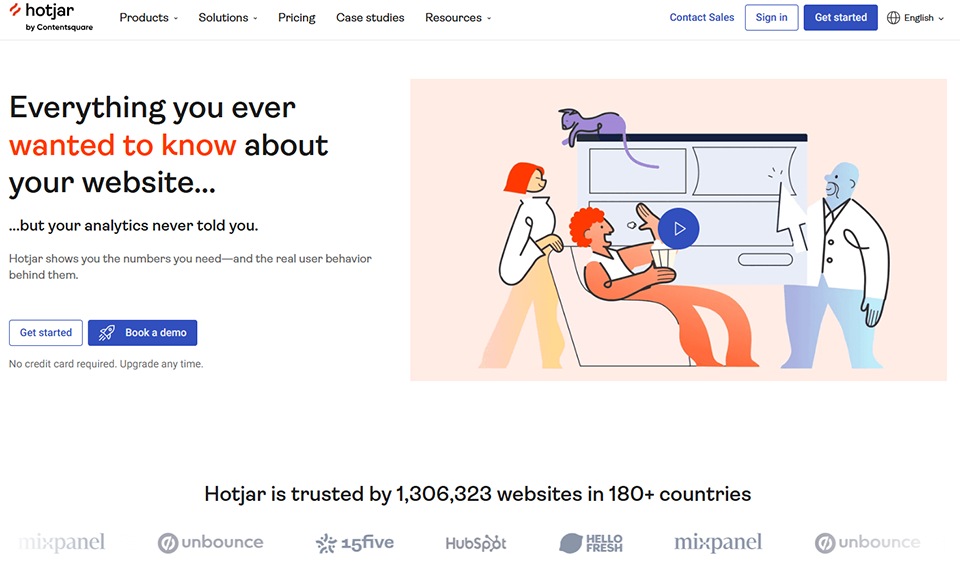

Hotjar helps you understand visitor behavior on your website or in your app through heatmaps, session recordings, and pop-up surveys. It’s a valuable complement to an event-based analytics solution.
For the launch phase, the free or Plus plan is usually sufficient to identify the initial UX pain points.


Brevo (formerly Sendinblue) has become a go-to solution for entrepreneurs who want to take email marketing seriously without paying HubSpot's price tag. It covers standard email campaigns, automated sequences, SMS, live chat, and a basic CRM.
For early-stage SaaS companies, Brevo often offers the best value for money on the market when it comes to email.


If your SaaS targets professionals, lemlist is the most popular cold outreach tool in France. It lets you send highly personalized email sequences (with dynamic variables, custom images, and LinkedIn integration) to reach out to prospects without sounding robotic.
When it comes to finding your first 50 to 100 B2B customers, Lemlist is often much more effective than traditional marketing automation solutions.

For a solopreneur looking to drive organic traffic without spending 10 hours a week on SEO, Mangools is an excellent alternative to SEMrush or Ahrefs. The interface is user-friendly, it includes all the essential features, and the price is significantly more affordable.
The learning curve is much more accessible than that of the competition.

Stripe is the payment infrastructure used by virtually all modern SaaS companies. Its documentation is exemplary, its integration is seamless, and its capabilities go far beyond simple payment processing: subscription management, automated billing, free trial management, a self-service customer portal, and even tax tools for VAT compliance.
It’s one of the few tools on this list whose cost is directly tied to your income, which is ideal for a startup phase when revenue is still low.
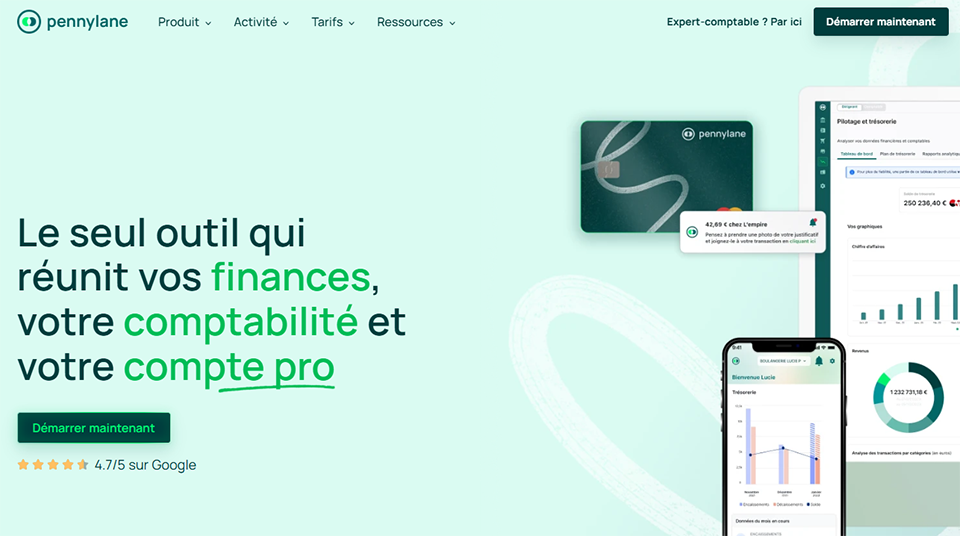
Pennylane is the most comprehensive accounting and invoicing solution for French solopreneurs and small businesses. It syncs with your bank, generates your invoices, tracks your cash flow in real time, and can be connected directly to your accountant if you have one.
To round out the financial side of things, Qonto remains the go-to choice for business bank accounts among French startups and freelancers, and integrates natively with Pennylane.
HubSpot offers a free version of its CRM, which is, objectively speaking, one of the best options on the market for a solopreneur in the traction phase. Contact management, sales pipeline, tracked emails, email sequences, and meeting bookings: all of these features are available without spending a single euro upfront.
For the first 50 to 100 customers of a SaaS platform, the free version of HubSpot is more than enough. If you're looking for an alternative that's more sales-focused, Pipedrive is also a strong option.
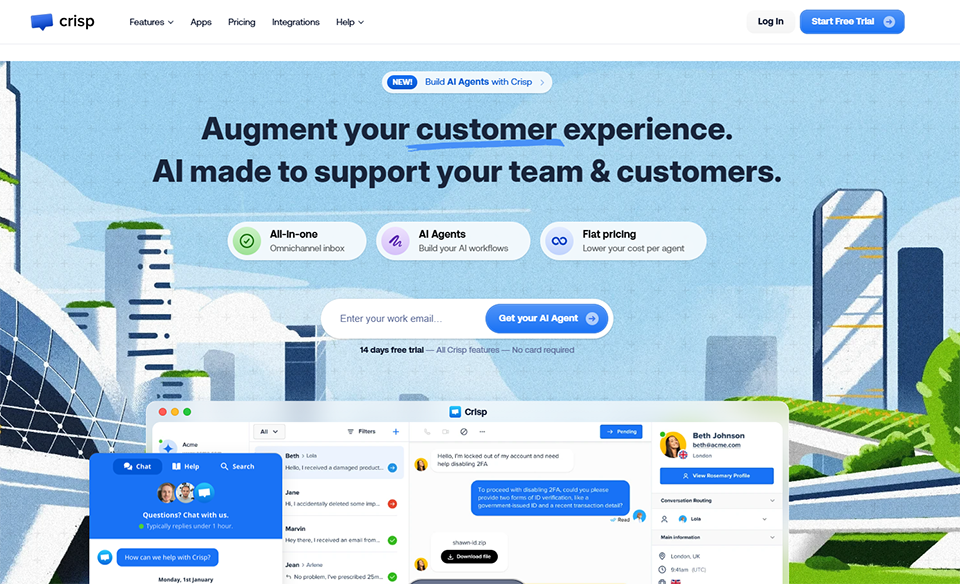
Crisp is the most widely used chat and customer support solution among early-stage startups in Europe. It allows you to embed a chat widget on your website, manage conversations from a unified inbox, and automate responses to frequently asked questions using chatbots.
Crisp is often the first support tool that solo founders set up, precisely because it allows them to stay in close contact with users even when resources are limited.

Make (formerly Integromat) is the go-to automation platform for many solopreneurs. Its visual "scenario" interface is more intuitive than Zapier for complex workflows, and its pricing is generally more cost-effective as the volume of operations increases.
For more technical use cases or for solopreneurs looking for a self-hosted solution, n8n is a powerful open-source alternative worth exploring.

Notion has become the go-to workspace for nearly all indie hackers and solopreneurs. More than just a notepad, it lets you structure your product roadmap, document your code and processes, manage your backlog, and even create public pages for your changelog.
For solopreneurs, the Free or Plus plan covers most operational needs.
For tasks that are more focused on team-based project management or for more structured sprint tracking, Linear is a very clean alternative that is particularly popular among developers.
The prices listed are for the plans most commonly used by solopreneurs in the launch phase. These prices are subject to change; we encourage you to check them directly on the official websites.
| Tool | Category | Departure plan | Recommended startup plan | Available for free |
|---|---|---|---|---|
| Bubble | No-code / Dev | Free | Starter ($29/month) | ✅ |
| Framer | Marketing website | Free | Basic ($15/month) | ✅ |
| Supabase | Database | Free | Pro ($25/month) | ✅ |
| Vercel | Accommodation | Free | Pro ($20/month) | ✅ |
| PostHog | Product Analytics | Free | Usage-based | ✅ |
| Hotjar | UX / Heatmaps | Basic (Free) | Plus ($39/month) | ✅ |
| Brevo | Email marketing | Free | Starter (~$9/month) | ✅ |
| Lemlist | Cold outreach | 59 $/month | Email Outreach | ❌ |
| Mangools | SEO | 29,90 $/month | Basic | ❌ |
| Stripe | Payments | % per transaction | Standard | ✅ |
| Pennylane | Accounting | 39 €/month | Essential | ❌ |
| HubSpot | CRM | Free | Free (then Starter) | ✅ |
| Crisp Chat | Customer Support | Free | Pro (€25/month) | ✅ |
| Make | Automation | Free | Core ($10.59/month) | ✅ |
| Notion | Workspace | Free | Plus ($10/month) | ✅ |
Depending on your background and stage of development, the most important tools will vary. Here’s how to build your ideal tech stack.
If you know how to code, your tech stack will naturally differ from that of a non-developer. You probably don’t need Bubble, but Supabase and Vercel will become your best allies. Add PostHog from day one so you don’t start out in the dark, Stripe for monetization, and Crisp to stay connected with your early users.
The key here is not to over-engineer things at the outset. Many developers spend weeks choosing their tech stack instead of verifying that anyone is willing to pay for their product.
Bubble and Framer make a powerful combination for building and launching a fully functional product in just a few weeks. Brevo handles your onboarding emails, HubSpot manages your initial sales outreach, and Make automates repetitive tasks. You can launch a fully functional, revenue-generating product without writing a single line of code.
Your strength lies in your ability to attract customers. Focus on Framer for your landing page, Brevo for your email list, Lemlist for your B2B outreach, and Mangools to identify the keywords you’re ranking for. PostHog will then tell you whether visitors are converting as you’d hoped.
Once you start generating your first recurring revenue, you’ll need to monitor your product more closely: Hotjar for UX, PostHog for conversion funnels, Pennylane for cash flow management, and HubSpot (paid version) for structuring your sales pipeline.
An honest look at the strengths and limitations of each tool, so you can make the right choice without any unpleasant surprises.
✅ Quick setup, advanced features without needing a developer, and a very active community.
👎 Limited performance at high volumes, platform dependency, and a steep learning curve for complex logic.
✅ Professional-quality design, quick to set up, SEO-friendly.
👎 Less suitable for sites with a large number of pages; limited CMS features on lower-tier plans.
✅ Open-source, full-featured PostgreSQL, generous free version, rapidly growing community.
👎 Requires some technical knowledge; some features are still in beta.
✅ Deployment in 30 seconds, automatic previews, exceptional performance.
👎 Can become expensive under heavy traffic; primarily optimized for JavaScript frameworks.
✅ All-in-one, open-source, offers plenty of free features, and can be self-hosted.
👎 The interface can sometimes be complicated for beginners in analytics.
✅ Intuitive visualization, quick to set up, and highly actionable UX insights.
👎 The free plan is very limited and may slightly affect loading performance.
✅ Excellent value for money, unlimited contacts from the start, including transactional features.
👎 Automation is less powerful than HubSpot or ActiveCampaign on the lower-tier plans.
✅ Advanced personalization, built-in warm-up, effective multichannel approach.
👎 No free plan; there's a learning curve for complex sequences.
✅ Simple interface, good value for money, sufficient for most solo entrepreneurs.
👎 Less comprehensive backlink database than Ahrefs or SEMrush.
✅ Impeccable documentation, an all-in-one payment solution, trusted worldwide.
👎 Costs can add up with subscription plans that have low MRR, and customer support can sometimes be slow.
✅ Modern interface, seamless bank synchronization, tailored to French organizations.
👎 A bit pricey for solopreneurs with few transactions.
✅ A comprehensive, free CRM with numerous integrations and scalability.
👎 Paid plans are expensive, and there is a risk of becoming dependent on the ecosystem.
✅ Free, fully functional plan with a user-friendly interface and a chatbot included.
👎 Advanced features are limited to paid plans; less powerful than Intercom at scale.
✅ Highly visual, advanced logic, competitive pricing.
👎 Can become complex in very long scenarios; debugging can sometimes be tedious.
✅ Total flexibility, free for solo entrepreneurs, ideal for documentation.
👎 Can quickly become disorganized without proper organization; not designed for intensive agile project management.
Answers to the most frequently asked questions to help you avoid common mistakes and confidently move toward your first euro in MRR.
By using the free plans available (PostHog, HubSpot, Crisp, Notion, Brevo, Supabase, Vercel, and Bubble-currently in testing), you can keep your tech stack under $50/month for the first few months. Once you have your first recurring revenue streams in place, a budget of $200 to $400/month will unlock most of the paid features that accelerate growth.
If you know how to code, coding offers more flexibility in the long run and greater control over performance. But if your goal is to quickly validate a market, Bubble often lets you build a revenue-generating MVP 3 to 5 times faster. Many tech founders choose Bubble for their MVP and then rewrite the code themselves once they’ve validated product-market fit.
This is an issue that is often overlooked during the launch phase. Tools like PostHog offer self-hosting options that simplify compliance. Brevo, Crisp, and Stripe are GDPR-compliant providers with data processing agreements (DPAs) available. For your privacy policy and legal notices, dedicated compliance solutions are available on Freelance Stack the Compliance & GDPR category.
No, technically you can start as a sole proprietorship. But as soon as your revenue reaches a significant level (around €3,000 to €5,000 in MRR), it often makes sense to set up a more suitable legal structure (such as an SASU or SAS). Stripe Atlas also lets you set up a Delaware C-Corp directly online if you’re targeting an international market.
These are two distinct approaches. Email marketing (Brevo, Mailchimp) targets people who have agreed to hear from you, typically by signing up. Cold outreach (Lemlist, Woodpecker) targets prospects who don’t know you yet. Both have a place in an acquisition strategy, but they don’t use the same lists or follow the same legal guidelines.
Make is generally more cost-effective and more powerful for complex workflows involving conditional logic. Zapier is easier to get started with for basic automations and offers a slightly wider range of integrations. For a solopreneur with some technical curiosity, Make is almost always the better choice.
Several combinations are particularly effective: Framer + Brevo for the website and email marketing, Supabase + Vercel for the backend and deployment, HubSpot + Lemlist for CRM and outreach, and PostHog + Hotjar for product analytics and UX. And Make can serve as the glue that ties most of them together.
Launching a SaaS startup on your own has never been more technically accessible. The real challenge today is no longer access to tools, but the ability to choose the right ones, avoid spreading yourself too thin, and stay focused on what really matters in the first few weeks: understanding your market, building what people actually want, and bringing in your first revenue.
The tools featured here were selected because they are accessible from the start (often free), scalable as your business grows, and recognized by the startup community. You’ll find promo codes and discounts for all of these solutions at Freelance Stack, the SaaS deals platform for entrepreneurs and freelancers.


