






A Comprehensive Comparison of No-Code Video Editing Tools
In this guide, we review six leading no-code solutions: Descript, Veed.io, InVideo AI, Pictory, OpusClip, and Lumen5.…
Read more

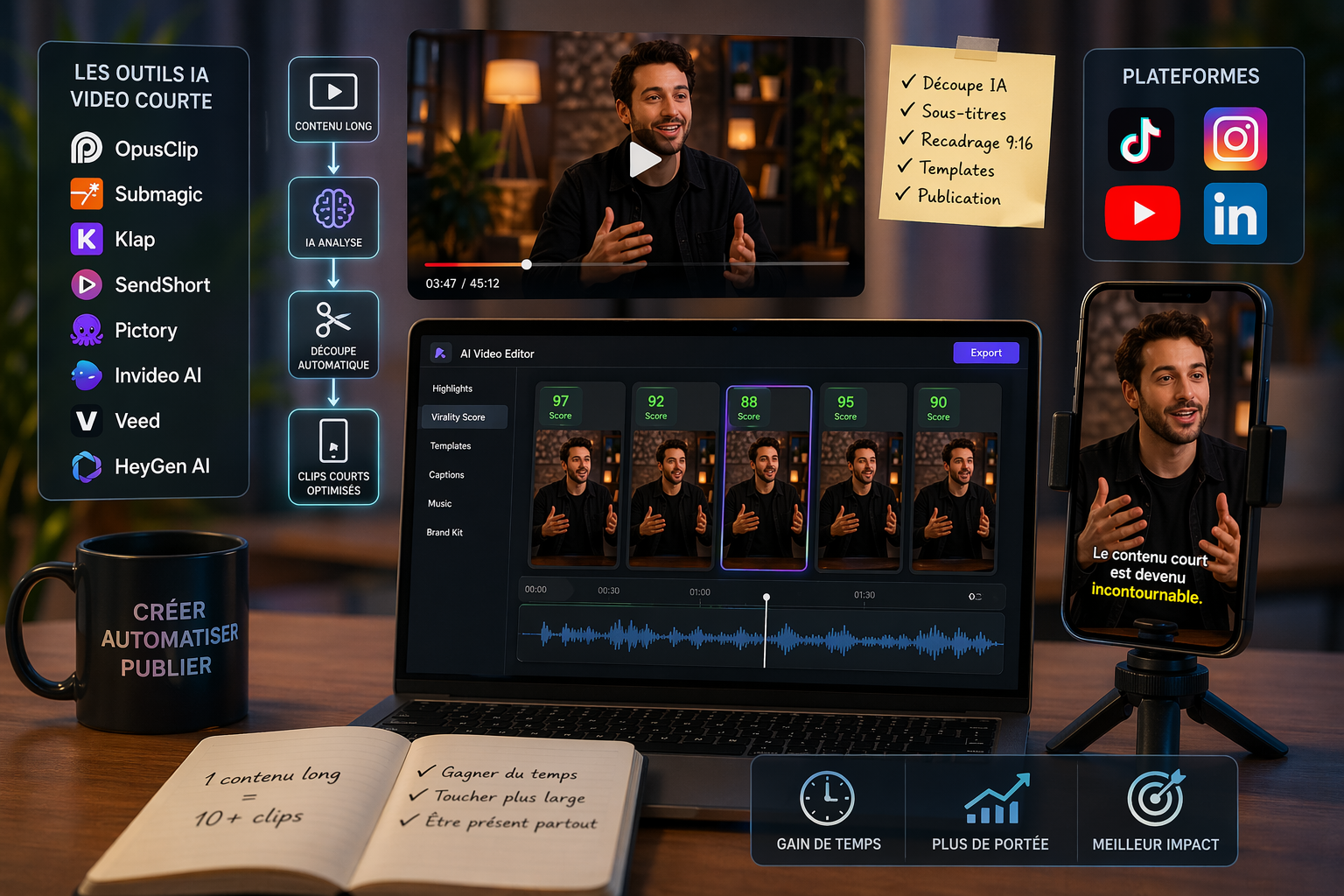
Just a few years ago, posting short videos on a regular basis was a privilege reserved for teams with a studio, an editor, and a well-oiled production pipeline. Today, the landscape has changed dramatically.
TikTok has reached over one billion active users. YouTube Shorts now generates 70 billion views per day. And Instagram Reels is the feature that drives the most engagement on the platform. This is no coincidence: the algorithm for each of these platforms heavily favors this format. A 60-second vertical video can reach an audience 10 to 50 times larger than a standard post—at no cost.
The real challenge for a freelancer, a startup, or an SME that doesn't have a dedicated team is no longer deciding whether to produce this type of content. It's figuring out how to do it in a sustainable way, without spending all day on it.
This is exactly what several software programs specializing in AI-assisted short-form video production are capable of today. Some convert long-form content into multiple clips ready for publication. Others generate entire videos from a simple text. Still others handle automatic subtitling, cropping, and transitions.
In this article, we review the most robust solutions on the market for which Freelance Stack negotiated discount : OpusClip, Submagic, Pictory, Invideo AI, Veed, HeyGen AI, Klap, and SendShort. Each has its own approach, strengths, and ideal user profile.

OpusClip has established itself as the must-have tool must-have the "video repurposing" category. The concept is simple: you upload a long video (interview, podcast, webinar, or live stream replay), and the AI analyzes the content to automatically extract the most engaging segments. In just a few minutes, you get several clips optimized for TikTok, Reels, or Shorts, complete with embedded captions, transitions, and an estimated engagement score.
What sets OpusClip apart from its competitors is the quality of its semantic layer: the AI doesn’t split clips randomly; it identifies moments with high narrative value (powerful questions, short and incisive answers, moments of humor or emotion). The result is often surprisingly relevant.
OpusClip offers a free plan limited to 60 minutes of video per month. Paid plans start at around $15/month (Starter) for 150 minutes, up to $29/month (Pro) for more intensive use with access to all advanced features. Teams options are available for teams.
The prices listed are for reference only; please be sure to check the current rates directly on the OpusClip website.
If you produce video podcasts, interviews, or training videos, OpusClip is the fastest way to effortlessly repurpose that content into short clips. A 1-hour session can generate 8 to 12 usable clips.
Posting to TikTok, Reels, and Shorts at the same time from a single source: that’s the typical use case. OpusClip automates this multi-channel duplication, which—without a tool—easily takes 2 to 3 hours of work per week.
To make the most of founder interviews, customer testimonials, or product webinars, OpusClip offers a quick distribution solution without the need for an editor.
✅ High-quality selection of excerpts (among the best on the market).
✅ Very user-friendly interface; you can get the hang of it in less than an hour.
✅ Significant time savings on repurposing workflows.
✅ Built-in direct publishing.
⚠️ Mixed results for content that doesn't involve much "talking" (screen tutorials, highly technical content).
⚠️ The virality score is indicative, not a guarantee.
⚠️ Clips sometimes require manual editing to fine-tune the timing.


Submagic is based on a very concrete observation: 85% of videos on mobile devices are watched with the sound off. If your videos aren’t subtitled, you’re losing the majority of your potential audience. The tool was built around this reality to become the gold standard in premium automatic subtitling for creators of short-form content.
Where general-purpose tools are limited to white text on a black background, Submagic offers a system of animated, colorful templates that highlight keywords, feature automatically generated contextual emojis, and provide extensive customization options. The visual result is similar to what you see from creators with large followings.
Submagic offers a free plan that allows you to export a few videos with a watermark. Paid plans start at about $20/month (Basic) for unlimited watermark-free exports, up to $40/month for advanced features and multi-account management.
The prices listed are for reference only; please check the current rates directly on the Submagic website.
If you post tips, analyses, or on-camera testimonials, Submagic lets you turn raw video into a ready-to-post video in 5 minutes instead of 30.
The level of visual customization is high enough to produce content that looks like the work of a motion designer, without any technical skills.
To manage multiple accounts and formats (TikTok, Reels, and Shorts simultaneously), Submagic offers a fast, repeatable workflow.
✅ Visual quality that really sets it apart from free tools.
✅ Excellent transcription accuracy, including in French.
✅ Removing pauses is a very useful way to make speech flow more smoothly.
✅ Intuitive interface, virtually no learning curve.
⚠️ Focused on formatting: does not generate videos or split up long content.
⚠️ The music library remains limited compared to dedicated tools like Artlist.
⚠️ The trendiest templates change quickly, so you need to stay on top of updates.
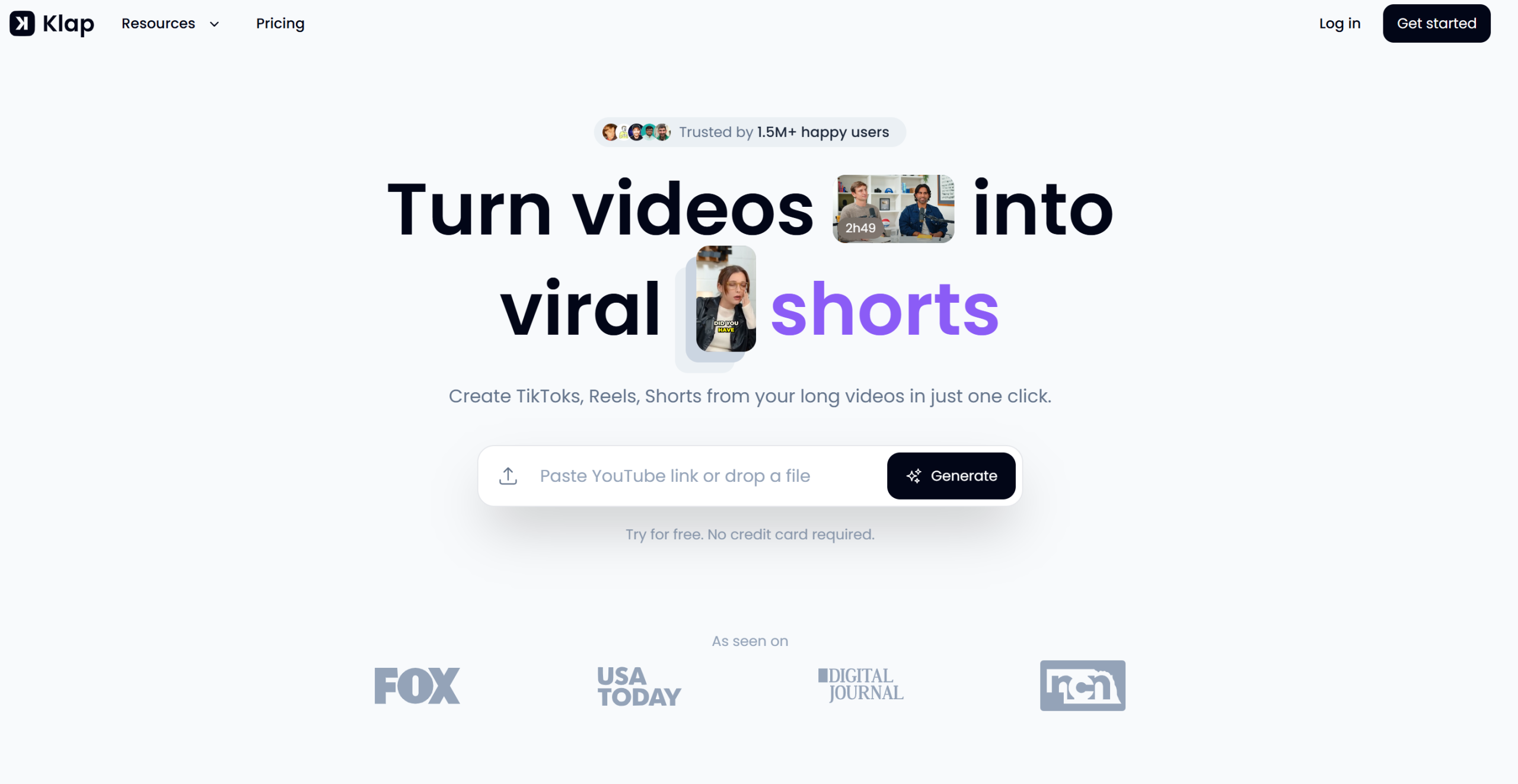
Klap was developed as a solution specifically tailored to the French and European markets in the video repurposing category. The tool automatically converts long videos (from YouTube or direct uploads) into short clips, with a particular focus on the quality of French subtitles.
Another thing that sets Klap apart is its streamlined interface and fast processing speed, which are appreciated by users who want to get straight to the point without having to navigate a complex interface.
Klap offers a free trial , followed by plans starting at around $29/month for standard use. Agency plans are available for higher volumes.
The prices listed are for reference only; be sure to check the current rates directly on the Klap website.
The French transcription is often better on Klap than on some competitors designed for English. For regional accents or content with a lot of spoken dialogue, this is a real advantage.
The multi-project dashboard and fast processing speed make it a tool well-suited for users who handle large volumes of work.
✅ The quality of the French subtitles is very competitive.
✅ Easy to use.
✅ Good value for the European market.
⚠️ Fewer advanced features than OpusClip.
⚠️ The community and educational resources are still under development.
⚠️ Less extensive visual customization.



SendShort positions itself as an integrated platform that covers the entire short-form video creation pipeline: from editing to scheduled publishing, including subtitling and media insertion. Its approach is more of a "complete workflow" than that of single-function tools.
What makes SendShort interesting is its automated scheduling and publishing capabilities. It's not just about creating clips—it's about distributing them to the right platforms at the right time, all from a single location.
SendShort offers a free plan with basic features. Paid plans start at around $19/month for individual creators, with more comprehensive options available for teams.
The prices listed are for reference only; be sure to check the current rates directly on the SendShort website.
Instead of juggling a clipping tool, a subtitling tool, and a scheduling tool like Buffer or Publer, SendShort offers a single place to manage everything.
Automatic scheduling eliminates the need to log in manually to each platform.
✅ End-to-end pipeline from production to publication.
✅ Significant time savings in cross-platform management.
✅ An interface that can be used without prior training.
⚠️ The depth of its editing features falls short of that of a specialized tool.
⚠️ The quality of the AI cut is decent, though not as precise as OpusClip.
⚠️ Performance analysis is still basic.


Pictory takes a different approach than the previous tools. Rather than working from an existing video, it generates video from text. You paste in an article, a script, or a summary, and the AI automatically puts together a video using stock images, synthetic voiceovers, animated text, and background music.
This is particularly relevant for editorial content, newsletter summaries, or top lists, which lend themselves naturally to the "text-to-video" format.
Pictory plans start at about $19/month (Starter) for 30 videos per month, with a Standard plan at $39/month for 60 videos and additional features. A free trial is available.
The prices listed are for reference only; be sure to check the current rates directly on the Pictory website.
If you already write articles, newsletters, or LinkedIn posts, Pictory lets you repurpose that content into videos without having to film yourself or do any editing.
Whether you want to explain a concept in simple terms, present a use case, or summarize industry news, Pictory offers impressive production speed.
To deliver videos to clients as a complement to the editorial strategy, without having to outsource to a videographer.
✅ A truly unique "text-to-video" approach.
✅ Access to premium stock libraries on higher-tier plans.
✅ Good balance between creation and repurposing.
✅ AI voices of increasing quality.
⚠️ Videos generated from text sometimes lack visual personality.
⚠️ Automatic image selection may be generic.
⚠️ Less suitable if you want to feature yourself personally.
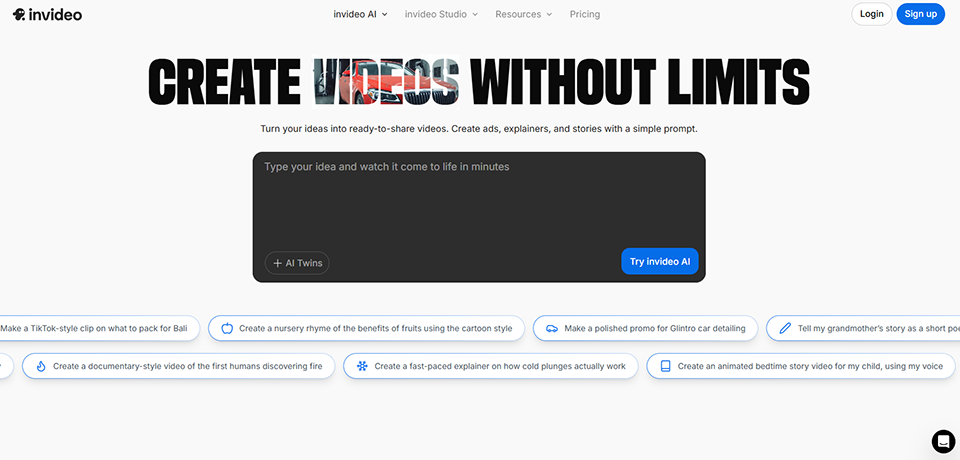

Invideo AI is probably the most“AI-native” tool in this selection. Its main interface is a text field: you describe the video you want, and the system generates the script, selects the visuals, adds the voice-over, adds music, and puts it all together. You can then refine the results using natural language instructions.
For short videos such as "product presentations," "quick tutorials," or "educational content," Invideo AI virtually eliminates the production phase.
Invideo AI offers a free plan with limited export options and a watermark. Paid plans start at $20/month (Plus) for 50 videos and $48/month (Max) for more intensive use, with access to voice cloning and premium exports.
The prices listed are for reference only; be sure to check the current rates directly on the Invideo AI website.
Invideo AI lets you create engaging video content without ever having to film yourself, using stock footage and an AI voiceover.
Before investing time in a full-scale production, generating an AI-generated version allows you to validate the editorial angle.
Showcase a product, explain a feature, or break down a concept in a video without waiting for a production budget.
✅ Impressively fast generation speed.
✅ No technical skills required.
✅ High flexibility for customization using prompts.
✅ Extensive media library.
⚠️ The presentation may seem "generic" to discerning viewers.
⚠️ Less suitable for videos with a strong personal element or for personal branding.
⚠️ Quality varies depending on the accuracy of the prompt provided.
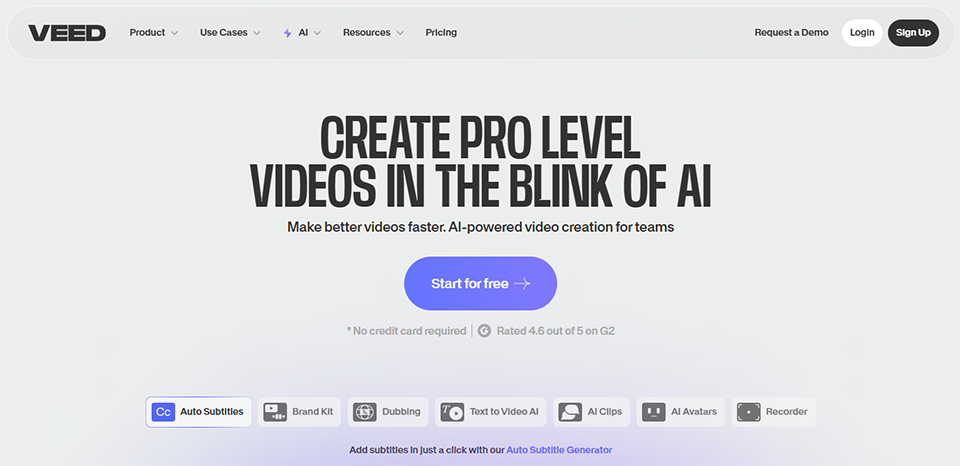

Veed is an online video editing tool that has gradually been enhanced with AI features to become a very comprehensive solution. Unlike single-purpose tools, Veed offers automatic subtitling, cropping, standard editing, background removal, screen recording, and video compression.
It's the perfect tool for those who want a single solution rather than a bunch of subscriptions.
Veed offers a fully functional free plan with a watermark and certain limitations. Paid plans start at $18/month (Basic) for individual creators, with a Pro plan at $30/month and Business plans for teams.
The prices listed are for reference only; be sure to check the current rates directly on the Veed website.
If subtitling, basic editing, cropping, and screen recording are part of your daily routine, Veed brings it all together in one place. Fewer subscriptions, less hassle.
Real-time co-editing is a real plus for small teams working remotely.
The combination of screen recording, automatic subtitles, and translation makes it the tool of choice for tutorials and educational content aimed at an international audience.
✅ Versatility: Covers a very wide range of needs.
✅ Clear and user-friendly interface, intuitive setup.
✅ Subtitle translation: a major advantage for reaching international audiences.
✅ Well-planned teamwork.
⚠️ Less specialized in AI-powered editing of long videos than OpusClip or Klap.
⚠️ This may be unnecessary for someone who only needs a single feature.
⚠️ Advanced AI features require higher-tier plans.
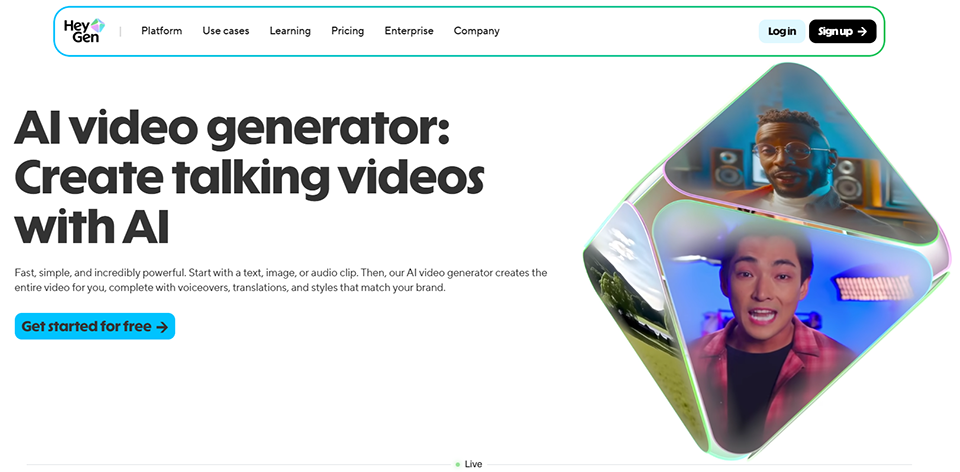
HeyGen is in a category all its own: AI avatar video generators. You create a virtual clone of yourself (or choose from predefined avatars), write a script, and HeyGen generates a video in which the avatar speaks, with lip-syncing and a realistic tone of voice. You can also have your existing videos translated and “redubbed” into another language, while keeping your face and adapting your voice.
It's a tool that fundamentally changes the game for creators who publish in multiple languages or who want to scale up their video presence.
HeyGen offers a free trial (1 minute of video per month). Paid plans start at $29/month (Creator) for 15 minutes of video, up to $89/month (Team) with higher volume limits and collaborative features.
The prices listed are for reference only; be sure to check the current rates directly on the HeyGen AI website.
Instead of filming the same video in English, French, and Spanish, HeyGen translates and dubs it while preserving your brand image. This saves a considerable amount of time for teams operating internationally.
Film once, create your avatar, and then generate content without having to film again.
HeyGen lets you create personalized videos at scale for outbound campaigns or onboarding, serving as a complementary tool to platforms like Loom.
✅ The quality of the multilingual dubbing is among the best on the market.
✅ Significant time savings on multilingual projects.
✅ Highly realistic custom avatar.
✅ Opening the door to "large-scale personalized video" applications.
⚠️ More expensive than the other tools on this list for regular use.
⚠️ Creating an avatar requires a video of sufficient quality.
⚠️ Some very observant viewers notice that it looks synthetic.
Here is a summary to help you choose the tool that best suits your situation.
| Tool | Primary use | Admission price | Ideal for | Key Strength |
|---|---|---|---|---|
| OpusClip | Repurposing Long-Form Video | ~$15/month | Podcasters, consultants | AI Selection Quality |
| Submagic | Stylized subtitles | ~$20/month | Designers in Front of the Camera | Premium Visual Quality |
| Klap | Repurposing, French speakers | ~$29/month | French designers, agencies | French Subtitle Quality |
| SendShort | Complete Workflow | ~$19/month | Solo Entrepreneurs | Production + Publication |
| Pictory | Text to Video | ~$19/month | Writers, bloggers | Text to Video |
| Invideo AI | AI Generation via Prompt | ~$20/month | Startups, no-cam | Speed of generation |
| Veed | Versatile Edition | ~$18/month | Freelancers, teams | Versatility + Translation |
| HeyGen AI | AI Avatar + Voice Acting | ~$29/month | International, Sales | Realistic multilingual |
All prices are for reference only and are subject to change. Please check the current rates directly on the publishers' websites.
Here are a few questions to help you explore this topic further.
No, and that's precisely what makes these programs so great. They're all designed for users without technical training. The AI handles the complex parts (cutting, cropping, and subtitle synchronization), and your main role is to approve or make adjustments. In most cases, a 30-minute to 1-hour learning curve is all it takes to publish your first videos.
This is feasible as long as you have a regular source of content (a podcast, live streams, a blog). For example, a weekly 45-minute podcast can generate 6 to 10 shareable clips over the course of the week via OpusClip or Klap, providing a daily social media presence without any additional production effort. What takes time is mainly the final review and publication, not the creation itself.
Most of them are improving rapidly in French. Submagic and Klap are particularly recommended for French-speaking creators. Veed and HeyGen have also made notable progress. For English or bilingual content, all the tools on this list perform well.
A repurposing tool (OpusClip, Klap, Submagic) works with video footage you’ve already shot. It doesn’t create content; it restructures and optimizes what already exists. An AI generator (Invideo AI, Pictory, HeyGen) creates video from scratch, based on text or a prompt. The two approaches are complementary.
For short videos and repetitive formats (podcast clips, weekly tips, article summaries), yes, to a very large extent. For more complex productions—those with a strong, distinctive visual identity or elaborate creative editing—a human editor remains hard to replace. AI speeds up and automates repetitive tasks; narrative creativity remains a human domain.
It all depends on where you're starting from. If you already have unused long-form video content, start with OpusClip or Klap. If you’re starting from scratch and don’t want to film yourself, Invideo AI or Pictory are the most accessible options. If you need to quickly add captions to on-camera videos, Submagic is the natural choice. In any case, the free trials let you test them out before committing.
Absolutely, and that's often the best approach. A common workflow involves using OpusClip for editing, Submagic to refine the subtitles and visuals, and then a scheduling tool like Buffer or Publer for automated publishing. You can also enhance your videos with royalty-free music from Artlist or visuals from Motion Array.
