What is web application development software, and how do you choose it?
In this article, we review the best software options for building a web app in 2026-from fully no-code platforms to AI-assisted environments-covering their strengths, limitations, and how to choose the one that best suits your needs.
For a long time, building a web application required knowing how to code, managing a server, a database, and back-end logic… in short, an entire team or several years of training. Those days aren’t entirely gone, but the landscape has changed dramatically.
Today, web application development software forms a vast ecosystem that ranges from fully no-code builders to AI-assisted development environments, including hybrid visual tools that allow you to inject code when needed. What these solutions have in common is that they allow you to design, build, and deploy a functional web application without starting from scratch-and often without needing a team of senior developers.
For freelancers, startups, or small and medium-sized businesses, the benefits are clear: reducing development costs, speeding up testing cycles, and validating an idea before investing. And with the explosion of AI-powered tools in 2024–2025, the technical barrier has been lowered even further. Platforms like Lovable or Bolt.new now make it possible to generate a functional application from a simple description in natural language.
This article reviews the best software currently available in this category, highlighting their strengths and limitations, and explains how to choose the one that best suits your needs.
#1 - Bubble: The pioneer of no-code development for complex web applications.
Benefit from our free deal on Bubble.
Up to 20% off on annual plan
Find over 300 free deals as well as over 850 Premium deals right now with Bubble and save on your software subscriptions. Whether you're an entrepreneur, a startup or a solo freelancer, save hundreds of euros thanks to our discounts and promo codes.
Bubble is often cited as the gold standard in no-code web application development. Launched in 2012, it laid the groundwork for a market that has continued to grow ever since. Its core concept is to enable the creation of complete web applications-including databases, business logic, and user interfaces-entirely through a visual interface.
What sets Bubble apart from basic website builders is its ability to handle real application logic: conditional workflows, role and permission management, API calls, and real-time triggered actions. You can use it to build marketplace clones, SaaS platforms, internal tools, and fully functional MVPs.
Key features:
Bubble's visual editor uses drag-and-drop blocks, but its true power lies in the workflow editor: each user interaction can trigger a series of actions that can be configured with a level of precision comparable to what a developer would code by hand. The built-in database allows you to model relational structures without SQL. The plugin system significantly expands the platform's native capabilities.
Pricing:
Free Plan: Free (includes editor, deployment on a Bubble subdomain, limited capacity).
Starter Plan: starting at ~$29/month (custom domain, basic performance).
Growth Plan: starting at ~$119/month (for higher volumes).
Team Plan: starting at ~$349/month (multi-user collaboration).
Production & Enterprise Plan: Custom pricing based on your needs.
Benefit from a on Bubble.
$200 in credits during 3 months
Find our best discount right now with Bubble and save on your software subscriptions. We offer over 850 promo codes and discounts on the best software and SaaS on the market.
#2 - Webflow: The go-to choice for polished web interfaces with content-driven logic.
Webflow occupies a unique position within this ecosystem: halfway between a website builder and a full-fledged application platform. It excels particularly in design and visual experience, offering a level of CSS control that far surpasses what traditional website builders provide.
Webflow's main strength is its visual editor, which adheres to web standards: each element corresponds to actual HTML/CSS code, meaning that the generated code is clean and exportable, and developers can take over at any time. The platform includes a powerful CMS and a native e-commerce system.
Key features:
The design editor is likely the most advanced on the no-code market: typography, animations, interactions, responsive design-everything can be customized with surgical precision. The CMS allows you to manage collections of dynamic content (articles, products, portfolios) without writing a single line of code. Interactions and animations can be edited visually using a built-in timeline editor.
Pricing:
Starter Plan: Free (Webflow subdomain).
Basic Plan: starting at ~$14/month (static website, no CMS).
CMS plan: starting at ~$23/month (dynamic content included).
Business Plan: starting at ~$39/month (high traffic, advanced features).
Enterprise Plan: Pricing available upon request.
Benefit from a on Webflow.
No deals currently available
Find our best discount right now with Webflow and save on your software subscriptions. We offer over 850 promo codes and discounts on the best software and SaaS on the market.
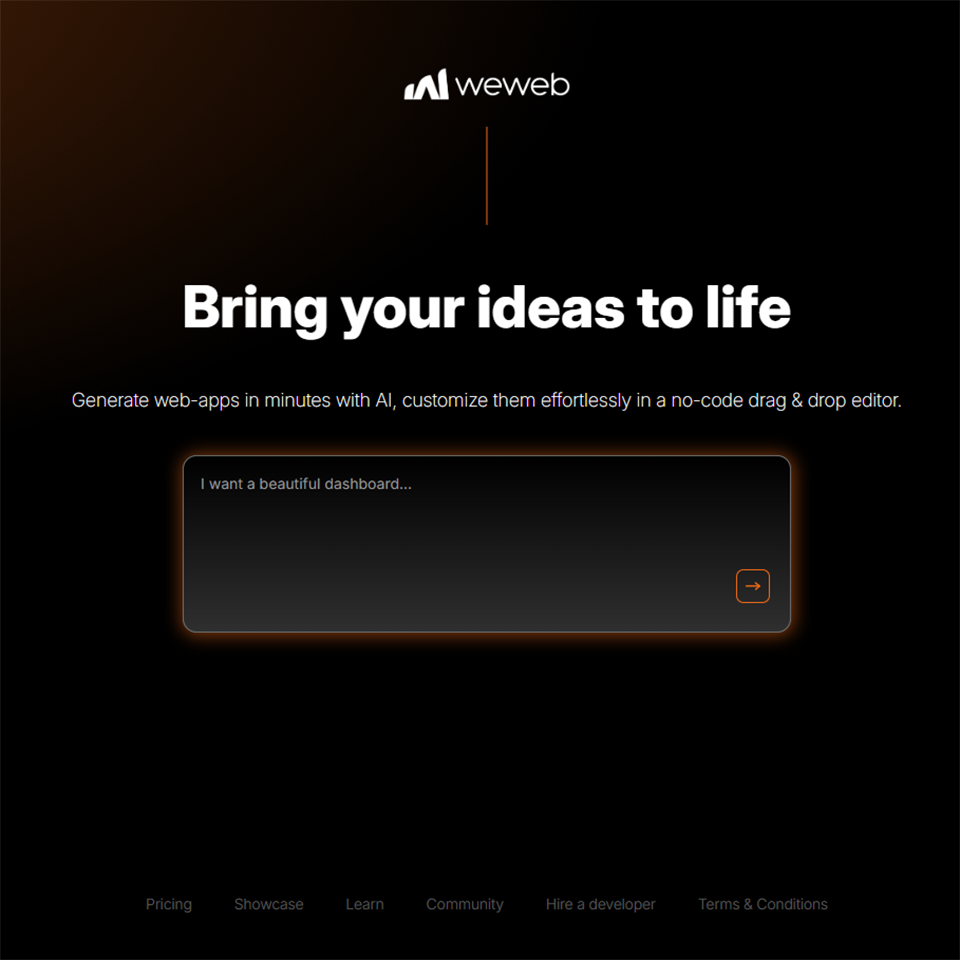
#3 - WeWeb: The no-code front end designed to connect to any back end.
Benefit from our free deal on WeWeb.
Up to 20% off on annual plan
Find over 300 free deals as well as over 850 Premium deals right now with WeWeb and save on your software subscriptions. Whether you're an entrepreneur, a startup or a solo freelancer, save hundreds of euros thanks to our discounts and promo codes.
WeWeb is often less well-known than Bubble or Webflow, but it addresses a very specific need: building sophisticated no-code front-end interfaces while leveraging an external back-end. Whereas Bubble handles everything internally, WeWeb focuses on integration.
WeWeb's philosophy is firmly focused on teams that want to retain control over their tech stack. The interface is built visually, but can connect natively to Supabase, Xano, REST APIs, SQL databases, and many others. This approach is particularly popular among developers who want to speed up front-end development without sacrificing back-end flexibility.
Key features:
WeWeb offers an editor based on reusable components, global state management, and the ability to inject custom JavaScript. Workflows allow you to create advanced conditional logic. The formula system is similar to what you find in Notion or Airtable but applied to a full-fledged application logic. Source code export (HTML/CSS/Vue.js) is available on higher-tier plans.
Pricing:
Free Plan: Free (1 app, limited features).
Basic Plan: starting at ~$49/month (multiple apps).
Professional Plan: starting at ~$149/month (team members and advanced features).
Business & Enterprise Plan: Pricing available upon request.
Benefit from a on WeWeb.
An additional 20% off on any plan
Find our best discount right now with WeWeb and save on your software subscriptions. We offer over 850 promo codes and discounts on the best software and SaaS on the market.
#4 - Xano: The leading no-code backend platform for enterprise-grade applications.
Benefit from our free deal on Xano.
10% off on any plan
Find over 300 free deals as well as over 850 Premium deals right now with Xano and save on your software subscriptions. Whether you're an entrepreneur, a startup or a solo freelancer, save hundreds of euros thanks to our discounts and promo codes.
Xano is to back-end logic what Bubble is to full-fledged applications: the gold standard in its category. It doesn't handle the user interface, but it takes care of everything that happens on the server side: databases, APIs, authentication, and business logic.
Xano is designed to work alongside a no-code front-end platform such as WeWeb, Adalo, or FlutterFlow. It allows you to build REST APIs without writing code, featuring a clear visual interface and performance that rivals that of a back-end developed from scratch.
Key features:
Xano's relational database handles table relationships, complex filters, pagination, and full-text search. The "Function Stack" system allows you to define API endpoints by chaining together logical blocks (conditions, loops, data transformations). Xano also handles user authentication and webhooks, and offers integrations with third-party services via native connectors.
Pricing:
Free Plan: Free (1 workspace, 10,000 records).
Launch Plan: starting at ~$89/month (extended features).
Plan Scale: starting at ~$250/month (enhanced performance).
Enterprise Plan: Pricing available upon request.
Benefit from a on Xano.
An additional 20% off on any plan
Find our best discount right now with Xano and save on your software subscriptions. We offer over 850 promo codes and discounts on the best software and SaaS on the market.
#5 - Retool: The go-to platform for internal tools for tech teams.
Retool is designed for a specific audience: developers and technical teams who need to build functional interfaces quickly, without spending weeks on front-end development. The core concept is simple: connect existing data sources (databases, APIs, SaaS services) and build an interface to interact with them.
Retool isn't a tool for building consumer-facing applications, but rather a platform for creating internal tools: admin panels, operational dashboards, data management interfaces, and customer support tools. It's clearly aimed at companies that already have a technical infrastructure in place and want to leverage it without having to develop numerous custom front-end solutions.
Key features:
The component library (tables, forms, charts, maps, calendars) covers virtually all the needs for an internal tool. Native connectivity is supported for SQL databases (PostgreSQL, MySQL, MongoDB, etc.), REST and GraphQL APIs, and services such as Stripe and HubSpot. Developers can write JavaScript directly within components to implement advanced logic.
Pricing:
Free Plan: 5 users, basic features.
Team Plan: starting at $10 per user per month.
Business Plan: starting at $50 per user per month.
Enterprise Plan: Price upon request.
Benefit from a on Retool.
$1,000 in credits
Find our best discount with Retool and save on your software subscriptions. We offer over 850 promo codes and discounts on the best software and SaaS on the market.
#6 - Softr: Turn Airtable or Google Sheets into a web app in just a few hours.
Benefit from our free deal on Softr.
2 months free on annual plan
Find over 300 free deals as well as over 850 Premium deals right now with Softr and save on your software subscriptions. Whether you're an entrepreneur, a startup or a solo freelancer, save hundreds of euros thanks to our discounts and promo codes.
Softr has found its niche: enabling anyone to create a functional web app using data already organized in Airtable or Google Sheets. The learning curve is very short, making it one of the most accessible tools on this list.
Softr’s promise is clear: if you already have your data organized in Airtable, you can have a fully functional app-complete with authentication and a user portal-up and running in just a few hours. This is ideal for customer portals, directories, community platforms, simple extranets, or lightweight management apps.
Key features:
Softr offers ready-to-use blocks (lists, galleries, tables, forms, user profiles) that can be assembled using drag-and-drop. Role and permission management allows you to restrict access to certain data based on the logged-in user’s profile. Payments can be integrated via Stripe. Softr has also been connecting to Supabase data for the past few months, expanding its range of applications.
Pricing:
Free Plan: 100 active users (limited features).
Basic Plan: starting at $49/month.
Professional Plan: starting at $139/month.
Business Plan: starting at $269/month.
Enterprise Plan: Price upon request.
Benefit from a on Softr.
An additional 20% to 40% off on any plan
Find our best discount right now with Softr and save on your software subscriptions. We offer over 850 promo codes and discounts on the best software and SaaS on the market.
#7 - Lovable: The New Generation: Generate a complete application from a textual description.
Benefit from our free deal on Lovable.
16% off on annual plan
Find over 300 free deals as well as over 850 Premium deals right now with Lovable and save on your software subscriptions. Whether you're an entrepreneur, a startup or a solo freelancer, save hundreds of euros thanks to our discounts and promo codes.
Lovable (formerly GPT Engineer App) represents the latest trend in this ecosystem: AI-powered app generators. The promise is revolutionary: describe your app in natural language, and get a working codebase in just a few minutes.
Lovable generates React code connected to Supabase for the backend, and it’s fully customizable. It’s not a no-code builder in the traditional sense: the code it produces is real, readable, and can be taken over by a developer. The tool is particularly useful for quickly generating a working prototype, or for users who have some development experience but want to speed up the initial phase.
Key features:
Lovable's interface works like a chat: you describe what you want, the AI generates or modifies the code accordingly, and you see the result in real time. Native integration with Supabase handles the database and authentication automatically. Deployment takes just one click. Teams that want to integrate Lovable into their standard development workflow can connect to GitHub.
Pricing:
Free Plan: Limited monthly credits.
Starter Plan: starting at $ 20 /month.
Launch Plan: starting at $50/month.
Plan Scale: starting at $100/month.
Benefit from a on Lovable.
Additional 10% off on annual plan
Find our best discount with Lovable and save on your software subscriptions. We offer over 850 promo codes and discounts on the best software and SaaS on the market.
#8 - Supabase: The open-source alternative to Firebase for modern developers.
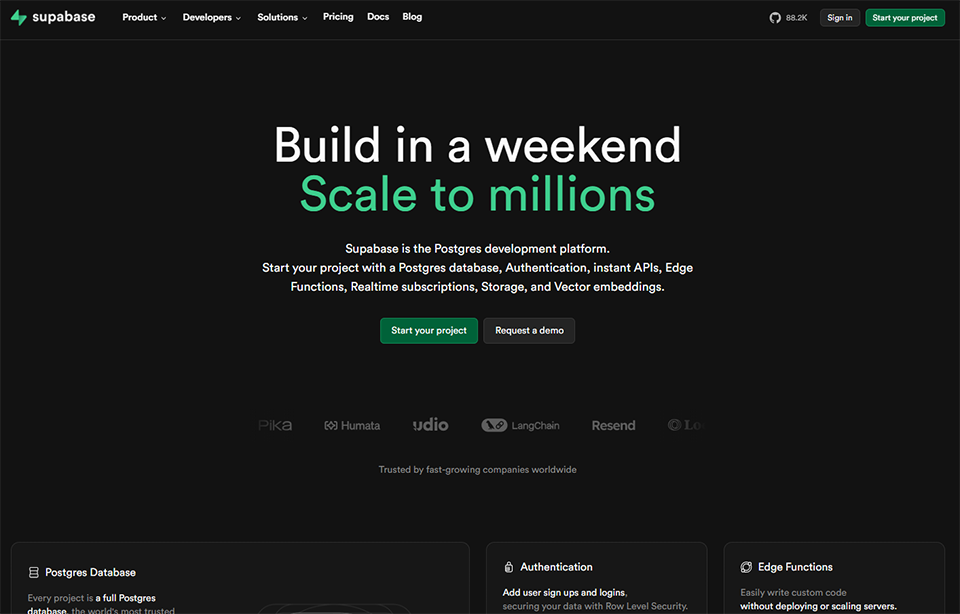
Supabase isn't strictly speaking an app builder, but it has become must-have the no-code and low-code ecosystem as a back-end layer. It offers a PostgreSQL database, authentication, file storage, and serverless functions, all via an accessible interface and auto-generated APIs.
Supabase is designed for developers who want a ready-to-use backend without having to manage complex infrastructure. It naturally complements front-end tools such as WeWeb, Lovable, and Bubble. Its open-source nature is also a strong selling point for teams seeking independence from proprietary platforms.
Key features:
The PostgreSQL database is accessible in real time via WebSockets, enabling the creation of collaborative features or live dashboards. Authentication natively supports connections via email, OAuth (Google, GitHub, etc.), and magic links. The storage space manages static files with customizable permission rules. Edge Functions allow you to run serverless code at the network edge.
Pro Plan: $25/month per project (extended resources).
Team Plan: $599/month (for teams with an SLA).
Enterprise Plan: Price upon request.
Benefit from a on Supabase.
$50 in free credits
Find our best discount right now with Supabase and save on your software subscriptions. We offer over 850 promo codes and discounts on the best software and SaaS on the market.
Your business, technical expertise, and priorities determine which tool will be most useful-here’s how to decide.
🧑💼 The freelancer or consultant who wants to deliver quickly:
For an entrepreneur needs to build apps for clients without a development team, Bubble remains the most versatile option. It does have a learning curve, but once mastered, it allows you to deliver complex apps on your own. Softr is the alternative if the client already has their data in Airtable and the project doesn't require complex application logic.
🚀 The startup in the validation phase:
Speed is the top priority. Lovable or Bolt.new let you create a working prototype in just a few hours to test a hypothesis. If the product starts to take shape, Bubble or the WeWeb + Xano combo let you take it further without starting from scratch.
👩💻 The technical team looking to save time:
Retool is the go-to choice for internal tools: dashboards, admin panels, and operational interfaces. For applications with greater public exposure, WeWeb on the front end paired with Supabase on the back end is a particularly powerful and flexible combination.
🎨 The designer or creative who knows a little bit of coding:
Webflow is ideal for this type of project. The level of design control it offers is unmatched in the no-code category. For those who want to take things a step further in terms of functionality while maintaining complete control over the visual design, Framer may also be a good fit for more interactive projects.
🏢 The SME looking for an internal tool without an IT department:
Softr or Retool, depending on the complexity. Softr for simple portals (client extranet, document-based intranet), Retool for management interfaces connected to existing databases.
Pros and cons of each tool
Every tool has its strengths and limitations; here’s an honest look to help you avoid unpleasant surprises.
🔵 Bubble is probably the most comprehensive tool on this list:
Versatile, with a large user base and extensive documentation. Its main drawbacks are poor performance on low-end systems and a learning curve that can sometimes be off-putting to beginners. Costs can also rise quickly for high-traffic applications.
🎨 Webflow excels in everything related to design and content:
However, it is not designed for applications with complex business logic. The lack of an advanced dynamic database (without relying on third-party integrations) is a real limitation for certain projects.
🔧 WeWeb offers remarkable flexibility:
But suppose you manage your own back end. This is an advantage for technical users, but adds an extra layer of complexity for others. The price may also seem high for solo projects.
🗄️ Xano is robust and reliable for no-code back-end development:
However, using it requires managing the front end separately. It is not an all-in-one tool. Some highly advanced features still require custom code to be optimized.
⚙️ Retool is very effective in its field (internal tools):
However, it is not well suited for consumer applications or marketing interfaces. Per-user pricing can become significant for medium-sized teams.
✨ Softr is remarkably easy to use:
That is its main advantage. But this simplicity has a downside: projects that exceed a certain level of complexity quickly reach the limits of what the platform can handle. Its reliance on Airtable as its primary data source is also a limitation.
🤖 Lovable impresses with its rapid prototyping capabilities:
Especially since the integration with Supabase. Its limitations are those of any generative AI approach; the code it produces may require adjustments, and highly specialized or complex projects require human oversight. Having a basic understanding of development remains an asset.
🟢 Supabase is robust, open source, and well-documented:
It isn't a purely no-code tool; you need to be comfortable with the basics of relational databases. Using it on its own isn't enough to build an interface; you'll always need to pair it with a front-end.
Software Comparison Chart 📊
Here is a summary that allows you to quickly compare the key features of each tool. Prices are for reference only.
Here are the questions most frequently asked by entrepreneurs and teams who are new to this category of tools.
1️⃣ What is the difference between no-code software and low-code software?
A no-code tool requires no programming skills: everything is done through visual interfaces, blocks to assemble, and configuration forms. A low-code tool requires some basic development knowledge: you can inject code to customize behaviors that the interface alone wouldn’t cover. Bubble is often described as no-code but has a genuine low-code aspect for advanced users. WeWeb and Retool are clearly low-code.
2️⃣ Can you really build a real app with these tools?
Absolutely. Companies that have raised millions of euros were built on Bubble for their initial versions. The question isn’t so much whether these tools allow you to create real applications, but rather how far they allow you to scale. Once you reach a certain scale or a very high level of technical complexity, a partial rewrite in native code may be necessary. But for validating a product, launching an MVP, or even tapping into a market, these platforms are perfectly suited.
3️⃣ Do you need to know how to code to use this software?
For Bubble, Softr, or Lovable: no, not necessarily. For WeWeb, Retool, or Xano: some basic knowledge (understanding of APIs, databases, and JavaScript) really makes them easier to use and allows you to take them much further. For Supabase: yes, a minimum level of technical skill is expected.
4️⃣ Can a no-code application be migrated to traditional code if necessary?
It depends heavily on the tool. Webflow exports clean HTML/CSS. WeWeb can export Vue.js code. Lovable generates ready-to-use React code directly. Bubble, on the other hand, does not offer native code export: migrating a Bubble app requires rebuilding it from scratch. This is an important point to consider if you’re planning to transition to a traditional tech stack in the long run.
5️⃣ Which tool should you choose for a SaaS platform with subscriptions and user management?
Bubble remains the best choice for complex no-code SaaS applications. For a more hybrid approach, the combination of WeWeb and Xano (or WeWeb and Supabase) offers greater technical flexibility. Lovable can be a good starting point for quickly building an initial version, provided you have the skills to further develop the code afterward.
6️⃣ Are these tools suited to the needs of teams in France?
Most of these platforms are based in the English-speaking world but work very well for French projects. Key factors to consider include data localization (GDPR compliance), available support, and integrations with local tools (Pennylane, Qonto, France Connect, etc.). Bubble, WeWeb, and Supabase offer hosting options in Europe.
7️⃣ How can I get discount this software?
Many of these tools offer discounted rates for startups or through specialized platforms. You can find negotiated deals for Bubble, Webflow, Softr, Retool, WeWeb, Xano, Lovable, and Supabase directly on Freelance Stack, alongside more than 850 other deals on SaaS software for freelancers, startups, and small businesses.