







The Top 3 Tools for Automating Customer Appointment Scheduling
In this article, we’ve selected three tools that are particularly well-suited for entrepreneurs small businesses: Cal.com, SavvyCal…
Read more


Time management is a key concern for entrepreneurs, consultants, and small teams. Not a week goes by without juggling available time slots, sending follow-ups to schedule a meeting, dealing with conflicting invitations, or forgetting to send reminders. Yet solutions have been available for several years to simplify all of this, and they have evolved considerably.
Online calendar tools are no longer limited to displaying a shared calendar. The latest versions incorporate artificial intelligence to automatically optimize your days, online appointment booking pages to avoid endless email exchanges, and multi-calendar syncing that resolves conflicts before they even arise. In short: it has become a real productivity booster, not just a planning tool!
According to a study by Atlassian, professionals spend an average of 31 hours a month in unproductive meetings-nearly a full workweek. Much of this time could be reclaimed simply by adopting the right tools. And it’s not just a matter of convenience: when you’re self-employed or work in a small business, every hour wasted comes at a real cost.
The market for scheduling tools has seen explosive growth since 2020. The rise of remote work, the proliferation of video conferences, and the widespread adoption of asynchronous work have spurred the emergence of a new generation of solutions. Some focus on absolute simplicity, others on intelligent automation, and still others on the guest experience or monetizing services. There is no one-size-fits-all solution; the right tool depends on your industry, your work style, and the volume of appointments you manage.
In this article, we’ve reviewed seven online calendar solutions (that have a deal available on Freelance Stack): Cal.com, SavvyCal, Reclaim, Motion, Lemcal, SimplyBook.me, and Calendar. For each one, you’ll find a detailed overview, the user profiles they’re best suited for, and an honest analysis of their strengths and limitations.
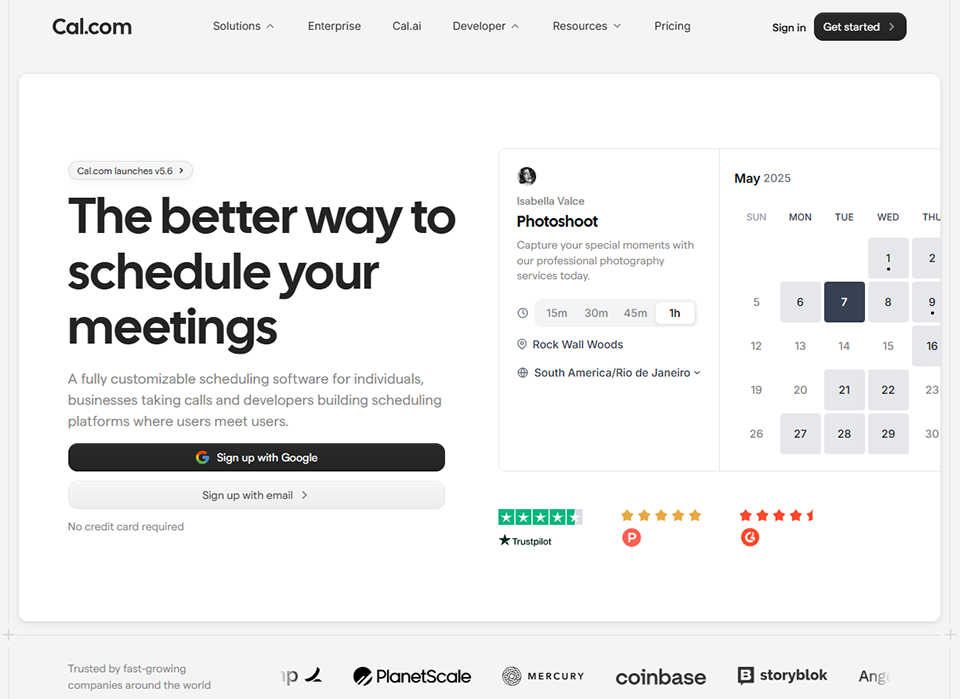

Cal.com has established itself as a serious alternative to Calendly since its launch in 2021. Its positioning is clear: an open-source, transparent, and highly customizable solution that gives users complete control over their data and integrations. For those who are reluctant to entrust their calendars to a proprietary platform-or who simply want more flexibility-this is a compelling argument.
In practical terms, Cal.com lets you create shareable appointment booking links that you can embed on your website, in your email signature, or on your LinkedIn profile. Your contact chooses an available time slot from your calendar themselves: no more endless back-and-forth in chat threads asking, "When are you free?" The booking interface is clean, fast, and works on any device.
What sets Cal.com apart from most of its competitors is the breadth of its feature set, which is available even on the free plan. While other tools restrict access to integrations or limit the types of meetings, Cal.com embraces openness-an approach consistent with its open-source DNA.
Cal.com syncs with Google Calendar, Outlook, Apple Calendar, and iCal, and integrates natively with leading video conferencing solutions: Zoom, Google Meet, Teams, and Whereby. There are no limits on meeting types, and each booking page is fully customizable in terms of branding, colors, and pre-meeting questions. Automated workflows allow you to send reminders via email or text message before and after each appointment. For teams, Cal.com handles round-robin scheduling, collective scheduling, and form routing. And for those who want to retain control over their data, a self-hosted version is available. The App Marketplace features over 100 third-party integrations.
Cal.com offers a generous free plan that covers most of the needs of a freelancer or individual consultant. Paid plans start at around $12/month (Teams) and unlock advanced features such as extended workflows, form routing, and detailed analytics. An Enterprise plan is available upon request for larger organizations.
🧑💻 Developers and tech professionals: the open-source and self-hosted nature of the platform is a major selling point. You retain control over your data and can customize the code to meet your specific needs.
🎯 Freelancers and independent consultants: The free plan is sufficient for most needs. Creating a booking link in just a few minutes and sending it to your clients really streamlines your workflow.
🏢 Small teams: Group scheduling features (round-robin, group booking) make this a practical option for coordinating schedules without needing additional tools.

SavvyCal takes a slightly different approach than other scheduling tools: the idea is not to place the entire burden on the person who needs to choose a time slot. In practice, this means the booking interface displays the guest’s availability as an overlay, so they can find a time that truly works for them-rather than just choosing from your available slots.
It may seem like a minor detail, but it makes a real difference in terms of user experience and professional image. The person you’re inviting no longer feels like they have to work around your schedule: they can see at a glance when you’re both available. This significantly improves the acceptance rate for the suggested time slots.
The tool was also designed with a keen eye for detail for advanced users: customizable slugs, quick duplication of meeting types, and granular management of buffers between time slots. These are the little details that make sure you don’t feel like you’re constantly struggling with the tool on a daily basis.
SavvyCal’s core feature is the availability overlay: when selecting a time slot, the guest sees their own availability superimposed on the screen, making the selection process much more intuitive. Scheduling links are fully customizable with a custom slug (e.g., savvycal.com/yourname/30min), and multi-calendar synchronization supports simultaneous read and write access across multiple calendars. Duplicating meeting types speeds up setup, time zone management is automatic, and guests can even suggest their own time slots if you give them the option. Integrations include Zoom, Google Meet, Teams, and Loom, with fine-grained control over buffers between appointments.
SavvyCal offers a 7-day free trial, followed by a single pricing plan at $12/month that includes all features with no restrictions. There’s no permanent free plan, but the pricing is fixed and transparent, so there are no unpleasant surprises based on usage.
🤝 Sales reps and business developers: A seamless booking experience is a real advantage when making numerous outreach calls. Guests feel less pressured, and the conversion rate for available time slots increases.
👩💼 Consultants and trainers: By personalizing the interaction and adding preliminary questions, you can assess inquiries even before the first exchange takes place.
🌍 Professionals who work with international contacts: Automatic time zone management saves a significant amount of time every day when you have clients across multiple continents.



Reclaim occupies a unique niche in this comparison: it’s not an appointment scheduling tool, but an AI-powered calendar optimizer. Its goal is to help you regain control of your schedule by automatically setting aside time for your important tasks, routines, and breaks.
In practice, Reclaim analyzes your Google Calendar, identifies your actual availability, and dynamically reschedules your work blocks when meetings come up. If a video call is added at 2 p.m. when you had planned a deep-focus work session, Reclaim automatically moves it to the next available slot based on your priority rules. You don’t have to do a thing: the calendar reorganizes itself.
What’s striking about Reclaim is that the AI truly works for the user-it’s not just a marketing gimmick. The algorithms were designed to mimic the decisions a particularly effective human assistant would make on your behalf. In practice, many users report saving between 5 and 10 hours of actual work time per week simply by letting the tool handle scheduling conflicts.
At the heart of Reclaim is smart scheduling: the tool automatically schedules your tasks based on your priorities and reschedules them whenever a meeting comes up. The Habits feature lets you set aside recurring time slots for your routines (exercise, reading, weekly review), while buffer time automatically adds downtime between meetings. Reclaim also integrates Calendly-style booking links directly into the tool. In terms of integrations, it connects to Asana, Todoist, Linear, and ClickUp to import your tasks directly into the calendar. Time analytics provide a clear picture of how you’re actually using your schedule, and the no-meeting hours feature automatically blocks off uninterrupted time slots.
A free plan is available for individual use with limited features. Paid plans start at $8/month (Starter) and go up to $18/month (Business) for teams and advanced integrations.
🧠 Overloaded freelancers and independent professionals: if you constantly feel like your schedule isn't your own anymore, Reclaim is designed for you. It automatically frees up space in your week.
👩🔬 Whether you're a creative or a tech professional, protecting your deep work sessions is one of the most popular features. You define the type of work you want to protect, and Reclaim takes care of scheduling it.
📊 Managers and project leaders: Time analytics provide an objective view of where the team’s energy is being spent and help identify meetings that could be eliminated or shortened.
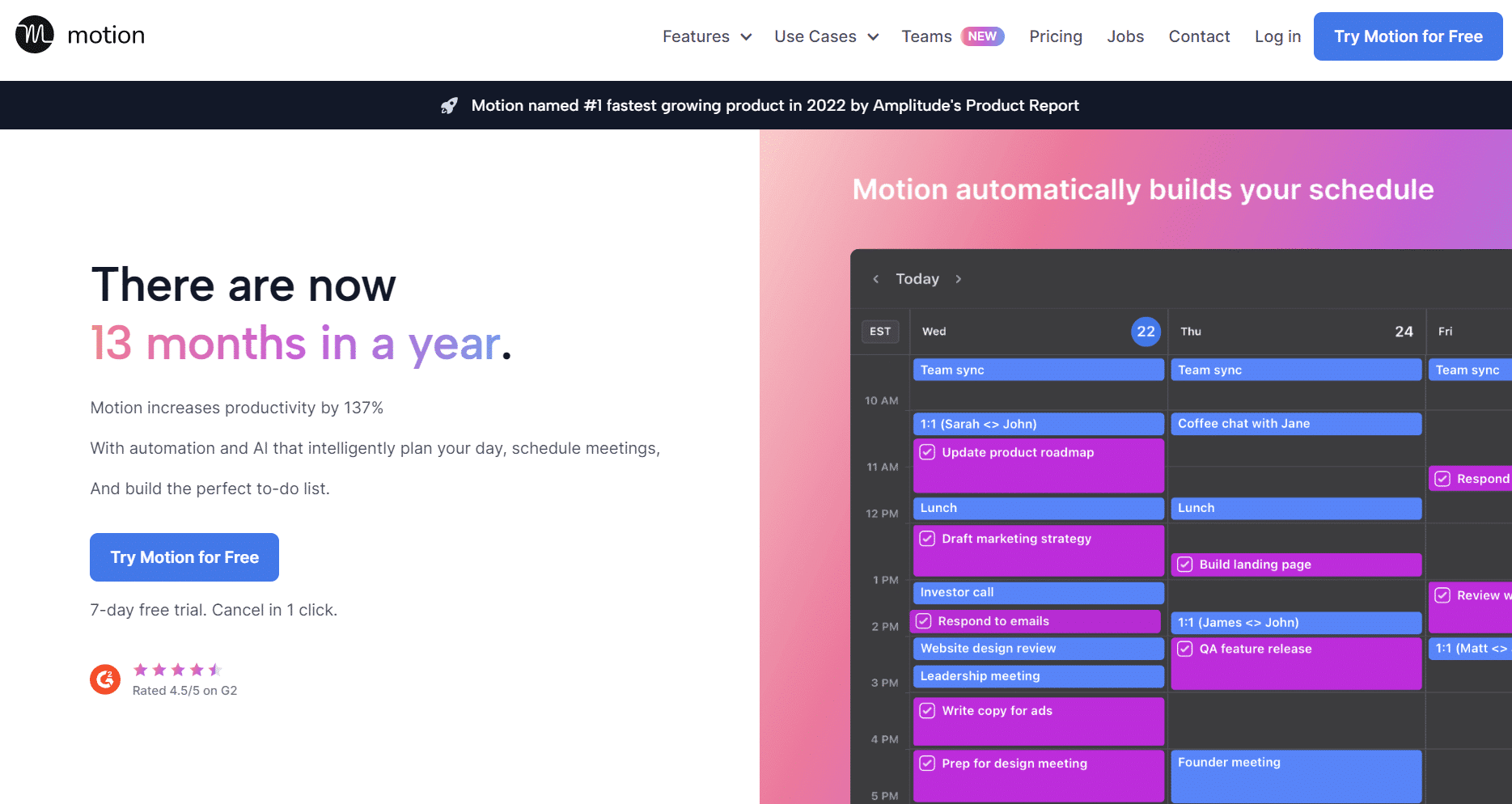
Motion takes automation even further than Reclaim. It’s an all-in-one planning tool that combines a calendar, task manager, and AI assistant into a single interface. The core idea: you enter your tasks along with their deadlines and priorities, and Motion automatically builds your daily schedule.
Every morning, Motion generates an optimized schedule based on your existing meetings, your work preferences (are you more productive in the morning? Motion knows), and upcoming deadlines. If an urgent matter comes up during the day, it recalculates everything in real time, without you having to do a thing.
It’s a radical approach that isn’t for everyone. Some people enjoy being guided every step of the way; others find it difficult to hand over control of their day to an algorithm. But for those who juggle a high volume of tasks at once, Motion can truly transform the way they work.
Motion automatically schedules your tasks in the calendar based on priorities and deadlines, and determines the order in which to tackle the work based on current urgency. Your calendar and to-do list are integrated into a single interface, eliminating the need to switch between multiple tools. Project management includes a Kanban view, a timeline, and task dependencies. Booking links allow for external appointment scheduling, similar to Calendly. Motion syncs with Google Calendar and Outlook, has an iOS and Android mobile app, and provides teams with a view of the collective workload to facilitate task distribution.
Motion is positioned in the premium segment: $34/month for individual users (or about $20/month with an annual plan). There is no free plan, but a 7-day trial is available. For teams, the price is $20/user/month with an annual plan.
⚡ Entrepreneurs and solopreneurs with heavy workloads: when tasks pile up and prioritizing becomes a daily headache, Motion makes the decision for you. That’s its main selling point.
💡 Profiles juggling multiple projects: the unified view of tasks, calendar, and projects in a single interface eliminates the need to switch back and forth between different tools and the resulting loss of information.
🚀 Growing teams: Project management features help coordinate team workloads. A manager can see at a glance who is overloaded and redistribute tasks accordingly.


Lemcal is a scheduling tool developed by the Lemlist team, specialists in email outreach. This positioning says a lot about the target audience: sales reps, SDRs, and growth hackers who need to turn their outreach sequences into qualified appointments as easily as possible.
Lemcal integrates seamlessly into sales outreach workflows and allows you to include a booking link directly in outreach emails, with customized pages for each prospect if needed. Where other scheduling tools are generic, Lemcal was designed with the sales process in mind: every detail on the booking page (photo, intro video, personalized text) is aimed at maximizing trust and conversion rates.
Lemcal lets you create booking pages that are highly customized, with a photo, introductory video and presentation text: elements designed to build trust even before the first interaction. Its native integration with Lemlist is its key selling point: booking links can be embedded directly into email campaigns, and bookings are trackable end to end. The tool syncs with Google Calendar and Outlook, handles both one-on-one and group meetings, and integrates with Zoom, Google Meet and Teams. Predefined page templates speed up setup, and time zone management is automatic. Conversion analytics let you optimize the pages just like a landing page.
Lemcal offers a free plan that provides unlimited access to basic features. The Pro plan, at $9/month, unlocks advanced booking pages, extensive integrations, and detailed analytics. It offers excellent value for businesses, and the free plan is more than sufficient for freelancers with a moderate volume of bookings.
📧 Sales teams and SDRs: Direct integration with Lemlist is a game-changer. Moving from a cold email campaign to a meeting becomes a seamless and fully trackable process.
🎯 entrepreneurs seeking new clients: The ability to customize booking pages with a video or a personalized message for each prospect significantly increases the appointment booking rate.
📈 Growth marketers: Conversion analytics allow you to optimize booking pages just as you would optimize a landing page, by testing different layouts or headlines.

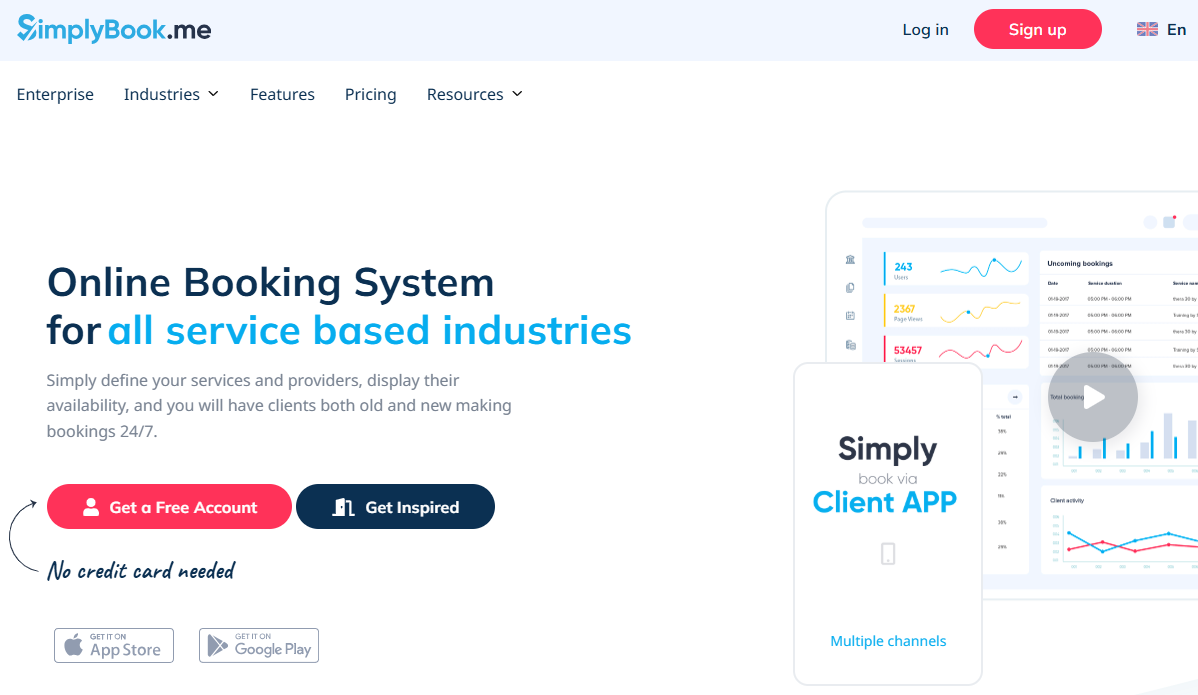

SimplyBook.me caters to a different audience than the other tools in this comparison: service providers who need a comprehensive online booking system, not just a link to schedule a meeting. Coaches, consultants, therapists, trainers, photographers, agencies-anyone who sells their time in a structured way will find features here that other tools don’t offer.
The tool allows you to create a fully-fledged online booking page with management features for services, service providers, resources, and payments. It’s more like a mini booking site than a simple scheduling tool. The key difference from Cal.com or SavvyCal is that SimplyBook.me handles the commercial aspects of the booking, not just the logistical ones.
It is also one of the most established tools in this comparison, having been around for over ten years and boasting a highly diverse international user base. This long history translates into an impressive range of features.
SimplyBook.me natively supports multi-service and multi-provider bookings, with integrated online payment via Stripe, PayPal, and other gateways. Automatic email and SMS reminders are sent before and after each appointment. A booking widget integrates easily with WordPress, Wix, or Squarespace, and a mobile app lets you manage bookings on the go. The tool supports subscriptions and packages, which is particularly useful for coaches or trainers with recurring offerings. It syncs with Google Calendar and Outlook, and features over 50 integrations (Zoom, Mailchimp, Instagram, Facebook, among others), as well as advanced statistics on bookings and clients.
SimplyBook.me offers a free plan limited to 50 bookings per month and 5 services. Paid plans start at $9.90/month (Basic) and include an increasing number of bookings and features. A Custom plan is available upon request for larger organizations.
🧘 Coaches, therapists, and trainers: Managing services, availability, and online payments all in one tool greatly simplifies the administration of a service-based business.
💼 Consultants offering package deals: being able to sell individual sessions or package deals directly from the booking page is a real sales driver that eliminates friction in the customer journey.
🏢 Small agencies or firms: Multi-vendor management allows you to assign bookings to the right team members based on their skills or availability, using customizable routing rules.
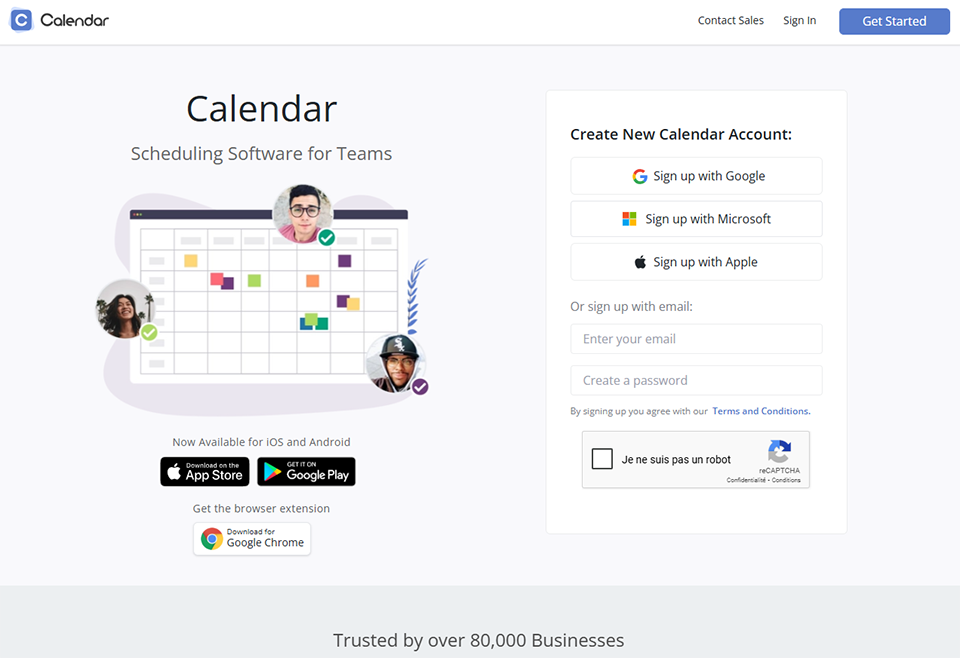
Calendar (calendar.com) is an online calendar solution that stands out for its time-tracking features and unified interface. The tool consolidates multiple calendars into a single view and provides an analytical layer that most traditional calendars lack, an approach that positions it halfway between a classic calendar and a productivity optimization tool.
The idea is to go beyond simply listing events to help you understand how you actually spend your time. How many hours a week do you spend in meetings? What is the average length of your calls? Do you have enough uninterrupted work time? Calendar answers these questions with visual data, so you don’t have to go looking for the information yourself.
The AI component is still under development, but the automatic meeting transcription and scheduling suggestion features are already making a difference for certain users, particularly those who spend a significant amount of time in meetings and want to keep a structured record of them.
Calendar aggregates multiple sources into a unified view: Google Calendar, Outlook, and Apple Calendar coexist seamlessly within the same interface. Time analytics are its key differentiator: meeting breakdown by category, average call duration, and the proportion of deep work time during the week-all visualized effortlessly for you. AI-powered smart scheduling suggests time slots tailored to your work habits, and integrated booking links allow for scheduling external appointments. Automatic meeting transcription is available on paid plans, with filters by event type in weekly or monthly views. Integrations include Zoom, Google Meet, and Slack.
Calendar offers a free plan that includes essential calendar and booking features. Paid plans start at $8/month and unlock advanced analytics, transcription, and AI features.
📊 Professionals who want to understand where their time goes: Calendar analytics are a powerful diagnostic tool for identifying unnecessary meetings or insufficient work time in a typical week.
🔄 Users of multiple calendars: Consolidating multiple sources into a single interface prevents information fragmentation and the resulting conflicts.
🤖 Curious about AI features? Automatic transcription and scheduling suggestions are useful for users who want to take advantage of automation without going as far as Motion in terms of relinquishing control.

Before rushing to buy the highest-rated or cheapest tool, there are a few questions worth asking. The answers will naturally point you toward the right solution.
If you’re looking to eliminate back-and-forth emails when scheduling meetings, Cal.com or SavvyCal will do the job just fine. If your challenge is managing a high volume of tasks and meetings at the same time, Motion or Reclaim will be a better fit. If you sell services that involve structured sessions and want to accept online payments, SimplyBook.me is in a league of its own.
Most of these tools work very well for individual use. But when it comes to coordinating schedules among multiple people, Cal.com’s round-robin scheduling, Motion’s workload view, or SimplyBook.me’s multi-vendor feature really make a difference.
Reclaim and Motion ask users to agree to delegate some control to AI. For some, this is liberating. For others, it’s uncomfortable. SavvyCal and Cal.com leave the reins entirely in the user’s hands, offering maximum control.
Cal.com, Reclaim, Lemcal, and Calendar offer fully functional free plans. SavvyCal and Motion only offer time-limited trials. SimplyBook.me has a free plan, but it has strict limitations.
If you're looking to streamline your tool stack, the Time Management category on Freelance Stack also offers deals on tools that complement those featured here, particularly for tracking billable time and project management.
An overview to help you make your final decision. All of these tools are available through discount in the Online Calendar category on Freelance Stack.
| Tool | Free map | Admission price | Built-in AI | Ideal for | Key Features |
|---|---|---|---|---|---|
| Cal.com | ✅ Yes | ~$12/month (Teams) | ❌ Limited | Freelancers, developers, teams | Open source, self-hosting supported |
| SavvyCal | ❌ (7-day trial) | 12$/month | ❌ | Consultants, sales representatives | Single-guest overlay available |
| Reclaim | ✅ Yes | 8$/month | ✅ Strong | entrepreneurs | Automatic schedule optimization |
| Motion | ❌ (7-day trial) | ~$20/month/year | ✅ Very strong | Entrepreneurs, teams | Comprehensive AI Planning + Project Management |
| Lemcal | ✅ Yes | 9$/month | ❌ | Sales Representatives, SDR | Native Lemlist integration |
| SimplyBook.me | ✅ Limited | 9,9$/month | ❌ | Coaches, service providers | Online booking and payment |
| Calendar | ✅ Yes | 8$/month | ✅ Partial | Multi-calendar, analytical | Detailed time analytics |
Here are some answers to the questions that come up most often when choosing a planning tool.
An online calendar (such as Google Calendar or Outlook) is primarily used to view and organize your events. A scheduling tool like Cal.com or SavvyCal goes a step further: it generates an appointment booking link that you share with your contacts, who then choose an available time slot themselves. Some tools, such as Motion or Reclaim, combine both features by adding a layer of smart automation.
Yes, Cal.com's free plan is particularly generous for individual use. It includes unlimited meeting types, calendar synchronization, and booking links with no volume limits. Team features, advanced workflows, and certain analytics require a paid subscription.
They share the same goal-optimizing your schedule using AI-but with different approaches. Reclaim focuses more on protecting your routines and deep work time, with tight integration into your existing calendar. Motion takes a more radical approach: it rebuilds your entire schedule every day based on your tasks and meetings. Motion is more powerful but also more expensive and more likely to unsettle those who like to control their own schedule.
In almost all cases, yes. These tools sync with your existing calendar and integrate seamlessly with it. You can continue to use Google Calendar as your main interface if you wish; tools like Reclaim, Motion, or Calendar read and write events to it transparently, without disrupting your current workflow.
SimplyBook.me is perfectly suited for individual freelancers, especially if you offer services that involve structured sessions (such as coaching, training, or consulting). However, if you’re simply looking to avoid back-and-forth emails when scheduling an internal or external meeting, Cal.com or SavvyCal will be easier to set up and generally less expensive.
Both tools essentially do the same job. If you work alone and are looking for the best value for your money, Cal.com (and its free plan) is hard to beat. If you want to offer your clients a more polished booking experience-complete with an availability overlay-and are willing to spend $12/month for it, SavvyCal is definitely worth the subscription.
Lemcal can be used independently of Lemlist, and its free plan is still a good option. That said, its main value lies in its native integration with Lemlist’s email campaigns. If you don’t use Lemlist, Cal.com or SavvyCal likely offer more features for general use.
GDPR compliance depends on the tools you use and how you configure them. Cal.com, in self-hosted mode, gives you complete control over your data. For hosted solutions, check their privacy policies and make sure to mention data processing in your terms and conditions if you collect information about your customers via booking forms. If data privacy is a major concern, Proton Calendar is an alternative to consider for an end-to-end encrypted calendar.
No. Cal.com, Reclaim, Lemcal, and Calendar offer fully functional free plans for personal use. Paid plans mainly offer advanced features (teams, automated workflows, detailed analytics) that may not always be necessary depending on your business. The best approach: start with the free plan from Cal.com or Reclaim, and upgrade to a paid plan only if you identify a specific need that justifies the investment.


