Top 10 Must-Have UX & UI Tools for Designing Your Product in 2026.
In this article, we’ve selected the 10 tools that truly deserve a place in your tech stack in 2026, taking into account their maturity, value for money, and suitability for different use cases.
Why does your choice of design tools determine the quality of your product?
The design of a digital product has long since ceased to be merely an aesthetic consideration. What is known as UX (user experience) and UI (user interface) is now a key driver of performance: a seamless user journey, a well-designed interface, and rigorous user testing often make the difference between a product that converts and one that experiences churn within the first few weeks.
For product teams, entrepreneurs, startups, and agencies, the question is no longer whether to invest in specialized tools, but rather which ones to choose. The UX/UI software market has expanded significantly in recent years, with solutions that now cover the entire design cycle: from the initial wireframe through interactive prototyping, feedback collection, and collaborative annotation, all the way to usability testing.
According to the Nielsen Norman Group’s “State of UX 2025” report, teams that use prototyping and testing tools from the earliest stages of design reduce the cost of post-launch fixes by 30 to 50 percent. This figure alone justifies allocating a budget and time to the selection process.
In this article, we’ve selected the 10 tools that truly deserve a place in your tech stack in 2026, taking into account their maturity, value for money, and suitability for different use cases.
#1 - Miro: The collaborative whiteboard that thinks as well as it draws.
Benefit from our free deal on Miro.
Find over 300 free deals as well as over 850 Premium deals right now with Miro and save on your software subscriptions. Whether you're an entrepreneur, a startup or a solo freelancer, save hundreds of euros thanks to our discounts and promo codes.
Miro has established itself as the go-to visual workspace for distributed teams. What at first glance looks like a simple online whiteboard is actually a comprehensive environment for structuring product thinking: mind mapping, user story mapping, journey mapping, flowcharts, low-fidelity wireframes... All of which are accessible to the entire team simultaneously, in real time.
What sets Miro apart from its competitors is its extensive library of templates. It features hundreds of ready-to-use templates designed for agile and product teams: retrospectives, design thinking workshops, and prioritization matrices. Integrations with Jira, Figma, Slack, Notion, and Confluence make it a natural hub within modern product stacks.
The AI-powered Smart Diagramming feature, introduced in 2024, now allows users to automatically generate diagrams from simple text descriptions. This is a real time-saver for product managers who do a lot of documentation.
Starter Plan: €8/month/user, unlimited tables, access to premium templates.
Business Plan: €16/month/user, SSO, advanced administration features.
Enterprise Plan: Price upon request.
👤 Who is this for?
For product managers and UX researchers, Miro is practically must-have. Its strength lies in facilitating remote workshops and structuring the discovery phases. Agile teams use it extensively for their retrospectives and sprint planning. UX freelancers appreciate its ability to engage non-technical clients in co-design workshops without a learning curve.
✅ The benefits:
Virtually no learning curve for new users.
High-quality templates for product methodologies.
Solid performance even on heavily loaded boards.
Native integrations with the entire standard SaaS ecosystem.
👎 The downsides:
The free version quickly becomes limited (only 3 tables).
The prototyping features are still basic compared to dedicated tools.
Can become noisy and difficult to navigate on very large projects without a strict naming convention.
Benefit from a on Miro .
$1,000 in credits
Find our best discount right now with Miro and save on your software subscriptions. We offer over 850 promo codes and discounts on the best software and SaaS on the market.
#2 - Framer: From prototyping to a live website—without writing a single line of code.
Benefit from our free deal on Framer.
30% off on annual plan
Find over 300 free deals as well as over 850 Premium deals right now with Framer and save on your software subscriptions. Whether you're an entrepreneur, a startup or a solo freelancer, save hundreds of euros thanks to our discounts and promo codes.
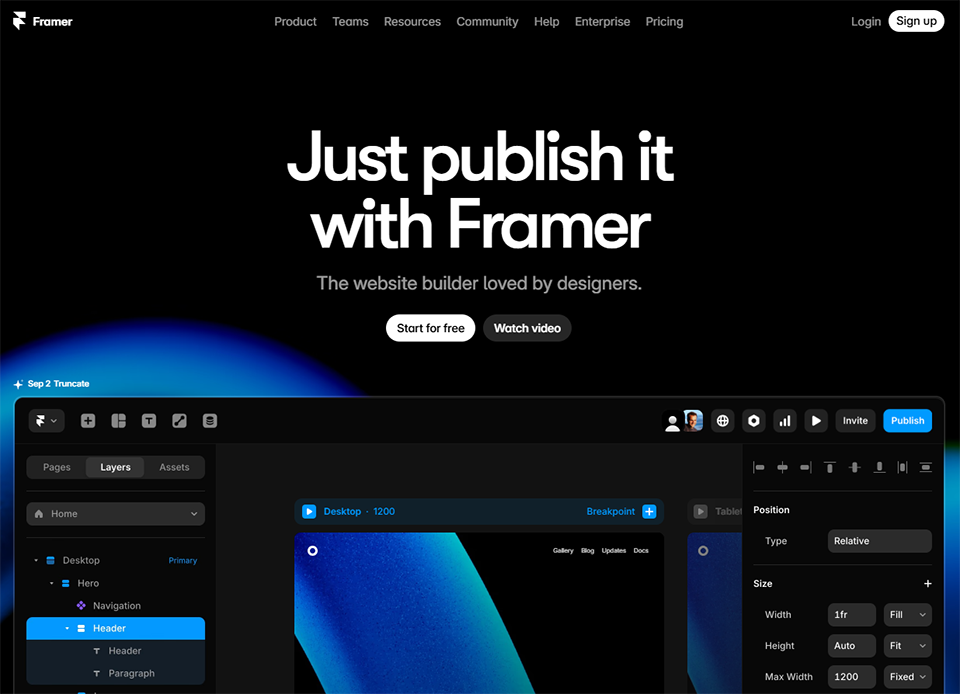
Framer occupies a unique position in the market. While most prototyping tools are limited to interactive mockups, Framer lets you publish a fully functional website directly from your designs. For designers who want to be in control of the entire process—from high-fidelity mockups to the live website—this is a major selling point.
The interface is reminiscent of Figma in terms of how it handles layers and components, but with a much more advanced level of interactivity. Animations are managed directly within the tool, without the need to export to a third-party tool. Components can incorporate real data via APIs, which makes Framer more like a development tool than a simple prototyping tool.
The arrival of Framer AI has amplified this potential: it is now possible to generate an entire page from a text prompt and then refine it manually. The quality of the outputs varies depending on the use case, but it’s an effective way to quickly generate a starting point.
Pricing:
Free Plan: Websites that can be published with a Framer subdomain, basic features.
Mini Plan: $5/month, custom domain, 1,000 visitors/month.
Basic Plan: $15/month, 10,000 visitors/month.
Pro Plan: $30/month, unlimited visitors, advanced SEO features.
👤 Who is this for?
UI designers who entrepreneurs also entrepreneurs and deliver both mockups and websites are clearly Framer’s primary target audience. Startups in the launch phase find it a useful tool for creating high-quality landing pages without having to bring in a developer. Small product teams appreciate its ability to iterate very quickly on high-fidelity prototypes.
✅ The benefits:
A smooth transition from prototyping to production.
High-quality animations and interactions.
Professional-quality visual results available quickly.
AI-generated pages suitable for production use.
👎 The downsides:
Less suitable for complex application projects with a lot of states and business logic.
Pricing in dollars may vary slightly depending on the exchange rate.
The French-language community and resources are still limited.
Benefit from a on Framer .
3 months free on "PRO" annual plan
Find our best discount right now with Framer and save on your software subscriptions. We offer over 850 promo codes and discounts on the best software and SaaS on the market.
#3 - Zeplin: The bridge between designers and developers.
Zeplin isn't a design tool—it's a delivery tool. Its value lies in its ability to convert design files (Figma, Sketch, Adobe XD) into technical specifications that developers can use directly. Spacing, fonts, colors, exportable assets, annotations... Everything is generated automatically from the source file.
In teams where designers and developers work in parallel, Zeplin eliminates a significant amount of back-and-forth. Developers no longer need to interpret a mockup—they read the specs. Designers no longer need to write a handoff document—Zeplin generates it for them.
The Connected Components feature allows you to link design components to code components (React, Angular, Vue), which is particularly powerful for teams that maintain a design system.
Starter Plan: $8 per publisher per month, unlimited projects, connected components.
Growing Business Plan: $14 per publisher per month, advanced features, analytics.
Enterprise Plan: Price upon request.
👤 Who is this for?
Zeplin is primarily intended for product teams with separate designers and developers. For a solo designer who delivers the code themselves, the tool is of little use. However, as soon as an organization separates these two roles, Zeplin becomes an investment that pays for itself very quickly. Digital agencies that manage multiple projects simultaneously often make it a standard part of their handoff processes.
✅ The benefits:
Automatic and accurate generation of development specifications.
Supports all major source formats (Figma, Sketch, Adobe XD).
discount in implementation errors.
An excellent tool for documenting design systems.
👎 The downsides:
It does not replace a creative tool; it complements it.
The free version is very limited (only one project).
This may seem redundant if the team is already using Figma Dev Mode.
Benefit from a on Zeplin .
No deals currently available
Find our best discount right now with Zeplin and save on your software subscriptions. We offer over 850 promo codes and discounts on the best software and SaaS on the market.
Balsamiq is the go-to tool for one specific purpose: low-fidelity wireframes. Its deliberately sketchy, almost “hand-drawn” interface is not a trivial aesthetic choice. It signals to stakeholders that we are in the exploration phase, that nothing is set in stone, and that feedback is expected on the structure rather than on visual details. It’s a visual convention that saves dozens of hours of premature discussions about colors and fonts.
The tool is intentionally simple. No animations, no micro-interactions, no frills. A library of standard components, efficient drag-and-drop functionality, and real-time collaboration. Balsamiq Cloud is the hosted, installation-free version, which has largely replaced the desktop application in professional settings.
Pricing:
Plan 2: $9/month, up to 20 users.
20-Project Plan: $49/month, unlimited users.
200-Project Plan: $199/month, unlimited users.
👤 Who is this for?
Product managers who structure user stories and functional flows before handing off to designers love Balsamiq for its speed. Consultants and freelancers working in the pre-design phase use it to get clients on board with the logic before investing in high-fidelity mockups. For UX designers in the discovery phase, it remains the tool of choice for prototyping quickly without getting bogged down in details.
✅ The benefits:
Ultra-fast design thanks to the simplified interface.
The "draft" nature of the document naturally steers the discussion toward the substance.
Anyone can get started in less than an hour.
Ideal for getting non-technical stakeholders on board.
👎 The downsides:
Limited to wireframing: no advanced interactive prototyping capabilities.
The outdated look may put off some customers who are used to more modern tools.
Not suitable for high-fidelity design phases.
Benefit from a on Balsamiq Cloud .
3 months free
Find our best discount right now with Balsamiq Cloud and save on your software subscriptions. We offer over 850 promo codes and discounts on the best software and SaaS on the market.
#5 - Hotjar: See exactly what your users are doing.
Benefit from our free deal on Hotjar.
20% off on annual plan
Find over 300 free deals as well as over 850 Premium deals right now with Hotjar and save on your software subscriptions. Whether you're an entrepreneur, a startup or a solo freelancer, save hundreds of euros thanks to our discounts and promo codes.
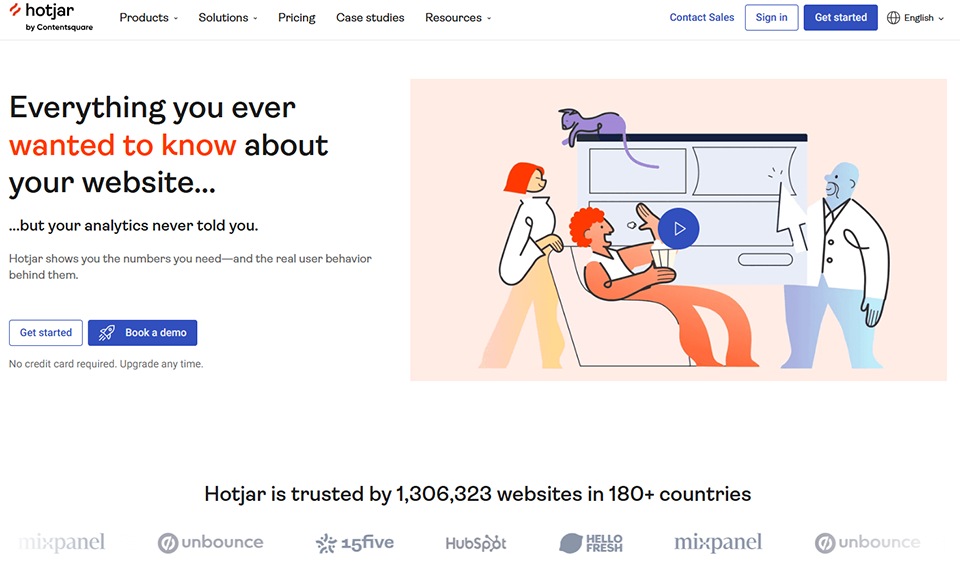
Hotjar is in a category of its own in this article: it’s not a design tool, but an observation tool. And yet, it’s indispensable in any serious UX process. Because designing without data on actual user behavior is like designing blind.
Hotjar's heatmaps visualize the areas where users click, scroll, and linger on each page. Session recordings allow you to literally replay visitors' sessions to identify friction points, drop-offs, and unexpected behaviors. Built-in surveys and feedback features let you collect qualitative feedback directly within the product interface.
In 2025, Hotjar enhanced its platform with AI-powered analytics features that automatically detect "rage clicks" and abandonment patterns and generate actionable summaries without having to review hundreds of hours of sessions.
Pricing:
Basic Plan: Free, 35 sessions per day, unlimited heatmaps.
Plus Plan: €32/month, 100 sessions/day, advanced filters.
Business Plan: €80/month, unlimited sessions, advanced integrations.
Plan Scale: 171 €/month, enterprise features, SSO.
👤 Who is this for?
Growth hackers and product managers working on conversion rate optimization rely on Hotjar as a daily tool. UX researchers use it to supplement their qualitative testing with large-scale behavioral data. Founders of startups in the growth phase find it a way to quickly identify what’s holding their users back without needing a dedicated UX team.
✅ The benefits:
A highly accessible and actionable behavioral visualization.
The free plan is generous for small projects.
A unique combination of quantitative and qualitative data.
Easy integration using a single JavaScript tag.
👎 The downsides:
Quantitative data remains limited compared to dedicated analytics tools such as Amplitude or Mixpanel.
Session recordings take up a lot of storage space on lower-end plans.
Find our best discount with Hotjar and save on your software subscriptions. We offer over 850 promo codes and discounts on the best software and SaaS on the market.
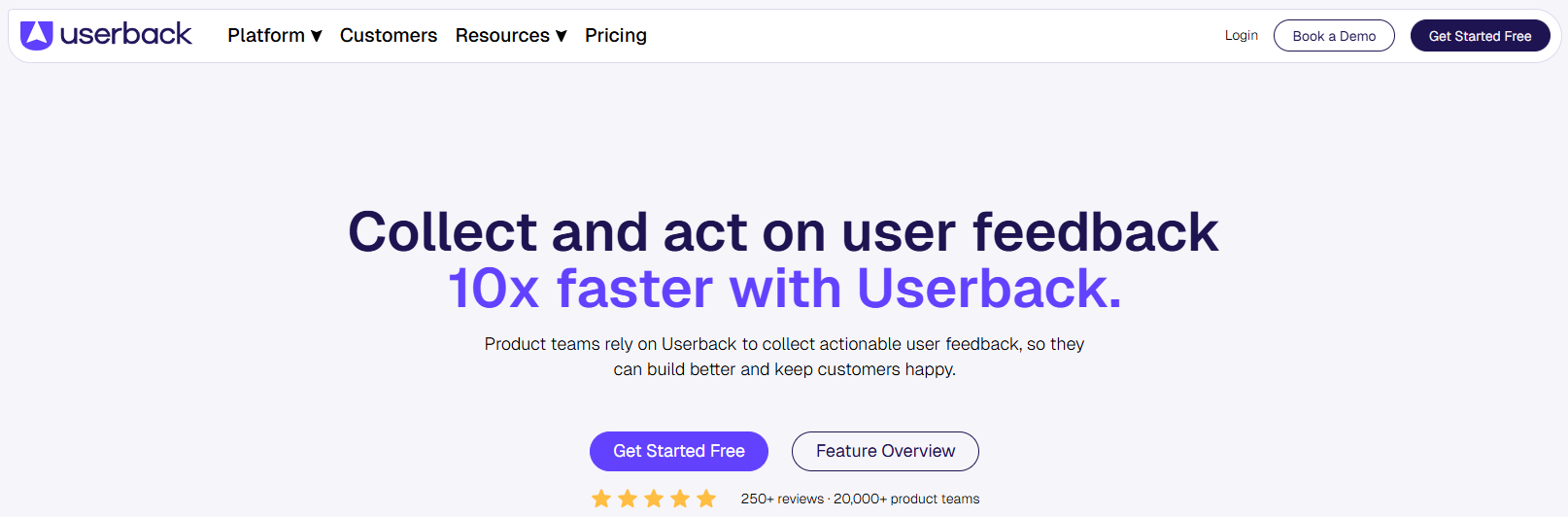
#6 - Userback: Visual feedback right within your product.
Userback solves a specific and recurring problem: how can you collect detailed visual feedback from your users or customers without requiring them to write long, descriptive emails? The tool’s solution is simple: a widget integrated directly into your app or website that allows any user to annotate a screenshot, record their session, and send it all with just a few clicks.
For teams managing betas, ongoing development, or simply ongoing customer feedback, Userback centralizes everything that’s usually scattered across emails, Slack, and poorly filled-out Jira tickets. Feedback arrives with its full visual context: URL, browser, screen resolution, and the user’s annotations directly on the screenshot.
Managing feedback portals also makes it possible to proactively involve users in the product roadmap, similar to Canny or UserVoice, but integrated into the same tool.
Product teams in the beta or launch phase find Userback to be a structured feedback channel that serves as a superior alternative to Google Forms or unstructured email exchanges. Web agencies that deliver websites to non-technical clients use it for acceptance testing and validation phases, avoiding phone-based feedback that’s difficult to track. B2B SaaS companies integrate it as a lightweight support channel and for reporting bugs.
✅ The benefits:
Contextualized visual feedback that leaves no room for misinterpretation.
discount in the time required to process customer returns.
Integration with leading project management tools (Jira, Linear, Trello, etc.).
Feedback portal to involve users in the roadmap.
👎 The downsides:
The cost may seem high for solopreneurs or very small projects.
Requires technical integration (even a simple one) into the product.
The analytics features are still basic compared to Hotjar.
Benefit from a on Userback .
50% off on any plan
Find our best discount right now with Userback and save on your software subscriptions. We offer over 850 promo codes and discounts on the best software and SaaS on the market.
#7 - Uizard: From concept to prototype in just a few minutes, thanks to AI.
Benefit from our free deal on Uizard.
40% off on annual plan
Find over 300 free deals as well as over 850 Premium deals right now with Uizard and save on your software subscriptions. Whether you're an entrepreneur, a startup or a solo freelancer, save hundreds of euros thanks to our discounts and promo codes.
Uizard is undoubtedly the tool that has benefited the most from the AI boom of the past two years. Its positioning is clear: to enable non-designers (product managers, founders, developers) to create mockups and functional prototypes without any graphic design skills.
The way it works is quite impressive: you describe your app in natural language, or you upload a screenshot of an existing app, and Uizard generates a coherent mockup that you can then refine using a simplified drag-and-drop interface. The Autodesigner feature generates complete flows (landing pages, onboarding, dashboards) based on a product description.
This "no design skills required" approach makes it a unique tool—one that complements traditional tools rather than competing with them. A senior designer might prefer Figma or Framer, but a product manager who wants to communicate an idea quickly without relying on a designer will find true autonomy in Uizard.
Pricing:
Free Plan: 3 projects, basic features, limited AI generations.
Pro Plan: $19/month/user, unlimited projects, unlimited AI generations.
Business Plan: $49/month/user, advanced collaboration, shared components.
👤 Who is this for?
Product managers and founders who aren’t designers are Uizard’s natural target audience. The tool allows them to turn an idea into something tangible without getting bogged down by a lack of graphic design skills. Teams in the ideation and rapid validation phases find it a way to create prototypes to submit for user testing even before bringing a designer on board. Developers working on their own SaaS projects also use it to establish a consistent visual foundation.
✅ The benefits:
Suitable for everyone, even those without a background in design.
Exceptional speed in generating mockups.
High visual quality of the outputs generated by AI.
Ideal for testing an idea before investing in a professional design.
👎 The downsides:
The generated mockups sometimes lack personality and tend to be generic in design.
Less suitable for complex projects that require a rigorous design system.
Interactions and animations remain limited.
Benefit from a on Uizard .
Additional 20% off on any plan during 12 months
Find our best discount with Uizard and save on your software subscriptions. We offer over 850 promo codes and discounts on the best software and SaaS on the market.
#8 - Pastel: Annotations and customer feedback on any website.
Benefit from our free deal on Pastel.
17% off on annual plan
Find over 300 free deals as well as over 850 Premium deals right now with Pastel and save on your software subscriptions. Whether you're an entrepreneur, a startup or a solo freelancer, save hundreds of euros thanks to our discounts and promo codes.
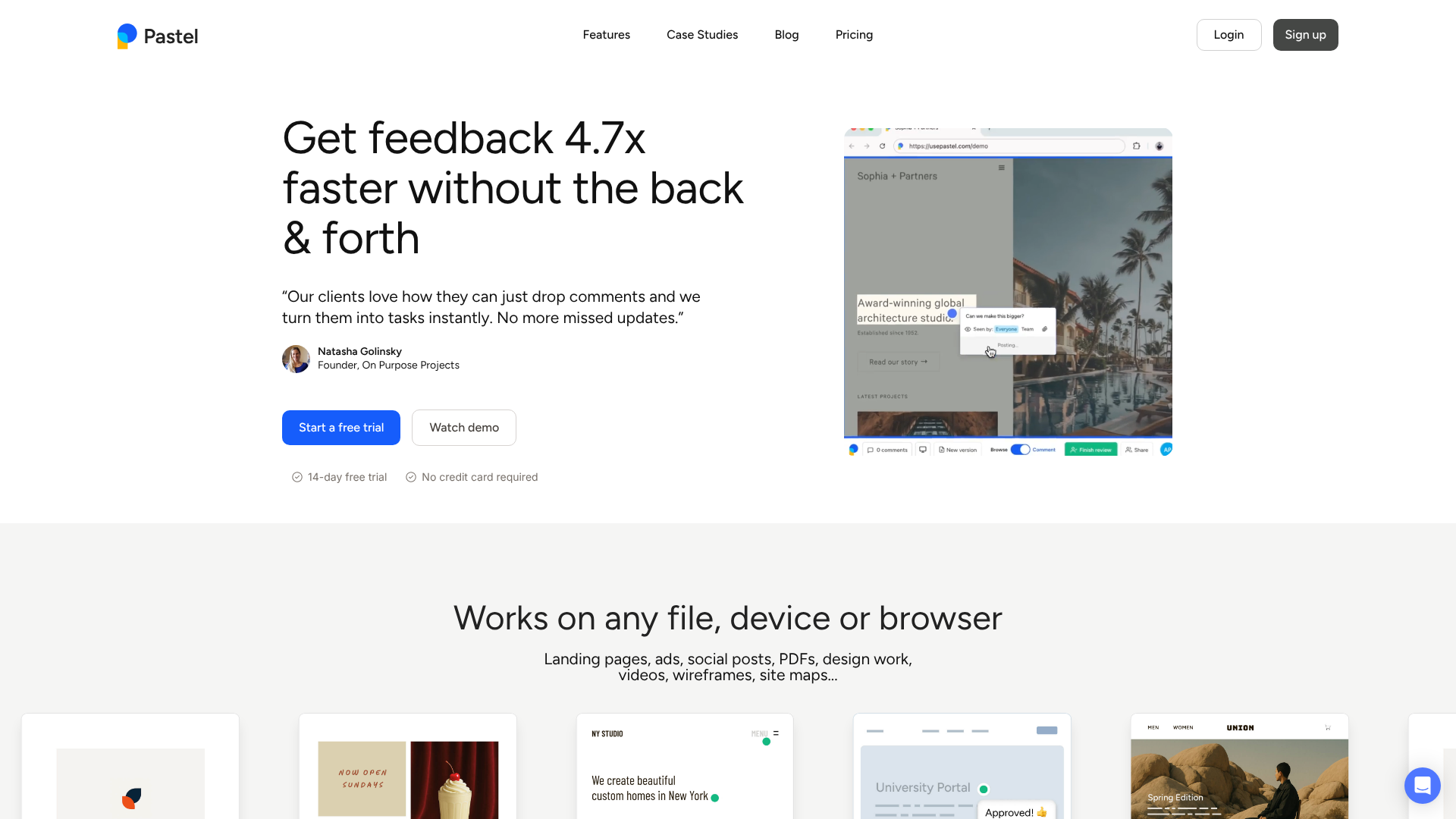
Pastel belongs to the same family as Userback but has a slightly different positioning: while Userback is integrated into the product, Pastel functions as an annotation layer that can be overlaid on any website, with no prior installation required. Simply share a Pastel link to your site, and your client or team can comment directly on the visual elements.
This "widget-free" approach is particularly well-suited for agencies and freelancers working on client websites. There's no need to deploy code: you share the link, the client clicks on whatever doesn't look right, and you receive precise, context-specific feedback. Each comment is linked to a specific element on the page, along with browser and resolution information.
The tool also manages review rounds, with statuses assigned to each comment (open, resolved, approved) and automatic notifications. It is a streamlined version focused on the "customer acceptance testing" use case rather than a full-fledged feedback platform.
Web agencies and freelancers specializing in web design or development are the primary beneficiaries of Pastel. It radically simplifies the client acceptance process, which is often a source of friction. Marketing teams that manage the approval of landing pages with multiple stakeholders also find it to be a more efficient tool than email exchanges with screenshots annotated in PowerPoint.
✅ The benefits:
No client-side installation required: sharing via a simple link.
Precise annotations directly on visual elements.
Clear management of revision statuses.
Ideal for a customer experience free of technical friction.
👎 The downsides:
Focused exclusively on websites (no mobile apps or Figma prototypes).
Limited analytics and reporting capabilities.
Less suitable for continuous feedback during production than for delivery acceptance testing.
Benefit from a on Pastel .
Find our best discount right now with Pastel and save on your software subscriptions. We offer over 850 promo codes and discounts on the best software and SaaS on the market.
#9 - Miro & UI Bakery: The combination of design and development of internal interfaces.
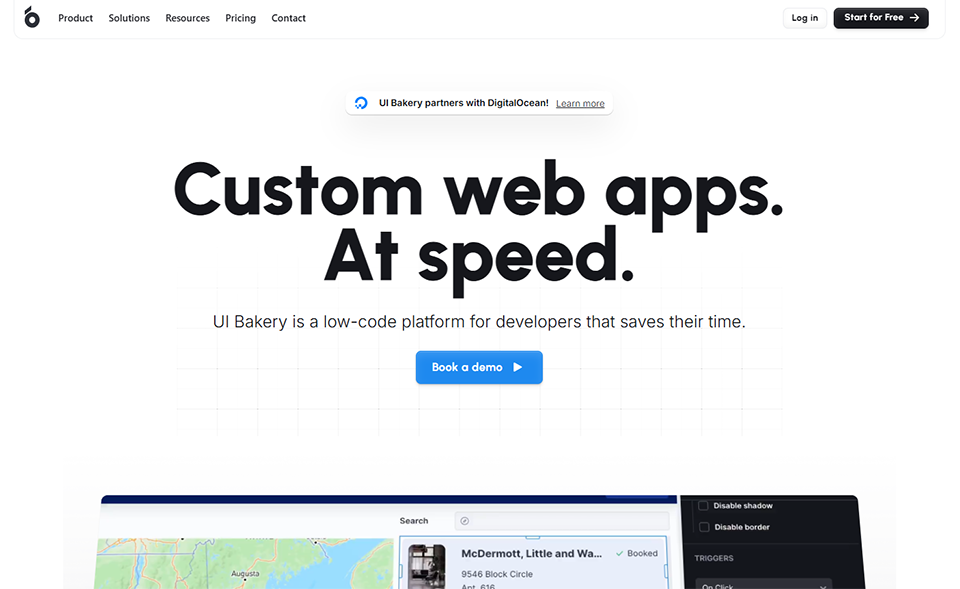
UI Bakery deserves a separate mention because it occupies a unique niche: it’s a tool for building internal applications (back-office systems, dashboards, administrative tools) using a low-code interface. We’ve included it in the UX/UI list because it addresses an often-overlooked design issue: internal interfaces, which are frequently unattractive and not very user-friendly, and which hinder team productivity.
The tool offers pre-built UI components (tables, forms, charts, modals) that you can assemble using drag-and-drop, connected to real data sources (databases, APIs, Google Sheets). The result is a functional interface, not just a mockup.
For startups and SMEs that need custom internal tools but cannot allocate dedicated development resources, UI Bakery offers an outstanding balance of speed and quality. In just a few hours, a team can build a functional administrative tool with a clean interface, without writing a single line of CSS.
Pricing:
Free Plan: 1 app, 2 users, basic features.
Startup Plan: $45/month, 5 apps, 10 users.
Business Plan: $90/month, unlimited apps, advanced roles.
Enterprise Plan: Price upon request.
👤 Who is this for?
Full-stack developers and tech leads who want to quickly deliver internal tools without compromising UX quality. Growing startups that are expanding their operational processes and need management interfaces without having to build a dedicated front-end team. Digital transformation consultants who build custom tools for their clients.
✅ The benefits:
Build functional interfaces in just a few hours.
Professional-grade UI components right from the start.
Sign-in to existing data sources.
Ideal for internal tools and back-office operations.
👎 The downsides:
Designed for internal applications: not well-suited for complex public products.
Advanced customization requires a basic understanding of JavaScript.
The component ecosystem is less extensive than that of UI frameworks such as Ant Design or Material UI.
Comparison Chart of the 10 Best UX & UI Tools in 2026.
Here is a summary to help you determine which tool is best suited to your specific needs.
FAQ: Everything You Want to Know About UX & UI Tools.
Below are the most frequently asked questions on this topic to help you explore the subject further.
1️⃣ What is the difference between a UX tool and a UI tool?
The distinction is often blurred in everyday usage. UX (User Experience) refers to everything related to navigation logic, information architecture, and the fluidity of the user journey. UI (User Interface) focuses on the visual aspect: typography, colors, and graphic components. In practice, most modern tools cover both aspects to varying degrees. A tool like Balsamiq is heavily focused on UX (structure and logic), while Framer leans more toward UI (visual rendering and publishing). Hotjar, on the other hand, monitors both layers without distinction.
2️⃣ Do you have to be a designer to use these tools?
No, and that’s precisely the major trend for 2025–2026. Tools like Uizard and Miro are designed to be accessible to people without a design background. Product managers, developers, and founders can use them to create functional, usable mockups. However, for high-fidelity deliverables intended to be implemented as-is, a designer’s expertise remains invaluable.
3️⃣ Can these tools replace Figma?
Figma remains the gold standard for interface design, thanks in large part to its ecosystem of plugins and its support for design systems. The tools presented in this article are not intended to replace Figma but to address complementary needs: collaboration (Miro), web publishing (Framer), handoff (Zeplin), behavioral analysis (Hotjar), customer feedback (Pastel, Userback), rapid prototyping without design skills (Uizard), or building internal interfaces (UI Bakery).
4️⃣ How do I choose between Userback and Pastel?
The main criterion is the context of use. Userback is designed to be integrated into your product’s production environment to collect ongoing feedback from your actual users. Pastel is designed for the delivery and acceptance testing phases: you submit a website to a client for approval, and they can provide feedback directly without needing to create an account. If you’re an agency that delivers websites, Pastel is a better fit. If you operate a SaaS platform and want a permanent feedback channel, Userback is more suitable.
5️⃣ Is Hotjar GDPR-compliant?
Hotjar has made significant efforts to ensure GDPR compliance: anonymizing user data, removing personal data from recordings, and offering configurable consent options. However, the default settings may not necessarily be compliant: you must ensure that you enable the anonymization options and integrate Hotjar into your cookie banner. Consulting with a DPO may be helpful if you operate in a sensitive environment.
6️⃣ Which tool should a pre-launch startup with a limited budget prioritize?
For a bootstrapped startup, the most effective combination is often Miro (free plan for discovery workshops) + Uizard (free plan for initial AI prototypes) + Hotjar (free plan for initial post-launch behavioral feedback). This stack costs nothing during the validation phase and can be upgraded to paid plans once the product gains traction. When pitching to your first customers or investors, Pastel is a very effective and low-cost addition.
7️⃣ Can Framer replace a web developer when building a website?
For a marketing website (landing page, corporate site, blog), yes, to a large extent. Framer lets you create visually sophisticated websites and publish them directly, without touching the code. For a web application that involves authentication, a database, or complex business logic, however, it quickly reaches its limits. In the latter case, tools like Bubble or Webflow —which offer dedicated backend connections—will be more suitable.
8️⃣ How should you structure your UX/UI stack based on the size of your team?
For a solopreneur or freelancer, the essentials boil down to Miro for brainstorming and Framer or Uizard for prototyping. For a small product team (2 to 5 people), add Zeplin for the developer handoff and Hotjar for analytics. For a medium-sized team, Userback or Pastel help organize customer feedback, and UI Bakery can handle internal tools. The key is not to overload the tech stack too early: each tool should address a real, active need.
This guide brings together the 12 must-have e-commerce tools must-have 2026, selected for how well they complement each other: platforms to create your…