Our selection of sales tools for B2B startups looking to scale their outbound sales
There are probably a hundred tools out there that promise to transform your B2B sales efforts. The reality is that high-performing sales teams in 2025 rely on four or five well-integrated tools, not twenty. What makes the difference isn’t the budget invested, but the logic behind each choice: the right tool, in the right place in the sales process, used by the right people. This article helps you see things clearly.
Outbound sales: the right tool isn't everything, but it's almost everything...
There are probably hundreds of tools out there that promise to "transform your B2B prospecting." The reality is that the vast majority of high-performing sales teams in 2025 rely on four or five well-integrated tools, not twenty.
What sets successful tech stacks apart from those that fall short is rarely the budget. It’s the logic behind the choice of each tool: Does this software address a specific need in my lead generation workflow? Does it integrate with what I’m already using? Will my team actually use it on a daily basis?
This article covers the entire outbound workflow: data enrichment, LinkedIn automation, email sequencing, large-scale sending, and pipeline management. Eight tools selected for their complementary features and relevance to the different stages of growth for a B2B startup.
B2B teams that structure their outbound approach using the right tools generate significantly more qualified leads than those that rely solely on inbound channels. The question, therefore, is no longer whether outbound is worth it, but how to do it effectively.
All the tools featured here are available at a discount Freelance Stack, which you can find in our Sales & Automated Prospecting.
Understand the main categories of tools before making a choice.
Before we dive into the details of each solution, let’s clarify the Categories. An effective B2B outbound workflow generally rests on three pillars:
The data:
Finding the right contacts, verifying that their contact information is up to date, and enriching their profiles with relevant context (current position, company, recent updates). That’s what solutions like Lusha, DropContact, and PhantomBuster do.
The commitment:
Reach out to these prospects through the right channels (email, LinkedIn, phone), in the right order, with tailored messages. That’s where Reply.io, Woodpecker, Smartlead, and Expandi come in.
Steering:
Track responses, qualify leads, and populate the CRM so nothing gets lost. Salesflare fulfills this role in this selection.
A tool that claims to do everything rarely does any one thing as well as specialized tools. So the question isn't "What's the best prospecting tool?" but "Which combination meets my specific needs?"
#1 - Reply.io: The multichannel sales engagement platform for structured teams.
Benefit from our free deal on Reply.io.
Find over 300 free deals as well as over 850 Premium deals right now with Reply.io and save on your software subscriptions. Whether you're an entrepreneur, a startup or a solo freelancer, save hundreds of euros thanks to our discounts and promo codes.
Reply.io positions itself as a sales engagement platform rather than simply a cold email tool. This distinction is significant: while tools like Woodpecker or Smartlead focus primarily on email, Reply covers all touchpoints in an outbound sales cycle-email, LinkedIn, phone calls, text messages, and even WhatsApp in certain configurations.
The platform is primarily designed for sales teams that need to coordinate multiple channels for a single prospect, with full visibility into interactions. It is particularly useful in environments where multiple SDRs are working simultaneously on similar sales sequences.
Key features:
Reply.io offers a multi-channel sequence editor with trigger conditions (e.g., if the email has been open but not clicked on for three days, switch to LinkedIn; if a reply is received, exit the sequence...). The built-in AI, called Jason AI, can generate message variations, suggest context-aware follow-ups, and even handle first-level conversations autonomously. The tool also features a built-in dialer, an inbox management module, and a detailed analytics dashboard tracking the performance of each sequence.
Integration with CRMs (Salesforce, HubSpot, Pipedrive) is robust, and Reply also offers an API for teams that want to take automation to the next level.
Pricing:
Reply offers several plans based on team size and the channels used:
Free Plan: up to 200 active leads (email campaigns only).
Starter Plan: $59/month per user (unlimited email campaigns, 1 connected email account).
Professional Plan: $99/month per user (multi-channel, dialer, and Jason AI included).
Custom Plan: Pricing available upon request for teams (with centralized user management).
💡Who is this for?
Medium-sized B2B sales teams (3 to 20 sales reps) looking for a unified platform to coordinate all their outreach channels. Reply is particularly well-suited for organizations where the Sales Manager needs to oversee the entire team’s performance from a single location.
👍 The advantages:
The multi-channel coverage is truly comprehensive and well-implemented. Reply’s AI is more advanced than that of many competitors, particularly when it comes to managing incoming responses. The platform is robust and suitable for high-volume production use.
👎 The disadvantages:
Reply is one of the most comprehensive tools in this selection, but also one of the most complex to get the hang of. The initial setup takes some time. The per-seat pricing can add up for larger teams.
Benefit from a on Reply.io .
20% off on annual plan
Find our best discount right now with Reply.io and save on your software subscriptions. We offer over 850 promo codes and discounts on the best software and SaaS on the market.
#2 - Smartlead: The cold email tool designed to scale.
Benefit from our free deal on Smartlead.
Find over 300 free deals as well as over 850 Premium deals right now with Smartlead and save on your software subscriptions. Whether you're an entrepreneur, a startup or a solo freelancer, save hundreds of euros thanks to our discounts and promo codes.
Smartlead was born out of the same observation as Instantly: traditional email sending tools aren’t designed for high-volume outreach. Domain saturation, emails ending up in spam folders, deliverability that deteriorates over time… Smartlead was built to solve these problems at their core, by making multi-account management and warm-up as simple as possible.
What sets Smartlead apart from its direct competitors is its approach to predictive deliverability: the platform analyzes the health metrics of each sending domain in real time and automatically adjusts volumes to stay below risk thresholds. For teams that send several thousand emails a week, this is a tangible operational advantage.
Key features:
Smartlead lets you connect an unlimited number of email accounts (Gmail, Outlook, custom SMTP) and automatically distribute emails across these accounts. Warm-up is included in all plans. The sequence editor is streamlined: email steps with personalization variables, trigger conditions, and A/B testing for subject lines. A unified inbox (Master Inbox) centralizes all received responses, regardless of the sending account. The tool also offers an API and webhooks for integration with Clay, Make, or Zapier workflows.
Pricing:
Basic Plan: $39/month (unlimited email accounts and warm-up accounts, 2,000 active leads).
Pro Plan: $94/month (30,000 active contacts, full API access, sending subdomains included).
Custom Plan: starting at $174/month (customized data volumes for agencies and large accounts).
The Basic plan is particularly well-suited for small teams or solo entrepreneurs who want to send a high volume of emails without breaking the bank.
💡Who is this for?
Teams that send a high volume of cold emails and have experienced deliverability issues with other tools. Smartlead is also ideal for lead generation agencies that manage multiple clients and need a reliable sending infrastructure that operates independently for each client.
👍 The advantages:
Their deliverability management is truly above the market average. Their pricing is very competitive for the volumes offered. The robust API enables advanced integrations, particularly with Clay for teams working on workflow enrichment.
👎 The disadvantages:
Smartlead focuses exclusively on email: no LinkedIn, no calls. The interface is functional but less visually polished than some competitors. The reporting features, while available, are more basic than what Reply.io offers.
Benefit from a on Smartlead .
15% off on any plan + 6,000 email verification credits
Find our best discount right now with Smartlead and save on your software subscriptions. We offer over 850 promo codes and discounts on the best software and SaaS on the market.
#3 - Woodpecker: The cold email sequencer designed for quality over quantity.
Benefit from our free deal on Woodpecker.
Find over 300 free deals as well as over 850 Premium deals right now with Woodpecker and save on your software subscriptions. Whether you're an entrepreneur, a startup or a solo freelancer, save hundreds of euros thanks to our discounts and promo codes.
Woodpecker is one of the longest-standing cold email tools on the market (founded in 2015) and remains a go-to choice for teams looking for clean, well-managed email sequences without the complexities of a heavy-duty platform. Its positioning has always been clear: high-quality email outreach, with a strong emphasis on deliverability and adherence to best practices.
While Smartlead focuses on volume, Woodpecker focuses on relevance. The tool includes features that automatically detect whether a prospect has already received an email from your team (even from a different account), to avoid duplicates and awkward situations.
Key features:
Woodpecker's email sequencer is among the most robust on the market, offering granular trigger conditions, automatic out-of-office detection, unsubscribe management, and multi-variant A/B testing. The tool also offers an optional LinkedIn feature (automated connections and messages via a Chrome extension). The platform includes a deliverability analytics module that identifies reputation issues before they impact your campaigns. CRM integrations include HubSpot, Salesforce, Pipedrive, and Copper.
Pricing:
Woodpecker uses a pricing model based on the number of leads contacted, which makes it particularly straightforward:
Plan Scale: €1,354/month (100,000 prospects contacted, high volumes for agencies).
Max Plan: €9,999/month (unlimited leads and emails, dedicated account manager).
💡Who is this for?
B2B sales teams engaged in targeted prospecting at moderate to medium volumes (a few hundred to a few thousand prospects per month), for whom quality of execution takes precedence over quantity. Woodpecker is also widely used by consulting firms and agencies for its multi-client capabilities.
👍 The advantages:
The tool's long-term reliability is well-established. The ability to detect cross-team duplicates is a rare and useful feature. The interface is intuitive and easy to learn. The pricing model, based on the number of leads contacted, is transparent and predictable.
👎 The disadvantages:
For high-volume campaigns (10,000+ leads per month), the pricing becomes less competitive than Smartlead or Instantly. LinkedIn’s features remain basic compared to dedicated tools like Expandi. Visual customization (dynamic images) is not available.
Benefit from a on Woodpecker .
Find our best discount right now with Woodpecker and save on your software subscriptions. We offer over 850 promo codes and discounts on the best software and SaaS on the market.
#4 - DropContact: B2B data enrichment made in France, designed for GDPR compliance.
Benefit from our free deal on DropContact.
20% off on annual plan
Find over 300 free deals as well as over 850 Premium deals right now with DropContact and save on your software subscriptions. Whether you're an entrepreneur, a startup or a solo freelancer, save hundreds of euros thanks to our discounts and promo codes.
DropContact is a French B2B data enrichment solution and one of the few tools on the market that can claim native GDPR compliance. Unlike most enrichment tools that rely on pre-built and stored databases, DropContact enriches data in real time by crawling the web, which means it does not store personal data and is therefore naturally aligned with European regulations.
The product addresses two specific needs: finding a contact’s business contact information (email, phone number) based on their name and company, and deduplicating and cleaning existing data in a CRM.
Key features:
DropContact can be used in several ways: via the API to enrich contacts on the fly within an automated workflow, via CSV import to process lists in batches, or via native integrations with Pipedrive, HubSpot, Salesforce, and Lemlist. The tool enriches each contact with their verified work email, direct phone number (when available), current job title, company registration number, and associated firmographic data (headcount, industry, revenue, etc.). The CRM deduplication feature is particularly valued by RevOps teams managing large databases.
Pricing:
DropContact operates on a fully customizable credit-based model: pricing varies depending on the in credits volume, based on two main factors.
Starter Plan: Starting at €29/month for B2B email enrichment (native validation, API access).
Growth Plan: Starting at €35/month, includes all Starter features (plus carryover of unused credits, LinkedIn integration, and detection of company changes).
Enterprise Plan: priced starting at 200,000 credits per month (dedicated support, priority processing).
50 free credits are available with no obligation to test the data quality. The price calculator on the website allows you to accurately estimate your costs based on your monthly volume.
💡Who is this for?
French or European startups and SMEs looking to enrich their prospecting data without falling into a gray area regarding the GDPR. DropContact is also a great choice for RevOps teams seeking to reliably clean and enrich their existing CRM.
👍 The advantages:
GDPR compliance is a key differentiator in the European market. The quality of data on French companies is among the best available. The pay-as-you-go model is predictable and adaptable to changing needs.
👎 The disadvantages:
DropContact enriches business contact information but is not a sourcing tool: it does not help you find new leads, only enrich contacts you have already identified. While its international coverage is robust, it remains less extensive than that of U.S. players such as Lusha or Apollo in English-speaking markets.
Benefit from a on DropContact .
Additional 30% off on any plan
Find our best discount right now with DropContact and save on your software subscriptions. We offer over 850 promo codes and discounts on the best software and SaaS on the market.
#5 - Lusha: Verified B2B contact data, just one click away from your browser.
Benefit from our free deal on Lusha.
25% off on annual plan
Find over 300 free deals as well as over 850 Premium deals right now with Lusha and save on your software subscriptions. Whether you're an entrepreneur, a startup or a solo freelancer, save hundreds of euros thanks to our discounts and promo codes.
Lusha is a sales intelligence platform that provides access to B2B contact information (business email addresses, direct phone numbers, and mobile numbers) via a browser extension or web platform. With over 50 million professional profiles in its database and a strong presence in the U.S. and European markets, Lusha is one of the most widely used solutions among SDR teams engaged in cold calling.
What sets Lusha apart from DropContact is that it offers both data enrichment and a lead generation platform with targeting filters (industry, company size, job title, location, etc.). It is therefore a more comprehensive tool, but with a different data model.
Key features:
The Lusha Chrome extension lets you reveal contact information from a LinkedIn profile or company page with a single click. The Lusha Prospecting web platform offers advanced search filters to identify contacts and export them to a CRM or sequencing tool. The tool also incorporates intent signals -a feature that allows you to target companies that are currently actively researching topics related to your offering. CRM integrations include Salesforce, HubSpot, Pipedrive, Bullhorn, and Outreach.
Plan Scale: priced on a quote basis (custom credits, SSO, advanced compliance).
💡Who is this for?
Field sales reps and SDRs who combine email and phone outreach and need reliable direct phone numbers. Lusha is particularly well-suited for teams targeting international markets, with strong coverage in the U.S. and Europe.
👍 The advantages:
The quality of the mobile phone numbers is one of Lusha's strongest selling points. Intent signals are an advanced feature rarely available at this price point. The Chrome extension is fast and integrates seamlessly into a LinkedIn workflow.
👎 The disadvantages:
The credits included in the Pro plan (40 per month) may seem limited for heavy use: you’ll need to manage your usage carefully. While GDPR compliance is addressed, it is less well-documented than DropContact’s on the French market.
Benefit from a on Lusha .
Additional 15% off on any plan
Find our best discount with Lusha and save on your software subscriptions. We offer over 850 promo codes and discounts on the best software and SaaS on the market.
#6 - PhantomBuster: Data-driven LinkedIn and web automation, to go where others can't.
Benefit from our free deal on PhantomBuster.
20% off on annual plan
Find over 300 free deals as well as over 850 Premium deals right now with PhantomBuster and save on your software subscriptions. Whether you're an entrepreneur, a startup or a solo freelancer, save hundreds of euros thanks to our discounts and promo codes.
PhantomBuster is an automation tool that takes a radically different approach from Expandi or Waalaxy. While those tools primarily automate human actions on LinkedIn (connecting, messaging, follow-ups), PhantomBuster positions itself as a data extraction and automation tool capable of operating on LinkedIn, Sales Navigator, Twitter/X, Instagram, Google Maps, and a dozen other platforms.
The core concept is that of Phantoms: preconfigured scripts that you run to extract data or automate specific actions. There are hundreds of them: extracting members from a LinkedIn group, scraping people who have liked a post, exporting the results of a Sales Navigator search, or automating LinkedIn invitations from a CSV list.
Key features:
The tool is organized around Phantoms (individual actions) and Flows (sequences of Phantoms). For example: a typical Flow could extract members from a LinkedIn group, enrich their data with email addresses via Hunter or Kaspr, and then automatically send them to a Lemlist sequence. PhantomBuster acts as the technical glue between data sources and sending tools. The tool also offers a dedicated LinkedIn profile for automations (which protects your main account) and can be controlled via API or through Zapier and Make.
Pricing:
PhantomBuster offers a 14-day free trial with no credit card required. Paid plans are based on Phantom runtime:
Start Plan: €69/month, 20 hours of processing time per month (10,000 AI credits, 1,000 URL Finder credits per month).
Grow Plan: €159/month, 80 hours of processing time/month (30,000 AI credits, 10,000 URL Finder credits/month).
Plan Scale: €439/month, 300 hours of processing time/month (90,000 AI credits, 20,000 URL Finder credits/month).
💡Who is this for?
Growth hackers, growth engineers, and RevOps teams who need to extract data from non-standard sources or build custom automation workflows. PhantomBuster is also widely used by teams looking to enrich their lists using specific LinkedIn audiences (group members, event attendees, people who follow a competitor, etc.).
👍 The advantages:
PhantomBuster's flexibility is unmatched: the tool can automate almost anything on LinkedIn and other platforms. The library of preconfigured Phantoms lets you get started quickly with common use cases. It's the ideal tool for retrieving data that traditional databases don't have.
👎 The disadvantages:
PhantomBuster isn't strictly speaking a lead generation tool: it doesn't send emails or manage sequences. It's an extraction and automation tool that comes into play before the lead generation process begins. The learning curve can be steep when dealing with complex flows. The model's execution time can be confusing at first glance.
Benefit from a on PhantomBuster .
Additional 30% off on annual plan
Find our best discount right now with PhantomBuster and save on your software subscriptions. We offer over 850 promo codes and discounts on the best software and SaaS on the market.
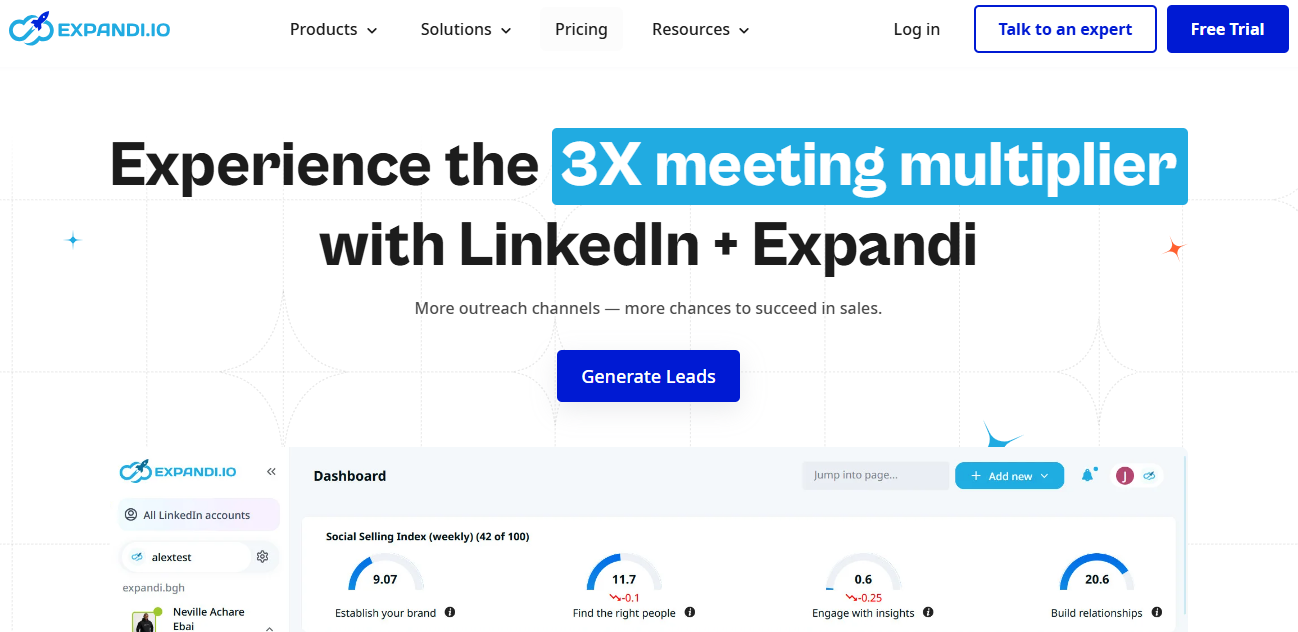
#7 - Expandi: Performance-driven LinkedIn automation for demanding teams.
Expandi is a cloud-based LinkedIn automation solution, meaning it runs on Expandi’s servers rather than through a Chrome extension. This architecture makes all the difference in terms of security: unlike extensions, which can be detected by LinkedIn, Expandi uses a dedicated IP address for each account, making the automation virtually undetectable and significantly reducing the risk of account restrictions.
Expandi is specifically designed for teams that want to maximize LinkedIn’s potential in a secure way, with advanced message customization.
Key features:
Expandi lets you create advanced LinkedIn campaigns: personalized invitations with dynamic images, sequenced messages, automated InMails, profile visits, post likes, and more. Sequences can include trigger conditions (if accepted within 3 days, move to step 2; otherwise, try via InMail...). The tool also supports sending emails in addition to LinkedIn actions, allowing you to build true multichannel sequences. A comprehensive analytics dashboard provides insights into acceptance, response, and conversion rates by campaign. The tool integrates with HubSpot, Pipedrive, and data enrichment tools like Kaspr or DropContact.
Pricing:
Expandi offers a free 7-day trial with no credit card required. The plan structure is simple, with just two options:
Business Plan: $99/month for unlimited campaigns (dedicated IP per country, auto-warm-up profile, LinkedIn limit safety algorithms).
Plan Agency: Pricing available upon request for 10 or more seats (centralized campaign management, white-label solution, dedicated Customer Success Manager).
💡Who is this for?
Sales reps, growth leads, and lead generation agencies that rely on LinkedIn as their primary channel and want to go beyond what entry-level tools offer. Expandi is particularly well-suited for teams targeting decision-makers in industries where LinkedIn is the preferred communication channel (tech, finance, consulting, HR).
👍 The advantages:
Cloud architecture offers a real and proven security advantage. The message customization features (dynamic variables, custom images) are among the most advanced on the market for LinkedIn. The tool runs 24/7 without requiring your computer to be turned on, unlike Chrome extensions.
👎 The disadvantages:
The main drawback is the flat rate of $99 per month per seat: for a small team or a solo entrepreneur just starting out, that’s a significant investment. The tool also requires a considerable amount of setup time to get the most out of it.
Benefit from a on Expandi .
30% off during 12 months
Find our best discount with Expandi and save on your software subscriptions. We offer over 850 promo codes and discounts on the best software and SaaS on the market.
#8 - Salesflare: The CRM that automatically feeds your outbound pipeline.
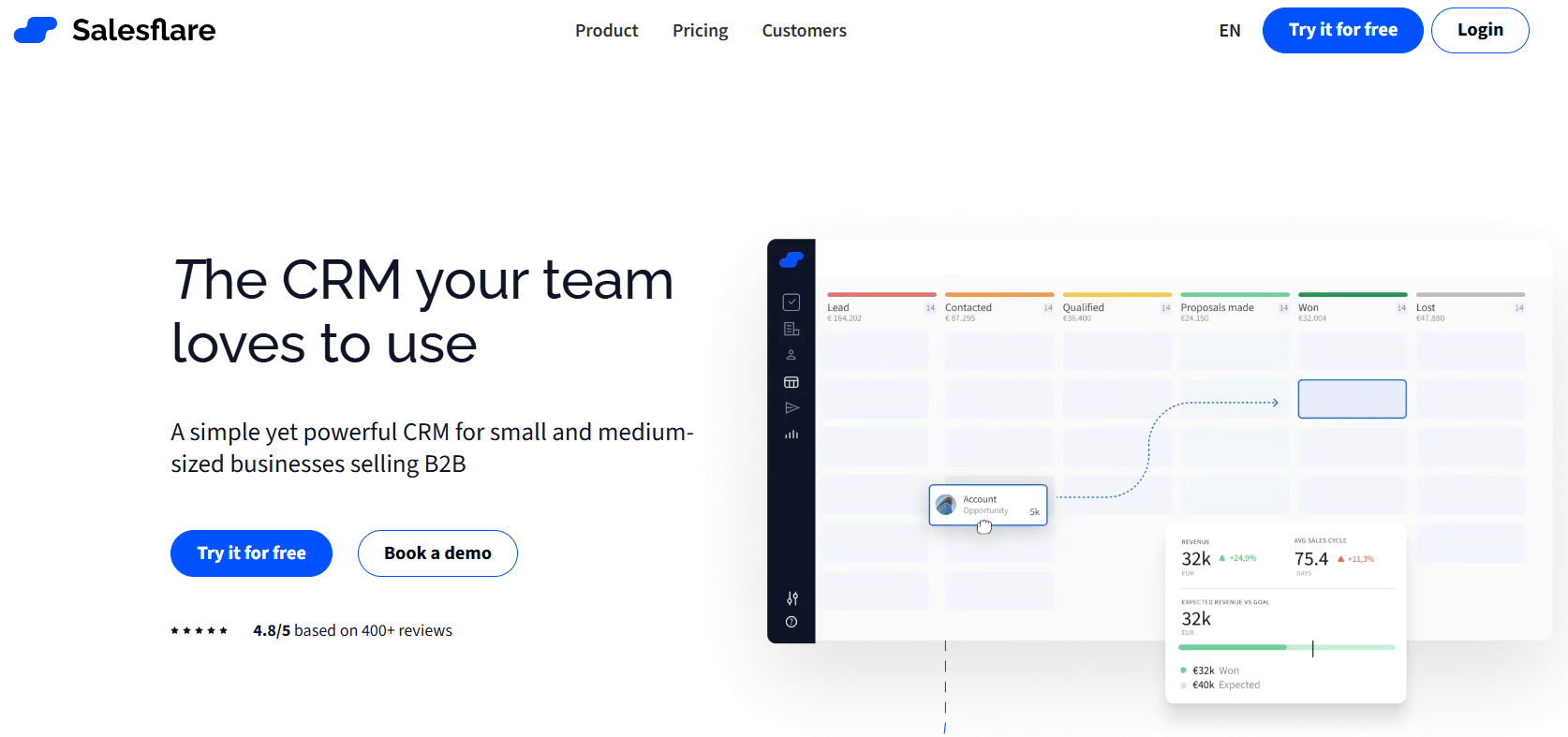
Salesflare is a B2B CRM designed specifically for small sales teams engaged in outbound prospecting. What sets it apart is that it automatically gathers information from your emails, calls, and LinkedIn interactions, without requiring you to enter anything manually. Every conversation is logged, every contact is enriched, and every stage of the pipeline is updated automatically.
In a world where salespeople spend a significant portion of their time updating their CRM (a task most view as a chore), Salesflare offers a solution to this problem. The tool is particularly popular among founders and small teams who want a powerful CRM without the operational complexity of Salesforce or HubSpot.
Key features:
Salesflare integrates with Gmail, Outlook, and LinkedIn to automatically capture interactions. It enriches contact profiles with public data (social media, website, phone number). The visual pipeline is customizable and reflects the progress of each deal in real time. Automatic reminders alert you when a prospect hasn’t been followed up on for too long, without you having to set anything up. The tool also offers an email module to send follow-up sequences directly from the CRM, and integrates with Zapier, Make, and other tools in the suite such as Lemlist or Reply.io.
Pricing:
Growth Plan: €39/month per user (CRM automation, email and visit tracking, LinkedIn and email sidebars, personalized email campaigns, 5 lead credits).
Pro Plan: €64/month per user (all Growth features, plus email sequences, custom dashboards, and 100 lead credits).
Enterprise Plan: €124/month per user (minimum of 5 users) (includes all Pro features, plus customized onboarding, data migration, a dedicated account manager, and 250 lead credits).
A free 30-day trial is available-one of the longest on the market.
💡Who is this for?
Startup founders, business developers, and small sales teams (1–10 people) who want a CRM that keeps itself up to date. Salesflare is also an excellent choice for consultants and freelancers who manage a B2B pipeline but don’t have time to maintain a clean database.
👍 The advantages:
Automatic contact and interaction enrichment is a real game-changer for teams that hate manual data entry. The interface is clean and modern. The price is very reasonable for this level of functionality. The 30-day trial period is long enough to thoroughly evaluate the tool.
👎 The disadvantages:
Salesflare is primarily a CRM, not a lead generation tool per se: it does not have a lead database or an advanced cold email module. It serves as a hub and a repository within your outbound stack, not as an acquisition engine. For very large teams with extensive customization needs, Salesflare’s limitations compared to Salesforce or HubSpot may become apparent.
Benefit from a on Salesflare .
30% off during 3 months
Find our best discount right now with Salesflare and save on your software subscriptions. We offer over 850 promo codes and discounts on the best software and SaaS on the market.
Each stack varies depending on the stage you're at. Here are three specific combinations tailored to your situation, to help you avoid overpaying for features you don't need yet.
🧑💻The founder or first sales representative of a B2B startup who is structuring their prospecting.
The most effective combination on a tight budget: DropContact to enrich your target contacts’ information from your list or CRM, Woodpecker to manage clean and reliable email sequences, and Salesflare to effortlessly keep your pipeline up to date. Budget: approximately €100–120/month for serious, well-managed lead generation, before scaling up.
If your target audience is primarily active on LinkedIn, replace or supplement Woodpecker with Expandi for high-value segments.
👥The sales team looking to take personalization to the next level.
PhantomBuster to identify targeted audiences (group members, people who have commented on a competitor’s post, participants in a LinkedIn event), Lusha to enrich contact information, and Reply.io to orchestrate multichannel campaigns with centralized tracking. This combination allows you to find leads where no one else is looking, with context-driven messages that stand out from the crowd.
🚀The RevOps/Growth team that scales outbound marketing at scale.
PhantomBuster for lead generation from LinkedIn and other platforms, DropContact for GDPR-compliant data enrichment, Smartlead for bulk email campaigns with optimized deliverability, and Salesflare as the core CRM. For technical teams looking to take things a step further, adding Clay (Clay promo code) to the data enrichment layer enables the creation of highly powerful data-driven workflows.
Overall comparison table 📊
A brief overview to help you get a sense of the big picture. The prices listed are for paid admission plans and are provided for informational purposes only; please check the current rates directly on each website, as they change regularly.
Here are a few questions that come up regularly when discussing how to structure a B2B outbound stack.
1️⃣ What is the difference between Reply.io and Woodpecker?
Both are email sequencing tools, but they are positioned differently. Woodpecker focuses on execution quality and deliverability for moderate volumes, with a very transparent pricing model based on the number of prospects contacted. Reply.io is a broader platform designed for teams that need comprehensive multichannel capabilities (email, LinkedIn, calls, SMS) and managerial oversight. For a solo sales rep or a small team, Woodpecker is often sufficient. For a team of 5 SDRs with a Sales Manager overseeing performance, Reply.io provides greater value.
2️⃣ Is PhantomBuster safe for my LinkedIn account?
Like any LinkedIn automation tool, PhantomBuster carries a certain level of risk if used aggressively. Best practices recommend not exceeding 100 invitations per day, using random delays between actions (which PhantomBuster offers natively), and avoiding actions outside of business hours. The tool also allows you to create a secondary LinkedIn profile dedicated to automation to protect your main account.
3️⃣ DropContact or Lusha: Which one should you choose for data enrichment?
The two tools aren't really interchangeable. DropContact is the best choice if your priority is GDPR compliance and you're primarily targeting the French or European market. Lusha is a better fit if you need mobile phone numbers and are also targeting international markets, particularly the U.S. Many teams use both depending on their target segments.
4️⃣ Can Salesflare replace HubSpot?
For teams of 1 to 10 people focused on B2B outbound sales, Salesflare is a viable alternative to HubSpot CRM, with the advantage of being significantly easier to maintain thanks to automatic data enrichment. However, if you have significant needs in marketing automation, content management, or customer support, HubSpot remains the more comprehensive option. Both are available at a discount Freelance Stack HubSpot promo code.
5️⃣ Is it possible to combine Expandi and Woodpecker in the same sequence?
Yes. A common approach is to use Expandi for initial LinkedIn interactions (profile visits, connection requests, and first messages) and switch to Woodpecker for the email sequence once the contact has accepted the connection. This transition between the two tools can be automated using Zapier or Make.
6️⃣ How can I tell if my email deliverability is good?
There are several free tools that allow you to quickly check the reputation of a sending domain: Mail Tester, GlockApps, or MXToolbox for SPF/DKIM/DMARC records. Tools like Smartlead or Woodpecker also include deliverability metrics in their dashboards. If you send emails regularly and notice a drop in your open rate, this is often the first sign of a reputation issue that needs to be addressed.
7️⃣ What budget should you plan for a complete outbound stack?
For a functional stack covering lead generation + LinkedIn + email: between €150 and €300 per month for a solo sales professional. For a team of 3 to 5 people with a structured workflow, expect to pay between €500 and €1,000 per month, depending on volume. The savings achievable throughFreelance Stack discount Freelance Stack these tools often allow you to reduce this cost by 20 to 40% in the first few months.
Tags
Lead GenerationClientsLinkedInAutomationSales AutomationOutboundReply.ioSmartleadWoodpeckerDropContactLushaPhantomBusterExpandiSalesflare