







The best AI tools to modernize your recruitment process from A to Z
This article reviews the most relevant tools on the market, organized by process stage, with a focus…
Read more


Product and R&D teams are often the ones that shoulder the most complexity in a startup. They simultaneously manage the roadmap, user feedback, development sprints, technical documentation, and strategic decisions—all with resources that rarely match their ambitions. In this context, AI isn’t just a gimmick: it’s a real productivity booster, provided you choose the right tools.
According to a 2024 McKinsey study, technical teams that integrate AI tools into their daily workflows save an average of 30 to 40 percent of the time spent on repetitive tasks. This time saved frees up bandwidth for what really matters: product strategy, technical decisions, and experimentation.
This comparison is intended for R&D and product teams at startups looking for practical, tried-and-true tools that offer good value for the price. We’ve selected only solutions available on Freelance Stack, with deals negotiated to help you save money on any plan.
The tools covered here fall into four main categories: project management and roadmaps, documentation and knowledge bases, product analytics, and AI-powered development support.

In just a few years, Notion has become an almost must-have go-to for product teams. The core idea is simple: replace the dozen or so scattered tools (Google Docs, Confluence, Trello, Airtable, etc.) with a unified and fully customizable workspace.
In practice, a product team can use it to build its quarterly roadmap, draft its PRDs (Product Requirements Documents), organize its backlog, and maintain an internal wiki—all of which are interconnected. Relational databases make it possible to link a backlog item to a functional specification, which in turn references the results of a user research session.
Embedded AI (Notion AI) adds an extra layer of functionality: automatic meeting summaries, generation of draft documentation, and rephrasing of technical specifications for non-technical stakeholders. It’s not revolutionary in and of itself, but it’s well integrated into the workflow.
For CPOs or product managers who want a structured workspace without the rigidity of Confluence, Notion is ideal. It’s easy to learn, and its flexibility allows you to adapt the tool to your specific way of working, rather than the other way around.
For developers, Notion works well as a technical knowledge base and API documentation, but it doesn't replace GitHub or Linear for tracking code and tickets.
For early-stage startups (0 to 20 employees), this is often the first tool to help establish structure and prevent document chaos before moving on to more specialized solutions.
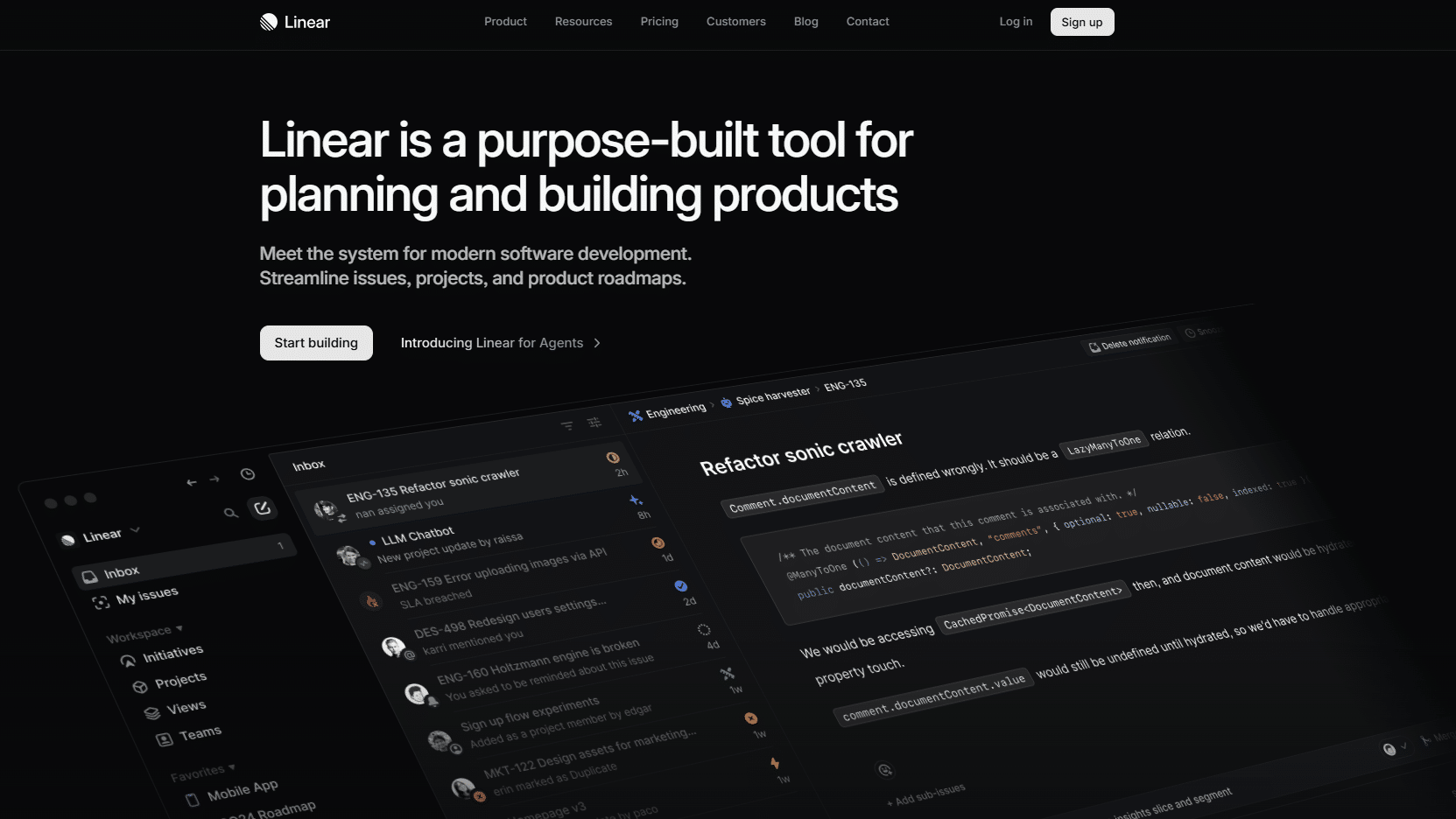
Linear is probably the tool that best understands what engineering teams hate about Jira: its slowness, its cumbersome configuration, and the endless workflows required to do simple tasks. Linear is based on the principle that a good issue-tracking tool should take a back seat to the work itself, not replace it.
The result is a minimalist, fast interface (everything is accessible via the keyboard), with features designed for short cycles: sprints, cycles, automatic prioritization, and Git sync. Integration with GitHub and GitLab allows commits and PRs to be automatically linked to the corresponding tickets, which eliminates much of the manual update work.
Linear's AI, called Linear Asks, lets you search existing tickets using natural language, create issues from Slack conversations, and detect duplicates. It's unobtrusive, but useful.
For engineering teams who are tired of Jira's complexity and want a tool that fits their way of working. Linear is particularly well-suited for teams of 5 to 50 developers.
For CTOs and tech leads who want velocity metrics without spending hours setting up dashboards.
Less suitable for non-technical teams or organizations that require complex approval workflows involving many external stakeholders.



In a product team, much of the work is done before a single line of code is written: mapping user journeys, designing solution architecture, brainstorming sessions, and prioritization workshops. Miro was designed specifically for these moments.
It’s an infinite, collaborative, real-time whiteboard with a library of templates covering just about every classic product framework: customer journey maps, impact/effort matrices, architecture diagrams, story mapping, and agile retrospectives. The built-in AI (Miro AI) lets you generate mind maps from an idea, summarize the content of a board, or turn sticky notes into a structured table.
What sets Miro apart from a simple drawing app is the depth of its integrations: boards can be embedded in Notion or Confluence, Jira tickets can be created directly within Miro, and plugins allow you to connect the board to real-world data (Mixpanel, Amplitude, etc.).
For cross-functional product teams (product managers, designers, developers) working together during the discovery and design phases. Miro excels at collaborative sessions, whether in person or remotely.
For remote or hybrid startups, this tool often replaces the physical whiteboard without sacrificing any of the collaborative energy.
Teams focused purely on technical aspects who are just looking to create architecture diagrams may find lighter-weight alternatives (Excalidraw, draw.io), but Miro remains a safe bet when it comes to collaboration.

Swarmia tackles a specific problem: how do you objectively measure the performance of an engineering team without falling into absurd metrics (number of commits, lines of code)? The answer lies in the DORA metrics and the engineering metrics from the book “Accelerate”: deploy frequency, lead time for changes, change failure rate, time to restore service.
Specifically, Swarmia connects to your GitHub or GitLab repositories, analyzes the workflow (PR review time, cycle time, recurring blockers), and generates dashboards that help identify where the team is wasting time. AI is used to detect patterns and suggest improvements: “Your PRs often exceed 400 lines of diff, which significantly lengthens review times.”
It's a management engineering tool, not a monitoring tool. The goal is to have conversations based on data, not on impressions.
For CTOs and VPs of Engineering who want objective data to facilitate retrospectives and identify bottlenecks. Swarmia is particularly powerful when a team grows to 10 or more developers and complexity begins to mask structural issues.
Less relevant for very small teams (2 to 5 developers) where metrics are naturally visible in day-to-day interactions.

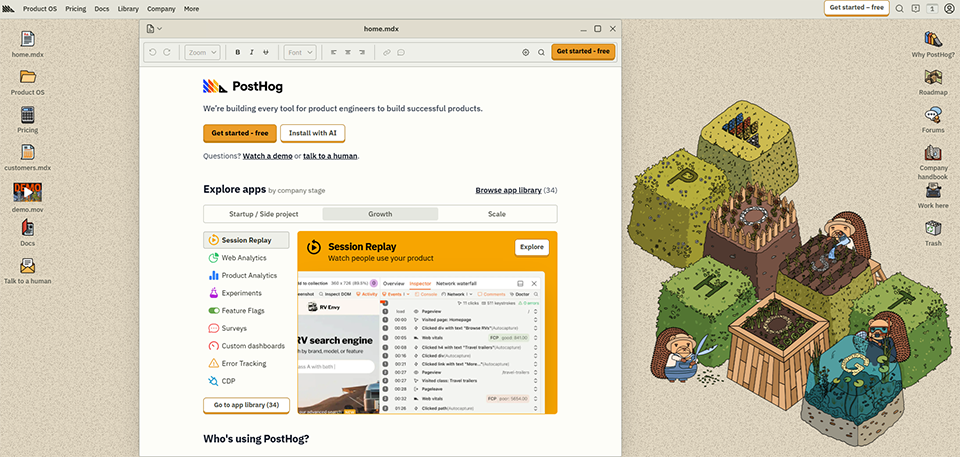
PostHog was born out of a legitimate frustration: Why do we have to pay for and maintain five different tools (Mixpanel, LaunchDarkly, FullStory, Optimizely, Segment) just to get a complete picture of product usage? PostHog’s solution is to bring it all together into a single open-source platform that can be self-hosted or used as a SaaS offering.
The scope is impressive: event tracking, funnels, retention, heat maps, session recordings, feature flags, A/B testing, product analytics with SQL, and even a basic CDP layer. AI is used to generate analytics queries in natural language (“show me the retention rate for users who enabled feature X within the first 7 days”) and to detect anomalies in the data.
For a startup that wants to iterate quickly on its product, this is probably the most powerful combination available without an enterprise-level budget.
The pay-as-you-go pricing model is particularly well-suited for early-stage startups with low traffic.
For data-driven product teams that want to close the loop between deployed features and their actual impact on user behavior. PostHog is particularly popular among B2B SaaS startups.
For developers involved in product decisions: the SQL interface and access to raw data allow you to go far beyond pre-built dashboards.
For startups concerned about GDPR compliance: the self-hosting option allows you to keep all your data on your own infrastructure.

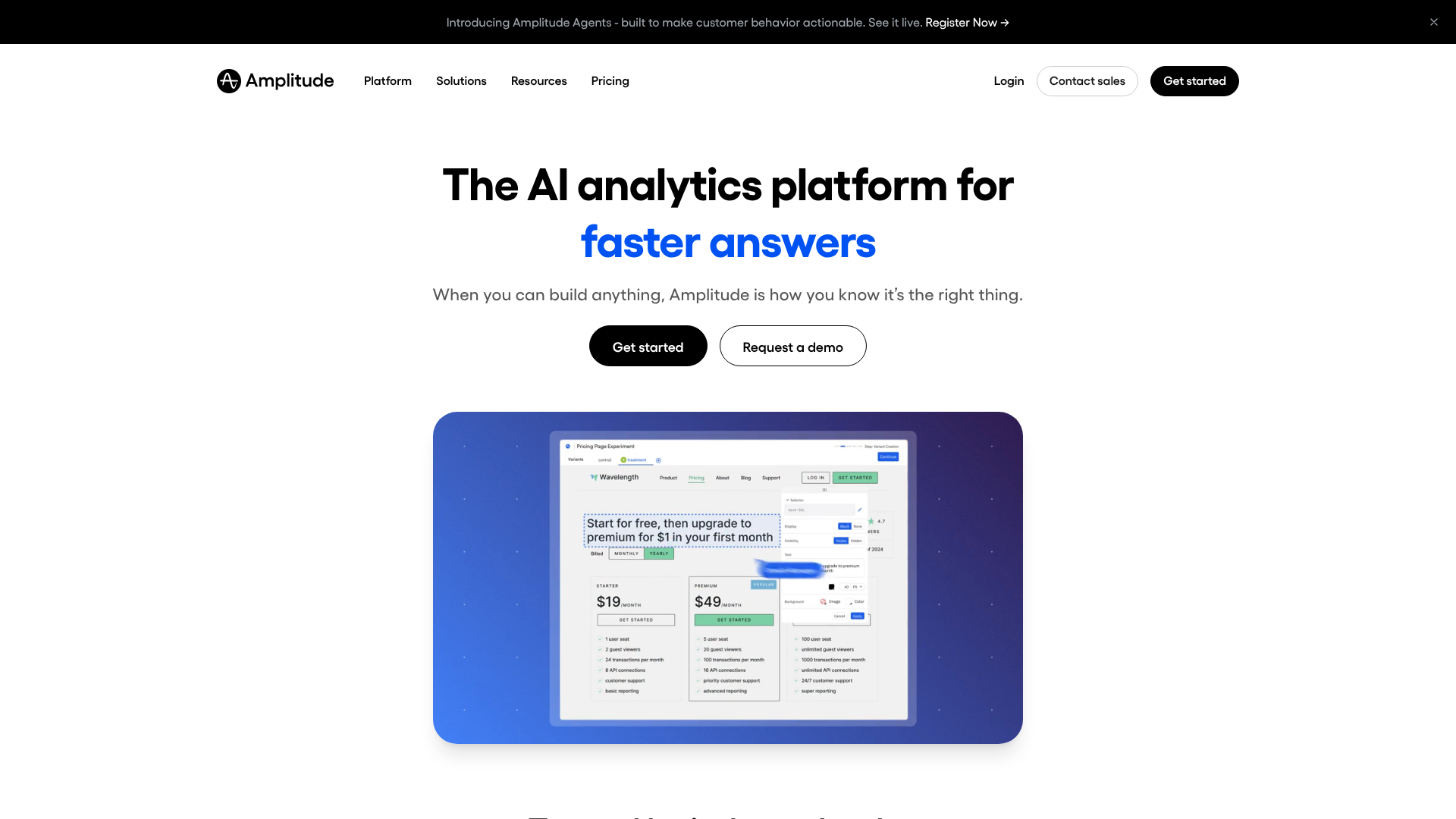

Amplitude is positioned differently from PostHog: it’s a pure analytics tool—without feature flags or session replay—but it goes much deeper in terms of analytical depth. Product teams that work with Amplitude generally do so because they need to answer complex questions about retention, engagement, and user journeys.
The Amplitude AI module (formerly Amplitude's AI features) automatically detects user segments that behave differently, identifies predictive signals of churn, and generates natural language analyses. The “Ask Amplitude” approach lets you ask questions such as “What are the three events that distinguish returning users from non-returning users?” and receive a structured answer.
It's the go-to tool for scale-ups and mature product teams, but the free plan is still available for startups just getting started.
For product teams at scale-ups (companies with 50 or more employees) that need detailed analytical insights and a platform that can handle the demands of large-scale operations.
For product data analysts who want a powerful tool without having to write SQL for every query.
Very early-stage startups (pre-PMF) would probably be better off starting with PostHog or Mixpanel, which have gentler learning curves.

Mixpanel falls somewhere between PostHog (an all-in-one, more technical solution) and Amplitude (more powerful, more complex). It’s often the first serious analytics tool a startup adopts because it’s quick to set up and the dashboards are easy to understand even without being a data scientist.
The interface is designed so that product managers can answer their own questions without relying on the data team. Funnels, retention reports, and user flows are accessible with just a few clicks. Mixpanel AI (Spark) allows you to generate analyses based on natural language queries and automatically detect anomalies.
For product managers who want to be able to analyze data on their own without having to go through a data analyst every time they have a question.
For startups in the growth phase (Series A/B) that need a robust yet user-friendly tool with reasonable pricing.

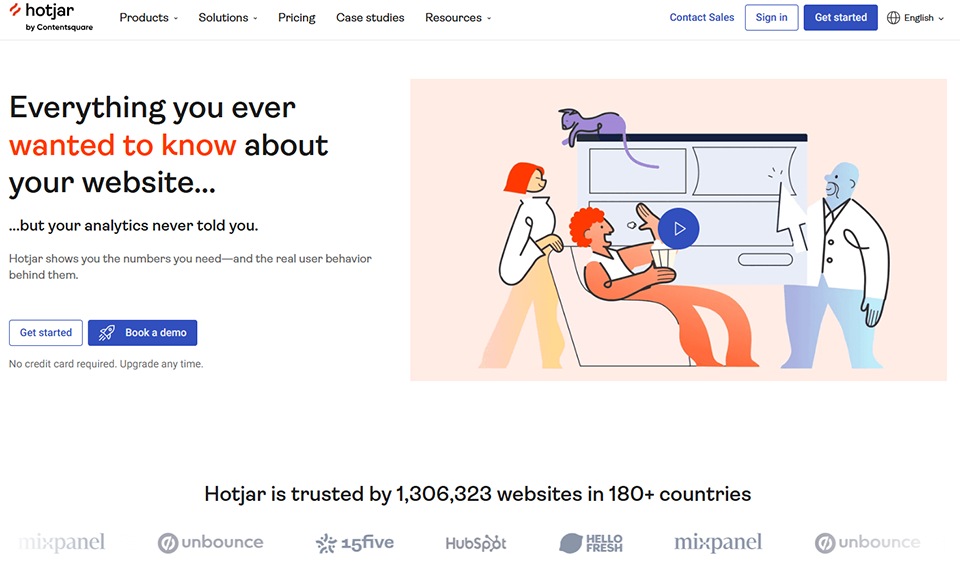

Quantitative analytics (Mixpanel, Amplitude, PostHog) tell us how many users are doing what. Hotjar shows us how they’re doing it and, most importantly, where they’re getting stuck. It’s an essential qualitative layer in the toolkit of a product team that conducts ongoing user research.
Heatmaps show where users click and scroll on each page. Session recordings let you view the screens of real (anonymized) users and observe moments of hesitation, rage clicks, and abandonment. In-app surveys let you ask contextual questions at the right moment in the user journey.
Hotjar AI includes an automatic summary of sessions and feedback, which significantly reduces the time spent analyzing recordings.
For product managers and UX researchers who conduct regular user research. Hotjar is the go-to tool for understanding friction points in a user journey.
This is particularly relevant for B2C or SaaS startups with a web interface, where the user experience has a direct impact on conversion.
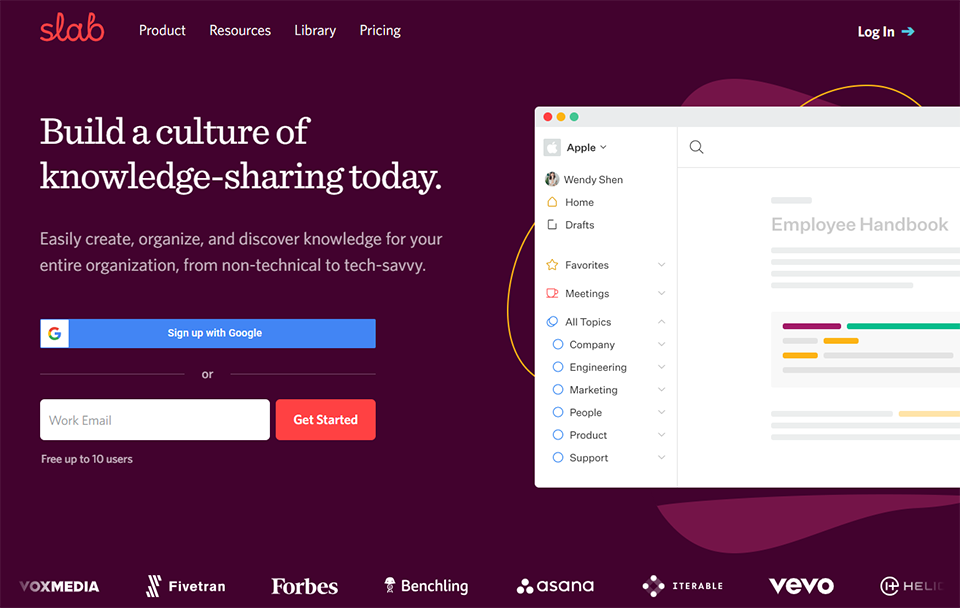
Documentation is a sore spot at most tech startups: either it doesn't exist, or no one maintains it, or you can't find it. Slab is designed specifically to solve the third problem: search.
The editor is clean and simple (similar to Notion), but what sets Slab apart is its unified search engine. It indexes not only Slab’s content, but also Notion, GitHub, Confluence, Google Docs, Slack, and Linear simultaneously. In practice, this means that a developer searching for “how to deploy to staging” gets relevant results from all these sources in one place.
Slab's AI can generate draft documentation, suggest updates when content becomes outdated, and answer questions based on the existing knowledge base.
For engineering and product teams that want a robust knowledge base without the complexity of Confluence. Slab is particularly popular among teams of 10 to 100 people who are beginning to feel the burden of scattered documentation.

Perplexity AI is neither a project management tool nor an analytics platform. It is an AI-powered search engine capable of answering complex questions while citing its sources, and that is precisely why it is useful for R&D and product teams.
In practice: a product manager preparing a competitive analysis can query Perplexity to get, in a few minutes, a summary of the latest news about their competitors, market trends, or the state of the art on a given technology. The tool cites its sources, which lets you verify and dig deeper. The Pro version lets you query internal documents or specific URLs.
For R&D teams that regularly monitor technological developments, Perplexity is a great alternative to spending hours compiling disparate Google search results.
For PMs and product managers who regularly monitor the market and the competition. For R&D teams that follow the rapid evolution of AI and ML technologies or of their own industry.

Product and R&D teams face a silent enemy: meeting overload. Reclaim AI tackles this problem head-on by intelligently managing the calendar to protect blocks of time for deep work, automating the scheduling of recurring tasks, and finding the best time slots for team meetings.
The tool connects to Google Calendar and analyzes each team member's patterns to automatically schedule tasks (coding, code reviews, writing specs) during the most appropriate time slots, avoiding the fragmentation of the workday. It also manages the scheduling of one-on-one meetings based on each person's availability, without the usual back-and-forth.
For developers and engineers who want to protect their focused work time without having to manually manage their schedules. For team leads who want to prevent their teams from being constantly interrupted by meetings.

A product team spends a significant portion of its week in meetings: sprint planning, grooming, demos, stakeholder reviews, and user interviews. Fireflies joins these meetings as a silent participant, transcribing in real time, generating a structured summary, and automatically extracting decisions and action items.
The result is sent to Slack, Notion, or your CRM a few minutes after the meeting ends. No more forgotten “who was supposed to do what”, no more meeting notes that never get written. Searching the transcripts lets you find any moment of a past discussion.
For all product teams that hold regular meetings—which is pretty much everyone. Especially useful for product managers who conduct user interviews and want to focus on the conversation rather than taking notes.
Here is a summary to help you get your bearings quickly. The prices listed are monthly rates per user; they are for reference only and are subject to change. Please visit the relevant pages for the most up-to-date pricing.
| Tool | Category | Primary use | Entry-level paid price | Free map |
|---|---|---|---|---|
| Notion | Productivity | Docs, wiki, roadmap | ~9 € per user per month | ✅ Yes |
| Linear | Dev | Tracking Engineering | $8 per user per month | ✅ Up to 250 issues |
| Miro | Collaboration | Whiteboard, workshops | $10 per user per month | ✅ 3 boards |
| Swarmia | Engineering Analytics | Dev Team Metrics | $20 per developer per month | ❌ |
| PostHog | Product Analytics | Analytics + feature flags + A/B testing | Usage (free for up to 1 million events) | ✅ Generous |
| Amplitude | Product Analytics | Advanced Analytics | Upon request | ✅ Up to 50K users |
| Mixpanel | Product Analytics | Accessible Analytics | 28 $/month | ✅ Up to 20 million events |
| Hotjar | UX Research | Heatmaps + Session Replay | 39 $/month | ✅ 35 sessions per day |
| Slab | Documentation | Knowledge Base | $6.67 per user per month | ✅ Up to 10 users |
| Perplexity AI | AI | AI Research and Monitoring | 20 $/month | ✅ Limited |
| Reclaim AI | Productivity | AI Scheduling | $8 per user per month | ✅ Yes |
| Fireflies.ai | AI | Meeting transcription | $10 per user per month | ✅ 800 minutes/month |
Below are the questions most frequently asked by tech and product teams looking to organize their tool stack.
If you’re starting from scratch, begin with the essentials: a documentation and roadmap tool (Notion or Slab), a ticket tracker (Linear for tech teams, Jira if you’re already in the Atlassian ecosystem), and a product analytics tool (PostHog to get started for free). Add the qualitative layer (Hotjar) and the meeting tools (Fireflies) once the foundations are in place.
The honest answer: it depends on the team’s maturity. For teams of 15 to 20 people or fewer, an all-in-one tool like Notion often covers 80% of their needs. Beyond that, specialized tools become necessary because use cases become more complex and the data produced by each tool has value in and of itself. Most teams naturally evolve from the first scenario to the second.
PostHog if you're in the very early stages (pre-PMF), have a developer on your team, and data compliance is important. Mixpanel if you're looking for something accessible and intuitive, and your PM wants to be self-sufficient when it comes to analysis. Amplitude if you have a data team and need very detailed retention and behavioral analytics.
No. What they do is eliminate low-value-added tasks (data consolidation, note-taking, summaries, etc.) so that data analysts and UX researchers can focus on interpretation and recommendations. AI speeds up the process; it does not replace human judgment.
Yes, specifically for certain tools. Hotjar and session recording tools collect behavioral data that falls under the scope of the GDPR. Self-hosted PostHog is often the preferred solution for startups concerned about data sovereignty. For Amplitude, Mixpanel, and others, check the Data Processing Agreement (DPA) and the location of the servers. Most offer EU options.
Linear is for teams that want speed and simplicity, especially those starting from scratch. Jira is the better choice if you already use Confluence and integration with the Atlassian ecosystem is a key consideration. As a general rule, teams that choose Linear don't go back.
By combining Notion (Business, $18/user), Linear (Business, $16/user), PostHog (Free up to 1M events), Hotjar (Business, $99/month for the team), and Fireflies (Pro, $10/user), the total comes to approximately $440 to $550/month for 10 people. With the deals available on Freelance Stack, you can significantly reduce this cost starting in the first month.
That is precisely the context for which they were designed. Miro, Notion, Linear, Fireflies, and Slab are all designed for distributed teams. The key is to ensure that adoption is genuine; a tool used by only half the team loses most of its value.


