The best web scraping tools for gathering data for your projects.
This article reviews the 8 most relevant web scraping tools for AI-driven projects, providing an honest analysis of each one’s strengths and weaknesses, as well as the types of users for whom it is best suited.
Why has web scraping become a key issue for AI projects?
Artificial intelligence is only as good as the data it’s fed. It’s a reality that many discover a little too late, often after spending weeks fine-tuning models that struggle to generalize, building fragile pipelines, or repurposing public datasets that have become too generic.
Web data collection, also known as web scraping, is now one of the most strategic skills for anyone working on AI projects: fine-tuning language models, training classifiers, powering RAG (Retrieval-Augmented Generation), real-time market monitoring, price comparison tools, and structured competitive intelligence. The applications are numerous, and they all share a fundamental need: fresh, structured, and reliable data.
The problem? Web scraping has never been easy. Between websites that block bots, dynamic JavaScript architectures, CAPTCHAs, frequent structural changes, and API quotas to manage, most teams end up spending more time maintaining their data collection infrastructure than actually working on their AI project.
That is precisely why specialized tools have emerged. And by 2026, the market had become significantly more structured: there are now solutions for every type of user, from the solo developer looking to extract a few thousand pages to data teams requiring continuous, large-scale data streams.
This article reviews the 8 most relevant web scraping tools for AI-driven projects, providing an honest analysis of each tool’s strengths and weaknesses, as well as the types of users for whom it is best suited.
#1 - Bright Data: The go-to infrastructure for large-scale web scraping.
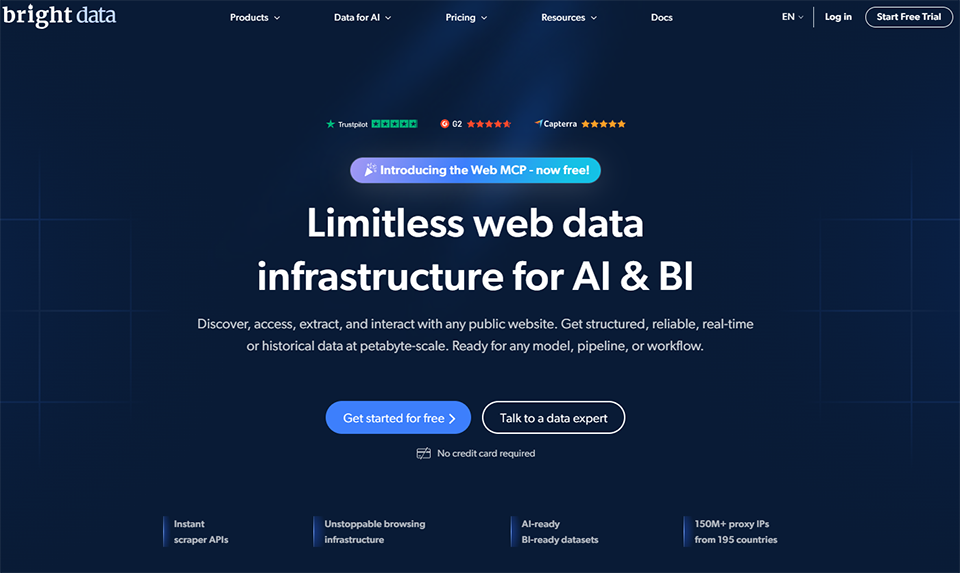
Bright Data (formerly Luminati Networks) is likely the best-known and most comprehensive player in the market. It isn’t strictly speaking a scraping tool; rather, it is a data collection infrastructure platform that combines residential proxies, data center IPs, hosted browsers, and pre-built datasets.
The platform is divided into several complementary layers. On one hand, there is a massive proxy network (over 72 million residential IP addresses in 195 countries), which allows users to bypass geographic restrictions and even the most sophisticated anti-bot systems. On the other, turnkey products: the Web Scraper IDE for building scrapers visually, the Scraping Browser for handling complex JavaScript sites, and Datasets that offer ready-to-use structured datasets across verticals such as e-commerce, social media, and real estate listings.
For AI projects, this is particularly useful because you can either collect your own data using Bright Data’s infrastructure or purchase datasets that are already formatted for model training.
Key features :
Residential, data center, mobile, and ISP proxies.
Scraping Browser (Chromium-based browser).
Web scraping IDE with site-specific templates.
Pre-built and custom datasets.
Asynchronous collection API.
Documented GDPR compliance.
Pricing:
Pay-as-you-go: starting at $0.001 per query.
Residential proxy plans: starting at ~$11/GB.
Dataset Plans: Volume-based pricing available upon request.
Free offer: available for a trial.
What kind of profile?
🏢 Data teams and growing startups:
Bright Data is designed for organizations with serious needs. Whether you’re building a data pipeline to train a classification model, monitoring real-time prices across thousands of SKUs, or feeding a RAG with fresh web data, it’s likely the most robust option on the market. There’s a definite learning curve, but the infrastructure can handle the load.
🧑💻 Experienced developers:
The API is well-documented, and SDKs are available for Python, Node.js, and several other languages. For a developer who knows what they're doing, Bright Data provides access to capabilities that would be impossible to build from scratch within a reasonable timeframe.
✅ The benefits:
The most robust infrastructure on the market in terms of reliability.
A wide selection of proxy types to suit every target.
Ready-to-use datasets across a wide range of industries.
Documented legal compliance, which is important for sensitive projects.
High-level, responsive technical support.
⚠️ The downsides:
Complex pricing that is difficult to predict without testing it first.
Not the most cost-effective option for small quantities.
It takes time to get the hang of advanced tools.
Some pre-built datasets can be expensive.
Benefit from a on Bright Data .
50% off on annual plan
Find our best discount right now with Bright Data and save on your software subscriptions. We offer over 850 promo codes and discounts on the best software and SaaS on the market.
#2 - ScrapingBee: The scraping API that handles JavaScript for you.
ScrapingBee takes a radically different approach from Bright Data: it’s a simple scraping API, accessible via an HTTP request, that handles all the parts that are normally a hassle to deal with (JavaScript, proxies, CAPTCHAs, headless browsers). You send a URL, you get the rendered HTML. That’s it.
At the heart of the service is a REST API that simulates a real browser (Chromium) in the background. When you call the API, ScrapingBee launches a browser instance on its servers, fully loads the page, executes the JavaScript, and returns the final HTML to you. All of this without you having to manage Puppeteer or Playwright instances on your end.
This is particularly useful for websites that load their content asynchronously (React, Vue, Angular), for pages that require scrolling or interaction before displaying data, or for bypassing basic bot detection systems.
Key features :
Full JavaScript rendering via Chromium headless.
Automatic rotation of residential proxies.
CAPTCHA management (Google reCAPTCHA v2 and v3).
Screenshots of the pages.
Extraction of structured data using CSS/XPath rules.
Easy integration into any programming language via HTTP.
Pricing:
Starter Plan: ~$49/month (150,000 credits).
Business Plan: ~$99/month (500,000 credits).
Business+ Plan: ~$249/month (3,000,000 credits).
Free trial: available (1,000 credits).
What kind of profile?
🧑💻 Developers who want to move fast:
ScrapingBee is the perfect tool when you don’t want to spend time on infrastructure. All it takes is an API key and a few lines of code, and you have access to a managed headless browser. When it comes to prototyping a scraper for an AI project, it’s hard to beat in terms of speed of implementation.
🚀 Small technical teams:
Without DevOps to manage proxies, browser instances, or request queues, ScrapingBee handles all of that seamlessly. It offers a good balance between complexity and results for medium-sized workloads.
✅ The benefits:
Integration in just a few minutes, clear documentation.
Reliable JavaScript rendering without local infrastructure.
Transparent management of proxies and CAPTCHAs.
Pay-as-you-go billing, easy to budget for.
Official Python and Node.js libraries.
⚠️ The downsides:
Less suitable for large-scale scraping (the cost per request can rise quickly).
No built-in monitoring or scheduling solution.
Browser session customization is limited compared to a custom setup.
We do not guarantee the ability to solve advanced CAPTCHAs (hCaptcha).
Benefit from a on ScrapingBee .
25% off on any plan
Find our best discount right now with ScrapingBee and save on your software subscriptions. We offer over 850 promo codes and discounts on the best software and SaaS on the market.
#3 - ScraperAPI: The smart proxy with automatic rotation for developers.
Benefit from our free deal on ScraperAPI.
Find over 300 free deals as well as over 850 Premium deals right now with ScraperAPI and save on your software subscriptions. Whether you're an entrepreneur, a startup or a solo freelancer, save hundreds of euros thanks to our discounts and promo codes.
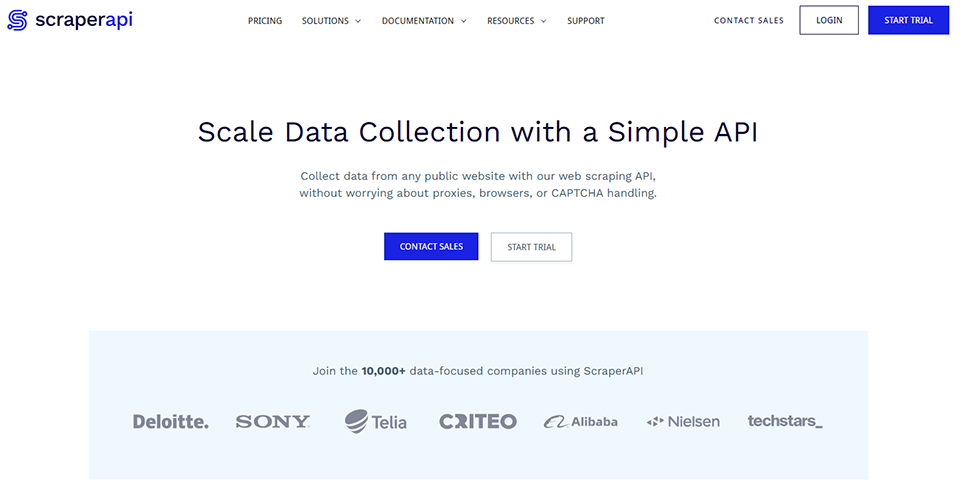
ScraperAPI targets a slightly different niche than ScrapingBee: it is primarily a smart proxy that handles IP rotation and HTTP headers for you. The idea is to keep your existing scraping code by simply changing the target URL to route through their infrastructure.
The approach is elegant: instead of directly calling the URL you want to scrape, you use the ScraperAPI API and pass the target URL as a parameter. ScraperAPI handles the rest: selecting an appropriate proxy, rotating proxies if necessary, managing headers, and rendering JavaScript if requested.
This is a particularly practical approach if you already have scraping code and simply want to make it more robust without rewriting it. ScraperAPI also offers an Async Scraper for high-volume jobs and a Data Pipeline feature for structuring the extracted data.
Key features :
Smart proxy with automatic rotation.
JavaScript rendering is optional.
Async mode for large volumes.
Management of browser headers and fingerprints.
Structured data (JSON) for certain types of pages.
Request Monitoring Dashboard.
Pricing:
Hobby Plan: $29/month (100,000 credits).
Startup Plan: $49/month (250,000 credits).
Business Plan: $99/month (1,000,000 credits).
Free trial: (1,000 requests).
What kind of profile?
🧑💻 Developers working with existing code:
If you already have a scraper that works but gets blocked too often, ScraperAPI offers a low-impact migration solution. Just change one line of the URL, and your pipeline becomes much more resilient.
💡 AI projects involving regular data collection:
To regularly feed an AI data pipeline (with weekly or daily data collection from specific sources), ScraperAPI offers a good balance between price and reliability.
✅ The benefits:
Very easy to integrate into existing code.
Some of the most competitive rates on the market.
Asynchronous mode is ideal for large volumes.
Clear dashboard for monitoring usage.
Good value for money for medium-sized orders.
⚠️ The downsides:
Fewer advanced features than Bright Data or Apify.
JS rendering is less reliable on very complex pages.
No pre-built datasets.
Limited support on lower-end models.
Benefit from a on ScraperAPI .
50% off on any plan
Find our best discount right now with ScraperAPI and save on your software subscriptions. We offer over 850 promo codes and discounts on the best software and SaaS on the market.
#4 - Apify: The most comprehensive scraping platform on the market.
Benefit from our free deal on Apify.
10% off on annual plan
Find over 300 free deals as well as over 850 Premium deals right now with Apify and save on your software subscriptions. Whether you're an entrepreneur, a startup or a solo freelancer, save hundreds of euros thanks to our discounts and promo codes.
Apify occupies a unique position within this ecosystem. It is simultaneously a cloud-based platform for running scrapers, a marketplace for pre-built scrapers, and a suite of open-source tools (notably Crawlee) for building custom solutions. It is likely the most modular solution available today.
The core concept is thatof an "Actor": a scraper or an encapsulated automation tool that can be deployed on the Apify cloud platform. You can use actors created by the community (there are thousands of them, for Instagram, LinkedIn, Amazon, Google Maps, and more), create your own, and orchestrate them via workflows.
For AI projects, the benefits are significant: Apify offers direct integrations with tools such as LangChain, LlamaIndex, and OpenAI, making it easy to connect data collection to your AI pipeline. The platform also includes a structured storage system (datasets, key-value stores) that simplifies data management between the collection and training stages.
Key features :
A marketplace featuring over 2,000 pre-built components.
Orchestration and scheduling of scrapers.
Native integrations with LangChain, LlamaIndex, Make, and Zapier.
Pay-as-you-go billing: available in addition to subscription plans.
What kind of profile?
🤖 AI developers and data engineers:
Apify is likely the best choice for serious AI projects. Its integrations with LangChain and LlamaIndex, in particular, allow data collection to be seamlessly integrated into a RAG or model training pipeline without the need for an additional adaptation layer.
🏢 Teams looking to leverage reusable scraping:
The actor model makes it possible to build a library of scrapers that the entire team can use, update, and share. This approach is much easier to maintain than a collection of scattered scripts.
🚀 Technical founders of startups:
Access to the widget marketplace means you can often get started without writing any code. There’s already a widget available for almost every popular website.
✅ The benefits:
A vast marketplace of vendors, saving a tremendous amount of time.
Native integrations with major AI frameworks.
An architecture well-suited for complex data projects.
Native scheduling and orchestration.
Partially open-source (Crawlee), active community.
Integrated structured storage.
⚠️ The downsides:
There's a learning curve if you want to create your own characters.
Pricing on a per-credit basis can be difficult to estimate at first.
Some marketplace vendors receive inconsistent support.
The interface may seem a bit overwhelming at first.
Benefit from a on Apify .
3 months at 20% off, then an additional 30% off on any plan
Find our best discount right now with Apify and save on your software subscriptions. We offer over 850 promo codes and discounts on the best software and SaaS on the market.
#5 - Browse AI: No-code web scraping with change monitoring.
Benefit from our free deal on Browse AI .
20% off on annual plan
Find over 300 free deals as well as over 850 Premium deals right now with Browse AI and save on your software subscriptions. Whether you're an entrepreneur, a startup or a solo freelancer, save hundreds of euros thanks to our discounts and promo codes.
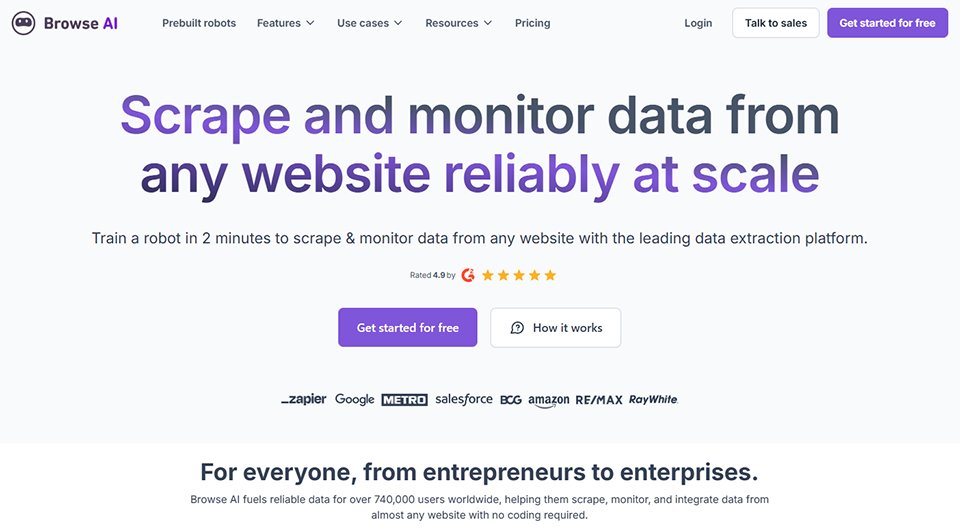
Browse AI is the complete opposite of the previous tools. No code, no APIs to call, no proxies to configure. The idea? Train a bot on a website by showing it what you want to extract, and let it run automatically.
The interface is simple: you install a Chrome extension, navigate to the site you want to scrape, and "show" Browse AI which elements you're interested in by clicking on them. The tool then generates a bot capable of replicating this behavior at regular intervals, extracting the data, and sending it to you (via webhook, Google Sheets, Zapier, etc.).
The most useful feature for AI projects is change monitoring: Browse AI can monitor a page and alert you (or trigger an action) when its content changes. This is useful for keeping a dataset up to date without manual intervention.
Key features :
No-code interface, robot training via demonstration.
Monitoring changes to web pages.
Export to Google Sheets, Airtable, Zapier, and Make.
Automatic pagination.
Flexible scheduling.
Over 400 pre-built bot templates.
Pricing:
Free Plan: 50 credits/month.
Starter Plan: $19/month (2,000 credits).
Professional Plan: $99/month (25,000 credits).
Team Plan: $249/month (150,000 credits).
What kind of profile?
📊 Non-technical roles that need data:
This is clearly Browse AI’s strongest feature. A marketing manager who wants to monitor competitors’ prices, an analyst collecting lead data, or a founder tracking industry sentiment can all use Browse AI without writing a single line of code.
🔄 Projects requiring continuous monitoring:
The change monitoring feature is a real asset for keeping datasets up to date in situations where data sources change frequently.
✅ The benefits:
Maximum accessibility; no technical skills required.
Native change monitoring, a feature rarely found among competitors.
Extensive library of templates.
Very affordable prices for small quantities.
Integrations with popular no-code tools.
⚠️ The downsides:
Not suitable for large-scale or high-frequency scraping.
Less flexibility on complex or highly dynamic sites.
Results are less predictable when websites change their structure.
Not designed for large-scale raw data collection to train models.
Benefit from a on Browse AI .
additional 20% off on any plan
Find our best discount with Browse AI and save on your software subscriptions. We offer over 850 promo codes and discounts on the best software and SaaS on the market.
#6 - Firecrawl: The crawling tool optimized for training large language models.
Benefit from our free deal on Firecrawl.
16% off on annual plan
Find over 300 free deals as well as over 850 Premium deals right now with Firecrawl and save on your software subscriptions. Whether you're an entrepreneur, a startup or a solo freelancer, save hundreds of euros thanks to our discounts and promo codes.
Firecrawl is one of the newest tools on this list, and likely the one that has been most explicitly designed for AI use cases. Its purpose is clear: to transform any website into structured data that can be used directly by an LLM.
While most web scrapers provide you with raw HTML, Firecrawl goes a step further: it extracts content from a page or an entire website and converts it directly into clean Markdown, structured JSON, or other formats suitable for ingestion by language models. The tool handles JavaScript sites, PDFs, and images (with text extraction), and can automatically crawl an entire domain.
This is a natural choice if you're building an RAG system and want to index a website's content without worrying about data cleaning and formatting. Integrations with LangChain, LlamaIndex, Dify, and CrewAI are built-in.
Key features :
Clean conversion from HTML to Markdown/JSON.
Automatic crawl of an entire domain.
Structured data extraction using a custom schema.
JavaScript site management.
Integrations with LangChain, LlamaIndex, Dify, and CrewAI.
A simple and well-documented API.
Search mode (search and scraping in one step).
Pricing:
Free Plan: 500 credits/month.
Hobby Plan: $16/month (3,000 credits).
Standard Plan: $83/month (100,000 credits).
Growth Plan: $333/month (500,000 credits).
What kind of profile?
🤖 Developers building RAG pipelines:
This is Firecrawl’s primary use case. If you want to index documentation, a collection of blogs, or any other web source in your vector store, Firecrawl saves you a tremendous amount of work in terms of data cleaning and parsing.
🧑💻 AI developers who want to move fast:
The API is intentionally simple. Just a few lines of code are all it takes to crawl an entire website and generate ready-to-use Markdown for training or retrieval.
✅ The benefits:
Clean Markdown output, ideal for LLMs.
Crawl an entire domain with just a few lines of code.
Native integrations with major AI frameworks.
Excellent balance of simplicity and power for RAG projects.
Open-source version available for self-hosting.
⚠️ The downsides:
Less suitable for targeted scraping of specific elements.
Credits used per page can be expensive on large websites.
Less advanced than Bright Data or Apify in terms of advanced features.
A proxy network that is less developed than those of established players.
Benefit from a on Firecrawl .
Additional 10% off on any plan
Find our best discount right now with Firecrawl and save on your software subscriptions. We offer over 850 promo codes and discounts on the best software and SaaS on the market.
#7 - PhantomBuster: Automating actions and extracting data on social media.
Benefit from our free deal on PhantomBuster.
20% off on annual plan
Find over 300 free deals as well as over 850 Premium deals right now with PhantomBuster and save on your software subscriptions. Whether you're an entrepreneur, a startup or a solo freelancer, save hundreds of euros thanks to our discounts and promo codes.
PhantomBuster occupies a very specific niche: data extraction and automation on social media and closed platforms (LinkedIn, Twitter/X, Instagram, Facebook, etc.). It is both a scraping tool and an automation tool—a combination not found elsewhere at this level of sophistication.
The PhantomBuster platform is built around Phantoms: pre-built automations that perform actions or extract data on specific platforms. There are hundreds of them, covering virtually every useful action on LinkedIn (extracting profiles, group members, and search results), Sales Navigator, Instagram, and Google Maps.
For AI projects, the primary focus is on collecting structured social data: professional profiles, comments, posts, and login data. This is a rich data source for models used in profile classification, sentiment analysis, and lead scoring.
Key features :
More than 100 pre-built Phantoms.
Data extraction from LinkedIn, Instagram, Twitter, Facebook, and Google.
Automation of actions (logins, messages, likes).
Scheduling and multi-step workflows.
Export to CSV or via webhook.
Built-in residential proxies.
Pricing:
Trial Plan: 14-day free trial.
Starter Plan: $56/month (20 hours of runtime, 5 concurrent Phantoms).
Pro Plan: $128/month (80 hours, 15 Phantoms).
Team Plan: $352/month (300 hours, unlimited Phantoms).
What kind of profile?
📈 Sales, marketing, and growth teams:
PhantomBuster is widely used for prospecting and lead generation. But for AI projects, it’s also a valuable resource for building datasets on profiles, market analysis, or social media content.
🔬 Researchers and data analysts:
Extracting structured data from LinkedIn or other social media platforms is notoriously difficult. PhantomBuster makes this task much easier.
✅ The benefits:
The best solution on the market for social media data extraction.
A unique combination of data extraction and automated actions.
⚠️ The downsides:
The use of social media is subject to the platforms' terms of service; please use them with discretion.
Prices are high if you need large quantities.
Phantoms are sometimes sensitive to changes in the platform interface.
Not suitable for scraping standard websites.
Benefit from a on PhantomBuster .
Additional 30% off on annual plan
Find our best discount with PhantomBuster and save on your software subscriptions. We offer over 850 promo codes and discounts on the best software and SaaS on the market.
#8 - Octoparse: The no-code visual web scraper with structured data extraction.
Octoparse is a visual web scraping tool designed for users who want a no-code alternative that offers more power and flexibility than Browse AI. The desktop (or cloud) interface allows you to visually configure fairly complex scrapers without writing a single line of code.
Octoparse's configuration interface is based on a browser built into the application. You navigate the target website, select the elements you want to extract by clicking on them, and Octoparse generates the corresponding scraping workflow. The tool handles pagination, required logins, infinite scrolling, and can export data in a variety of formats.
The cloud version allows you to run scrapers in the background without having to keep your computer on. For AI projects that require regular, structured collection of tabular data, this is a solid option.
Key features :
Visual interface for configuring scrapers.
Pagination and infinite scrolling management.
Rotating IP mode to prevent jams.
Export to CSV, Excel, JSON, and databases.
Cloud execution (background scrapers).
Over 10,000 pre-built templates.
Pricing:
Free Plan: limited features, 10,000 exports per month.
Standard Plan: $75/month (cloud scraping, proxies included).
Professional Plan: $209/month (higher volume, priority support).
Enterprise Plan: Price upon request.
What kind of profile?
📊 Analysts and data professionals without a background in development:
Octoparse offers a much higher level of control than Browse AI, while remaining accessible to non-developers. It’s a highly effective solution for regularly extracting data tables, product catalogs, or product listings.
🏪 E-commerce businesses and marketing teams:
Price monitoring, extracting competitor catalogs, and collecting customer reviews are natural use cases for Octoparse.
✅ The benefits:
Powerful no-code visual interface.
Extensive library of templates for popular websites.
Very clean extraction of tabular data.
Export to a variety of formats, including databases.
Good value for money on the mid-tier plans.
⚠️ The downsides:
Less suitable for sites with advanced anti-bot protections.
The interface can sometimes be difficult to get the hang of for highly nested scrapers.
Less native for AI projects than Firecrawl or Apify.
The free version is quite limited.
Benefit from a on Octoparse .
20% off on annual plan
Find our best discount right now with Octoparse and save on your software subscriptions. We offer over 850 promo codes and discounts on the best software and SaaS on the market.
Below are the most frequently asked questions on this topic, whether they come from beginner developers or more experienced data teams.
1️⃣ Is web scraping legal?
The legality of web scraping depends on several factors: the terms of use of the target website, the nature of the data collected (whether it is personal data or not), and the jurisdiction in which you operate. Generally speaking, scraping non-personal public data is usually tolerated, but it may conflict with the terms of service of certain platforms. Personal data is subject to the GDPR in Europe, which imposes additional restrictions. If in doubt, consult a specialized attorney.
2️⃣ How much data is needed to train an AI model?
It depends entirely on the type of model and the task. For fine-tuning large language models (LLMs), a few thousand high-quality examples are often sufficient. For training a text or image classifier, the number of examples ranges from a few hundred to several million, depending on the complexity. In most cases, data quality is more important than quantity.
3️⃣ What is the difference between scraping, crawling, and parsing?
Crawling refers to the automatic navigation of a website to discover its pages. Scraping is the extraction of data from those pages. Parsing is the processing and structuring of the raw data that has been extracted. In practice, a data collection project often involves all three of these operations.
4️⃣ Do you need to know how to code to use these tools?
Not necessarily. Browse AI and Octoparse are accessible without any coding skills. ScrapingBee, ScraperAPI, and Firecrawl offer simple APIs that can be accessed with just a few lines of Python or JavaScript. Apify and Bright Data require more technical expertise to get the most out of them.
5️⃣ How can you avoid getting blocked during ?
There are several ways to reduce the risk of a deadlock: follow the file robots.txt, limit the number of requests per second, use rotating proxies, simulate human behavior (random pauses, varied user agents), and avoid scraping during peak traffic times. The tools presented in this article natively incorporate most of these mechanisms.
6️⃣ Can we scrape data in real time to feed an AI in production?
Yes, this is a common use case, particularly for recommendation systems, market monitoring, and anomaly detection. Bright Data, Apify, and ScraperAPI are designed to handle this type of workload. You simply need to choose the right subscription plan and implement robust error-handling mechanisms.
7️⃣ Is Firecrawl really better than a traditional scraper for RAG projects?
For RAG (Retrieval-Augmented Generation) use cases, Firecrawl has a clear advantage: it produces clean, structured Markdown that can be processed directly by an LLM, without the need to clean up HTML or deal with layout artifacts. On standard websites, the tool generally performs very well. On highly dynamic sites or those with advanced security measures, it may reach its limits, and a tool like Apify or Bright Data would be more suitable.
8️⃣ Do these tools work with French websites?
Yes, all the tools described here work regardless of the language of the target websites. Scraping operates at the HTML level, which is independent of the content’s language.
Tags
Web scrapingDataExtractionBright DataScrapingBeeScraperAPIApifyBrowse AIFirecrawlPhantomBusterOctoparse