






The 5 Best Collaboration Tools for Businesses
This article introduces you to 5 collaboration tools that really make a difference, each with its own unique features, strengths, and…
Read more


No matter the size of your team or your industry, project management is often what makes the difference between a job well done and a project that quietly falls apart. Cumulative delays, tasks that fall by the wayside, meetings that take the place of actual action: many organizations recognize this pattern without necessarily knowing where to intervene.
The project management software market has exploded in recent years. According to a study by the PMI (Project Management Institute), organizations that adopt structured project management practices achieve their goals 92% of the time, compared to 36% for those that operate without a clear methodology. That’s no small matter.
So the issue isn't whether a tool can help you, but rather which one truly fits your situation: your team size, your work style, your budget, and your habits. And that's exactly where things get complicated, because there are so many options available, and the marketing promises are often similar from one tool to the next.
This guide presents the 11 best project management software tools for 2026, selected from the solutions available on Freelance Stack, and analyzes what truly sets each one apart, who it’s designed for, and exactly how much it will cost you.

Notion occupies a unique place in this ecosystem. It is not a project management tool in the traditional sense: it is a modular workspace where each team builds its own system using customizable building blocks. Nested pages, relational databases, Kanban boards, calendars, galleries… everything coexists within a single, cohesive environment.
What was long seen as a limitation (the tool doesn’t dictate a method) has become its main strength as teams sought to centralize both their documentation and project tracking in one place. Notion has also significantly enhanced its AI capabilities with Notion AI, which allows users to automatically generate summaries, draft briefs, or extract data from their databases.
Notion is based on a system of blocks and databases. A task can be an entry in a database, linked to a project, an assignee, a due date, and a priority. This same database can be displayed as a table, a list, a calendar, or a timeline, depending on the context. Synchronization between views is instantaneous, which prevents duplicates and eliminates the need for manual updates.
Templates are another key strength: Notion offers several hundred pre-built templates (OKRs, roadmaps, sprint planning, content tracking, etc.) that let you get started quickly without having to start from scratch.
Freelancers and solopreneurs:
Notion is excellent for centralizing your client projects, notes, document templates, and in-house CRM all in one place. The free plan is often enough to get started.
Small creative or editorial teams:
Agencies, studios, content teams... Notion excels where documentation and project tracking need to coexist seamlessly. The brief is stored in the same database as the task.
Startups in the early stages of development:
Notion is a great fit for growing teams that haven't yet standardized all their processes and want a flexible tool before locking down their tech stack.
✅ Exceptional flexibility and extensive customization.
✅ Centralized documentation and project management in a single tool.
✅ Well-designed interface, easy to learn.
✅ AI has been natively integrated since 2023.
✅ A very large library of community-created templates.
⚠️ The learning curve can be steep if you want to take customization to the next level.
⚠️ Less suitable for complex projects that require precise native Gantt chart tracking.
⚠️ Performance may slow down with very large databases.
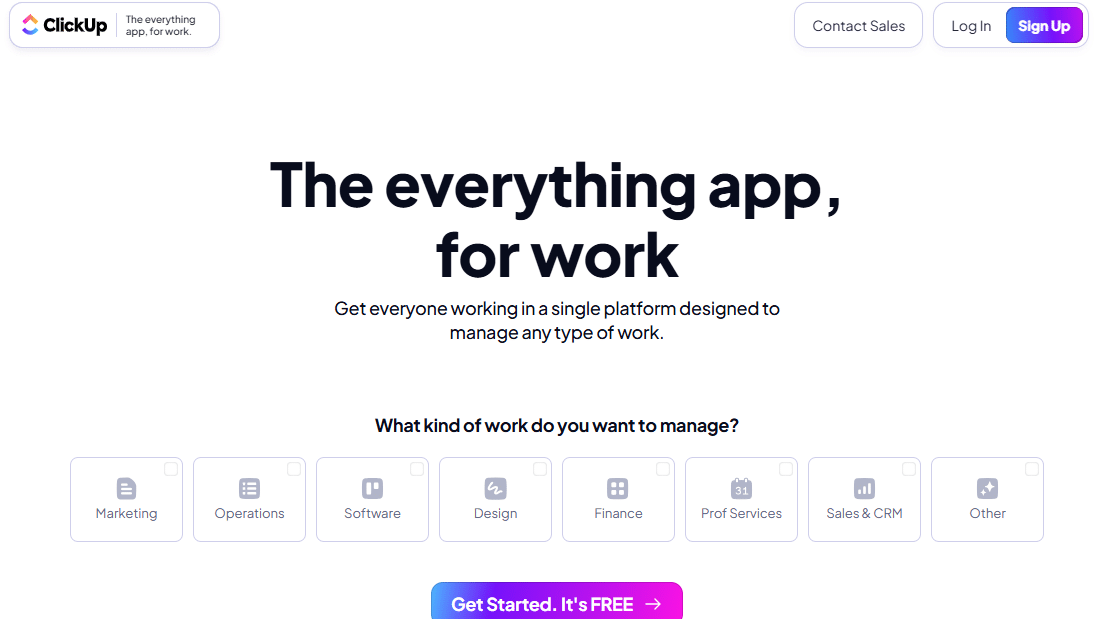

ClickUp has made it its mission to replace all other productivity tools. It’s an ambitious promise, but the platform is seriously closing in on that goal. Tasks, documents, spreadsheets, goals, time tracking, internal chat, automations… everything is natively integrated. In 2026, ClickUp Brain (their AI layer) is now available on all paid plans and is transforming the way users interact with their project data.
What really sets ClickUp apart is the depth of customization: every space, every folder, and every list can have its own fields, views, and statuses. You can build a workflow tailored to each team, without imposing a one-size-fits-all structure on the entire organization.
ClickUp’s hierarchy (Workspace > Spaces > Folders > Lists > Tasks) lets you organize everything from simple projects to complex portfolios. Its multiple views are one of its major strengths: list, board, calendar, Gantt, mind map, workload, and more. Switching between views is seamless, and they all stay in sync.
Automation features are particularly powerful: you can create "if/then" rules without writing code to automate status changes, assignments, notifications, or task creation. More than 100 native integrations round out the ecosystem.
Teams that want to replace multiple tools:
ClickUp is designed to consolidate Asana, Notion, Slack, and Toggl into a single platform. If your tech stack is too fragmented, this is probably the best solution.
Experienced project managers:
The wide range of features is an asset for those who know what they're looking for. Beginners may feel a little overwhelmed at first.
SMEs and growing teams:
ClickUp is truly scalable. The platform effectively supports organizations as they grow from 5 to 50 people without having to switch tools.
✅ The most comprehensive tool on the market in terms of native features.
✅ Extensive customization at every level.
✅ ClickUp Brain for content generation, task summaries, and contextual responses.
✅ Excellent value for the price, especially with the Business version.
✅ Frequent updates and an ambitious roadmap.
⚠️ A wealth of features can become a source of complexity for small teams.
⚠️ The mobile app still lags behind the desktop version.
⚠️ Performance may vary depending on the workload.


Monday.com has achieved something rare: building a project management tool that teams adopt spontaneously, without resistance. Its colorful interface, intuitive boards, and ease of use often make it the top choice for non-technical teams that need visibility into their projects without having to go through extensive training.
But Monday is more than just a beautiful interface. The platform has matured significantly and now offers a "Work OS": a work operating system that centralizes projects, processes, CRM, product development, and even HR within a unified architecture.
At the heart of Monday is the board: a visual grid where each row represents an item (task, project, client, campaign, etc.) and each column represents an attribute (status, assignee, date, priority, budget, etc.). The columns are fully customizable: text, numbers, dates, formulas, links, files, satisfaction ratings, and more. Over 30 column types are available.
Automations can be set up without coding using a natural language interface: "When the status changes to 'Completed,' notify the team and archive the item." Integrations with Google Workspace, Slack, Salesforce, Jira, and HubSpot are native and well-implemented.
Sales and Marketing Teams:
Monday is particularly powerful for teams that manage campaigns, sales pipelines, or product launches. Visual clarity makes all the difference.
Non-technical organizations:
HR, communications, operations... Teams that are reluctant to learn a new tool find it easy to adopt Monday thanks to its intuitive interface.
Companies looking for a multi-purpose tool:
The Monday suite (CRM, Dev, Service) enables organizations to standardize their tools across the entire organization.
✅ Easy to get started right away, with no significant learning curve.
✅ Clear, intuitive interface, ideal for meetings and reporting.
✅ Automations accessible via natural language.
✅ A very extensive ecosystem of integrations.
✅ A comprehensive suite for organizations looking to unify their tech stack.
⚠️ Can become expensive as the team grows (billed per seat).
⚠️ The Basic plan has limitations: some key features require the Pro plan.
⚠️ Less suitable for highly technical projects or software development.
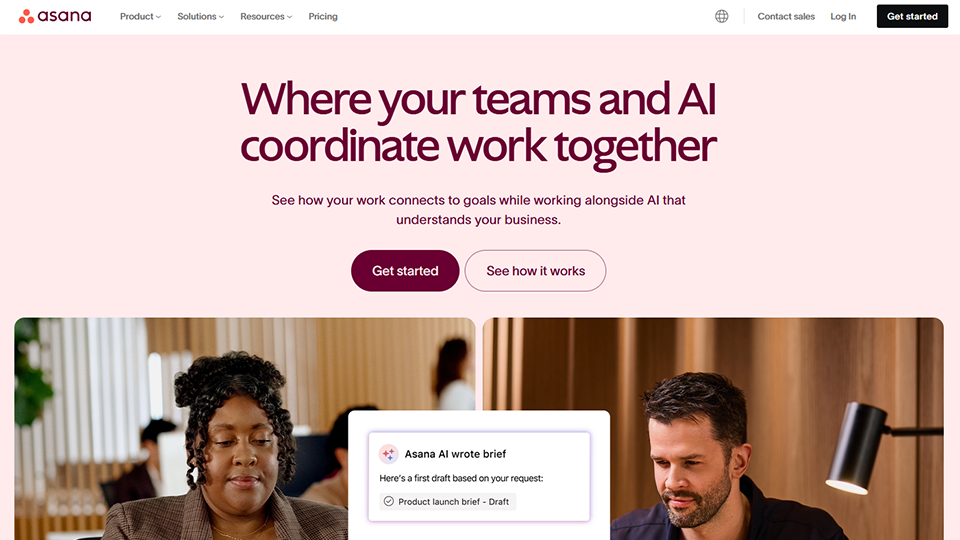
Asana is one of the pioneers of collaborative project management. Founded in 2008 by former Facebook employees, the tool has had plenty of time to refine itself and establish itself as a standard in mid-sized organizations. Its philosophy is clear: every task must have an assignee, a due date, and a parent objective. No ambiguity, no approximations.
This "serious" positioning is reflected in the platform's depth. Asana supports complex project structures, multi-project portfolios, advanced automation rules, and consolidated reporting. It is often the tool of choice for teams that have outgrown lighter-weight tools and are looking for something robust.
Task management in Asana is particularly well-designed: subtasks, dependencies, cross-project tasks (a single task can belong to multiple projects at the same time), custom fields, and more. The Timeline (Gantt) view is one of the best on the market for visualizing dependencies and adjusting schedules.
Portfolios allow managers to view the progress of multiple projects simultaneously on a single screen. Automation rules (trigger + action) help eliminate repetitive tasks without having to use a third-party tool like Zapier or Make.
Groups of 10 to 100 people:
Asana really shines when projects involve multiple teams, complex dependencies, and a need for consolidated visibility for management.
Program Managers and PMO:
Portfolios and multi-project reporting are essential tools for people who manage multiple initiatives simultaneously.
Operational teams:
HR, Finance, Legal... Asana offers department-specific templates to speed up implementation.
✅ A very structured task framework, ideal for teams that need clarity.
✅ One of the best timeline views on the market.
✅ Comprehensive multi-project portfolios and reporting.
✅ Extensive integration ecosystem (300+ connectors).
✅ Robust mobile app.
⚠️ The free plan is limited to 10 users and does not include a timeline.
⚠️ The Advanced plan is significantly more expensive than the competition for equivalent features.
⚠️ The interface may seem rigid to teams looking for more structural flexibility.
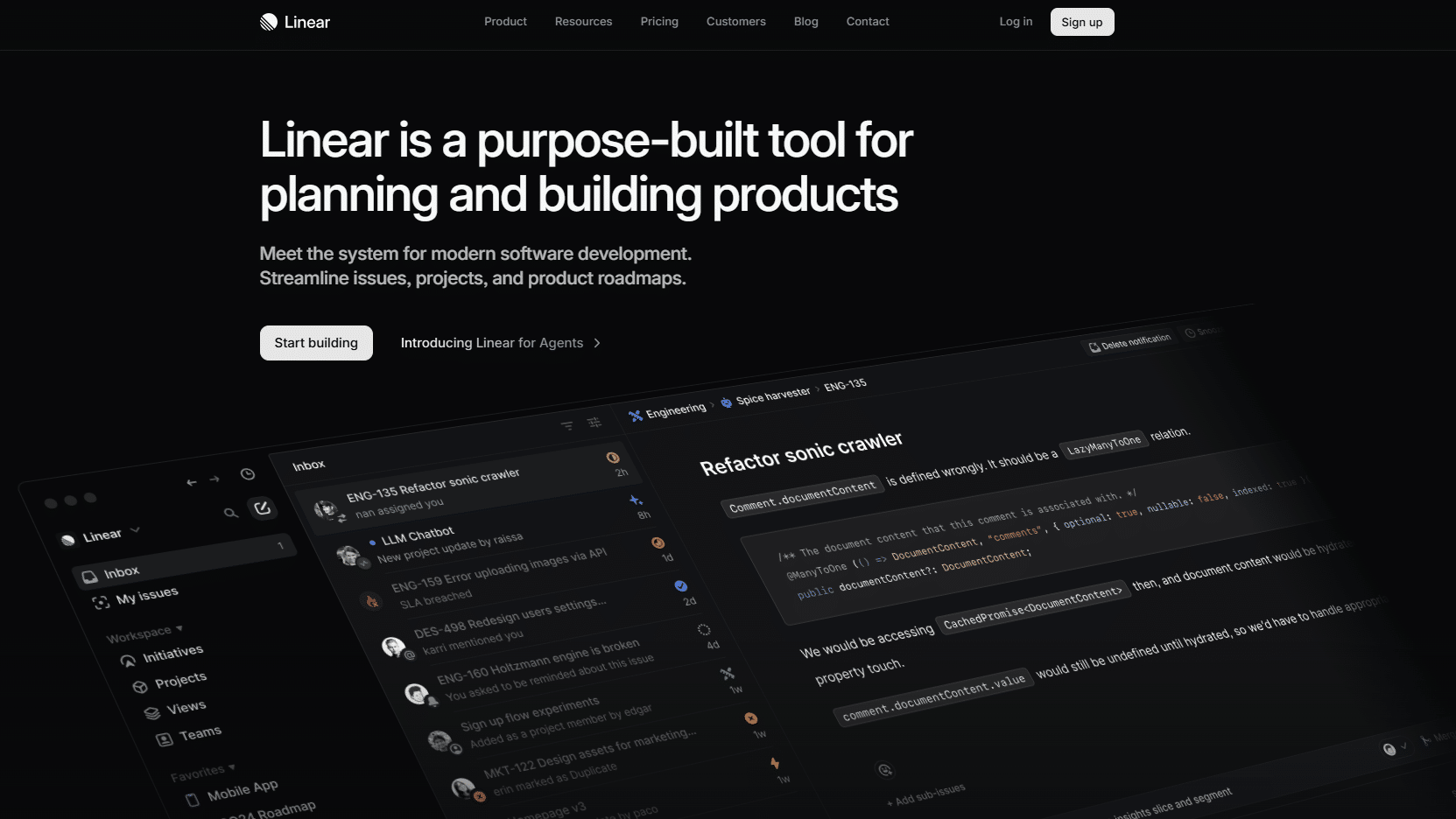
Linear entered the market with a clear proposition: to do everything Jira does, but without the bloat. The result is a project and issue tracking tool tailored for tech teams, featuring a minimalist interface, impressive performance, and a user experience that developers universally love.
By 2026, Linear had established itself as the go-to choice for many startups and product teams looking for a robust tool without the configuration overhead associated with enterprise-grade tools.
Managing cycles (equivalent to sprints) and milestones is at the heart of Linear. Issues are organized by team, project, and cycle, with fully customizable statuses. The tool natively supports Git workflows: branches, commits, and pull requests can be linked directly to issues, giving teams complete traceability between the code and the schedule.
Users often cite interface speed as the top reason for choosing it: keyboard navigation, shortcuts, and near-instant loading. Linear has clearly prioritized the developer experience in every detail.
Development and Product Teams:
That's what Linear is designed for. Its native Git workflow, release cycle management, and precise issue tracking make it the ideal tool for teams that deliver software on a regular basis.
Tech startups:
Its quick setup, free trial, and user experience make it a natural choice for early-stage teams.
Teams struggling with Jira:
If Jira's cumbersome configuration and slow performance are sources of friction in your organization, Linear is the most straightforward solution.
✅ An ultra-fast, minimalist interface designed for productivity.
✅ Native Git integration (GitHub, GitLab, Bitbucket).
✅ Exceptional developer experience.
✅ Clear management of product cycles and roadmaps.
✅ A well-documented API for teams that want to customize their workflow.
⚠️ Less suitable for non-technical teams (marketing, HR, finance, etc.).
⚠️ Few "visual" views compared to Monday or ClickUp.
⚠️ Basic reporting features on lower-level plans.


Basecamp is one of the oldest players in this market. Launched in 2004, it literally pioneered several concepts that other tools have since adopted: centralized project-based discussions, shared to-do lists, and automatic check-ins. Its philosophy hasn’t really changed: do less, but do it well. Basecamp resists trends and is comfortable with not being the most comprehensive tool on the market.
This approach is reflected in the pricing, by the way: Basecamp charges the organization as a whole, not per user, which makes it particularly attractive to medium-sized teams.
Every project in Basecamp includes six standard tools: message board (for announcements and lengthy discussions), to-dos (assignable task lists), docs & files (document storage), Campfire (real-time team chat), schedule (team calendar), and card table (Kanban view). There’s no excessive customization, just a clear structure that everyone understands right away.
The Ping feature enables private conversations between members, and automatic check-ins (recurring questions sent to the team) are a useful alternative to some follow-up meetings.
Agencies and consulting firms:
Basecamp handles collaboration with external clients very well. "Client access" allows you to share certain items without exposing internal discussions.
Distributed teams:
Designed for remote work from the start, Basecamp encourages asynchronous communication and the documentation of decisions rather than follow-up meetings.
Small organizations looking to make their lives easier:
The model, which does not charge per seat, and its simple structure make it an attractive choice for teams of 5 to 30 people.
✅ A very cost-effective fixed-price model for medium-sized teams.
✅ Simple interface; easy to use right away without any training.
✅ Asynchronous approach, ideal for distributed teams.
✅ Clear management of client access by project.
✅ Proven stability and reliability for over 15 years.
⚠️ No Gantt chart view, no task dependency management.
⚠️ Reporting features are virtually nonexistent.
⚠️ Not well suited for complex projects that require load monitoring or automation.

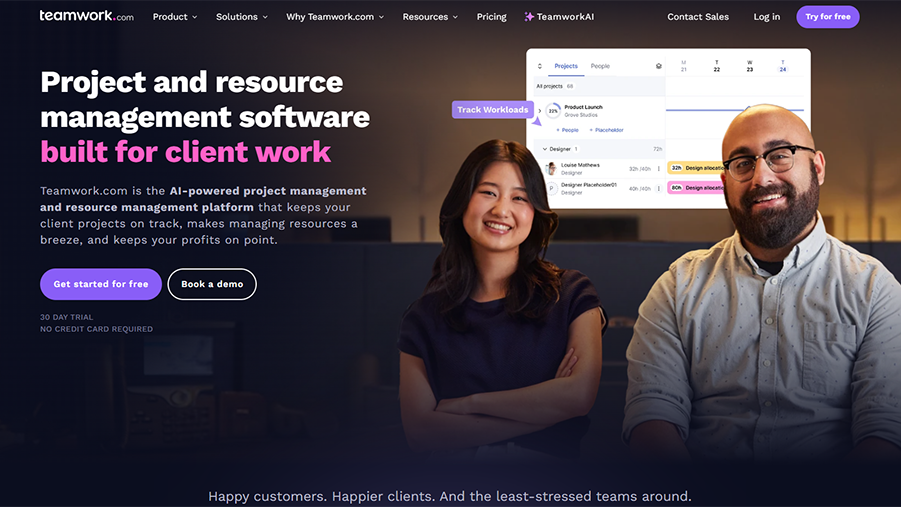
Teamwork has clearly positioned itself in a specific segment: service agencies (web, marketing, consulting, design, etc.) that need to manage client projects while tracking time spent and handling billing. This unique positioning is evident in every feature.
Time tracking is built-in and highly advanced in Teamwork: timers integrated into tasks, exportable timesheets, and billing based on hourly rates per team member and per project. Project budgets allow you to monitor in real time whether a project is staying within its budget.
Client portals allow clients to track the progress of their projects, approve deliverables, and communicate with the team—all without accessing internal discussions. Milestones, task dependencies, and the Gantt chart round out the planning features.
Web and marketing agencies:
Teamwork is their go-to tool. The combination of time tracking, budgeting, and a client portal covers most of an agency's operational needs.
The Growing Freelance Workforce:
For entrepreneurs are starting to manage multiple clients at the same time and want to organize their client management without switching to an ERP system.
Consulting firms:
Time-based billing and project profitability reports are features that consulting firms can use to take immediate action.
✅ Time tracking and billing are natively integrated.
✅ A well-designed customer portal for seamless external collaboration.
✅ Effective management of project budgets.
✅ Gantt chart and complete task dependencies.
✅ Designed specifically for service teams.
⚠️ Less suitable for product or development teams.
⚠️ The interface may seem a little cluttered compared to Linear or Notion.
⚠️ The premium plans are quite expensive for small organizations.

Airtable isn't project management software in the strict sense. It's a relational database with a user-friendly interface. But many teams use it specifically to manage their projects, because the flexibility it offers goes beyond what most dedicated tools can provide.
In 2026, Airtable enhanced its AI layer (Airtable AI) and its interfaces (custom views that can be published as internal apps) to position itself as a no-code platform for building business tools.
Each Airtable "database" is a database in which columns can be of a wide variety of types: text, number, date, drop-down list, attachment, link to another record, formula, barcode, and more. Views (grid, Kanban, calendar, gallery, Gantt, form) allow you to display data from different perspectives.
Automations trigger actions based on events in the database: record creation, field modification, or reaching a specific date. Interfaces allow you to create dashboards or custom forms that are accessible to users who do not have direct access to the raw database.
Data and Operations Teams:
Airtable is ideal for structuring complex workflows that involve large amounts of interconnected data (inventory, logistics, applicant tracking, etc.).
Product managers:
Whether it's for product roadmaps, tracking user feedback, or managing enriched backlogs, Airtable offers a level of flexibility that's hard to find.
Teams that want to create their own tools:
Interfaces make it possible to build lightweight internal applications without needing a developer.
✅ Unmatched structural flexibility for building custom workflows.
✅ A relational database that can be accessed without technical expertise.
✅ APIs for building internal apps.
✅ Airtable AI for enriching and analyzing data.
✅ Strong connectivity with the rest of the SaaS ecosystem.
⚠️ This can become difficult to maintain if the data structure isn't well-designed from the start.
⚠️ Pricing increases as the number of editors grows.
⚠️ Less intuitive for use purely as a "task management" tool compared to ClickUp or Asana.

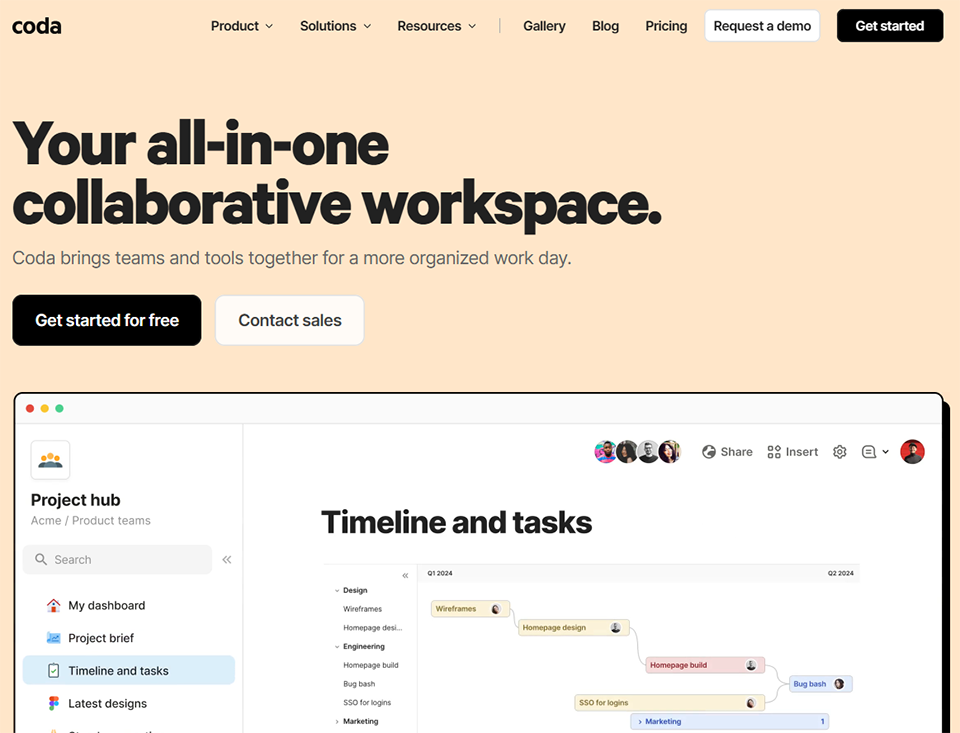
Coda bills itself as a "doc that acts like an app." Its promise is to enable any team to create powerful business tools from a document, without writing code. Tables, interactive buttons, powerful formulas, automations... Coda takes the concept of a collaborative tool to a whole new level.
Tables in Coda are similar to those in Airtable but integrate directly into a text document. Buttons allow you to trigger actions (create a row, send an email, edit a value) from anywhere in the document. Formulas are more powerful than in most competing tools, with a syntax inspired by spreadsheets.
Packages (native integrations) let you connect Coda to hundreds of services—including Jira, GitHub, Salesforce, Gmail, Slack, and many others—with the ability to view and edit external data right within the document.
Teams that create a lot of internal processes:
Coda excels at documenting AND automating workflows—all in the same space.
Ops and IT teams:
The combination of powerful tables, advanced formulas, and automations makes it an excellent tool for teams that manage complex processes.
People who like to "build" their own tools:
Coda rewards users who take the time to set it up with results that far exceed those of most alternatives.
✅ A unique combination of documents, a database, and automations.
✅ Very powerful formulas for processing data.
✅ Comprehensive and well-maintained integration packages.
✅ Interactive buttons for creating micro-apps.
✅ Coda AI is included with paid plans.
⚠️ There's a real learning curve, especially when it comes to using advanced formulas.
⚠️ Less suitable for teams looking for a "turnkey" solution.
⚠️ This can become expensive if several team members need "Doc Maker" permissions.

Hive stands out for its results-driven approach: the platform doesn't just track tasks; it seeks to connect day-to-day work to the organization's goals. With a flexible interface and well-designed collaboration features, Hive is ideal for teams that want structure without sacrificing agility.
Hive offers several work views: Gantt, Kanban, grid, calendar, and portfolio. Actions (the term used for tasks) can have sub-actions, approvals, and dependencies. The Goals module allows you to link projects to strategic objectives and track their progress in real time.
The built-in messaging feature (Hive Chat) and collaborative notes allow you to centralize communication without leaving the tool.The built-in AI (Hive AI) can draft project summaries, generate tasks from text-based briefs, and automate workflows.
Marketing and Creative Teams:
Hive effectively manages the validation and approval workflows that are common in creative teams.
Organizations that use OKRs:
The Goals module is one of the most user-friendly solutions on the market for linking operational work to strategy.
Startups on a tight budget:
The Starter plan, at $1 per user per month, is one of the best entry-level options on the market.
✅ Sign-in between tasks and strategic objectives.
✅ Flexible interface with many available views.
✅ Built-in approval module for creative workflows.
✅ Very competitive pricing on plan .
✅ Built-in AI for task generation and summarization.
⚠️ Less well-known than its competitors, which may raise questions about its long-term viability.
⚠️ Some advanced features are not as mature as those in Asana or ClickUp.
⚠️ The mobile app works, but there's room for improvement.
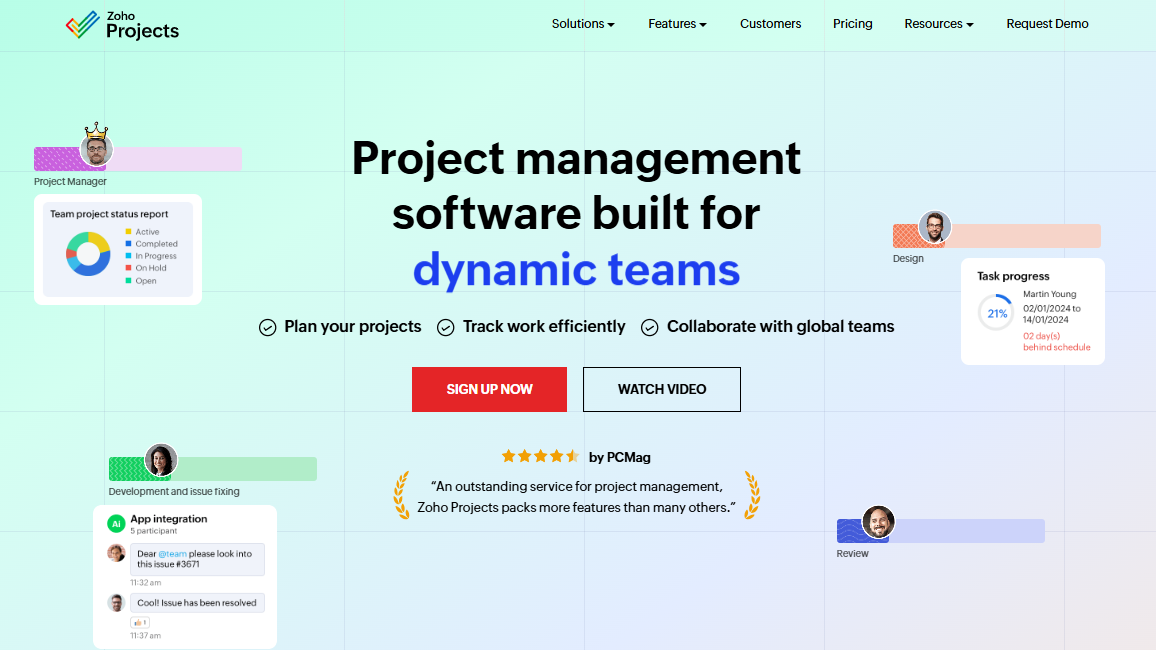
Zoho Projects is part of the Zoho ecosystem, one of the most comprehensive SaaS suites on the market. For organizations that already use Zoho CRM, Zoho Books, or Zoho Mail, integrating Zoho Projects into their tech stack is often the most logical and cost-effective decision.
Zoho Projects covers most project management needs: tasks, subtasks, milestones, dependencies, Gantt charts, time tracking, discussion forums, and document management. The Gantt chart is particularly comprehensive, with support for baselines and critical paths. Automations (workflow triggers) allow you to chain together actions without manual intervention.
Native integration with other Zoho products (CRM, Invoice, Mail, Meeting) is a key advantage for organizations already part of this ecosystem.
SMEs and microbusinesses already part of the Zoho ecosystem:
Zoho Projects delivers even greater value when integrated with other Zoho tools. It's an obvious choice for organizations that have already adopted the CRM or accounting suite.
Teams with controlled budgets:
At $5 per user per month for the Premium plan, Zoho Projects is one of the most competitive offerings on the market for a comprehensive tool.
Organizations that need Gantt charts:
The Gantt chart with critical path is one of the most advanced options available at this price point.
✅ Very competitive pricing—among the lowest on the market.
✅ Native integration with the entire Zoho ecosystem.
✅ Gantt chart with baseline management and critical path tracking.
✅ Built-in time tracking and billing.
✅ The Enterprise Plan is very affordable given the features it offers.
⚠️ The interface is a bit outdated compared to newer competitors.
⚠️ The maximum value is only reached within the Zoho ecosystem.
⚠️ Support and documentation are sometimes less responsive than those of major competitors.
Before looking at this table, keep in mind that the best software isn't necessarily the most comprehensive one, but rather the one that best fits your actual needs, your team, and the way you work.
| Software | Ideal for | Admission fee | Gantt | Built-in AI | Time tracking |
|---|---|---|---|---|---|
| Notion | Solopreneurs, creative teams | $10 per user per month | ❌ (limited) | ✅ AI Concept | ❌ |
| ClickUp | Multidisciplinary Teams | $7 per user per month | ✅ | ✅ ClickUp Brain | ✅ |
| Monday.com | Marketing, operations, non-technical teams | $9 per user per month | ✅ | ✅ | ✅ |
| Asana | Teams 10-100, PMO | $10.99/user/month | ✅ | ✅ | ❌ (native) |
| Linear | Tech and Product Teams | $8 per user per month | ❌ | ❌ | ❌ |
| Basecamp | Branches, distributed teams | $299/year (fixed) | ❌ | ❌ | ❌ |
| Teamwork | Service Agencies | $10.99/user/month | ✅ | ❌ | ✅ |
| Airtable | Ops, Data, Product | $20 per user per month | ✅ | ✅ Airtable AI | ❌ |
| Coda | Process-heavy teams | $10/Doc Maker/month | ❌ | ✅ Coda AI | ❌ |
| Hive | Marketing, OKR | $12 per user per month | ✅ | ✅ Hive AI | ✅ |
| Zoho Projects | SMEs, Zoho Eco | $5 per user per month | ✅ | ❌ | ✅ |
Prices are approximate and subject to change. Please refer to each publisher's official website for the most up-to-date terms and conditions.
Here are the most common questions teams ask when choosing a project management tool. The answers below are based on the tools featured in this guide.
Notion remains the most versatile option: it lets you manage your client projects, documentation, in-house CRM, and notes all in one place—for free to start with. For more structured tracking of tasks and time spent, Teamwork or ClickUp are also good options to consider. It all depends on the number of projects you need to manage at the same time.
"Pure" project management tools (Asana, Linear, Monday) are built around the concepts of tasks and projects with predefined workflows. Notion and Coda are modular workspaces where each team builds its own system. In practice, the distinction is blurring: Notion can certainly serve as a project manager, and ClickUp now includes native documentation.
Not necessarily. ClickUp, Notion, Asana, and Linear all offer fully functional free plans for small teams or individual use. The limitations of these free plans generally relate to the number of members, automations, storage, or access to advanced views (such as Gantt charts). For a team of fewer than 5 people, it’s entirely possible to work effectively without paying.
Linear is currently the go-to tool for development teams. Its native Git integration, project and issue management, and fast interface make it the choice of the vast majority of tech startups. For teams with existing Jira workflows that don’t want to migrate everything, ClickUp can also serve as a phased replacement.
This question comes up often. ClickUp is more comprehensive and customizable, but it has a steeper learning curve. Monday is more intuitive and visually accessible, but it’s more limited in terms of advanced features and more expensive to use. As a general rule: Monday is best for non-technical teams that want to get up and running quickly, while ClickUp is best for teams that want to centralize everything and are willing to invest time in setup.
Yes, and Teamwork is the industry standard in this area. Its built-in time tracking, project-based billing, and client portal make it a tool designed specifically for agencies that bill by the hour. Basecamp is a simpler alternative that’s very popular with distributed agencies.
By 2026, built-in AI had become a true differentiator. ClickUp Brain can draft task descriptions, summarize discussion threads, and extract key information. Notion AI generates briefs and automatically fills in fields. Hive AI creates tasks from a text-based brief. These features save time on low-value-added tasks, even though they don’t replace human judgment when it comes to strategic decisions.
Most major tools (ClickUp, Monday, Asana) offer native importers from their main competitors. It’s also possible to use CSV files to export and import tasks. The hardest part of migrating is usually not the data, but work habits and custom automations. Plan for a 2- to 4-week transition period for your teams.
