A Simple Guide: How to Choose a Social Media Management Tool
This guide was designed to help you get a clearer picture. We’ve selected six tools available on Freelance Stack that represent the major categories of solutions on the market: Buffer, Metricool, SocialBee, Publer, Later, and Swello. For each one, you’ll find an honest overview of its strengths, its weaknesses, and—most importantly—the type of user it’s truly designed for.
Why does scheduling social media posts really make a difference?
Posting on social media in real time works... up to a point. When you have multiple accounts, use several platforms, and managing your editorial calendar becomes a real challenge, continuing to post manually quickly becomes counterproductive. That’s where scheduling tools come in.
These tools allow you to prepare posts in advance, schedule them across multiple platforms simultaneously, and often track their performance from a single dashboard. For freelancers, entrepreneur small marketing teams, the time savings can be significant.
The problem? There’s an overwhelming number of options out there today. Between all-in-one tools, analytics-focused solutions, platforms designed for agencies, and those better suited for solopreneurs, it’s hard to know where to start. Especially when you’re just getting started.
This guide was designed to help you get a clearer picture. We’ve selected six tools available on Freelance Stack that represent the major categories of solutions on the market: Buffer, Metricool, SocialBee, Publer, Later, and Swello. For each one, you’ll find an honest overview of its strengths, its weaknesses, and—most importantly—the type of user it’s truly designed for.
#1 - Buffer: The classic choice, still a great option for anyone who wants to get straight to the point.
Benefit from our free deal on Buffer.
2 months free or 15% off on annual plan
Find over 300 free deals as well as over 850 Premium deals right now with Buffer and save on your software subscriptions. Whether you're an entrepreneur, a startup or a solo freelancer, save hundreds of euros thanks to our discounts and promo codes.
Buffer is one of the pioneers of social media scheduling. Launched in 2010, it was long considered the gold standard in its category before seeing its position challenged by a new generation of tools. Despite this, it retains a very loyal user base, and for good reason: its interface is probably the simplest on the market.
Concept and positioning:
Buffer is built around a simple concept: you create content, add it to a publishing queue, and the tool posts it at the times you’ve set. No unnecessary features, no cluttered dashboard. Everything is designed to be intuitive right from the start, even for someone who’s never used this type of tool before.
Key features:
Multichannel scheduling covers Instagram, Facebook, Twitter/X, LinkedIn, Pinterest, TikTok, and Mastodon. A built-in post creation tool lets you prepare your content directly within the interface, with real-time previews. Performance analytics are available on all plans, though they remain fairly basic on any plan . The "Start Page" feature also lets you create a mini landing page to centralize your links, which is handy for your Instagram bio link.
Buffer also offers a very handy Chrome extension for saving and scheduling content you find while browsing the web.
Pricing:
Free Plan: free (limited to 3 channels and 10 scheduled posts).
Paid Plan: Starting at $6/month per channel (for higher volumes).
Team Plan: available for collaboration.
Agency Plan: available to organizations that manage multiple clients.
Benefit from a on Buffer .
Additional 25% off on annual plan
Find our best discount right now with Buffer and save on your software subscriptions. We offer over 850 promo codes and discounts on the best software and SaaS on the market.
#2 - Metricool: Where planning meets performance analysis, without compromise.
Benefit from our free deal on Metricool.
24% off on annual plan
Find over 300 free deals as well as over 850 Premium deals right now with Metricool and save on your software subscriptions. Whether you're an entrepreneur, a startup or a solo freelancer, save hundreds of euros thanks to our discounts and promo codes.
Metricool is originally from Spain but has made a strong international impact. What sets it apart from the competition? It places equal emphasis on analysis and planning. For those who want to understand what works and make decisions based on real data, this is a significant advantage.
Concept and positioning:
The tool is built around a comprehensive analytics dashboard that aggregates data from all your social media channels in one place. You can schedule posts, track engagement metrics, analyze competitors, monitor advertising campaigns (Google Ads, Facebook Ads), and generate automated reports. It is one of the few tools that combines these different features into a cohesive interface.
Key features:
The scheduling feature covers Instagram (including Reels and Stories), Facebook, Twitter/X, LinkedIn, TikTok, YouTube, Pinterest, Google Business, and Twitch. The visual calendar-style schedule is particularly well-designed. Analytics features include follower growth, optimal posting times, hashtag performance, and comparisons with competitor accounts. It’s also possible to create White Label reports, which is particularly useful for freelancers who manage clients.
Starter Plan: starting at ~$22/month (pricing varies based on the number of brands and analytics features).
Benefit from a on Metricool .
30% off on any plan
Find our best discount right now with Metricool and save on your software subscriptions. We offer over 850 promo codes and discounts on the best software and SaaS on the market.
#3 - SocialBee: The choice for creators who want to repurpose their content smartly.
Benefit from our free deal on SocialBee.
16% off on annual plan
Find over 300 free deals as well as over 850 Premium deals right now with SocialBee and save on your software subscriptions. Whether you're an entrepreneur, a startup or a solo freelancer, save hundreds of euros thanks to our discounts and promo codes.
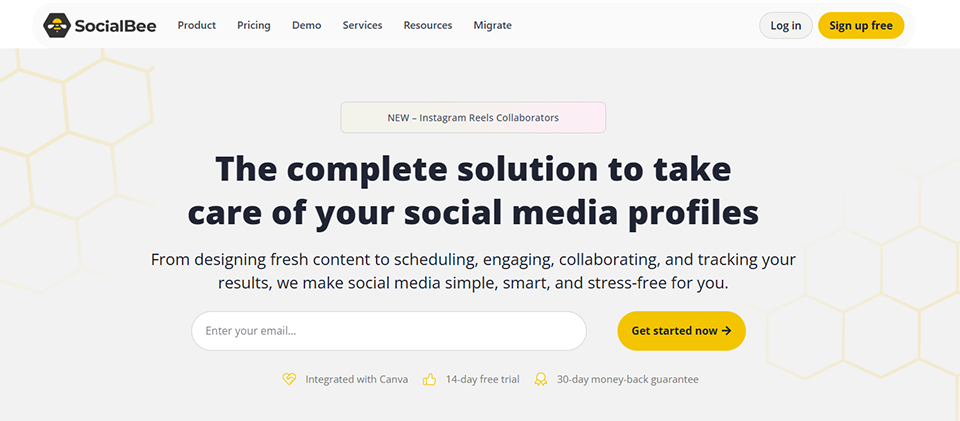
SocialBee takes a different approach than its competitors. Rather than treating content as a one-time post to be scheduled once, it focuses on reusing and repurposing content. This approach is particularly appealing to those who produce evergreen content or who want to maximize the lifespan of each post.
Concept and positioning:
The interface is organized around Categories . You create thematic "buckets" (tips, promotions, engaging content, testimonials, etc.), and SocialBee automatically draws from these Categories a predefined schedule. You can configure certain posts to automatically repost once published, which helps maintain a high posting frequency without having to constantly update the schedule.
Key features:
Categories management Categories the tool’s signature feature. The scheduling feature covers Instagram, Facebook, Twitter/X, LinkedIn, Pinterest, Google Business, and TikTok. SocialBee also incorporates AI to help generate captions and hashtags, as well as a content library for storing and reusing assets. Collaboration features are available on higher-tier plans, making it a suitable tool for small agencies as well.
Pricing:
Trial Plan: Free (14-day trial with no credit card required).
Bootstrap Plan: $29/month (limited to 5 social media profiles).
Accelerate Plan: $49/month (expands the number of profiles and features).
Pro Plan: $99/month (increases the number of profiles and adds collaborative features).
Benefit from a on SocialBee .
Additional 20% off on any plan
Find our best discount right now with SocialBee and save on your software subscriptions. We offer over 850 promo codes and discounts on the best software and SaaS on the market.
#4 - Publer: One of the most attractive value-for-money options on the market.
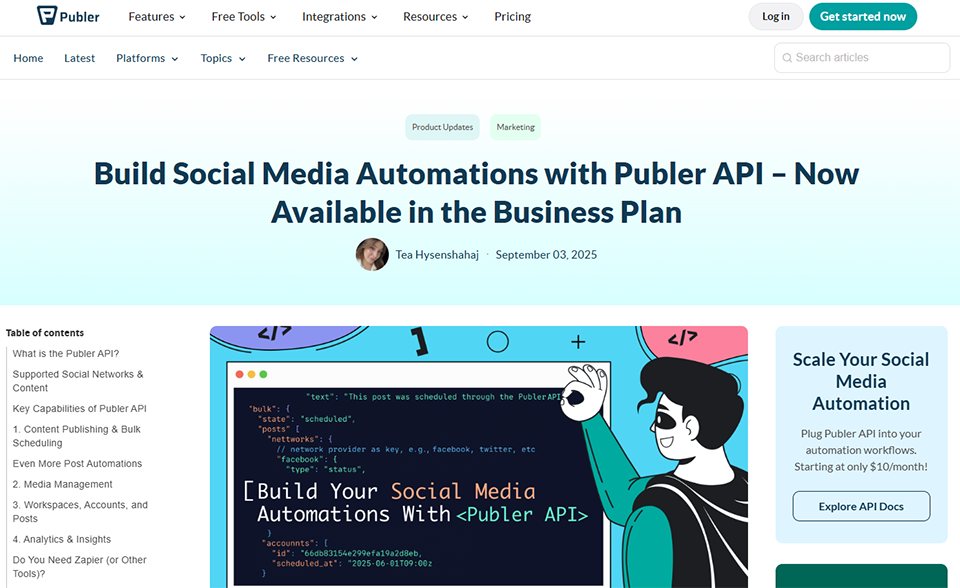
Publer is often recommended by those looking for a solid alternative to Buffer or Hootsuite without breaking the bank. The tool has evolved significantly in recent years and now offers a fairly comprehensive set of features at a price that remains reasonable.
Concept and positioning:
Publer positions itself as an all-purpose planning tool: it supports a wide range of social media platforms, incorporates AI for content creation, enables team collaboration, and provides performance analytics. While it doesn’t set out to revolutionize the category, it checks most of the boxes expected of a tool of this kind in 2024.
Key features:
The platform offers one of the widest ranges of social media coverage on the market: Instagram, Facebook, Twitter/X, LinkedIn, Pinterest, TikTok, YouTube, Google Business, WordPress, and even Telegram. Publer includes an AI assistant (based on ChatGPT) to generate captions, hashtags, and content ideas. The automatic "watermarking" feature allows you to add a logo to all images before publication. The tool also offers a visual schedule, performance analytics, and granular permission management for teams.
Pricing:
Free Plan: Free (limited to 3 accounts and 10 scheduled posts).
Professional Plan: starting at $12/month (more accounts and posts).
Business Plan: $21/month (team features and advanced analytics).
Benefit from a on Publer .
20% off on any plan
Find our best discount right now with Publer and save on your software subscriptions. We offer over 850 promo codes and discounts on the best software and SaaS on the market.
#5 - Later: Designed for visual content, perfect for Instagram and TikTok.
Benefit from our free deal on Later.
Find over 300 free deals as well as over 850 Premium deals right now with Later and save on your software subscriptions. Whether you're an entrepreneur, a startup or a solo freelancer, save hundreds of euros thanks to our discounts and promo codes.
Later was initially built around Instagram before expanding to other platforms. This history is still evident today in the interface, which clearly prioritizes visual formats and photo/video scheduling. For creators whose strategy relies on highly polished visual content, it’s a solid option.
Concept and positioning:
One of Later’s standout features is its drag-and-drop visual calendar: you upload your media to a media library, then place it directly on the schedule. This approach makes managing an Instagram or TikTok feed much more intuitive than with tools that treat content primarily as text. Later also includes a “Linkin.bio” page builder to centralize your links.
Key features:
The scheduling feature covers Instagram, Facebook, Twitter/X, LinkedIn, TikTok, Pinterest, and YouTube. The media library lets you store your assets, add reusable captions, and save hashtags. The tool also offers suggestions for optimal posting times based on each account’s engagement data. Analytics features are available but are less advanced than those in Metricool. Later now includes AI for generating captions.
Pricing:
Free Plan: (limited to 1 profile per platform and 10 posts per month).
Starter Plan: $18/month (1 social media account and unlimited posts).
Growth Plan: $40/month (advanced analytics and multi-account management).
Benefit from a on Later .
30% off on any plan
Find our best discount with Later and save on your software subscriptions. We offer over 850 promo codes and discounts on the best software and SaaS on the market.
#6 - Swello: The French solution, designed for French-speaking teams and agencies.
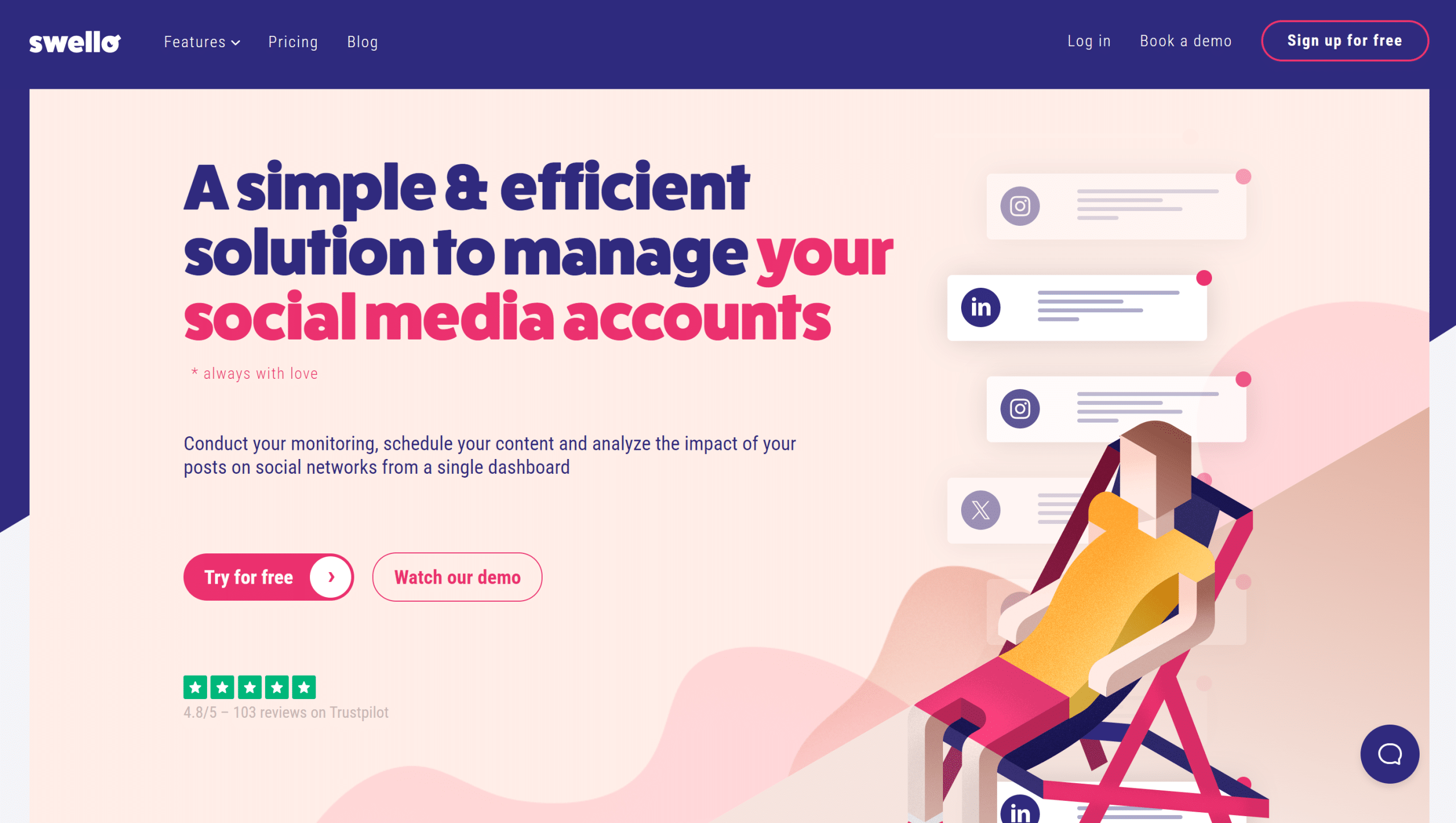
Swello is the French-language underdog in this selection. Developed in France, the tool is primarily aimed at teams, freelancers, and agencies that manage multiple brands and are looking for a tool that is fully available in French, with support based in France.
Concept and positioning:
Swello focuses on ease of use and collaboration. The interface is intuitive and fully available in French, and the tool includes approval workflows that allow a manager or client to approve posts before they go live. For an agency or community manager working with multiple clients, this is a significant advantage.
Key features:
The planning feature covers Instagram, Facebook, Twitter/X, LinkedIn, TikTok, and Pinterest. The tool offers a visual editorial calendar, performance metrics by platform, and a "content suggestions" feature to ensure you never run out of ideas. The approval workflows are particularly well-designed and allow for seamless back-and-forth communication with clients. Swello also offers exportable reports to demonstrate the work completed to clients.
Pricing:
Trial Plan: Free (30-day trial).
Solo Plan: €19/month (1 user, up to 5 accounts).
Team Plan: Tiered pricing (for larger organizations, based on the number of users and accounts).
Plan Agency: tiered pricing (for larger organizations, based on the number of users and accounts).
Benefit from a on Swello .
10% off on annual plan + 1 month free
Find our best discount right now with Swello and save on your software subscriptions. We offer over 850 promo codes and discounts on the best software and SaaS on the market.
If you manage your own social media accounts and are primarily looking to save time without getting bogged down in complexity, Buffer is the most natural place to start. Its free plan lets you try out the platform, and with virtually no learning curve, you’ll be up and running in less than an hour.
Later is an excellent choice if your business relies heavily on visual content (photographers, illustrators, content creators, or those in the fashion or food industries). Its drag-and-drop scheduling feature is perfectly suited to curating and planning photo content.
👥 You are a freelance community manager and manage multiple clients:
The situation is different here. You need to manage several separate accounts, ideally with a validation system and the ability to generate reports. Swello stands out as the go-to solution for French-speaking users: its French interface, validation workflows, and exportable reports are exactly what you need. Publer is also a good option thanks to its extensive network coverage and team features at a competitive price.
📊 Want to understand your performance and drive your strategy with data:
Metricool doesn't really have any direct competitors in this area. If analyzing your metrics, comparing yourself to your competitors, and tracking your ad campaigns are central to your work, this is the tool that will give you the level of detail and clarity you need.
🔄 You produce evergreen content and want to maximize its lifespan:
SocialBee is perfect for you. Its system of Categories automatic content recycling is unique in the market and will help you maintain a consistent online presence even during periods when you’re producing less content.
🚀 Looking for the best value for money across all features:
Publer stands out with a comprehensive offering at a reasonable price. If you need to cover a wide range of platforms (including YouTube and WordPress), integrate AI into your workflow, and collaborate with others, it’s likely the best option in terms of value for money.
Pros and cons of each tool.
Buffer:
✅ The benefits:
The simplest and most user-friendly interface on the market.
A free, functional plan to get you started.
A very handy Chrome extension.
Easy to use right away, no training required.
👎The downsides:
Fairly basic analytical features.
Per-channel pricing, which can quickly become expensive.
Little differentiation from new market entrants.
No advanced workflow management for agencies.
Metricool:
✅ The benefits:
One of the most comprehensive performance analyses on the market.
Built-in advertising campaign tracking.
Comparison with competing accounts.
White Label reports White Label freelance clients.
👎The downsides:
A more complex interface means a steeper learning curve.
Very limited free plan (50 posts per month).
Pricing per "brand," which can add up quickly for agencies.
SocialBee:
✅ The benefits:
A recycling system that is unique in the market.
Organizing by Categories effective way to maintain consistency.
Built-in AI for generating captions and hashtags.
Ideal for profiles that produce evergreen content.
👎The downsides:
No free plan (14-day trial only).
At first glance, the interface is less intuitive than Buffer or Later.
Less suitable for highly time-sensitive or news-related content.
Published by:
✅ The benefits:
Extensive network coverage (including YouTube, WordPress, and Telegram).
Excellent value for money.
Automatic image watermarking.
Built-in AI for content creation.
👎The downsides:
A more cluttered interface than Buffer.
Analytics features are not as robust as those of Metricool.
Lower brand awareness, smaller community.
Later:
✅ The benefits:
A drag-and-drop visual calendar ideal for photo and video content.
A very well-designed media library.
Recommendations for optimal schedules based on actual data.
A clear and user-friendly interface.
👎The downsides:
Less suitable for strategies that rely heavily on text (LinkedIn, Twitter).
Less in-depth analysis than Metricool.
Very limited free plan (10 posts per month).
Swello:
✅ The benefits:
A tool available entirely in French with French-speaking support.
Approval workflows designed for agencies and freelance content managers.
Exportable reports for customers.
A very generous 30-day free trial.
👎The downsides:
Network coverage is slightly more limited than that of U.S. alternatives.
Less well-known internationally (which may raise questions if you work with foreign clients).
AI features are less advanced than those of competitors.
Comparison chart. 📊
The prices listed are for informational purposes only and are based on the pricing tables available at the time of writing. They are subject to change: be sure to check each service’s website directly before subscribing.
Criterion
Buffer
Metricool
SocialBee
Publer
Later
Swello
Free map
✅ (limited)
✅ (very limited)
❌ (14-day trial)
✅ (limited)
✅ (limited)
❌ (30-day trial)
Admission price
~$6/month/channel
~$22/month
~$29/month
~$12/month
~$18/month
~$19/month
Covered networks
7
9+
7
10+
7
6
Interface
⭐⭐⭐⭐⭐
⭐⭐⭐
⭐⭐⭐
⭐⭐⭐
⭐⭐⭐⭐
⭐⭐⭐⭐
Analysis
⭐⭐
⭐⭐⭐⭐⭐
⭐⭐⭐
⭐⭐⭐
⭐⭐⭐
⭐⭐⭐
Content recycling
❌
❌
✅
Midterm
❌
❌
Built-in AI
Midterm
❌
✅
✅
✅
❌
Team collaboration
✅ (maps+)
✅ (maps+)
✅ (maps+)
✅
✅ (maps+)
✅
Validation workflows
❌
❌
Midterm
❌
❌
✅
Interface language
EN
EN/ES
EN
EN
EN
🇫🇷 EN
Ideal for
Beginners
Analytics
Evergreen designers
Versatile
Visuals
CM & Agencies (FR)
See all the software of this category: Marketing
Check out all the other software and discount we offer in this category. Explore other tools and choose the perfect solution to grow your business.
FAQ: Your Questions About Social Media Scheduling Tools ❓
Here are a few questions that often come up when you're just getting started with social media scheduling.
1️⃣ Could a scheduling tool negatively impact my organic reach on Instagram or TikTok?
It’s a common misconception, but Meta and TikTok’s algorithms make no distinction between a post published manually and one scheduled via a third-party tool. What matters is the quality of the content, the engagement rate in the first few minutes, and how relevant it is to the audience. None of the platforms mentioned in this article publish “outside” of the official APIs, which ensures that your posts are treated the same way.
2️⃣ How long does it take to get the hang of this type of tool?
It depends on the tool you choose and your skill level. Buffer or Later can be up and running in less than an hour for someone who has never used this type of software before. SocialBee or Metricool take a little longer to explore all their features, but most common tasks can still be accessed quickly.
3️⃣ Can I manage multiple clients with a single subscription?
Most tools offer "Agency" or "Business" plans that allow you to manage multiple separate brands under a single account. Swello and SocialBee are particularly well-suited for this use case. However, be sure to check the limits on the number of social profiles and users depending on the plan you choose.
4️⃣ Is it better to pay for a single comprehensive tool or to combine several free tools?
Combining several free tools may seem cost-effective at first, but it quickly leads to counterproductive organizational complexity. A single, well-chosen paid tool will almost always be more efficient and less time-consuming. Most of the solutions presented here offer free trials: Benefit from before committing.
5️⃣ Do these tools work on all platforms, including newer ones like Threads or Bluesky?
Integrations are evolving quickly. As of this writing, Threads and Bluesky are not yet natively supported by all the tools listed (Publer was among the first to add Threads). We recommend checking the available integrations directly on each tool’s website before signing up, as updates are frequent.
6️⃣ Are there any specialized programming tools for specific social media platforms?
Yes, some tools are highly specialized. Later, for example, has built its brand around Instagram. But for most users, a multi-channel tool is more practical. Specialists may want to round out their toolkit with tools dedicated to LinkedIn analytics (such as LinkedIn Sales Navigator) or social media advertising (such as LinkedIn Ads or TikTok for Business).
7️⃣ How can I tell if the tool I’ve chosen is really right for me?
The first few weeks of use are the best indicator. If you’re scheduling posts regularly, don’t feel like you’re struggling with the interface, and your posts go out smoothly, that’s a good sign. On the other hand, if you’re experiencing friction in the workflow, explore other options. Most tools offer trial periods: don’t commit to an annual subscription too quickly before you’re certain of your choice.