






The 9 Essential Tools for Faster Coding and Deployment in 2026
We’ve selected 9 tools available on Freelance Stack , together, form a cohesive stack for coding and deploying more…
Read more


Creating a website in 2026 is something almost anyone can do. The real question isn’t “Can I do it?” but rather “Which tool will help me achieve the results I need without getting stuck six months down the line?”
The market for website builders has exploded in recent years. There are now solutions for every skill level, budget, and goal. A freelancer looking to create a polished portfolio has different needs than a startup seeking a marketing website that can scale quickly, or an entrepreneur aiming to launch an online store without writing a single line of code.
This guide is designed to help you make an informed decision. We’ll take a look at the best website builders available today, offering an honest assessment of their strengths, limitations, and the types of projects they’re best suited for.

Webflow has established itself as the tool of choice for professional web designers and marketing teams who want websites that live up to their visual ambitions, without having to rely on a developer for every change. Its positioning is clear: to offer nearly complete control over the visual output, while generating clean, high-performance code behind the scenes.
Founded in 2012 and now used by more than 3.5 million creators worldwide, the platform has built a solid reputation in the world of advanced web design. It is particularly popular for marketing websites, high-end portfolios, and product pages where aesthetics play a central role.
Webflow's visual editor replicates CSS and HTML logic, which means you work with real web concepts (flex, grid, breakpoints) but through a graphical interface. You don't write code, but you understand its structure. This approach makes the learning curve steeper than with Wix or Squarespace, but it offers unparalleled creative freedom.
🎯 Freelance web designer or creative agency:
Webflow is the ideal platform for web professionals who want to deliver visually stunning websites without relying on a back-end developer. The ability to work on a client-billing basis through Workspaces makes it a great tool for agencies that manage multiple websites for their clients.
🚀 The marketing team at a startup or scale-up:
Many tech startups choose Webflow for their corporate websites because it allows them to update their homepage, landing pages, and blog without needing a developer’s help every time. The increase in autonomy is real.
📚 The student or aspiring creator:
Webflow offers an educational program with discounted rates for students, as well as a free academy (Webflow University), which is honestly one of the best resources for learning web design today.

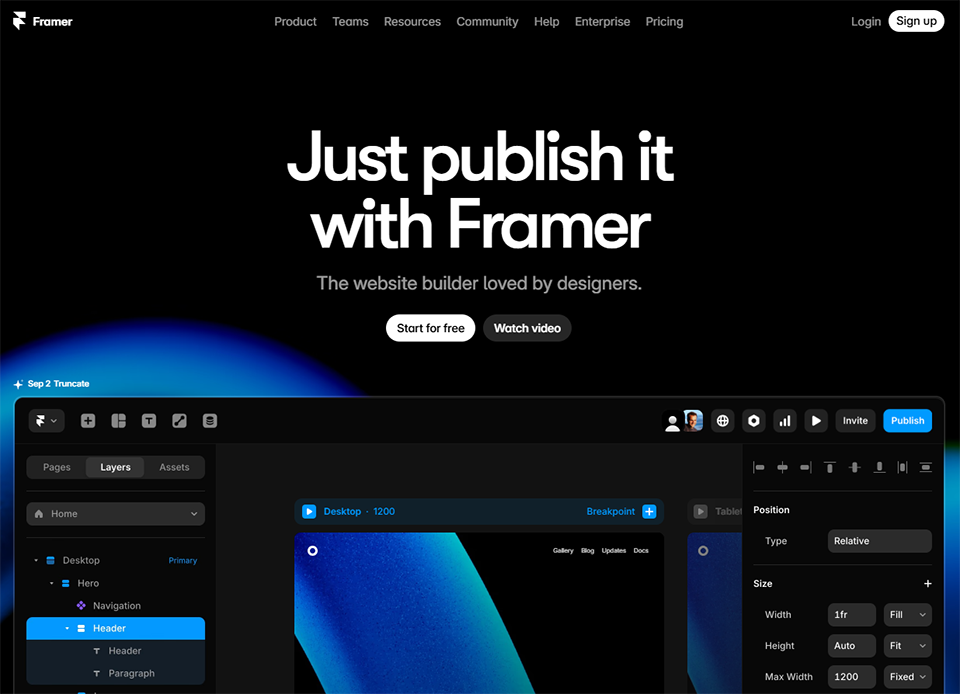
If you’ve come across startup websites with smooth animations, modern visuals, and polished typography, there’s a good chance that some of them were built using Framer. The tool, originally known as a prototyping tool for designers, has reinvented itself as a full-fledged no-code builder that’s rapidly gaining popularity.
Framer prioritizes the visual experience above all else. The interface is similar to Figma’s (and it’s no coincidence: many designers use both), making it relatively easy to pick up for anyone familiar with design tools. The results are often impressive: websites with scroll effects, transitions, and a visual quality that’s hard to achieve so quickly with other tools.
🎨 Product designer or UI/UX designer:
Framer is a natural extension of design tools. If you’re a Figma power user and want to move to a live site with as little hassle as possible, this is probably your best option.
🚀 The early-stage startup looking for a high-impact marketing website:
Framer templates have a visual style that perfectly matches the expectations of the startup world. With Framer, it’s entirely possible to launch a clean, modern, and dynamic website in just a few hours.
👤 The freelancer who wants a portfolio that stands out:
A portfolio built with Framer sends a strong message. The tool is still niche enough that visitors will notice the difference in quality.
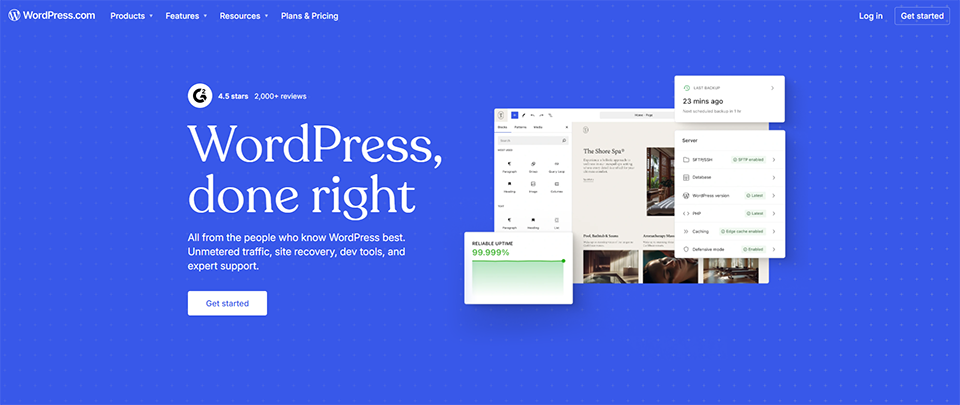
43% of the web runs on WordPress. There’s a reason for that. WordPress remains, by far, the most widely used CMS in the world. Its strength? A massive ecosystem of plugins, themes, tutorials, and developers that make it a solution capable of anything. This solution isn’t the most modern or visually appealing, but it’s an extremely solid choice for anyone who wants a sustainable, scalable, and fully controllable website.
WordPress (the self-hosted version available at wordpress.org) is an open-source CMS that you install on your own hosting server.
WordPress (the CMS) is free and open-source. Costs to expect:
📝 The blogger or content creator:
WordPress was created for blogging. Its content editor (Gutenberg), its Categories tag management, and its compatibility with SEO tools make it the gold standard for anyone looking to build an audience through content.
🛍️ The merchant who wants a fully featured online store:
With WooCommerce, WordPress becomes a powerful e-commerce solution. It’s a far cry from basic online stores: inventory management, product variations, promo codes, multi-currency support… it’s all there.
💼 Small and medium-sized businesses or consultants looking for a scalable website:
WordPress can adapt to almost any scenario. A simple website today can become a platform with a customer portal, blog, newsletter, and quote form tomorrow—without switching CMS.

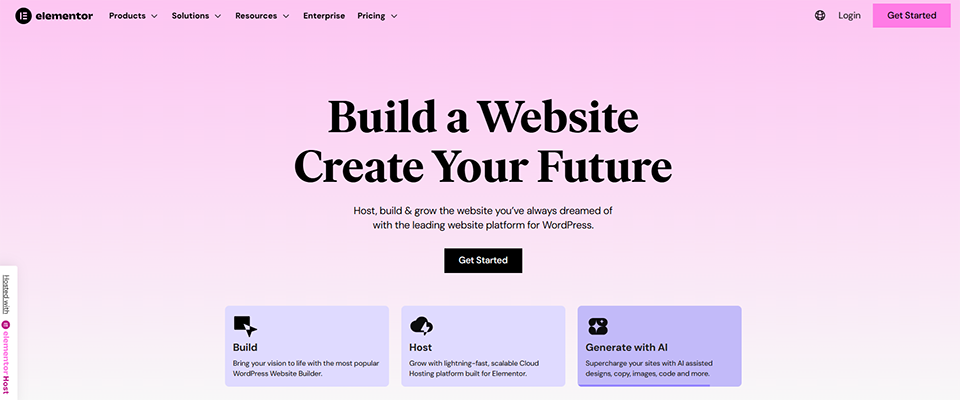
Elementor is, by far, the most widely used visual page builder on WordPress. Its strength? An intuitive drag-and-drop interface, hundreds of widgets and templates, making it a solution capable of building anything visually. While it isn’t the lightest or fastest out of the box, it’s an extremely solid choice for anyone who wants a beautiful, customized website that they can fully control without touching any code.
Elementor is a drag-and-drop visual page builder that integrates with WordPress.
📝 Content creators who want a visually appealing blog:
Elementor lets you design each post with complete freedom. Columns, featured sections, custom blocks: your blog no longer looks like a generic template.
🛍️ Retailers looking for a custom online store:
With Elementor Pro's WooCommerce Builder, you have complete control over the design of your product, cart, and checkout pages. A real advantage for driving conversions.
💼 Small businesses or freelancers who want to build a website without a developer:
Elementor makes it easy for non-technical users to create professional websites. Landing pages, showcase sites, portfolios—everything can be built visually in just a few hours.


Wix is probably the first name that came to mind when you heard about "building a website without coding." The platform has widely popularized the idea that an entrepreneur with no technical skills can launch a decent website in just a few hours. Today, Wix boasts over 200 million users worldwide and has come a long way since its early days.
The value proposition is simple: an intuitive drag-and-drop editor, hundreds of templates, built-in features for SEO, forms, online bookings, an e-commerce store... all within an all-in-one platform that requires no technical expertise.
🧑💼 entrepreneur small business owners who want to establish an online presence quickly:
Wix is perfect for you if you need a professional, polished website, don’t have much time to devote to it, and have no desire to get bogged down in technical details. Whether it’s for making contact, showcasing your services, or managing a booking calendar, it works great.
🏪 The local shopkeeper or restaurant owner:
Wix's industry-specific templates (for restaurants, artisans, photographers, coaches, etc.) are well-designed and let you get a decent website up and running very quickly. The integrations with tools like Google Maps, customer reviews, and online menus are particularly polished.
🌱 The complete beginner just starting out:
If you've never built a website before and want to get started without getting discouraged, Wix is still one of the best places to start.


Squarespace has always stood out for one thing: its templates are beautiful—truly beautiful. The platform has built its reputation on its polished "out-of-the-box" design, meaning that even without extensive customization, the final result has a visual consistency that none of its competitors can match right out of the gate.
The platform targets a slightly different audience than Wix. It is geared more toward creatives, artists, photographers, architects, and health and wellness professionals who want a visually polished website without having to struggle with the tool.
📸 The photographer, artist, or creative:
Squarespace is probably the best tool on the market for showcasing visual work. Its galleries, portfolios, and typography are in a league of their own. If your website is primarily a showcase for your creations, this is where you should look first.
💆 A wellness or healthcare professional:
Coaches, therapists, nutritionists: Squarespace offers templates and features (appointment scheduling, newsletters, program sales) that are well-suited to the needs of these professionals.
🍷 The lifestyle brand or the high-end artisan:
If brand image is central to your business and you sell products with high perceived value, Squarespace’s visual style can help you position your offerings.


Dorik is a no-code builder that has integrated artificial intelligence into the core of its creation process. While other tools require you to choose a template and then customize it, Dorik AI lets you generate a complete website from a simple text description. The result is often surprisingly cohesive.
This is a viable option for people who want a website quickly, without getting bogged down in the details of layout, and who want to leverage the power of AI to speed up the process.
⚡ The busy entrepreneur who wants to validate an idea:
Dorik lets you launch a professional-looking website in no time. Whether you want to test a concept, validate a market, or create a landing page before launching, it offers an excellent balance of speed and quality.
🏢 The agency that manages websites for small and medium-sized businesses:
Dorik's Agency plan allows you to manage websites for clients at a very competitive price. For simple corporate websites, it's an effective solution.
🤖 For the curious soul who wants to explore what AI can do:
Dorik is a good testing ground for understanding what AI-generated websites are capable of today.
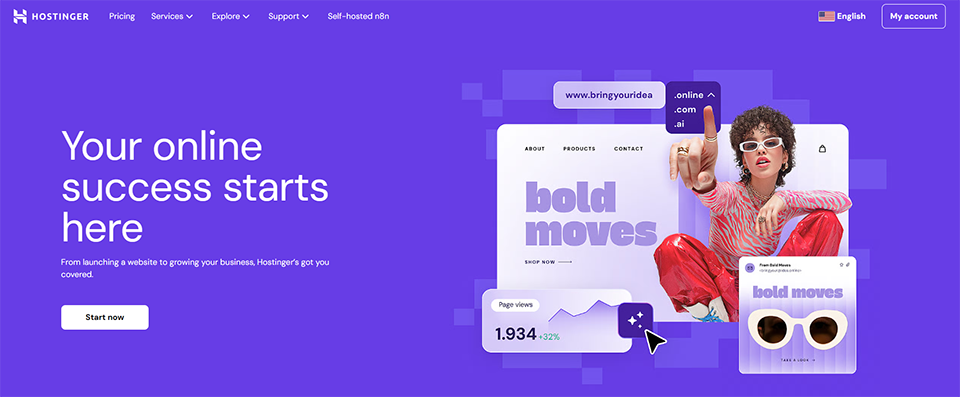

Hostinger is best known as a web hosting provider with very competitive pricing. But the platform also offers its own Website Builder, which incorporates generative AI to speed up the creation process. It’s a solid option for those looking for an affordable all-in-one solution.
Hostinger's website builder can't compete with Webflow or Framer on plan , but it gets the job done for clean, functional portfolio sites. Its real strength lies in the bundled package: fast hosting, a domain, email, and the website builder—all in a single subscription at an unbeatable price.
💰 Beginners on a tight budget:
Hostinger is often the top choice for anyone looking to establish a professional online presence without spending a lot of money. The value for money is hard to beat.
🖥️ Developers or technical professionals who want to host WordPress:
Beyond its website builder, Hostinger is an excellent option for hosting a WordPress site (with Elementor or another builder) in a high-performance, affordable environment.

Durable is the most radical tool on this list. Here’s how it works: you describe your business, choose your industry, and in less than a minute you have a fully functional website complete with text, images, and structure. It’s impressive the first time you see it in action.
The tool doesn't aim to compete with Webflow on plan . Its focus is different: to make website creation accessible to professionals who don't have the time or inclination to devote to it. Plumbers, physical therapy practices, local artisans—these are the kinds of businesses that need a credible online presence, not a masterpiece of web design.
🔧 The field professional who just wants to "have an online presence":
Whether you're a craftsman, a local service provider, or entrepreneur the personal services industry, Durable is built for you. No need to figure out how a website builder works, and no need to choose colors or fonts. The AI takes care of it.
⏱️ The entrepreneur who wants to validate their idea quickly:
When it comes to creating a landing page or testing a concept in just a few minutes, Durable beats the competition hands down.
Here is a quick overview to help you compare each tool based on the criteria that really matter.
| Tool | Estimated monthly fee | Technical requirements | Key strengths | Ideal for |
|---|---|---|---|---|
| Webflow | Starting at $14/month | Intermediate / Advanced | Creative control, clean code | Designers, agencies, startups |
| Framer | Starting at $10/month | Intermediate | Premium visuals, speed | Designers, startups, portfolios |
| WordPress + Elementor | Starting at €5/month | Beginner / Intermediate | Flexibility, SEO, e-commerce | Bloggers, small and medium-sized businesses, e-commerce retailers |
| Wix | Starting at €13/month | Beginner | Simplicity, all-in-one | Artisans, entrepreneurs, beginners |
| Squarespace | Starting at €13/month | Beginner | Stylish design, portfolios | Creatives, photographers, lifestyle |
| Dorik AI | Starting at $18/month | Beginner | AI Generation, agencies | Agencies, rushed contractors |
| Hostinger | Starting at €2.99/month | Beginner | Pricing, WordPress Hosting | Small budgets, developers |
| Durable | Starting at $12/month | No | AI generation speed | Artisans, field professionals |
⚠️ The prices listed are the monthly rates as of early 2026. They are subject to change. Check current offers directly on the providers' websites or through Freelance Stack deals.
Answers to the most frequently asked questions to help you choose the right platform and avoid getting off to a bad start.
It really depends on what you're looking for. If you want the fastest and easiest solution, Wix or Durable are the way to go. If you want a more polished visual result without coding, Framer or Squarespace are better options. Webflow remains the go-to choice for those who want maximum control without writing code, but it has a steeper learning curve.
WordPress.org (the self-hosted version) is indeed free and open-source software. However, you’ll need web hosting (starting at just a few euros a month, such as with Hostinger) and a domain name. The WordPress.com version, on the other hand, offers paid plans managed directly by Automattic.
Both tools are aimed at similar users, but with some differences. Webflow offers more control and is better suited for sites with a lot of content or complex CMS needs. Framer is easier for designers to pick up and produces visually polished results with less effort. For a portfolio or a simple startup site, Framer is often sufficient and more enjoyable to use. For a full-fledged marketing site with a CMS, Webflow is more robust.
Yes, but with varying levels of performance. WordPress remains the gold standard for SEO, thanks in large part to plugins like Yoast SEO and Rank Math. Webflow generates clean code that’s very SEO-friendly. Framer and Squarespace offer decent SEO features, though they’re less sophisticated. Wix has made progress in this area but still lags behind when it comes to projects with high SEO stakes.
With Webflow, Framer, Wix, Squarespace, Dorik, and Durable, hosting is included in your subscription. You don’t have to worry about anything on that front. With WordPress (self-hosted version), you’ll need to choose a hosting provider separately, such as Hostinger, which offers very competitive plans.
All the tools listed offer some form of e-commerce, but at very different levels of maturity. WordPress + WooCommerce is the most comprehensive and flexible solution for a true online store. Squarespace and Wix have solid e-commerce options for small-scale stores. Webflow offers e-commerce but with limitations on entry-level plans. Framer, Dorik, and Durable are not e-commerce solutions per se.
Technically, yes, but it’s often more complicated than it seems. Content (text, images) can generally be exported or copied. However, the structure, designs, and tool-specific configurations aren’t transferable from one platform to another. That’s one more reason to make the right choice from the start. WordPress offers the best long-term portability.
Yes, and they’ve come a long way. For simple showcase websites, the results generated by AI are quite presentable and can serve as a solid foundation. The limitation remains customization: if you have a strong visual identity or very specific needs, you’ll quickly find that you need more control than these tools offer.
With tools like Hostinger (website builder + hosting), you can get started for less than €5/month, all-inclusive. With Wix or Squarespace, expect to pay between €13 and €20/month. For Webflow or Framer, prices start at around $10 to $23/month, depending on the features. Another key cost to factor in is the time spent creating and maintaining the site, or the fees for a service provider if you outsource the work.
There is no single "best software" for creating a website. Different tools are better suited to different situations, skill levels, and goals:
The good news is that most of these tools offer a free trial or a limited version that doesn’t require a credit card. Try out two or three before committing to an annual subscription. And if you want to save money on your final subscription, be sure to check out the deals available on Freelance Stack the Website Creation category before signing up.
