







Guide to the best software for easily creating a website
Creating a website in 2026 is within almost anyone’s reach, but choosing the right tool…
Read more

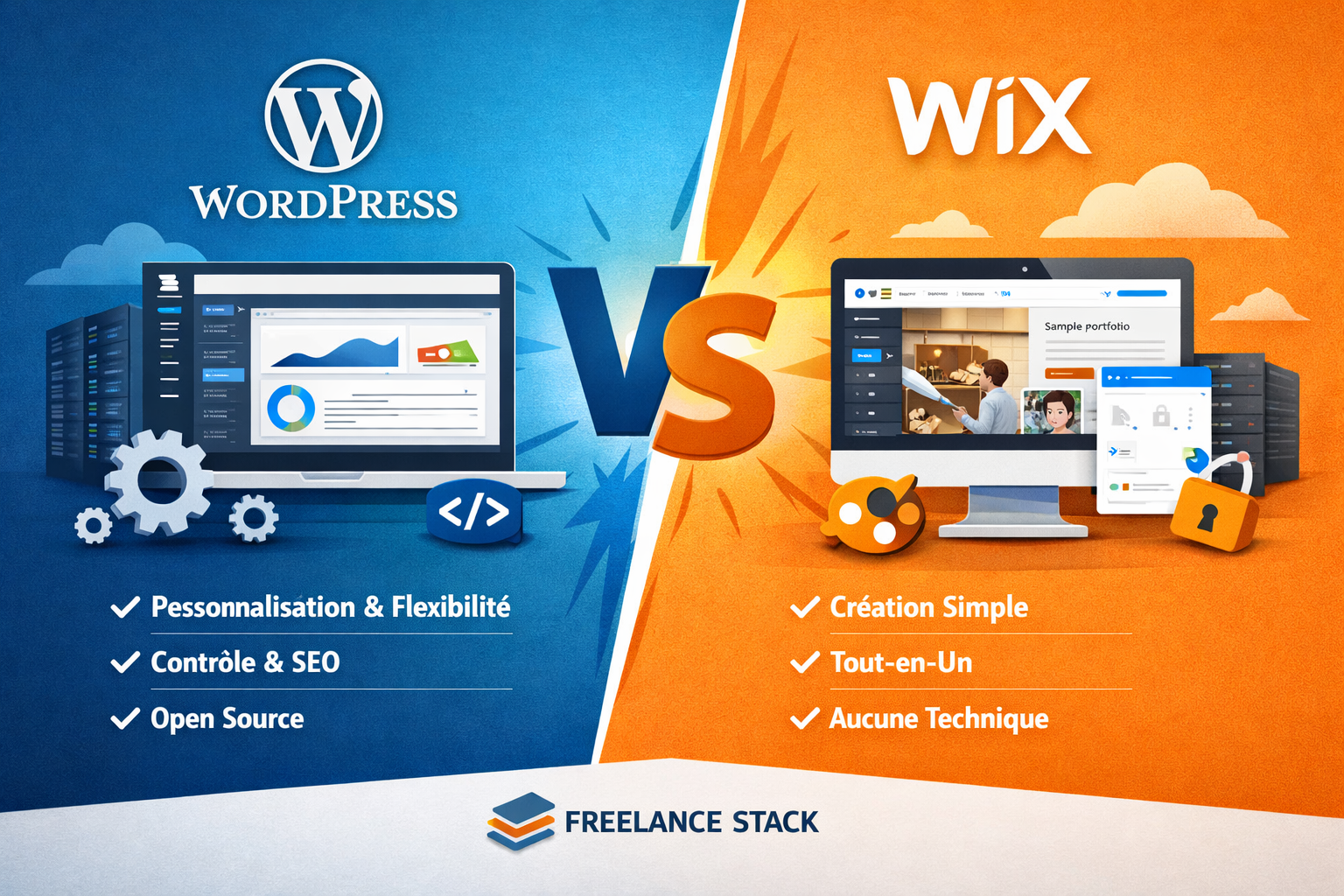
You have a project, a business, or an idea. And you know that a website has become just as essential as a professional email address. The problem is that as soon as you start looking into how to go about it, you inevitably come across two names: WordPress and Wix. Two giants, two philosophies, two radically different experiences.
The point here isn't to declare an absolute "winner." The reality is that these two tools aren't designed for the same types of users or the same needs. A freelancer launching a portfolio doesn't face the same constraints as a startup looking to build a scalable showcase website with custom features.
This guide is here to help you see things clearly: to understand what each person does best, where their limitations lie, and, most importantly, what works best for your situation.
A few figures to set the stage: WordPress currently powers more than 43% of websites worldwide (source: W3Techs, 2024), while Wix has over 250 million registered users. That’s no small feat. These two platforms dominate their respective markets for good reason.
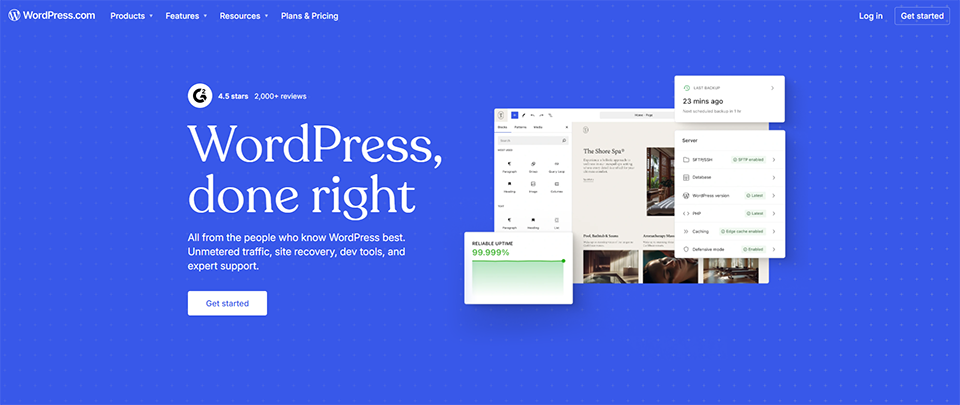
WordPress has been around since 2003. Originally conceived as a simple blogging tool, it has evolved over the years into a content management system (CMS) capable of powering e-commerce stores, social media platforms, learning platforms, and high-traffic news sites.
There are two versions that should be clearly distinguished. WordPress.com is the version hosted and managed directly by the company: simple and ready-to-use, but with limited freedom. WordPress.org is the open-source version-the one most people talk about-which requires separate hosting (such as Hostinger, o2switch, or Infomaniak) but offers almost complete freedom. It is this version that has earned the CMS its global reputation.
WordPress.org (the open-source version) is free to download. But to run a website, you’ll need to budget for:
WordPress.com (hosted version) offers several plans:
In practice, the vast majority of serious projects are built on WordPress.org using an external hosting provider. This combination offers the best balance of cost and flexibility.
📌 Note on rates: The prices listed are for reference only. They may vary depending on promotions, the accommodation providers you choose, and rate updates on each platform. Always check the current terms and conditions on the official website.
Get the discountBenefit from a on WordPress .30% off on any planFind our best discount right now with WordPress and save on your software subscriptions. We offer over 850 promo codes and discounts on the best software and SaaS on the market.

Wix was founded in 2006 in Israel and has established itself as the leading no-code website builder. Its core selling point: enabling anyone to create a professional website without writing a single line of code, in just a few hours. And honestly, on that front, it delivers on its promise.
The platform is built around a highly intuitive drag-and-drop visual editor. More recently, Wix added Wix ADI (Artificial Design Intelligence), which automatically generates a website template based on a few questions about your business. It’s a great example of what the platform offers: doing everything possible so you can focus solely on your content.
Wix offers a free plan, but it displays the Wix brand in the URL and on the site. For professional use, the paid plans (monthly) are:
These plans include hosting, an SSL certificate, updates, and support. It’s an all-in-one solution: you don’t have to deal with a separate hosting provider.
📌 Note on pricing: The prices listed are the public monthly rates as of the time of writing. Wix regularly offers promotional deals. Please visit their official website for the most up-to-date terms and conditions.
Get the discountBenefit from a on Wix .10% off on any planFind our best discount right now with Wix and save on your software subscriptions. We offer over 850 promo codes and discounts on the best software and SaaS on the market.
This is probably WordPress’s strongest selling point: you can use it to do just about anything you want. The ecosystem now includes over 60,000 available plugins, covering a wide range of uses such as SEO, security, performance, e-commerce, forms, membership management, and automation.
Plugins like WooCommerce transform a basic WordPress site into a fully-fledged online store. Page builders like Elementor let you visually design sophisticated layouts without coding, while still retaining technical control. It’s this blend of freedom and convenience that keeps millions of developers and content creators coming back.
WordPress was designed from the ground up with an architecture that supports SEO. URLs are customizable, the HTML tag structure is clean, and plugins like Yoast SEO or Rank Math allow you to optimize each page with precision. For projects where organic traffic is a key objective, WordPress remains the gold standard.
With WordPress.org, your site is your own. Your files, your database, your content-everything is hosted on your own server. You can switch hosting providers, migrate, back up, and modify your installation however you like. This is a fundamental difference from closed platforms.
WordPress is particularly well-suited for blogs and editorial websites (the original reason it was created), showcase and portfolio sites that need to evolve over time, e-commerce stores powered by WooCommerce, multilingual and international websites, as well as projects where SEO plays a strategic role.
Wix is on a mission to make website creation accessible to everyone. As a result, its editor is designed so that even someone with no technical knowledge can create a professional-looking website in just a few hours. The more than 900 available templates are well-designed, modern, and cover virtually every industry.
The Wix editor is unlike any other: you can move, resize, and customize every element on the page freely, just as you would in design software. This level of visual freedom-without ever touching the code-is truly impressive.
For several years now, Wix has been integrating artificial intelligence features into its website-building process. Wix ADI asks a few questions about your business and generates a complete initial version of your site, which you can then customize. For anyone looking to get up and running quickly and have a solid starting point, it’s a real time-saver.
Hosting, domain names, SSL certificates, updates: Wix handles it all. You don’t have to worry about the technical details. For an entrepreneur who wants to focus on their business rather than on maintaining their website, this is a real advantage.
Wix also offers an App Market with hundreds of third-party apps to add features such as online booking, chat, forms, email marketing, and basic e-commerce...
Wix is particularly well-suited for simple portfolios and showcase websites, small local businesses looking to establish an online presence quickly, freelancers and entrepreneurs who need a professional website without having to deal with the technical aspects, restaurants, hair salons, and artisans who need to showcase their work and take reservations, as well as projects with very tight deadlines.
Before we move on to the comparison chart, here’s the key takeaway: WordPress is an open-source platform that requires some hands-on work, while Wix is a closed-source service that handles everything for you. Neither is inherently better than the other. It all depends on your needs, resources, and goals.
| Criterion | WordPress | Wix |
|---|---|---|
| 🛠️ Easy to use | ⭐⭐⭐ Intermediate | ⭐⭐⭐⭐⭐ Very easy |
| 🎨 Design freedom | ⭐⭐⭐⭐⭐ Overall | ⭐⭐⭐⭐ Very good (within the publisher's limitations) |
| 📈 SEO Optimization | ⭐⭐⭐⭐⭐ Excellent | ⭐⭐⭐⭐ Solid |
| ⚙️ Technical flexibility | ⭐⭐⭐⭐⭐ Five stars | ⭐⭐⭐ Limited |
| 💰 Initial cost | ⭐⭐⭐⭐⭐ Very low | ⭐⭐⭐ Average |
| 🔒 Data ownership | ⭐⭐⭐⭐⭐ Overall | ⭐⭐ Wix Hosting |
| 🧩 Plugin/app ecosystem | ⭐⭐⭐⭐⭐ Massive (60,000+) | ⭐⭐⭐ Fair |
| 🛡️ Maintenance required | High | Virtually zero |
| 📦 Migration available | ⭐⭐⭐⭐⭐ Easy | ⭐ Very difficult |
| 🤖 Built-in AI | Via plugins | ⭐⭐⭐⭐ Native |
WordPress and Wix aren't aimed at the same audience-here's how to choose the one that's right for you.
WordPress will be a remarkably powerful tool at your disposal. You’ll be able to create custom themes, edit configuration files, interact with the database, and use the REST API.
If your business model relies on organic traffic, WordPress remains the best-equipped platform for fine-tuning every aspect of your SEO. In fact, the combination of WordPress, Yoast SEO, and Elementor is the one used by Freelance Stack.
E-commerce, multi-author sites, high-traffic editorial blogs, SaaS platforms: WordPress scales well. It can grow with you-something that all-in-one solutions don’t handle as easily.
If owning your data, website portability, and independence from a platform provider are priorities for you, WordPress.org paired with a reliable hosting provider is the answer.
When it comes to hosting, providers like Hostinger, o2switch, and Infomaniak offer highly competitive plans with solid performance for WordPress sites.
Wix is perfect for you. In just a few hours, you can have a website online that looks professional, without needing to understand the technical side of things.
Whether you're a craftsman, a coach, a restaurant owner, or a entrepreneur Wix is the perfect solution for your needs. The visual editor is powerful enough to create polished pages, and the apps available in the marketplace cover most basic needs.
Wix promises that you don't have to worry about any of the technical details. Updates are automatic, hosting is included, and security is handled by the platform.
If you're unsure about your project and want to test an idea quickly, Wix lets you get something online very quickly, without a major investment.
If you're also looking for interesting alternatives for website creation, Webflow is an option worth considering for more advanced users, and Squarespace remains an elegant solution that falls somewhere between Wix and WordPress in terms of complexity.
The most frequently asked questions deserve straightforward answers. Here are the main ones, in a nutshell.
WordPress.org (the open-source CMS) is indeed free. However, to use it, you’ll need to pay for web hosting (starting at a few euros per month) and possibly a domain name. The software itself is free, but not the infrastructure required to run it.
Yes, Wix offers a free plan. It allows you to create and publish a website, but with a URL like nomutilisateur.wixsite.com/monsite and a Wix banner is displayed. To get a custom domain name and a more professional look, a paid subscription is required.
It really depends on what you want to do with it. Creating a simple website using an existing theme is something even a motivated beginner can handle. However, as soon as you start customizing advanced elements or developing custom features, the learning curve gets steeper. Page builders like Elementor have greatly improved the visual accessibility of WordPress without the need for coding.
It’s technically possible, but limited. Wix doesn’t let you easily export your site in a format that can be directly imported into WordPress. You can retrieve your text and images, but the layout will need to be rebuilt. This is a real limitation to keep in mind if you’re thinking about switching platforms someday.
Both platforms are capable of delivering strong SEO results. WordPress offers greater technical control (URL structure, tags, performance, structured data) and a more mature ecosystem of SEO plugins. Wix has made significant strides in this area in recent years, but still lags slightly behind for projects with high SEO requirements.
Yes. WordPress does this through WooCommerce, which is a comprehensive and widely used solution. Wix offers its own built-in e-commerce tools, designed for small stores. For stores with high sales volumes or complex logistics needs, WooCommerce is generally the better choice.
Wix is often the quickest and most visually appealing option for a simple portfolio. WordPress may be a better fit if you want to include a regular blog, manage advanced contact forms, or have full control over your SEO.
Not necessarily for everyday use cases. The WordPress ecosystem has evolved to make many tasks accessible without coding. But having a basic understanding of HTML/CSS is still a real advantage as soon as you move beyond standard configurations.
