






AutoCAD or AutoCAD LT: Which version should you choose to get started?
AutoCAD and AutoCAD LT look almost identical, but they’re not intended for the same users. In this guide, we…
Read more

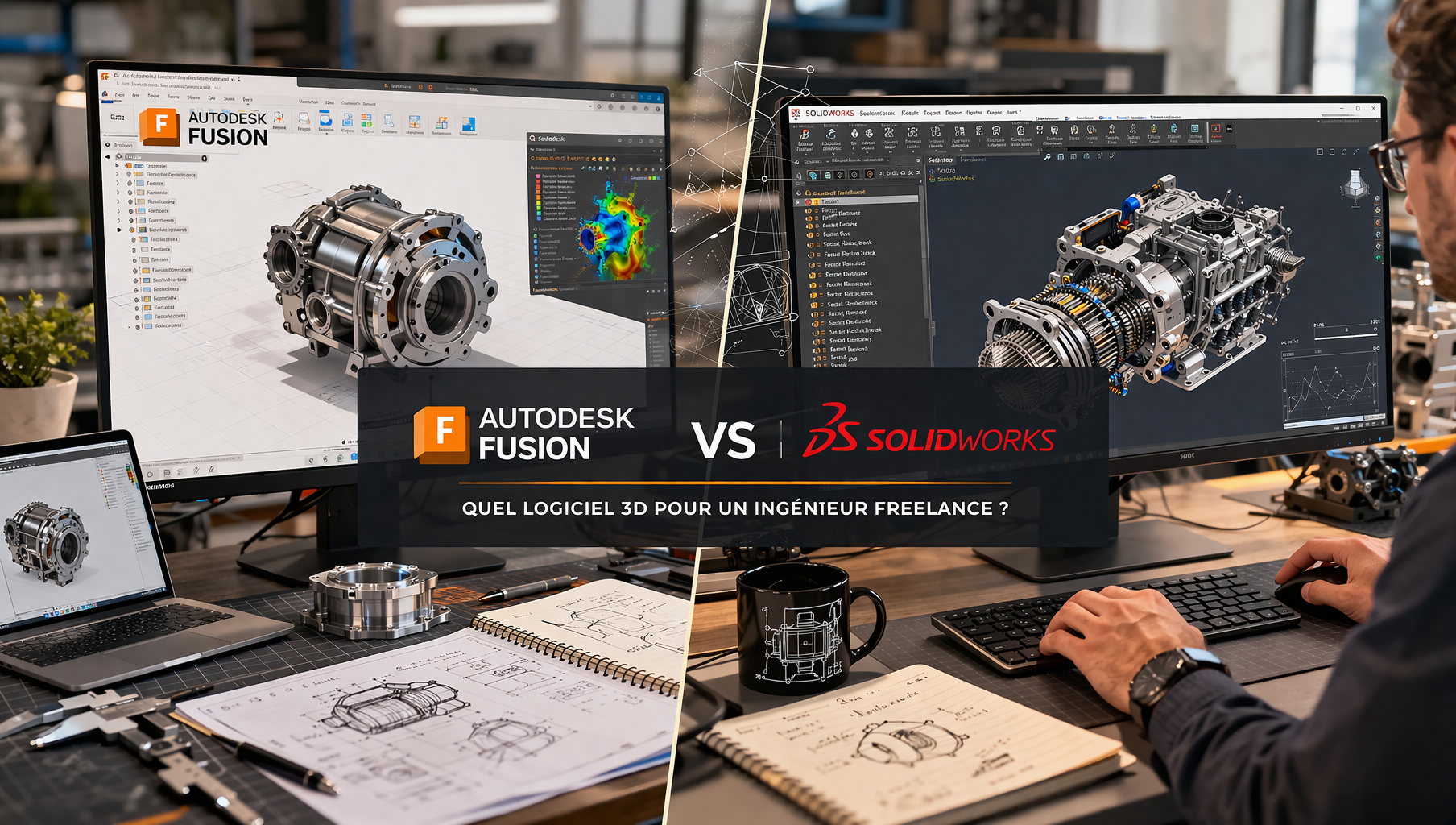
Whether designing a mechanical part, modeling an industrial product, preparing a prototype, or collaborating remotely with a design firm, freelance engineers working in the fields of mechanical engineering, product design, or manufacturing face a common question right from the start of their careers: Which CAD software should they choose?
The market is full of options, but two names consistently come up in conversations: Autodesk Fusion and SolidWorks. These two software programs have dominated their respective segments for years, boasting massive user communities, certified training programs, and deep integration into industrial workflows. However, they cater to quite distinct user profiles, address different needs, and their pricing models are worlds apart.
For a freelancer or entrepreneur consultant, choosing the right CAD software is no small matter. It’s an investment in time (the learning curve), money (licenses), and credibility with clients (file compatibility, the software’s reputation in their industry). Here’s a detailed comparison to help you make a decision.

Autodesk Fusion (formerly Fusion 360) is a cloud-based 3D design and manufacturing platform developed by Autodesk since 2013. It is positioned as an all-in-one tool that combines parametric CAD, simulation, computer-aided manufacturing (CAM), and collaboration within a unified interface.
What sets Fusion apart right from the start is its cloud-native model. Files are stored on the Autodesk cloud, teams can collaborate in real time, and access is available from any device with a stable internet connection. For a freelancer juggling multiple work environments, this is a real convenience.
⚠️ Autodesk pricing is subject to change. Always check the current price on the official website or through your reseller.


SolidWorks has been published by Dassault Systèmes since 1993. It is one of the most widely used parametric CAD software programs in the industry, particularly in Europe and in the mechanical engineering, aerospace, automotive, and medical sectors. It is often regarded as the historical benchmark in professional 3D design.
Unlike Fusion, SolidWorks operates in an on-premise mode: files are installed on your computer, the license is tied to your workstation, and you work offline. This reflects a more traditional approach, but also a well-established industry practice: many large corporations require their subcontractors and service providers to use SolidWorks.
Perpetual licenses (one-time purchase) are also available, but Dassault Systèmes is gradually steering its customers toward annual subscriptions. Financing options and resellers sometimes offer discounted rates for entrepreneurs.
⚠️ SolidWorks pricing varies significantly depending on authorized resellers and regions. The figures above are approximate and should be confirmed with an official distributor.
Autodesk Fusion is more than just a CAD tool. It is an integrated platform that combines the following in a single interface:
This allows you to create complex geometries with a high degree of flexibility. Fusion supports solid modeling as well as free-form surface modeling and organic shapes using sculpting tools (T-Splines).
With natively integrated 2D/2.5D and 3D machining strategies. This is a major advantage for freelancers who work with CNC machines and want to manage the entire production process from a single software platform.
Stress analysis, natural frequencies, thermal behavior, with results accurate enough to validate designs in the preliminary phase.
Each project can be accessed from any device and shared with a client or subcontractor via a simple link. For a freelancer working with multiple clients at the same time, this centralized management system greatly simplifies the logistics.
Fusion excels particularly in the design of consumer products, 3D-printed parts, rapid prototyping, and small-batch industrial production. Makers, industrial designers, and general engineers all benefit from the wide range of features available at an affordable price.
Hardware startups and entrepreneurs design firms that develop connected devices, low-complexity medical devices, or sports equipment often adopt it for its flexibility and its ability to quickly move from concept to a print or machining file.
What truly sets Fusion apart from its competitors is the seamless transition between design, simulation, and manufacturing without switching software. An engineer can model a part in the morning, perform a mechanical simulation in the afternoon, and generate machining paths the next day-all without ever opening another tool. This vertical integration saves a considerable amount of time for versatile technical professionals.
SolidWorks has built a reputation over several decades in demanding industries. Its strengths are well established: a robust parametric engine, the ability to handle complex assemblies, and interoperability with the entire industrial ecosystem (Siemens NX, CATIA, AutoCAD, etc.).
This is an area where SolidWorks clearly excels. It handles assemblies comprising hundreds or even thousands of parts with ease, including assembly constraints, kinematic animations, and interference visualization. This is where lighter tools like Fusion can reach their limits on very large projects.
Enables rigorous management of revisions, bills of materials, and technical documents, which is often required in ISO-certified industrial environments.
It is particularly robust in SolidWorks, with integrations such as Toolbox that automate the insertion and updating of standard components.
SolidWorks is the preferred solution in industries where documentation accuracy, regulatory compliance, and interoperability are critical: precision engineering, aerospace, medical devices, and heavy industrial equipment. An automotive design firm that works with multiple subcontractors will typically require the use of SolidWorks to ensure consistency in file exchanges.
For a freelancer who regularly works with major industrial clients, proficiency in SolidWorks is often a non-negotiable requirement for gaining access to certain markets.
The real strength of SolidWorks is its legitimacy in heavy industry. The native format .SLDPRT and .SLDASM is well known and accepted by design firms, subcontractors, and industrial clients. The CSWA/CSWP certification (Certified SolidWorks Associate/Professional) is internationally recognized and can make a difference on a resume or LinkedIn profile.
✅ Affordable and predictable pricing: the paid version is significantly cheaper than SolidWorks, and there’s a fully functional free version available for learning or starting your business.
✅ All-in-one platform: CAD, CAM, simulation, and collaboration in a single tool, without having to switch between multiple software programs.
✅ Cloud-native: multi-device access, automatic synchronization, and easy project sharing with clients.
✅ Modern and user-friendly interface: It’s easier to learn than SolidWorks, with an interface designed with new users in mind.
✅ Active community: tutorials, forums, plenty of YouTube content, and accessible Autodesk support.
⚠️ Dependence on an internet connection: An offline mode is available but has limited functionality. A network outage can slow down your work.
⚠️ Performance with large assemblies: Fusion may slow down or become unstable when working with very complex assemblies (hundreds of parts). This is not its forte.
⚠️ Autodesk pricing changes: Autodesk's pricing policy has seen several increases in recent years. The free version has also been gradually scaled back.
⚠️ Less widely used in traditional industries: some industrial clients only accept SolidWorks or CATIA files, which may require format conversions.
✅ Industry standard: recognized and required by many customers in the industrial, aerospace, automotive, and medical sectors.
✅ Robustness in complex assemblies: SolidWorks handles large-scale projects with proven reliability.
✅ Comprehensive ecosystem: simulation modules (SolidWorks Simulation), CFD analysis (Flow Simulation), product data management (PDM), etc.
✅ On-premises operation: entrepreneur , ideal for environments requiring high confidentiality or with network restrictions.
✅ Recognized certification: The CSWP certification program is highly valued in the job market and in requests for proposals.
⚠️ High cost: The initial investment represents a significant expense for a freelancer who is just starting out or in the early stages of launching their business.
⚠️ Steeper learning curve: Although the interface is well-developed, it is more complex than Fusion. Mastering it fully requires a significant investment in training.
⚠️ Less suitable for rapid prototyping: manufacturing tools (CAM, 3D printing) require add-ons or third-party software.
⚠️ Local-only version: Collaboration and file sharing with distributed teams are less seamless than with a cloud-based solution.
It's hard to decide without comparing the two tools side by side. The table below summarizes the key points.
| Criterion | Autodesk Fusion | SolidWorks |
|---|---|---|
| 💰 Admission price | ~€80/month | ~€4,200/year |
| ☁️ Cloud mode | Yes (native) | No (local) |
| 🔧 Parametric CAD | Yes | Yes (more durable) |
| 🏭 Complex assemblies | Limited | Excellent |
| ⚙️ Integrated FAO | Yes | Separate module |
| 📊 Simulation | Beginner to advanced | Advanced (modules) |
| 🤝 Collaboration | Excellent (cloud) | Limited |
| 🎓 Recognized certification | Partial | Yes (CSWP) |
| 📁 Industry compatibility | Correct | Very good |
| 📈 Learning curve | Moderate | Long |
| 🖥️ Offline mode | Midterm | Total |
| 🌍 Adoption by SMEs and Industry in France | Growing | Dominant |
The key difference can be summed up in a single sentence: Fusion is a versatile, affordable tool, while SolidWorks is an industry standard with a high entry cost. Both are excellent in their respective fields.
The best software is the one that suits your type of work, your clients, and your business trajectory.
Are you starting your own business and want to master a 3D design tool without breaking the bank on licenses? Autodesk Fusion is clearly the most logical place to start. The free version is great for learning, Autodesk certifications are widely recognized, and upgrading to the paid version is still affordable.
Do you work for clients in the aerospace, automotive, or medical industries who require specific formats and standard tools? In this context, SolidWorks is practically must-have. Earning CSWP certification can significantly strengthen your pricing position.
Do you develop physical products, connected devices, or devices with lightweight mechanical components? Autodesk Fusion is tailored for this type of project, with its form-finding tools, integrated CAM capabilities, and ability to quickly move from design to physical prototype.
Do your projects involve assemblies consisting of hundreds of parts, detailed technical documentation, and compliance requirements? SolidWorks offers the robustness, document management, and simulation tools to meet these needs.
Do you manage multiple projects simultaneously with teams or clients across different companies? The cloud-based and collaborative features of Autodesk Fusion offer a real logistical advantage in your day-to-day work.
Fusion makes it easy to share models with clients overseas via viewing links, without requiring them to have a license. This is a key feature when working with clients in multiple countries.
In short, if you're just starting out, if you're looking for versatility, or if you're working on products and prototypes, Fusion is the most cost-effective solution. If your business involves working with large manufacturers that already use SolidWorks, investing in a SolidWorks license is likely justified by the markets it opens up for you.
It is also entirely possible to master both software programs, with varying levels of proficiency depending on client needs. Many advanced technical freelancers work this way.
The most frequently asked questions about these two software programs, with straightforward answers.
The free version of Fusion is available only to users with annual revenue of less than $1,000, as well as to students and educators. Beyond that, commercial use requires a paid license. The features of the free version have also been scaled back in recent years (limited CAM, limited cloud projects).
SolidWorks primarily offers annual or perpetual licenses. Pay-as-you-go rental plans are available through certain resellers, but they are not the standard model. Dassault Systèmes is gradually shifting toward subscription models, particularly through its 3DEXPERIENCE platform.
Both support industry-standard formats: STEP, IGES, Parasolid, STL, and DXF/DWG. Autodesk Fusion also reads the native file formats of other Autodesk software (AutoCAD, Inventor). SolidWorks natively supports CATIA V5 files, which is an advantage in certain industrial contexts.
Yes, using exchange formats such as STEP or Parasolid. The conversion is never perfect (some parametric features may be simplified), but it is generally sufficient for transferring geometry. It is recommended that you keep the source files in their original native format.
Autodesk is actively investing in generative AI for design, particularly through "generative design" features that automatically propose optimized geometries based on defined constraints (weight, strength, manufacturing cost). SolidWorks is gradually integrating similar features, notably through Dassault Systèmes' 3DEXPERIENCE platform.
Both offer a wealth of training resources. Autodesk provides its Autodesk Learning platform, while SolidWorks offers MySolidWorks. There are numerous tutorials available on YouTube for both tools. For rapid skill development and certification, specialized online training courses remain the most effective option.
AutoCAD remains a viable option for 2D design and certain architectural or urban planning workflows, but it cannot compete with Fusion or SolidWorks when it comes to parametric 3D modeling. For professional 3D CAD, Fusion or SolidWorks remain the top choices. The AutoCAD LT version is even more limited in this regard.
Depending on their needs, Autodesk Revit LT may be of interest to professionals working on BIM or architectural projects. For creating visual content and 3D animations, Autodesk Maya and Autodesk 3ds Max round out the lineup, even though their applications differ significantly from mechanical CAD.
