







5 underrated tools that actually save a lot of time
In this article, we’ll introduce you to 5 seriously underrated tools, along with an honest review of each one: this…
Read more


Remote work, distributed teams, and video conferences are now commonplace. In recent years, these developments have profoundly transformed the way businesses operate on a daily basis. And with this transformation, one reality has become clear: without the right tools, coordination becomes a hindrance rather than a driver.
Teams that collaborate effectively are more productive, make better decisions, and waste less time juggling emails, instant messages, and poorly shared files. This has been documented and observed in hundreds of companies of all sizes.
But the collaboration software market is crowded. Between project management tools, team messaging platforms, collaborative wikis, virtual whiteboards, and cloud-based office suites, it’s easy to end up with five different overlapping subscriptions, a team that no longer knows where to find information, and a budget that’s spiraling out of control.
This article introduces you to five collaboration tools that really make a difference, each with its own unique features, strengths, and use cases. The goal is to help you identify the one-or ones-that best fit your situation, whether you’re a freelancer, a 10-person startup, or an SME with 80 employees.

Notion was born from a simple observation: teams are constantly juggling siloed tools-one for notes, another for tasks, and yet another for documentation. The idea behind Notion is to bring everything together in a single, infinitely customizable space.
What sets Notion apart is its block system. Each page is built from elements that you can freely assemble: text, tables, databases, calendars, to-do lists, image galleries, and embedded files. This approach offers exceptional flexibility: you can create a simple notebook or a full-fledged project management system using the same principles.
Notion has established itself as the go-to platform for team knowledge management, and its success is largely due to the community that has grown around it. Thousands of templates are available, covering virtually every conceivable use case.
Notion's strength lies in its relational databases. You can create a project management table, filter it, sort it, switch it to calendar view or Kanban view, and link it to another database containing your client contacts. This level of integration is hard to find elsewhere without using a dedicated project management tool.
When it comes to collaboration, Notion supports inline comments, mentions (@), task assignments, and granular permission controls at the page, workspace, or block level. The version history lets you track changes and revert to a previous version, which is invaluable when multiple people are working on the same document.
Since 2023, Notion has integrated AI features (Notion AI) directly into the editor: automatic summarization, writing assistance, and information extraction from existing pages. These features are available as a paid option but are useful for teams that produce a lot of documentation.
Notion is particularly well-suited for teams that need to build their knowledge base from scratch. The system’s flexibility allows you to create custom spaces without having to configure complex tools.
Many freelancers use Notion as their go-to tool for managing projects, clients, and notes. The free version offers plenty of features for personal use.
Asynchronous documentation is a cornerstone of remote work. Notion makes it easy to centralize information so that everyone is working with the same data, regardless of time zone.

Before Slack, teams mainly communicated via email. While this worked well for formal exchanges, it quickly descended into chaos when it came to collaborating in real time on quick matters. Slack has reinvented internal communication by organizing exchanges into topic-based channels, making conversations both smoother and easier to find.
Today, Slack is much more than just a messaging app. It’s a communication hub that integrates with hundreds of third-party tools, allowing you to centralize notifications, workflows, and even certain automations without leaving the interface.
The channel structure is at the heart of Slack. You create a channel for each project, department, topic, or team, and each conversation stays organized by context. Threads let you keep in-depth discussions separate from the main channel, which is especially useful in large teams.
Slack offers a powerful search engine that indexes all messages and shared files. For teams that have been using Slack for a long time, the ability to find a decision made six months ago in a message is invaluable.
Integrations are one of the platform's key strengths. Slack integrates natively with Asana, Notion, ClickUp, Jira, Google Workspace, and hundreds of others, making it a true hub for team activity.
When it comes to real-time communication, Slack Huddles lets you start an informal audio or video call with a single click, without having to schedule a meeting. It’s the equivalent of a casual chat in the hallway for remote teams.
Slack has become the standard in the tech industry. If your employees come from startups or digital environments, they’re probably already familiar with the tool.
Channel segmentation allows for clear separation of communication between the sales, technical, marketing, and operations teams, while maintaining cross-functional channels.
The ability to create temporary channels for the duration of a project and then archive them is a tangible benefit for organizations that operate on a project basis.
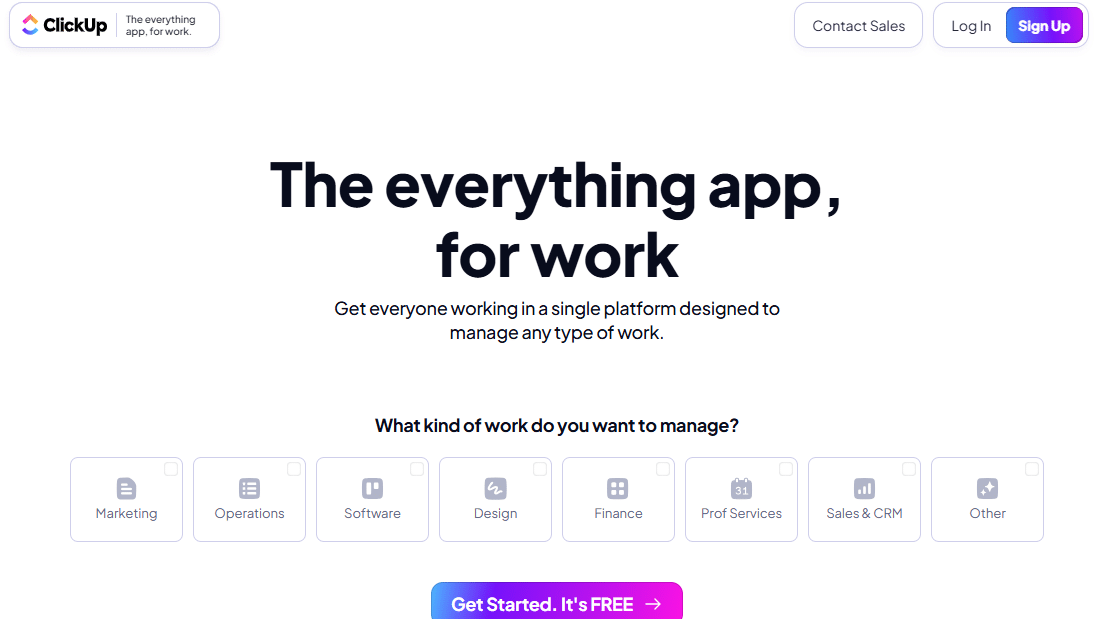

ClickUp was created with a clear goal in mind: to replace all your other productivity tools. The slogan "one app to replace them all" sums up the platform's philosophy quite well. In practice, ClickUp combines task management, collaborative documentation, time tracking, team goals, and communication into a single interface.
This all-in-one approach is very appealing to teams looking to reduce the number of tools they pay for, but it can be confusing for those seeking a tool specialized for a specific use. ClickUp does a lot of things, and generally does them well, even if some features aren't as polished as their specialized counterparts.
Task management is at the heart of ClickUp. You can view the team’s work as a list, a Kanban board, a Gantt chart, a calendar view, or a workload view. Each task can include subtasks, dependencies, due dates, priorities, tags, custom fields, and multiple assignments.
ClickUp Docs is the platform’s equivalent of Notion: a collaborative document editor directly linked to tasks and projects. It’s useful for keeping documentation close to the action without having to switch tools.
The built-in time tracking feature allows teams (and especially entrepreneurs) to log hours directly on tasks, generate reports, and bill more accurately.
ClickUp's automation features let you create simple rules (e.g., if the status changes to "completed," notify a specific team member via Slack) without needing to use an external automation tool like Make or Zapier for basic use cases.
ClickUp really shines in environments where multiple projects are running simultaneously and where visibility into the workload is critical.
For teams of 5 to 30 people who don't want to manage three or four different subscriptions, ClickUp offers a good balance between features and pricing.
Built-in time tracking, combined with client-specific views and progress reports, makes ClickUp a valuable tool for agencies that manage projects for multiple clients.

Miro was built for a specific purpose: visual collaboration. It started out as an online whiteboard, but that would be an oversimplification. Miro has become the go-to platform for all aspects of creative teamwork: design thinking workshops, process mapping, product roadmaps, agile retrospectives, brainstorming sessions, and interactive presentations.
What sets Miro apart from the other tools on this list is its spatial approach. Rather than organizing information into rows and columns or document hierarchies, Miro offers an infinite canvas where you can freely arrange elements, create visual connections, group ideas, and intuitively build complex diagrams.
At the heart of Miro is its infinite canvas, where you can place sticky notes, shapes, images, text, connectors, and frames. The templates are particularly extensive: there are hundreds of them for agile retrospectives, user story maps, customer journeys, SWOT analyses, decision matrices, and wireframes.
Real-time collaboration is excellent: multiple participants can work simultaneously on the same board, see each other’s cursors, and comment on any element. This experience is particularly valuable during remote workshops, where Miro closely replicates the dynamics of a physical whiteboard.
Miro integrates with Notion, Slack, Asana, Jira, and many other tools, allowing you to embed Miro boards directly into your existing workspaces.
The Miro AI feature (available on paid plans) lets you generate mind maps, summarize crowded boards, or turn a list of ideas into an automatically structured diagram.
Miro is particularly popular among teams that design digital products. Wireframes, user flows, journey maps-everything is done seamlessly and collaboratively.
Retrospectives, planning poker, and prioritization workshops work much better on Miro than on any other tool.
For brainstorming sessions, mood boards, and non-linear presentations, Miro offers a platform that’s hard to beat.
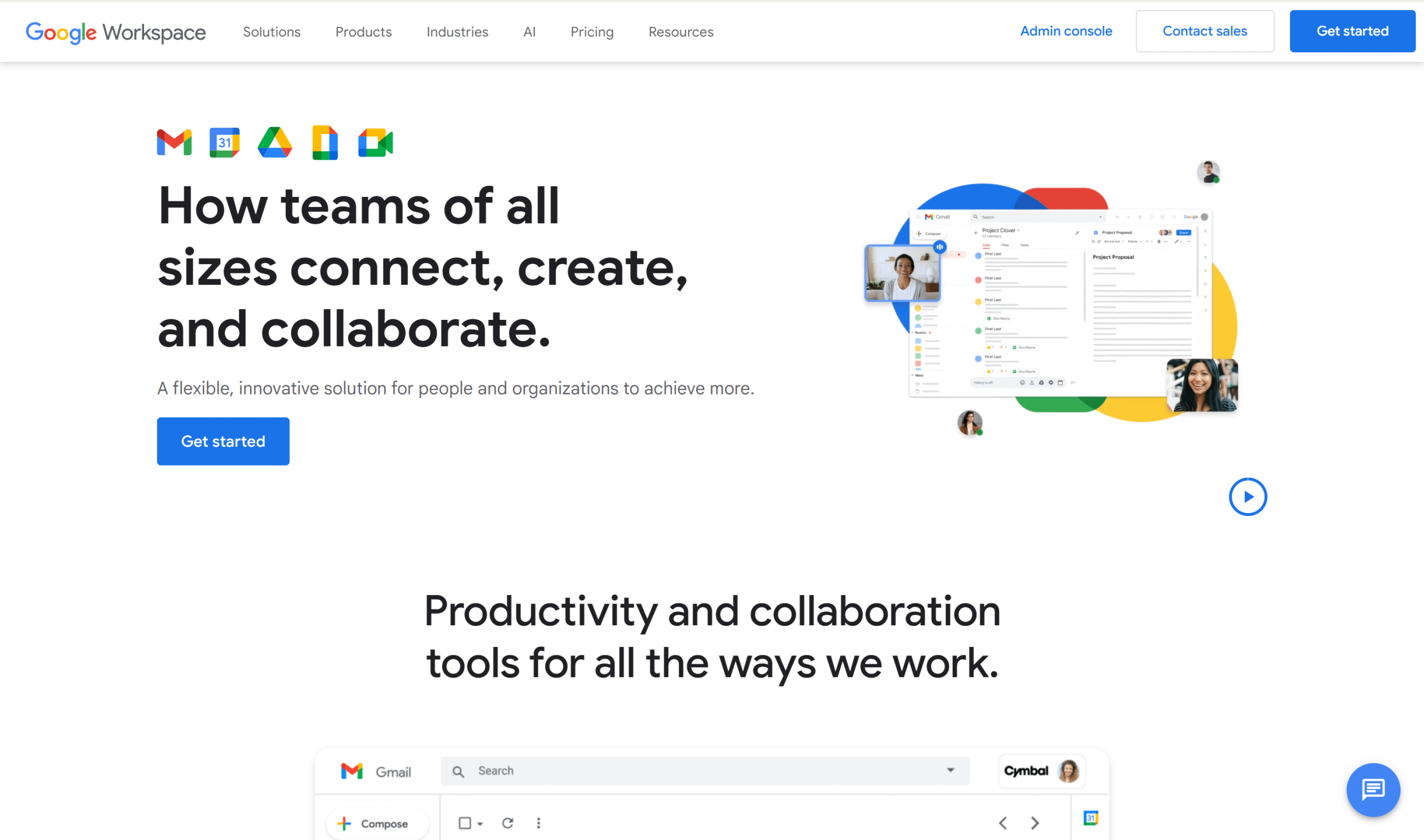
Google Workspace (formerly G Suite) is likely the most widely used collaborative suite in the world among businesses of all sizes. It brings together Google’s office tools into a single, unified package: Gmail, Drive, Docs, Sheets, Slides, Meet, Calendar, Forms, and more.
What makes Google Workspace particularly appealing from a collaboration standpoint is real-time co-editing across all documents. Multiple people can work simultaneously on the same Google Doc, spreadsheet, or presentation, with instant synchronization and a complete version history.
For teams that haven't yet adopted a collaboration suite, Google Workspace is often the natural starting point, particularly due to users' familiarity with Google tools and its integration with Android and Chrome.
Gmail remains one of the most widely used email clients in the world, and its native integration with Calendar, Drive, and Meet creates a seamless experience for managing communications and meetings.
Google Drive serves as the suite's central storage platform. Files can be accessed from any device, and the granular sharing system (view-only, comment, edit) makes it easy to collaborate with both internal and external stakeholders.
Google Meet has improved significantly in recent years and now rivals Zoom in most business video conferencing scenarios: meeting rooms, recording, real-time captions, and direct integration with Calendar.
Google Docs, Sheets, and Slides offer robust collaborative editing features, inline comments, and strong compatibility with Microsoft Office formats, making it easier to transition to these tools and collaborate with partners who use other suites.
The suite also includes Google Chat, a direct competitor to Slack that is still less widely used but is improving steadily.
For a company building its digital infrastructure, Google Workspace offers a comprehensive package that includes email, documents, storage, and video conferencing at a reasonable price.
Sharing Google documents with people outside your organization is easy and doesn't require the recipient to have a paid account.
The Business Plus and Enterprise plans include auditing, archiving, and compliance features that are of interest to companies in regulated industries.
To help you see the differences between these five tools at a glance, here is a summary of the key criteria to compare before making your choice.
| Tool | Primary use | Ideal for | Subscription price (per month/per user) | Free map |
|---|---|---|---|---|
| Notion | Documentation & Knowledge Base | Startups, entrepreneurs, product teams | ~12$ | ✅ Yes (solo) |
| Slack | Messaging & Communication | Tech teams, multi-departmental SMEs | ~8,75$ | ✅ Limited (90 days) |
| ClickUp | All-in-one project management | Startups, agencies, operational teams | ~10$ | ✅ Functional |
| Miro | Visual collaboration | Product, UX, and Creative Teams | ~10$ | ✅ Limited (3 boards) |
| Google Workspace | Collaborative office suite | SMEs, multi-site organizations | ~7,20$ | ❌ No |
💡 Prices are listed on a monthly billing basis and are subject to change. Please check the official website for current prices.
If your main need is documentation and a knowledge base, Notion is more user-friendly and flexible. If task management and project tracking are your top priorities, ClickUp is a better fit. Both can coexist within the same organization without stepping on each other’s toes.
If you're already using Google Workspace, Google Chat be sufficient for simple internal communications. For a truly comprehensive team messaging experience, with rich integrations and a culture of asynchronous collaboration, Slack remains the gold standard.
Miro isn't really competing with the other tools on this list. It fills a gap that the others don't cover well: visual and spatial collaboration. Most teams that adopt it do so alongside another tool, not in place of it.
Here are a few frequently asked questions to help you think through your options more thoroughly and avoid common mistakes when choosing your collaboration stack.
For a small team, the priority is often to keep costs down while still meeting essential needs. ClickUp’s Free or Unlimited plans offer good value for the features they provide. If your main needs are documentation and knowledge management, Notion’s Plus plan is very competitive. For communication, the free version of Slack may be sufficient if you don’t need access to a chat history older than 90 days.
Not really. Google Workspace handles email, storage, shared documents, and video meetings very well. But it doesn’t replace a project management tool like ClickUp or Asana, a structured wiki like Notion, or Slack’s wide range of integrations. Most companies combine Google Workspace with one or two other specialized tools.
Yes, provided you clearly define which tool is used for what. A common setup in well-run companies: Slack for real-time communication, Notion or Confluence for documentation, and ClickUp, Asana or Monday.com for project tracking. The problem arises when the roles of each tool aren’t defined, and information ends up scattered without clear guidelines.
The learning curve varies depending on the tool. Slack and Google Workspace are generally adopted quickly without formal training. Notion and ClickUp require a bit more initial effort, especially when it comes to defining how the workspace will be structured. Miro often requires active facilitation during the first few workshops to help participants feel comfortable. In any case, designating an “owner” for each tool within the team facilitates adoption and prevents the setup from becoming disorganized.
That’s exactly the kind of situation they were designed for. Slack and Google Workspace are built to work just as well in the office as they do remotely. Miro is probably the tool that most transforms the hybrid meeting experience: in-person and remote participants work on the same board in real time, which avoids the situation where “people in the office have a conversation while remote participants just stare at their screens without really participating.”
Overload rarely stems from the number of tools, but rather from a lack of clarity about their respective roles. Some best practices: document what each tool is used for in a visible location, limit Slack channels by archiving those that are no longer active, centralize documentation in a single space rather than letting it get scattered across Drive, Notion, and emails, and review your tech stack every six months to assess whether certain tools overlap.


