






1Password: The Ultimate Guide
Managing passwords manually is a promise we make to ourselves and rarely keep. We often end up with…
Read more


There was a time when extracting data from the web was almost exclusively the domain of technical teams. A few lines of Python, a solid understanding of CSS selectors, and a high tolerance for 429 errors. Today, the landscape has changed significantly.
Web scraping tools have become widely accessible. With visual interfaces, automated workflows, and ready-to-use APIs, a wide variety of professionals use them every day—from growth teams to data analysts to salespeople looking to build their pipeline. And for good reason: extracting structured information from a web page can be useful for dozens of practical applications—such as monitoring competitors’ prices, enriching a prospect database, tracking customer reviews across multiple platforms, or automating market monitoring without spending hours on it.
According to a Statista study, the volume of data generated worldwide now exceeds 120 zettabytes per year. A growing portion of this data is publicly available on the web, and companies that know how to leverage it gain a decisive advantage over those that rely on manual data entry or partial exports.
One key question remains: Which tool should you choose? The market is crowded, the offerings vary widely, and not all of them are suited to the same user profiles. This article provides an overview of the most widely used solutions in 2026, with a pragmatic look at what they actually allow you to do.


PhantomBuster has built a solid reputation in the world of B2B growth and lead generation. Its approach is based on “Phantoms”: preconfigured mini-scripts that automate actions on social media platforms such as LinkedIn, Twitter/X, Instagram, and YouTube. From profile extraction and email retrieval to follower tracking and sending automated messages (within certain limits), the library offers over 100 available automations.
What sets PhantomBuster apart is its decidedly non-technical approach. There’s no need to know how to code or understand the structure of an HTML page. You select a Phantom, configure the settings (source URL, number of results, interval between actions), and start the extraction. The results are delivered in CSV or JSON format, or directly into a CRM connected via Zapier or Make.
Sales and growth hackers:
PhantomBuster is probably the most widely used tool for generating LinkedIn prospecting lists. You extract a list of profiles that match a target customer profile, retrieve the available email addresses, and import everything into your CRM or email marketing tool.
Marketing teams:
The ability to automatically monitor mentions, followers, or competitors' content makes it an effective social media monitoring tool—provided you understand its limitations.
Freelancers and consultants:
To generate targeted leads without a paid database or a dedicated SDR, a few well-configured Phantoms can significantly speed up the prospecting process.

Apify positions itself as a true ecosystem centered around web data extraction. While other tools offer preconfigured automations, Apify provides a marketplace of “Actors”—prebuilt scrapers maintained by the community—as well as the ability to deploy your own scraping scripts directly on Apify’s cloud infrastructure.
In practice, you can either use an existing Actor (Amazon product scraper, Google Maps scraper, LinkedIn scraper, etc.) or develop your own using Crawlee (Apify’s open-source framework) and deploy it to production without having to manage the infrastructure. The results can be stored in Apify datasets, exported as JSON or CSV, or routed to an external API.
Developers and tech teams:
The integrated development environment, the JavaScript/Python SDK, and infrastructure management make it a leading platform for teams looking to scale up their data collection.
Data Analysts and BI:
The ability to automate recurring data extractions from multiple sources (e-commerce, media, marketplaces) and route them to data pipelines is a significant advantage.
Agencies and integrators:
The Actors marketplace makes it possible to quickly offer scraping solutions to clients without having to start from scratch.
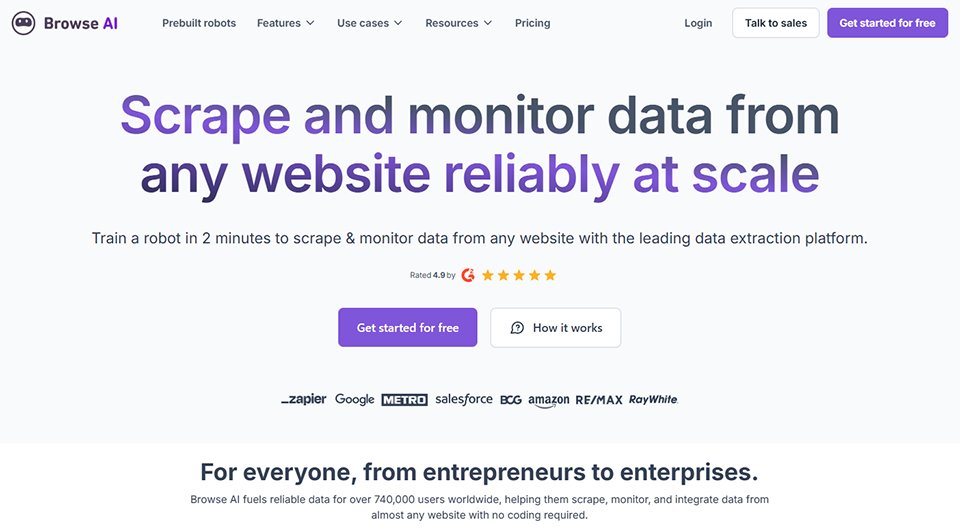

Browse AI takes a particularly intuitive approach: you “train” a bot by navigating a website yourself, showing the tool what data to retrieve. The Chrome extension records your actions, Browse AI deduces the scraping logic from them, and can then reproduce those actions automatically and on a regular basis.
It is probably one of the most accessible tools for extracting data from complex websites, including those that require authentication or load their content via JavaScript. Price tracking, product page monitoring, and list extraction (job postings, real estate listings, company profiles) are among the most well-documented use cases.
E-commerce retailers and pricing managers:
Monitoring competitors' prices across multiple marketplaces in real time, without any manual intervention—that is exactly what Browse AI was designed to do.
HR and Recruitment Teams:
Automate the monitoring of competitors’ or partners’ job postings, retrieve public profiles, and track market trends.
Project Managers and Consultants:
For one-time structured data extraction needs that do not require technical expertise.

ScrapingBee isn't a graphical user interface tool—it's an API. Its purpose is clear: you handle the business logic, while ScrapingBee handles the technical challenges—proxy rotation, JavaScript rendering, bypassing anti-bot systems, and CAPTCHA management. A single API call is all it takes to retrieve the rendered HTML of a page, even if it's built with React or Vue.js.
It is an ideal infrastructure component for developers who want to build their own scraping pipeline without having to manage the proxy infrastructure and the constant updates required to counter anti-scraping measures themselves.
Backend developers and teams:
For those who find proxy management, headless rendering, and anti-bot systems to be repetitive tasks, ScrapingBee acts as a clean and reliable abstraction layer.
Startups that build data-driven products:
Integrate ScrapingBee into a pipeline for regular data collection (market monitoring, price comparison sites, aggregators) without having to maintain your own infrastructure.
Development agencies:
Pay-as-you-go billing and the API's simplicity make it possible to provide scraping capabilities to customers without additional infrastructure costs.

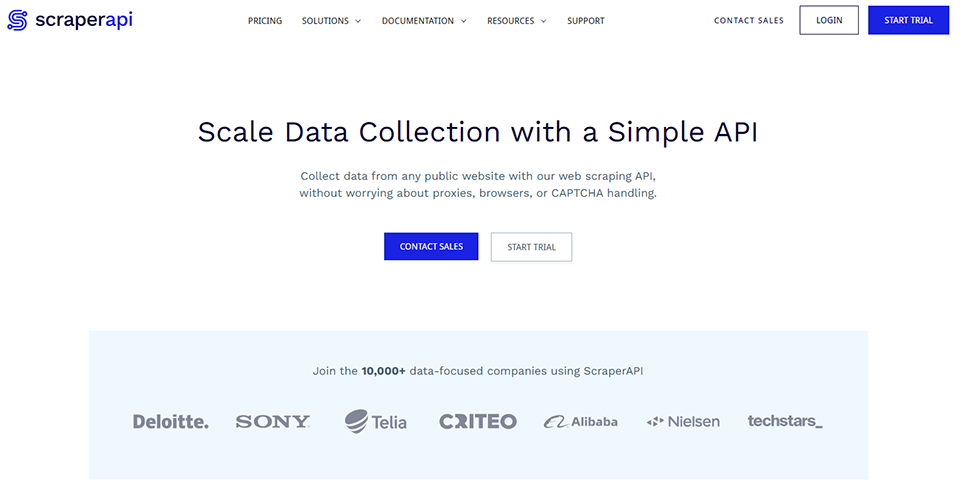
ScraperAPI covers similar ground to ScrapingBee, with a few notable differences in approach and pricing. The tool handles proxy rotation, HTTP headers, JavaScript rendering, and CAPTCHA resolution through a single API. Its advantage lies in an architecture designed for high volume: the plans are generous, and scalability is at the heart of the offering.
While ScrapingBee places greater emphasis on ease of integration and advanced JavaScript rendering, ScraperAPI positions itself as a solution more focused on volume and cost per request, with plans tailored to companies that scrape millions of pages.
Data teams with high-volume requirements:
When millions of pages need to be scraped, making unit costs a key factor, ScraperAPI offers volume-based pricing that is often more competitive.
Early-stage developers:
The free plan with 5,000 requests lets you thoroughly test the service before committing to any expenses.

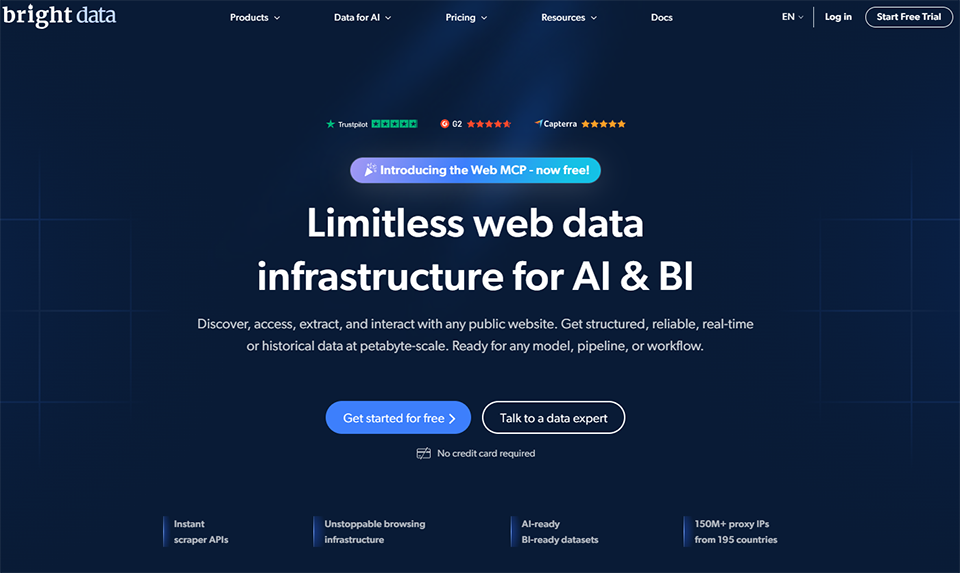
Bright Data is in a league of its own. While the previous tools are affordable solutions for teams of a reasonable size, Bright Data is the industry’s leading enterprise solution. With a network of over 72 million residential IPs, data center, mobile, and ISP proxies, no-code scraping tools (Scraping Browser, Web Unlocker, SERP API), and a platform of ready-to-use datasets, it offers a comprehensive ecosystem.
The corresponding use cases are equally impressive: large-scale competitive intelligence for retailers, real-time financial data collection, media content aggregation, and compliance checks on hundreds of thousands of pages.
Large companies and mature data teams:
When reliability, scalability, and regulatory compliance are non-negotiable requirements.
Specialized data agencies:
To deliver datasets to clients with high standards for data freshness and volume.

Octoparse is one of the pioneers of no-code web scraping with a graphical user interface. Its visual editor lets you point and click on the elements you want to extract, handle pagination, forms, drop-down menus, and even sites that require a login. Octoparse AI, its latest version, takes it a step further by enabling the tool to automatically understand a page’s structure based on a simple description in natural language.
For someone with no technical background but who needs to extract structured data on a regular basis, this is a very viable option. IP rotation management, cloud scraping, and scheduling are included in the paid plans.
Non-technical business roles:
Analysts, consultants, marketing teams, or e-commerce teams who need to regularly extract data without relying on a developer.
Small and Medium-Sized Enterprises (SMEs) and Mid-Sized Companies:
For recurring and relatively standardized needs (price tracking, list extraction, product page monitoring).


Firecrawl addresses an emerging and very specific need: extracting content from a website in a clean, structured format that can be directly used by a language model. While most web scrapers return raw HTML or JSON, Firecrawl converts pages to Markdown—stripping out menus, ads, and unnecessary scripts—and offers the option to crawl an entire site.
It is a tool designed for developers who build AI applications (RAG, chatbots, agents) and need to ingest high-quality web content. The API is simple, the documentation is clear, and the results are generally very clean, even on sites with complex structures.
AI developers and builders:
To power an AI agent, build a knowledge base from web sources, or create a chatbot that responds based on a specific website.
Product teams working on RAG pipelines:
Firecrawl integrates natively with the most widely used frameworks (LangChain, LlamaIndex).

SerpAPI is not a general-purpose scraper; it is a tool specifically designed to extract search engine results pages (SERPs). Google, Bing, YouTube, Google Shopping, Google Maps, Google Jobs: SerpAPI returns results in structured JSON format, without having to handle rendering or detection issues itself.
For SEO teams that want to automatically track their rankings, marketplaces that compare Google Shopping listings, or monitoring tools that aggregate search results, this is the go-to solution.
SEO teams and agencies:
To automate rank tracking, competitive SERP analysis, or feature snippet detection without using expensive all-in-one tools.
Developers who build SEO tools:
SerpAPI is often used as a building block in internal tools or SaaS products that require up-to-date search data.
Here is a brief overview of the tools presented. The prices listed are for reference only and are subject to change; we recommend that you check them directly on each publisher's website.
| Tool | Target profile | Technical Requirements | Primary use case | Admission price |
|---|---|---|---|---|
| PhantomBuster | Sales, Growth | No | LinkedIn Prospecting, Social Data Extraction | ~56 s per month |
| Apify | Dev, Data | Yes | Industrial scraping, Actors marketplace | 49 $/month |
| Browse AI | Business, Non-tech | No | Price tracking, monitoring, visual extraction | 19 $/month |
| ScrapingBee | Development, Startups | Yes | Scraping API with proxy and JavaScript support | 49 $/month |
| ScraperAPI | Dev, Data | Yes | Volumetric scraping via API | 49 $/month |
| Bright Data | Enterprise | Yes | Professional proxies, large-volume datasets | Upon request |
| Octoparse | Business, SMEs | No | No-code extraction, templates | 75 $/month |
| Firecrawl | AI Developers, Builders | Yes | Clean web content for LLM/RAG | 19 $/month |
| SerpAPI | SEO, Dev | Yes | Data Extraction from Google SERPs and Other Search Engines | 50 $/month |
Web scraping has become a cornerstone of data strategy, but putting it into practice requires striking a balance between technical efficiency and compliance with legal requirements. Here are the answers to the questions you’re really asking.
The legality of web scraping is a nuanced issue that depends on several factors: the target site’s terms of use, the nature of the data extracted (public data vs. personal data), and the applicable jurisdiction. In Europe, the GDPR imposes additional restrictions on the collection of personal data, even when it is publicly available. Generally speaking, scraping non-personal public data for analysis or monitoring purposes is widely accepted, provided that the robots.txt file is respected and the target servers are not overloaded. It is recommended to consult a legal professional for large-scale projects or those involving sensitive data.
An official API is provided by a service provider to allow structured and regulated access to its data. A scraping tool extracts data directly from web pages without the provider’s prior consent. The API is generally more stable, more reliable, and compliant with the Terms of Service; scraping offers more flexibility but carries the risk of breakdown if the site changes its structure.
Yes, several tools allow this. Browse AI, Octoparse, and PhantomBuster can handle sites that require authentication. Firecrawl and ScrapingBee also support authenticated sessions through certain configurations. However, you must be very careful about legal and ethical considerations, particularly with regard to the terms of service of the relevant platform.
Crawling involves automatically traversing a website’s links to map its structure. Scraping refers to the extraction of specific data from one or more pages. In practice, the two are often combined: a website is crawled to identify the pages to be scraped, and then each of those pages is scraped to retrieve useful content.
The answer depends primarily on your specific needs. If you have development skills or are integrating scraping into an automated pipeline, an API (such as ScrapingBee, ScraperAPI, or Firecrawl) will offer greater flexibility and control. If you need results quickly without writing code, tools like Browse AI, Octoparse, or PhantomBuster will be more suitable. In terms of cost per unit of volume, APIs are generally more cost-effective over the long term.
It depends on the tool and the platform. PhantomBuster is the most focused on social media (LinkedIn, Twitter/X, Instagram). Bright Data also offers social APIs. But be careful: major platforms like LinkedIn and Meta have very strict policies regarding automated scraping and have advanced detection systems in place. The use of these tools must remain within the limits permitted by the Terms of Service, or you risk having your account banned or facing legal action.
Not exactly. Web scraping is the technique of collecting data from the web. Data enrichment involves supplementing existing data (such as a company name or email address) with additional information from third-party sources. Tools like Apollo.io and Hunter Email combine both: they allow you to extract contacts and enrich them with professional data. Clay takes it a step further by coordinating multiple enrichment sources within a single workflow.
For the vast majority of use cases, the proxies built into the tools (ScrapingBee, ScraperAPI, Bright Data) are more than sufficient and avoid unnecessary operational complexity. Managing your own proxy infrastructure only makes sense for very large volumes or very specific needs in terms of geolocation and control. For teams just getting started, the simplicity of an all-in-one API is almost always preferable.


