






Our selection of AI tools for content creators in 2026.
We reviewed the most robust solutions on the market in 2026, focusing on those that…
Read more

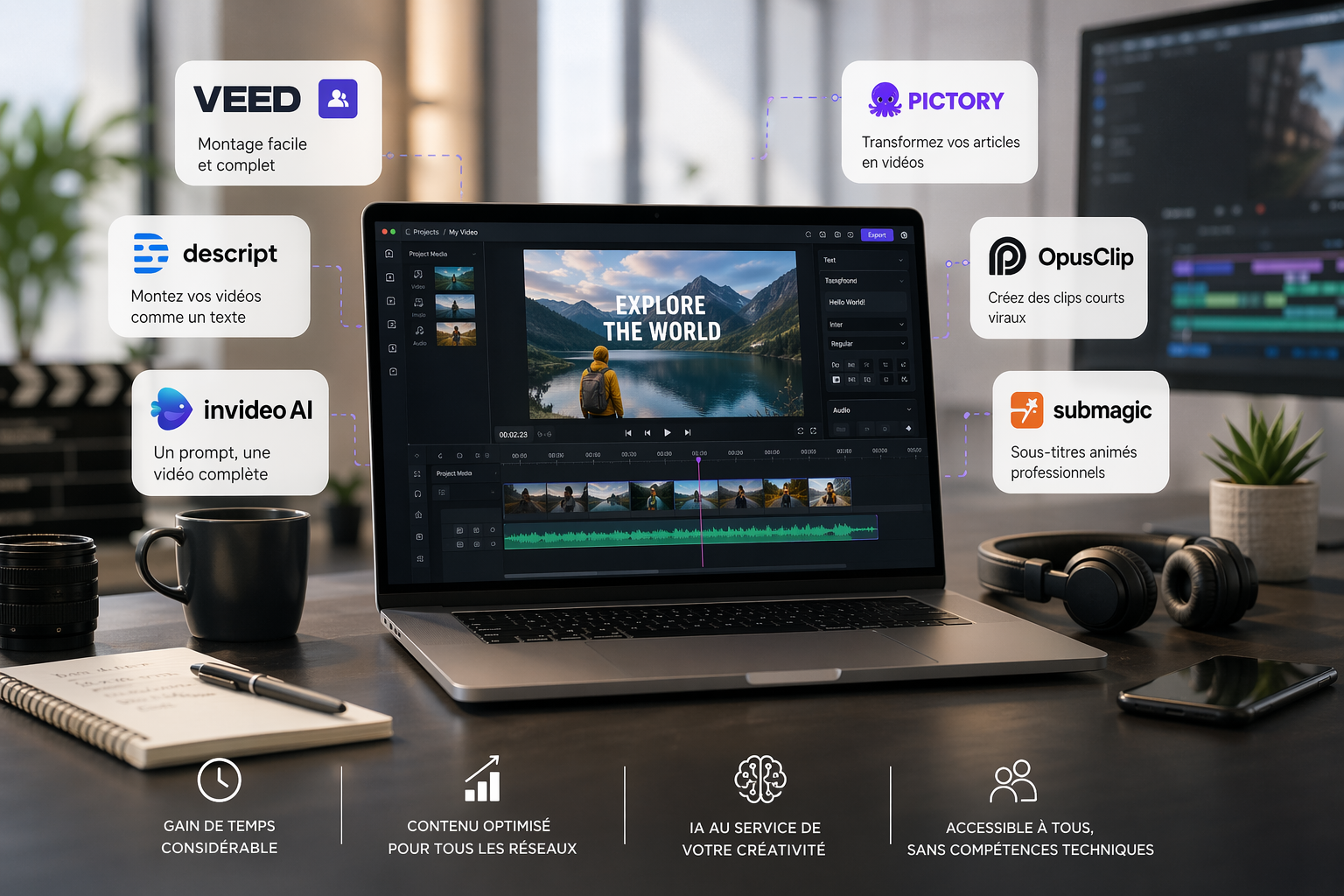
Just a few years ago, producing a professional-quality video was a challenging process. You had to be proficient in Premiere Pro or Final Cut, understand codecs and export formats, juggle multiple software programs for audio, titles, and visual effects, and often spend hours on a simple graphic design. Suffice it to say that for a freelancer, an entrepreneur, or a small marketing team, video remained an intimidating, time-consuming format, often outsourced to an agency or an external editor.
By 2026, this observation will no longer really hold true.
A new generation of tools, largely driven by artificial intelligence, has profoundly transformed the video production process. It is now possible to turn a script into a video in just a few minutes, automatically edit long-form content into impactful clips for social media, or generate animated subtitles without writing a single line of code. And best of all, without any training in video editing.
What has changed isn't just the technology. It's also the way these tools are designed. New video creation platforms were built on a clear premise: the end user isn’t a technician, and the tool must be smart enough to make up for that. As a result, by 2026, an entrepreneur or freelancer can produce professional-quality video content simply by spending a few hours learning how to use one or two well-chosen tools.
This article reviews the best software available in 2026 for creating, editing, and sharing high-quality videos, even if you're starting from scratch. For each tool, you'll find a detailed overview, real-world use cases, pricing, and a comparison chart to help you choose the right option for your needs. 🎬
Video now accounts for the majority of global internet traffic. This figure reveals a fundamental truth about how people consume information online: they watch before they read. Short-form content dominates on Instagram Reels, TikTok, and YouTube Shorts. Long-form content remains powerful for training, webinars, and branded content. And videos for presentations, product demos, and onboarding have become standard in customer relations.
For a freelancer or small business, the stakes are real and measurable. On LinkedIn, a native video generates on average two to three times more impressions than a text post of equivalent quality. On a landing page, a well-produced introductory video can significantly increase the conversion rate. Social media algorithms heavily favor the video format, making it a particularly effective tool for boosting visibility for entrepreneurs small businesses that cannot invest heavily in paid advertising.
There is also the issue of credibility. A well-produced video, even a simple one, instantly enhances the perceived image of a brand or a professional profile. All things being equal, a consultant who showcases their services in a video will often inspire more confidence than a competitor whose online presence is limited to a presentation PDF or a static LinkedIn profile.
The applications are diverse and span the entire customer lifecycle: personal or brand introduction videos, tutorials and training content, customer testimonials, product demos, short-form content for social media, webinar replays edited into highlights, onboarding videos for new employees or customers... The list goes on, and there are plenty of opportunities for anyone who takes this seriously.
The problem, up until now, wasn't a lack of ideas. It was the technical barrier. The six tools we're about to present have virtually eliminated it.
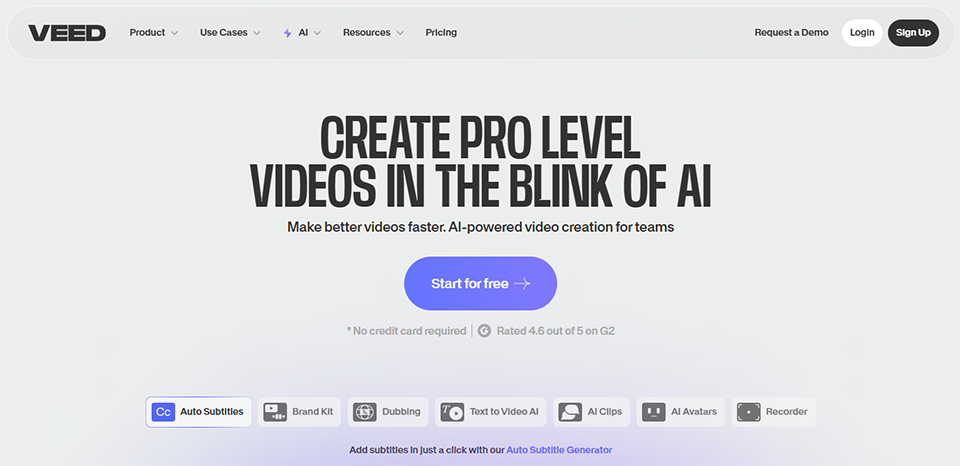

Veed is one of the most comprehensive online video editors on the market for non-technical users. Everything happens in the browser, with no installation required, and features an interface designed for speed. Veed’s positioning is clear: to offer a versatile tool for content creators, marketing teams, and entrepreneurs want to produce polished videos without using traditional editing software.
The tool has seen significant enhancements over the past two years with the integration of AI features: automatic subtitle generation, background removal from videos or images, audio quality enhancement, script rewriting, and even an AI avatar for those who prefer not to appear on screen. Veed is now the top recommendation for people new to video creation who lack a technical background.
Veed covers the entire standard video production workflow: importing files (video, audio, images), precise editing on the timeline, adding text and animations, transitions, filters, and visual effects, automatic subtitling, and exporting to various formats and resolutions. A library of templates lets you quickly get started with common formats: YouTube intros, Instagram Stories, Reels, LinkedIn content, and product presentations.
The automatic captioning feature is one of the platform’s most popular features. The speech recognition is accurate, supports many languages-including French-and captions can be visually customized with just a few clicks. For anyone who posts regularly on social media, this saves a considerable amount of time. Automatically adding captions also improves accessibility and increases viewership, especially on platforms where videos are often watched without sound.
The automatic background removal feature works directly on the video-a capability that, until recently, was only available in specialized software. It allows you to create videos with custom backgrounds or simulated backgrounds without any special equipment.
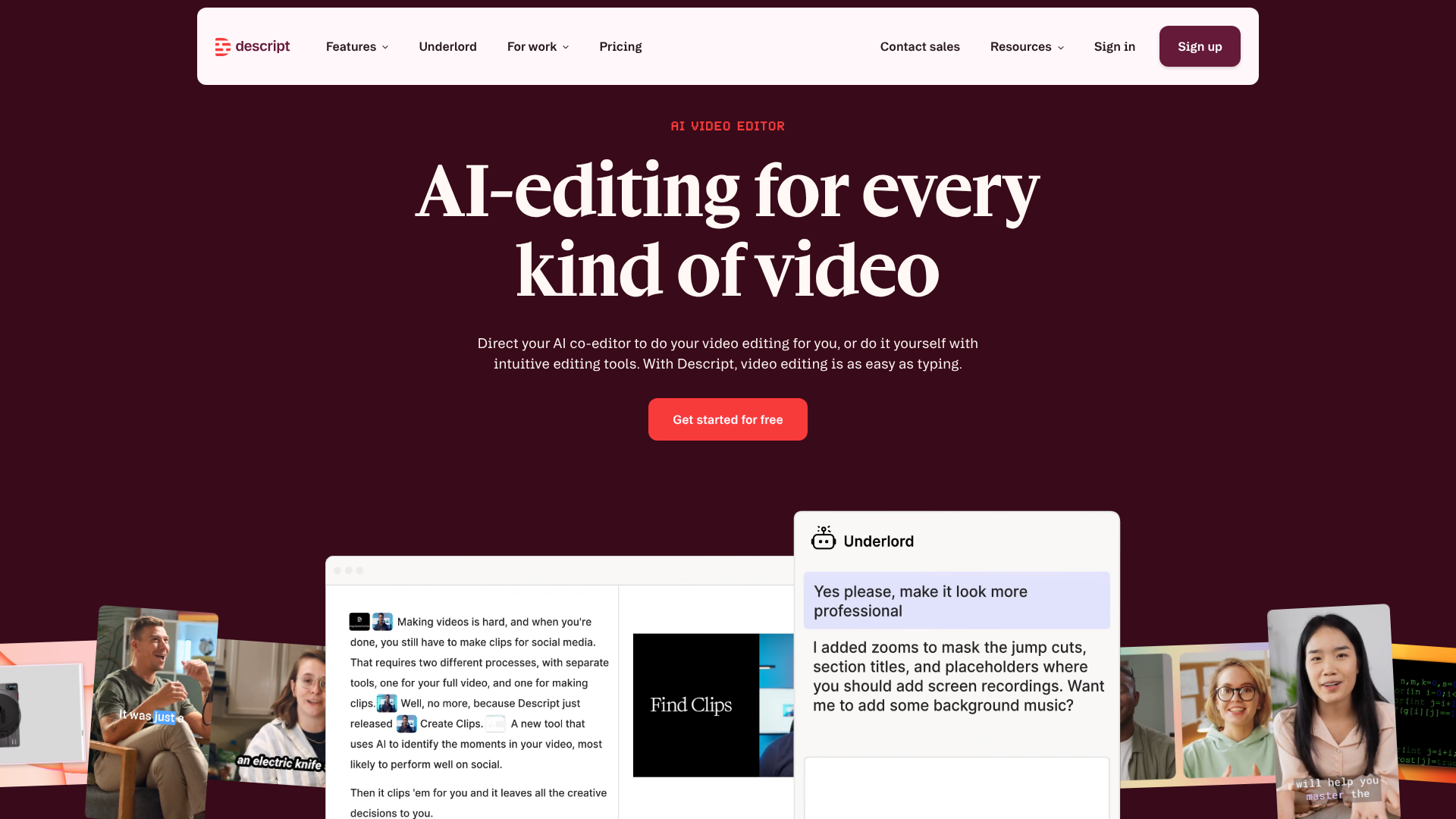

Descript has invented a new way to edit a video: by modifying the text of the transcript. The concept may seem surprising at first, but it makes perfect sense. You import your video, Descript automatically transcribes it, and you can then cut, move, or delete sections simply by editing the text as you would in a word processor. Deleting a sentence in the transcript removes the corresponding clip from the video. Moving a paragraph reposition the video clip. It’s disorienting at first, but remarkably effective in practice.
This tool is particularly popular among podcasters, creators of long-form content, and teams that regularly produce interviews, webinars, or video training sessions. It fundamentally changes the way we approach editing and allows us to work at a speed that simply isn't achievable with a traditional video editor.
Beyond text-based editing, Descript offers several particularly useful features. The automatic removal of silences and filler words is incredibly effective: the familiar “um,” “so,” “well,” and other hesitations that weigh down a recording can be identified and removed with a single click across an entire video. What used to take up to an hour of meticulous work can now be done in just a few seconds.
The Overdub feature (voice cloning) lets you correct a mistake or add a phrase without re-recording. You type in the text you wanted to say, and Descript generates the voice by mimicking your tone. It’s a truly game-changing feature for producing educational content or videos that require frequent edits.
The ability to generate short clips from a long video is also built in, with automatic detection of the best moments. The quality of the English transcription is excellent; the French works well but has some residual errors, particularly with regional accents and technical terms, so it’s advisable to check it before exporting.
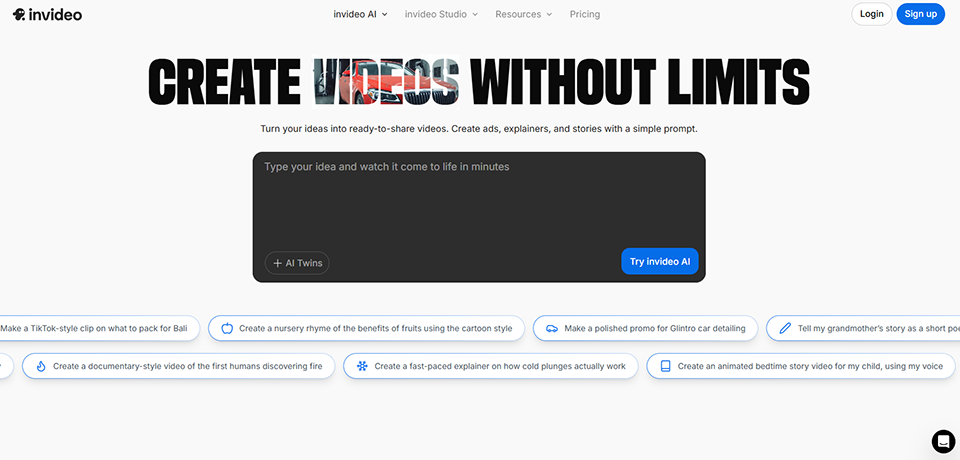
InVideo AI takes automation to the next level. You enter a text prompt or script, and the software generates a complete video: narrative structure, stock footage, AI-generated voice-over, background music, and subtitles. In just a few minutes. This is the most radical approach to automation on this list, and it’s particularly well-suited for specific use cases: marketing presentation videos, advertising content, and informational or educational videos intended for digital channels.
InVideo AI's approach is fundamentally different from the editors discussed so far: it doesn't ask you to edit anything, but rather to define what you want to achieve. The resulting video can then be customized using a more traditional editor if you want to adjust specific elements.
InVideo’s media library is extensive, featuring millions of licensed video clips and stock images, royalty-free music, fonts, and animations. Voice-over generation is available in many languages and with various tones (professional, enthusiastic, neutral, etc.). A guided workflow system tailors the generation to the target format: YouTube, Instagram, LinkedIn, online advertising, and e-commerce presentations.
While customization options are more limited than those offered by a full-featured video editor, InVideo AI delivers unmatched efficiency for producing standardized branded content at scale. This allows a marketing team to generate dozens of variations of a single video for A/B testing, or adapt a main piece of content into multiple formats without requiring additional resources.


Pictory is probably the best tool for those who produce a lot of written content and want to convert it into video without any extra effort. Here’s how it works: you paste in a blog post, a script, or even a URL, and Pictory automatically generates a video by identifying key phrases, pairing them with relevant stock footage, and adding an AI-generated voiceover. The result is often surprisingly coherent, especially when the source text is well-structured.
This solution is highly popular among content marketing teams looking to maximize the lifespan of their written content by repurposing it into video format for YouTube, LinkedIn, or social media. The basic idea is simple: since you’ve already invested time in writing the content, you might as well create multiple formats from it rather than just one!
Pictory offers four input modes depending on where you start your production: article or video URL, script-to-video, video editing via subtitles (similar to Descript), and automatic splitting of long videos into short clips. These four modes cover virtually all common use cases encountered by content and marketing teams.
The media library is particularly extensive, offering direct access to content from Shutterstock and Getty Images. The visuals provided are therefore of professional quality, which is a real advantage over tools that rely on less curated image libraries.
AI-generated voiceovers have improved significantly. In English, the output sounds very natural. In French, the results are acceptable, but some manual adjustments to the rhythm and certain pronunciations are sometimes still necessary, particularly for texts with a high density of technical terms or proper nouns.

OpusClip addresses a specific need that has become strategic for content creators: automatically transforming a long video into several short clips optimized for social media. You import or link a YouTube video, a webinar, or a one-hour interview, and OpusClip extracts the best moments, automatically crops the content to a vertical format (9:16), adds animated captions, and evaluates the quality of each clip with an estimated virality score.
This is a direct solution to the challenge faced by content creators who produce long-form content (podcasts, interviews, online courses) and want to share it on TikTok, Instagram Reels, or YouTube Shorts without spending hours editing. The tool isn’t a replacement for a full-featured video editor, but it integrates seamlessly with other tools on this list to extend the lifespan of existing content.
The OpusClip algorithm identifies moments of high engagement in a video: impactful opening lines, memorable phrases, moments of humor or emotion, and rhetorical questions. It then suggests several clips of varying lengths-typically between 30 seconds and 3 minutes-along with a relevance score for each. Dynamic framing automatically tracks the speaker on screen, avoiding the "cut-off head" effect common in basic automatic framing.
Subtitles are automatically generated and formatted in multiple languages, including French, with high accuracy. A brand kit feature lets you apply your colors, logo, and fonts to all clips with a single click, which is very convenient for maintaining visual consistency across regular posts. The AI B-roll feature also automatically adds relevant stock footage to illustrate what is being said, without any manual intervention.



Submagic is a highly specialized tool designed for a specific purpose: adding professional-quality animated subtitles to short videos. If you’ve ever watched Reels or TikToks with those colorful, dynamic subtitles that change style with every sentence and highlight key words, you’re familiar with the format that Submagic can automatically generate.
The tool is designed for creators of short-form content on social media. It stands out for the visual quality of its generated subtitles, its speed, and the wide variety of available templates. While Veed also offers subtitles, Submagic has made this its sole specialty, delivering a higher level of polish and customization in this specific area.
Submagic automatically transcribes your video, identifies keywords to highlight visually, and applies customizable animations and styles throughout the video. The template library is provided and regularly updated to reflect the aesthetic trends of various platforms.
Additional features enhance the offering: animated emojis automatically inserted based on the content, context-sensitive sound effects, and a generator for optimized descriptions and hashtags tailored to each social media platform. These small extras, which are often overlooked, make a real difference in how the quality of published content is perceived.
The French transcription is accurate, making it a reliable tool for French-speaking creators. Bilingual subtitle formatting is also available for creators who publish in multiple languages.
Each software solution meets different needs. Here’s how to choose the right one based on your business and your specific priorities.
If you're looking to create presentation videos, client case studies, or social proof to boost your online credibility, Veed is the most logical place to start. Its intuitive interface lets you quickly produce polished content without any prior training. For consultants who host webinars or video training sessions and want to create clips for LinkedIn or YouTube Shorts, OpusClip saves a significant amount of time. These two tools cover most of the video needs of an entrepreneur .
Descript is the tool for you. The ability to edit at the speed of speech, remove pauses and hesitations in bulk, and correct audio clips without re-recording truly transforms the editing process. Pair it with Submagic to turn your most impactful clips into social media posts with stylish subtitles, and you’ll have a highly efficient production workflow. OpusClip can round out this trio if you regularly publish long-form episodes.
For a startup that needs to quickly produce pitch videos, product demos, or marketing content without investing in external production, InVideo AI allows you to generate video content at high speed based on a brief or script. If some of the content already exists in the form of articles or presentation pages, Pictory can transform that written content into ready-to-use videos. Canva also remains a solid option for simple videos with light animations, particularly for social media and presentations.
Volume and consistency are often the main challenges for these roles. Pictory and InVideo AI make it possible to produce videos in bulk without straining internal resources. For short-form content intended for social media, OpusClip and Submagic form a highly effective combination for intelligently repurposing existing content: interviews, webinar replays, and recorded conferences. A single event can thus provide content for several weeks of posts.
Descript excels at this. Record a tutorial or training video, remove all pauses and hesitations, correct pronunciation errors without re-recording, and then export a polished final product: this is the ideal workflow for producing professional-quality educational content. Veed is also well-suited for adding annotations, zooms on interface elements, and accessible captions to software demo videos or annotated screen recordings.
ℹ️ Note on prices: The prices listed in this article are for informational purposes only and are based on currently available information. They are subject to change. We recommend that you check the current prices directly on each publisher’s website.
| Tool | Ease of use | Ideal for | Built-in AI | Admission price | French supported |
|---|---|---|---|---|---|
| Veed | ⭐⭐⭐⭐⭐ | Versatile setup | ✅ Yes | ~€18/month | ✅ Yes |
| Descript | ⭐⭐⭐⭐ | Long-form content, podcasts | ✅ Yes | ~$24/month | ✅ Partial |
| InVideo AI | ⭐⭐⭐⭐⭐ | Quick video creation | ✅ Native | ~€25/month | ✅ Yes |
| Pictory | ⭐⭐⭐⭐ | Article or script to video | ✅ Yes | ~€23/month | ⚠️ Limited |
| OpusClip | ⭐⭐⭐⭐⭐ | Short clips from long-form content | ✅ Native | ~€15/month | ✅ Yes |
| Submagic | ⭐⭐⭐⭐⭐ | Animated subtitles | ✅ Yes | ~€20/month | ✅ Yes |
To learn more about AI tools designed for creating visual and video content, check out the " AI Video and Voice Design " category on Freelance Stack, which lists the best discount on this type of software.
Here are the most common questions asked by entrepreneurs and freelancers who are getting started with video production without any specific technical background.
Yes, absolutely. The tools featured in this article were designed specifically to enable non-technical users to produce professional-quality videos. AI automates the most complex tasks: synchronization, subtitling, cropping, clip selection, and adding music. The interfaces are designed to guide users step by step, and most offer customizable templates so you can get started right away.
Veed is usually the best place to start. The interface is easy to understand right away, you get results quickly, and the free version lets you try out the basic features before committing to a subscription. InVideo AI is also a great option if you want to generate a video from text without worrying about the editing structure.
Veed, OpusClip, and Submagic offer excellent support for French in terms of transcription and automatic subtitling. Descript is excellent in English and adequate in French, though it still has a few residual errors. InVideo AI and Pictory are primarily optimized for English, although they support French and work well for everyday use.
Not directly for most of the tools on this list, but dedicated solutions do exist. HeyGen AI and Synthesia specialize in generating videos featuring realistic AI presenters, without the need for a camera or for you to appear on screen. Veed also offers an avatar feature in its premium plans.
Yes. Most tools offer exports in multiple formats and aspect ratios: 16:9 for YouTube, 9:16 for TikTok and Reels, and 1:1 for certain LinkedIn formats. OpusClip is specifically designed for this multi-platform distribution approach, automatically generating multiple formats from a single source file.
With InVideo AI or Pictory, an initial AI-generated video can be ready in less than 5 minutes based on a text script. On Veed, expect to spend 30 to 60 minutes creating a manually edited 2- to 3-minute video with captions and branding. On Descript, transcription is nearly instantaneous, and text-based editing is very quick once you get the hang of the tool. In any case, the learning curve is much shorter than that of professional editing software.
All of the tools listed here offer a free version with certain limitations. The free versions of Veed and OpusClip are sufficient for thoroughly testing the service and producing a few initial videos. To take things further without watermarks and with full functionality, paid subscriptions become essential, but they remain affordable, especially when compared to the cost of outsourcing to an agency or a freelance editor.
For everyday marketing content, explainer videos, social media clips, or standardized training videos, yes, in the vast majority of cases. For productions with a strong artistic vision, elaborate motion design, or complex corporate videos, the expertise of a professional remains hard to replace. The question, then, is not so much whether these tools are “as good” as a professional, but whether, for your specific use, the result is good enough to achieve your goal.
All of the tools listed here offer royalty-free music libraries to accompany your videos. We strongly advise against using unlicensed commercial music in publicly shared videos, as platforms like YouTube have automated detection systems that can mute the audio or block the video from being viewed. The built-in libraries cover the vast majority of common uses without the risk of legal disputes.
Absolutely, and that’s often the best approach. An effective workflow involves recording and editing with Descript, exporting the best clips to OpusClip to create short clips, and then finalizing the subtitles and visual design with Submagic before publishing. Each tool has its own specialty, and their complementary nature allows you to achieve a highly professional overall result without requiring any specific technical expertise. If you’d also like to explore other content creation andaudio, video, and podcast tools, Freelance Stack the best discount in these Categories.
