







A Comprehensive Comparison of No-Code Video Editing Tools
In this guide, we review six leading no-code solutions: Descript, Veed.io, InVideo AI, Pictory, OpusClip, and Lumen5.…
Read more


What marketing automation really changes for small teams.
But this democratization has a downside: the market has become oversaturated. Between all-in-one platforms, specialized tools, solutions designed for e-commerce, and those tailored for B2B, it’s hard to navigate when you don’t have the time or resources to test everything.
This article is intended for teams that are just getting started or looking to structure their approach: freelancers with a small list of prospects, startups in the growth phase, and small and medium-sized businesses that still manage their CRM using Excel. The goal is not to provide an exhaustive overview of the market, but to help you make the right decision based on your specific context, industry, and marketing maturity.
The tools presented here are all available with negotiated discounts on Freelance Stack — a significant factor when trying to keep costs under control.

Formerly known as Sendinblue, Brevo has established itself in just a few years as a leader in Europe, particularly for small and medium-sized businesses looking for a comprehensive tool without having to rely on prohibitively expensive American solutions.
The platform centralizes email marketing, SMS marketing, push notifications, live chat, and an integrated CRM. The main advantage: everything is connected. An action in the CRM can trigger an email sequence, and user behavior on the website can send a follow-up text message. Brevo also handles transactional emails (order confirmations, password resets), making it a particularly useful tool for teams looking to avoid signing up for multiple services.
Its automation features allow you to create workflows based on behavioral triggers: opening an email, clicking a link, visiting a page, or a status change in the CRM. Scenarios can be as simple as a welcome series or as complex as a multi-step nurturing journey.
Brevo is particularly well-suited for freelancers and consultants who manage their own prospect lists and need a tool that’s easy to get started with. E-commerce businesses will appreciate the native integrations with Shopify, WooCommerce, and PrestaShop. For a small marketing team looking to manage email, SMS, and CRM from a single interface, it’s likely the most comprehensive solution available in the French-speaking market.

ActiveCampaign is often cited as one of the most powerful tools on the market in the “marketing automation for small and medium-sized businesses” category. This reputation is well-deserved, but it’s worth noting that this power comes at a cost—both financially and in terms of the learning curve.
At the heart of ActiveCampaign is its automation engine. The visual interface allows you to build highly precise workflows: multiple conditions, logical branches, dynamic expectations, lead scores, tag assignment, and more. The level of granularity is impressive. For example, you can trigger a different sequence depending on whether a contact opened an email but didn’t click, visited a pricing page three times, or has a cart value above a certain threshold.
The platform also includes a CRM (on the Plus plan and above) with sales pipeline features, making it an attractive hybrid marketing/sales tool for teams that handle both lead generation and conversion.
There are numerous integrations: more than 870 native connectors cover Shopify, WordPress, Salesforce, Stripe, Calendly, and many others.
ActiveCampaign is designed for marketing teams that already have an established contact base and processes and want to take their efforts to the next level. Growing SaaS companies that need sophisticated lead nurturing will find it well worth the investment. However, for someone just starting out, the tool’s complexity can quickly become a hindrance rather than a help.

GetResponse has been around since 1998 and has evolved into much more than just an email marketing tool. What sets it apart in the market is its native integration of conversion features such as landing pages, forms, webinars, and, more recently, sales funnels.
The tool covers traditional email marketing with professional templates, advanced segmentation, and user-friendly A/B testing. Automation allows you to build workflows based on contact behavior: purchases, page visits, clicks, and assigned tags. The visual builder is intuitive and less intimidating than ActiveCampaign, while still offering a satisfying level of depth.
What really sets GetResponse apart is its built-in webinar module—a feature not found in comparable tools at the same price point. For trainers, consultants, or teams that use webinars as a lead generation tool, this is a tangible advantage. The included landing pages (at no extra cost) and the e-commerce module help further centralize the tech stack.
GetResponse is particularly well-suited for content creators, trainers, and consultants who host webinars and want to manage the entire acquisition, registration, and follow-up cycle from a single tool. E-commerce businesses in their growth phase will appreciate the built-in sales funnels. For a small B2B or B2C team that wants to avoid juggling five different subscriptions, it’s a solid option.

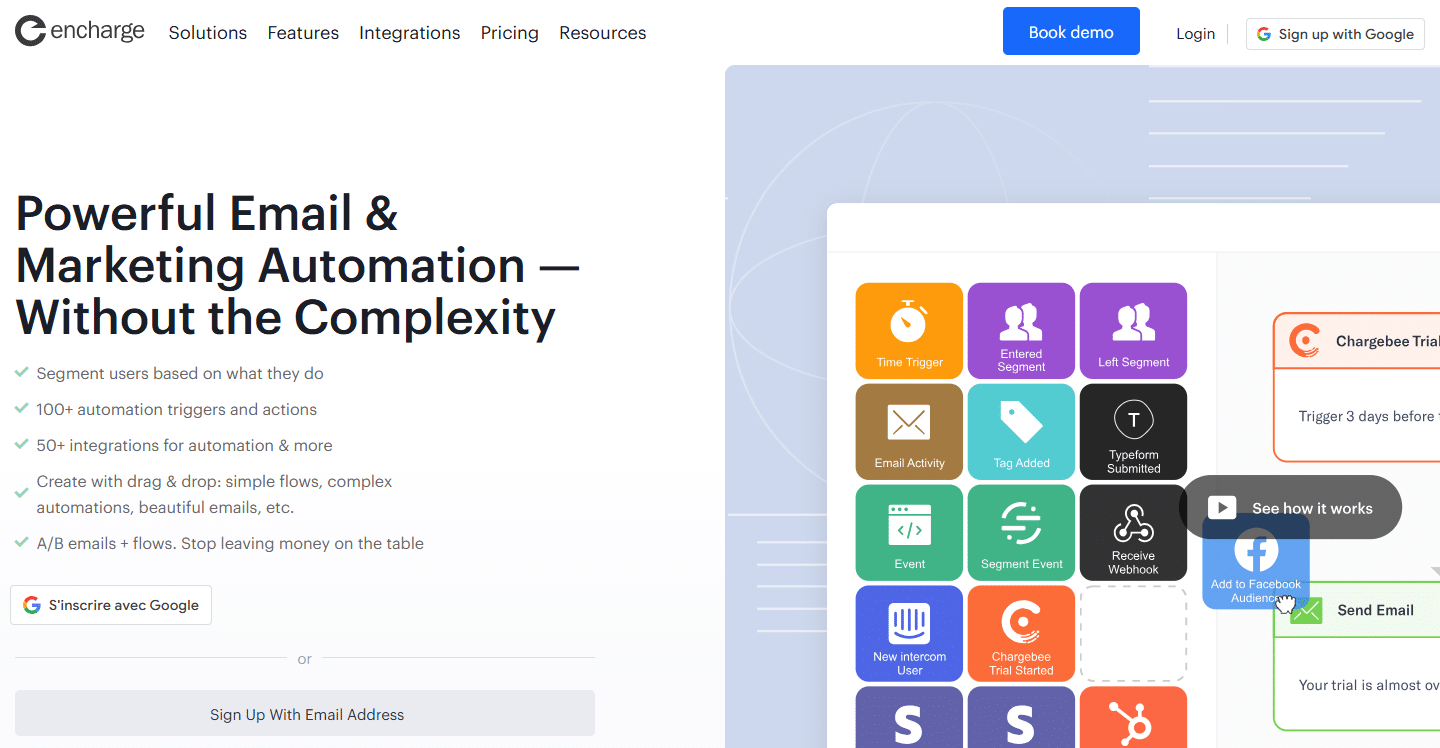

Encharge occupies a very specific niche in the market: marketing automation for SaaS teams that want to link events in their application to marketing actions. Although less well-known than the industry giants, it’s still worth considering for product teams looking for an alternative to Intercom or Customer.io.
Encharge’s strength lies in its ability to ingest app events via API or SDK and use them as triggers in marketing workflows. In practice: a user who creates their first project in your app, reaches the limit of their free plan, or hasn’t used a key feature in 14 days can automatically receive a targeted email, be tagged in your CRM, or be added to an onboarding sequence.
Encharge integrates natively with Stripe (for subscription events), HubSpot, Segment, and several other tools in the standard SaaS stack. Its flow editor is visual and relatively intuitive.
Encharge is clearly designed for product teams at SaaS startups that need to connect their marketing automation tool to their application. For e-commerce teams or organizations without a digital product, the tool is likely overkill or unsuitable. For early-stage SaaS companies looking to improve their onboarding and reduce churn, it’s a serious option.
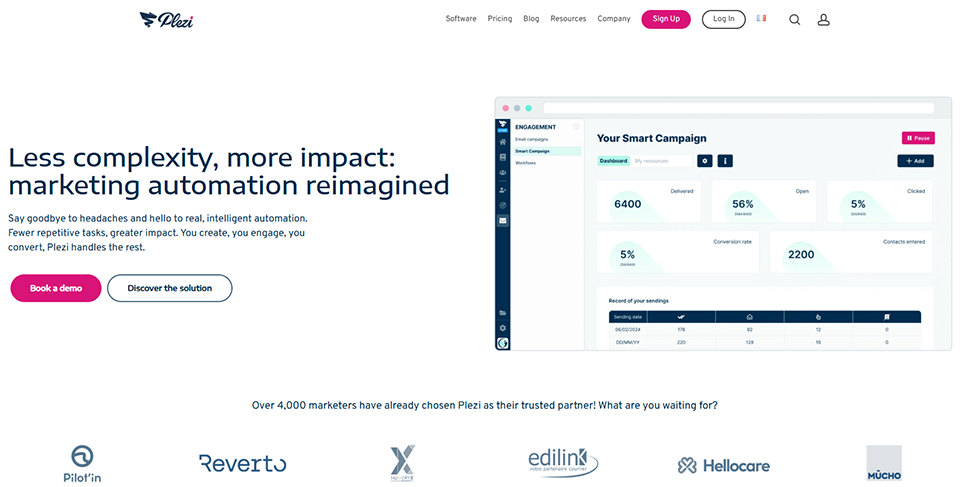
Plezi One is the streamlined version of Plezi, a French B2B marketing automation platform. Plezi One is specifically designed for small teams and freelancers who want to launch their first inbound marketing campaigns without breaking the bank or getting overwhelmed by an overly complex tool.
The tool focuses on three areas: content creation and distribution, lead generation through forms and landing pages, and automated nurturing emails. The approach is intentionally simplified compared to the full version of Plezi, with an interface designed for non-technical users.
A notable advantage: Plezi One lets you centralize social media posting and email campaigns from a single interface, which can make life easier for teams of one or two people who manage everything at the same time.
Plezi One is well-suited for B2B consultants and agencies that regularly publish content and want to organize their marketing efforts without having to manage a complex platform. Small B2B businesses just getting started with inbound marketing will find it a good starting point. For large volumes or advanced automation needs, you’ll likely need to upgrade to the full version of Plezi or another solution.

Before diving into the comparison chart, here are a few guidelines to help you make your choice:
If you're starting with a small list and a tight budget, Brevo or Plezi One offer the most accessible entry points, with functional free plans and a quick learning curve.
If you already have a list set up and are looking for sophisticated automation workflows, ActiveCampaign remains the gold standard—provided you're willing to accept the learning curve and the associated cost.
If you host webinars or manage a full sales funnel, GetResponse is hard to beat in terms of value for money.
If you're a SaaS startup with an application in production and a need to connect user behavior and marketing, Encharge or Customer.io are worth a serious look.
For transactional email campaigns and high-volume mailings, Mailjet remains a relevant complementary option to integrate into your tech stack.
The prices listed are approximate and based on the basic plans. Check the current terms and conditions directly on each platform before committing.
| Tool | Free map | Admission fee (paid) | Automation | Ideal Profile | Integrated CRM |
|---|---|---|---|---|---|
| Brevo | ✅ (300 emails/day) | ~25 s per month | ⭐⭐⭐ | All organizations, French-speaking | ✅ |
| ActiveCampaign | ❌ | ~15 $/month | ⭐⭐⭐⭐⭐ | Mature teams, B2B/SaaS | ✅ (Plus+ plans) |
| GetResponse | ✅ (500 contacts) | ~15 $/month | ⭐⭐⭐⭐ | Trainers, e-commerce, webinars | ✅ basic |
| Encharge | ❌ (14-day trial) | ~99 $/month | ⭐⭐⭐⭐ | SaaS, product teams | ✅ basic |
| Plezi One | ✅ | ~49 s per month | ⭐⭐⭐ | B2B consultants, inbound for small businesses | ❌ |
Everything you need to know before getting started—no jargon and no unnecessary complexity.
Marketing automation refers to the set of techniques used to automate repetitive marketing tasks—such as sending emails, segmenting contacts, scoring leads, and triggering campaigns based on user behavior or predefined rules. The goal is to personalize communication on a large scale without having to intervene manually at every step.
For a small team, this translates into: a welcome email sent automatically to every new subscriber, a follow-up sequence triggered if a prospect hasn't opened the last three emails, or a sales notification when a lead visits the pricing page multiple times.
No. That’s one of the most common misconceptions. You can start with just a few hundred contacts and lay a solid foundation: well-defined segments, welcome sequences, and behavior tracking. Starting early allows you to build clean data from the outset, which greatly simplifies automation as the list grows.
A traditional email marketing tool lets you send newsletters and campaigns to a list. Marketing automation goes a step further: it triggers actions based on contacts’ behavior (clicks, opens, page views, purchases, in-app events, etc.), allows you to create multi-step journeys, score leads, and personalize messages based on the recipient’s profile. Brevo, ActiveCampaign, and GetResponse do both. Tools like Mailchimp and Benchmark Email remain more focused on traditional email marketing.
With a tool like Brevo or GetResponse, a functional welcome sequence can be up and running in just a few hours. For more complex scenarios (multi-step nurturing, lead scoring, integration with a CRM), expect the initial setup to take one to two weeks. The complexity depends mainly on the level of personalization you want and the quality of the data you have available.
Yes, and that’s often very useful. Tools like Make or Zapier let you connect your email marketing platform to your CRM, your billing software, your online calendar, or even your forms. This allows you to trigger an email sequence when a contract is signed, a payment is received, or an appointment is scheduled. For teams that want to take workflow automation a step further, n8n is an interesting open-source alternative worth exploring.
Yes, directly. Any collection of behavioral data (click tracking, page views, enriched profiles) is subject to the GDPR if your audience is in Europe. In practice, this means obtaining explicit consent before tracking your contacts’ behavior, allowing them to opt out at any time, and being able to respond to requests for access to or deletion of data. Brevo and Plezi One, as European solutions, include native GDPR compliance features. For U.S. solutions such as ActiveCampaign or GetResponse, check the data processing clauses and storage options in Europe.
It depends on the team's level of maturity. To get started, an all-in-one solution like Brevo or GetResponse is easier to manage and avoids synchronization issues between tools. When needs become more specific—such as a more powerful CRM, better pipeline management, or advanced analytics—it may make sense to combine specialized tools connected via Make or Zapier. The key is to resist the temptation to build an overly complex tech stack too soon: it’s better to master a simple tool than to underutilize a cutting-edge platform.


