Logo du site Freelance Stack en couleur blanc

Legal, compliance, electronic signatures: time-saving legal tools for 2026

Image: Legal, compliance, electronic signatures: time-saving legal tools for 2026.
This article reviews the best solutions available in 2026, organized into two main categories: electronic signature tools and online legal platforms. The goal is simple: to help you identify the solution that best fits your situation, your budget, and your needs.
Image: Bruno Freelance Stack
Written by:
Bruno GUY
Published on:
05-10-2026
Updated:
09-10-2026
Table of Contents
Find these tools at a discounted price 💶
Logo NotionLogo MakeLogo AirtableLogo BoltLogo StripeLogo Brevo
Explore all deals

Why can independent professionals no longer ignore their legal tools?

For many freelancers and entrepreneurs, legal matters are something they tend to put off. Contracts signed in a hurry, terms and conditions copied and pasted from a forum, invoices sent without checking whether they comply with new legal requirements... This is still very common, but it’s becoming riskier every year.

By 2026, the legal framework for businesses—even small ones—had become more complex. Mandatory electronic invoicing is gradually being rolled out in France. GDPR requirements continue to apply (as do the fines). Contractual interactions with customers, service providers, and international partners are on the rise.

As a result, tools that allow you to manage the legal aspects of a business without spending hours at a law firm have become indispensable. It’s no longer a matter of convenience; it’s a matter of professional organization.

This article reviews the best solutions available in 2026, organized into two main categories: electronic signature tools and online legal platforms. The goal is simple: to help you identify the solution that best fits your situation, your budget, and your needs.

#1 - Yousign: The leading provider of electronic signatures in France.

Illustration of Yousign on Freelance Stack's deal page

Yousign is likely the best-known solution on the French market for legally compliant electronic signatures. Founded in France, the platform meets the requirements of the eIDAS Regulation, which gives it recognized legal validity throughout the European Union.

Its positioning is clear: to offer a seamless experience for both the sender and the signer, without any technical hurdles. A document can be prepared in just a few clicks; signers receive an email or text message, sign using their browser or mobile device, and the certified document is automatically archived.

What the platform actually offers:

  • Send documents for signing and position the signature fields using drag-and-drop.
  • Simple, advanced, and qualified digital signatures, depending on the required level of security.
  • Automatic reminders to unresponsive signers.
  • Legal archiving of signed documents (with timestamps and audit trails).
  • A comprehensive API for integrating the signature feature into your own tools or workflows.
  • Native integrations with HubSpot, Zapier, Google Drive, Salesforce, and others.

Rates:

  • Free Plan: free (limited features).
  • Starter Plan: starting at ~€25/month (small businesses).
  • Team & Business Plan: advanced features, integrations, and high signature volumes.

👤 Who is this for?

🧑‍💻 Freelancer or consultant:

Anyone who regularly sends quotes, sales proposals, or engagement letters will particularly appreciate Yousign for its simplicity and compliance. No more exchanging emails with hand-signed and scanned PDFs.

🏢 Small and medium-sized businesses with several employees:

Will benefit from team features: centralized template management, real-time tracking of pending signatures, and multi-step approval workflows.

⚙️ The technical team or the product team:

Will use the API to automate the generation of contracts from their own application, CRM, or management tool.
✅ The benefits:

  • Guaranteed eIDAS compliance; data hosted in France.
  • One of the most intuitive interfaces on the market.
  • Responsive support in French.
  • Good value for money on the mid-tier plans.
  • Ideal for regular volumes without having to deal with the technical complexities of qualified signatures.

👎 The downsides:

  • The free plan is very limited for actual professional use.
  • Some advanced integrations require higher-level plans.
  • Less suitable for high-volume use (large accounts) than some competitors.
Logo de l’outil Yousign sur le deal de Freelance Stack
Benefit from a on Yousign.
20% off on annual "PLUS" plan
Find our best discount right now with Yousign and save on your software subscriptions. We offer over 850 promo codes and discounts on the best software and SaaS on the market. 
Get the discount

#2 - DocuSign: The global standard, essential for international exchanges.

Illustration of Docusign on Freelance Stack's deal page
Logo de l'outil Docusign sur Freelance Stack
Benefit from our free deal on DocuSign.
First month free, then 40% off on annual plan
Find over 300 free deals as well as over 850 Premium deals right now with DocuSign and save on your software subscriptions. Whether you're an entrepreneur, a startup or a solo freelancer, save hundreds of euros thanks to our discounts and promo codes. 
Access this free deal

DocuSign is the global leader in electronic signatures. With more than 1.5 billion users worldwide and a presence in virtually every industry, it is often the solution mandated by large companies for their contract processes.

For freelancers and small and medium-sized businesses that work with international clients—particularly those from English-speaking countries—DocuSign offers a decisive advantage: your clients are already familiar with it and accept it without any issues.

Key features:

  • Simple and advanced electronic signatures, compliant with international regulations (eIDAS, ESIGN Act, etc.).
  • Reusable templates for recurring document types.
  • Signature workflow with a defined order among multiple signers.
  • Real-time tracking and automatic notifications.
  • Integrations with Salesforce, Microsoft 365, Google Workspace, SAP, and hundreds of others via API.
  • DocuSign CLM (Contract Lifecycle Management) for organizations with complex contractual needs.

Rates:

  • Personal Plan: starting at ~€10 to €15/month (limited use).
  • Professional Plan: between ~€30 and €60/month (regular use).
  • Business Plan: Pricing based on a quote (customized negotiation).

👤 Who is this for?

🌍 The entrepreneur who works internationally:

Will find in DocuSign an immediate mark of credibility. Presenting a DocuSign document to a U.S. or U.K. partner means speaking the same language.

🏗️ An organization with complex contractual processes:

(Multiple approvers, conditional clauses, contract lifecycle management) will find in DocuSign CLM a far more complete environment than a simple signing tool.

📊 The sales representative or the sales team:

Will integrate DocuSign directly into their CRM (HubSpot, Pipedrive) to send proposals and contracts without leaving their main tool.

✅ The benefits:

  • Internationally recognized, accepted everywhere.
  • Highly advanced features on the higher-tier plans.
  • An extremely broad ecosystem of integrations.
  • Legal compliance in many countries.

👎 The downsides:

  • The prices are relatively high for what the entry-level plans offer.
  • The interface is slightly less intuitive than Yousign for new users.
  • Support can sometimes be less responsive on the lower-tier plans.
Logo de l'outil Docusign sur Freelance Stack
Benefit from a on DocuSign.
An additional 20% off on any plan
Find our best discount right now with DocuSign and save on your software subscriptions. We offer over 850 promo codes and discounts on the best software and SaaS on the market. 
Get the discount

#3 - PandaDoc: Much more than just a signature tool—it's a comprehensive document management platform.

Illustration of PandaDoc on Freelance Stack's deal page
Logo de l’outil Pandadoc sur le deal de Freelance Stack
Benefit from our free deal on PandaDoc.
Up to 46% off on annual plan
Find over 300 free deals as well as over 850 Premium deals right now with PandaDoc and save on your software subscriptions. Whether you're an entrepreneur, a startup or a solo freelancer, save hundreds of euros thanks to our discounts and promo codes. 
Access this free deal

PandaDoc stands out from its competitors by offering a much broader approach than just electronic signatures. It is a document management platform designed for sales teams: creating proposals, quotes, and contracts, with built-in signing capabilities.

If you spend a lot of time creating business documents (proposals, statements of work, price quotes), PandaDoc can transform the way you work. The tool lets you build documents using modular blocks, integrate product and service catalogs, and gain insights into your recipients’ behavior (reading time, pages visited, etc.).

What PandaDoc offers:

  • Block-based document editor with a library of professional templates.
  • Integrated, compliant electronic signature.
  • Real-time open and engagement tracking (you'll know if your proposal has been read).
  • Collaboration spaces for commenting on and negotiating the terms of a contract.
  • Native integration with leading CRM systems.
  • CPQ (Configure, Price, Quote) features for teams that manage service catalogs.

Rates:

  • Free Plan: free (electronic signature only).
  • Essentials Plan: starting at ~€19/month/user (document creation, analytics).
  • Business Plan: starting at ~€35/month/user (advanced integrations, full features).

👤 Who is this for?

💼 Freelance consultant or service provider:

Those who regularly send detailed sales proposals can save a considerable amount of time thanks to PandaDoc's templates and visual editor.

📈 The sales team at a startup or small business:

will appreciate the analytics on proposals (to see which part of a quote caused the prospect to hesitate) and the CRM integrations to maintain complete visibility into the sales cycle.

🤝 Organizations that negotiate their contracts extensively:

will have access to comment and collaborative editing features directly within the document.

✅ The benefits:

  • A really well-designed document editor that's easy to learn.
  • Engagement analytics are very useful for sales tracking.
  • Good level of visual customization for documents.
  • A functional free plan for signature-only use.

👎 The downsides:

  • It may seem overkill if all you need to do is sign documents.
  • Some templates are in English and need to be adapted.
  • The per-user model can quickly drive up costs for teams.
Logo de l’outil Pandadoc sur le deal de Freelance Stack
Benefit from a on PandaDoc.
An additional 25% off on any plan
Find our best discount right now with PandaDoc and save on your software subscriptions. We offer over 850 promo codes and discounts on the best software and SaaS on the market. 
Get the discount

#4 - SignNow: An e-signature solution designed for value.

Illustration of SignNow on Freelance Stack's deal page

SignNow is an e-signature solution developed by airSlate, a U.S.-based company in the document automation market. It deliberately positions itself as a more affordable alternative to DocuSign or PandaDoc, with aggressive pricing without sacrificing essential features.

For organizations that need to manage a steady volume of signatures without requiring a large budget, SignNow is a solid and underrated option.

Key features:

  • Unlimited sending of documents for signature, depending on the plan.
  • Creating reusable templates.
  • Customizable fields (signature, initials, date, checkboxes, text fields).
  • One-click signature link for forms and documents available to the public.
  • Integrations with Google Drive, Dropbox, Salesforce, Microsoft, and via Zapier.
  • iOS and Android mobile app for signing on the go.

Rates:

  • Pro Plan: starting at ~€8 to €10/month/user.
  • Team Plan: competitive pricing (lower than the competition).

👤 Who is this for?

💰 Small businesses or freelancers on a tight budget:

Who need a reliable electronic signature without breaking the bank. SignNow does the job properly, at a price that is hard to beat.

📋 Jobs that involve managing a large number of standardized documents:

(Assignment forms, standard contracts, purchase orders) will make the most of templates and public links to streamline their processes.

🌐 Organizations with remote teams:

They will appreciate the mobile features and ease of use for non-expert signers.

✅ The benefits:

  • Some of the most competitive rates on the market.
  • Features that cover 95% of everyday needs.
  • Reliable and compliant for standard uses.
  • A well-designed mobile app.

👎 The downsides:

  • The interface is mostly in English, which may be a barrier for some French-speaking users.
  • Less functional depth than PandaDoc or DocuSign when it comes to advanced features.
  • Support is primarily in English.
Logo de l'outil SignNow sur Freelance Stack
Benefit from a on SignNow.
An additional 40% off on any plan
Find our best discount right now with SignNow and save on your software subscriptions. We offer over 850 promo codes and discounts on the best software and SaaS on the market. 
Get the discount

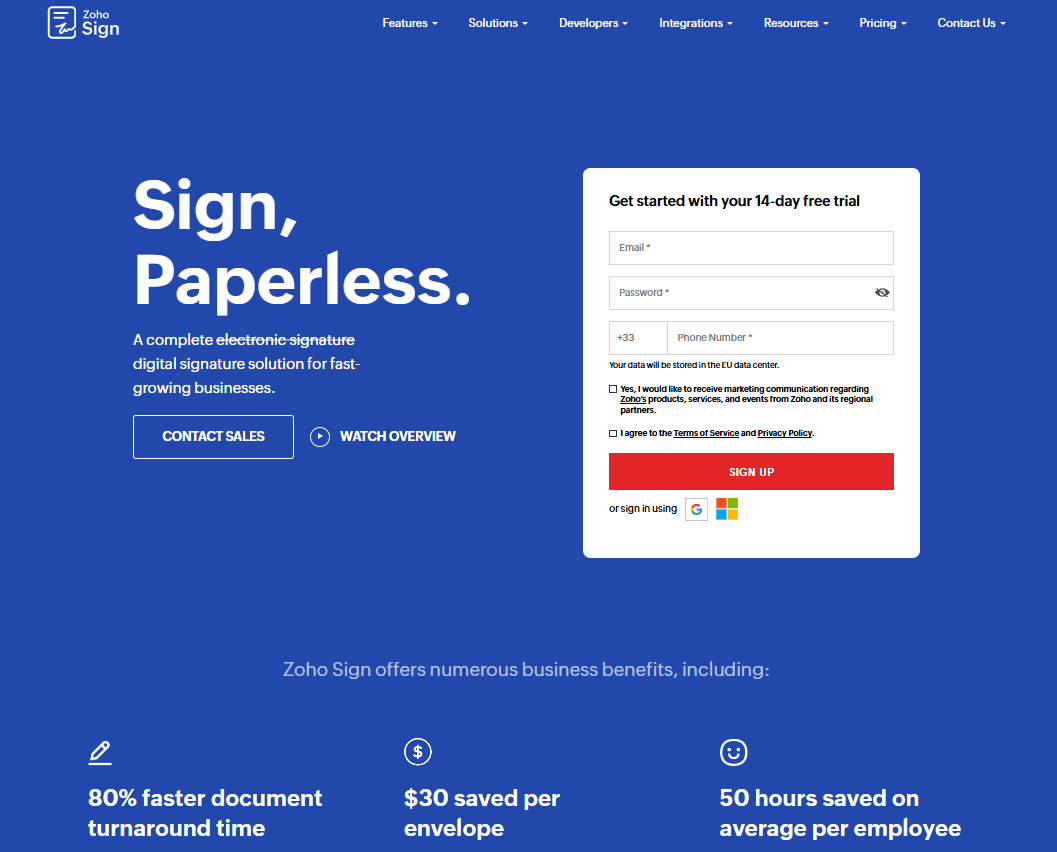
#5 - Zoho Sign: A signature solution integrated into the Zoho ecosystem.

Illustration of Zoho Sign on Freelance Stack's deal page

Zoho Sign is the electronic signature component of the Zoho ecosystem, one of the most comprehensive software suites on the market for small and medium-sized businesses and startups. If you already use Zoho CRM, Zoho Books, or other products in the suite, Zoho Sign integrates natively and seamlessly.

The platform is eIDAS-compliant and supports both simple and advanced signature levels. It comprehensively addresses common needs: contracts, NDAs, quotes, and HR forms.

What Zoho Sign offers:

  • Sending documents for signature with customizable fields.
  • Templates and multi-signature workflows.
  • Authentication via email, OTP, or Aadhaar (in specific markets).
  • Native integration with the entire Zoho suite and third-party tools via API/Zapier.
  • Digital certificates and a detailed audit trail.
  • Free plan for 5 documents per month.

Rates:

  • Standard Plan: starting at ~€14/month.
  • Advanced Plan: starting at ~€22/month.
  • Zoho One Plan: included in the Zoho All-in-One subscription.

👤 Who is this for?

🔧 Zoho ecosystem users:

who is looking to centralize their tools without multiplying subscriptions and connections between platforms.

💼 Small businesses or startups:

looking for a functional e-signature solution without having to set aside a significant budget for it, especially if the Zoho suite already meets other needs.

🤖 The automation profile:

who want to easily link their signatures to their Zoho Flow workflows or tools like Make.
✅ The benefits:

  • Excellent value for the price, especially for Zoho users.
  • Generous free plan (5 documents/month) to try out with no obligation.
  • Seamless integration with the Zoho suite.
  • Interface available in French.

👎 The downsides:

  • Less relevant if you don't use the Zoho ecosystem.
  • Advanced features (qualified digital signature, DSC) are less accessible than with DocuSign.
  • Lower international visibility and recognition.
Logo de l'outil Zoho Sign sur Freelance Stack
Benefit from a on Zoho Sign.
$100 in credits
Find our best discount with Zoho Sign and save on your software subscriptions. We offer over 850 promo codes and discounts on the best software and SaaS on the market. 
Get the discount

#6 - Contractbook: Contract lifecycle management, from draft to archiving.

Illustration of Contract Book on Freelance Stack's deal page

Contractbook takes a different approach from the previous tools. It’s not just a signing tool: it’s a contract lifecycle management platform (CLM, Contract Lifecycle Management). It covers the entire process: creation, negotiation, signing, tracking, and renewal.

For organizations that manage a large volume of contracts with suppliers, customers, or partners—and that have wasted time searching for a contract in their emails or on their hard drives—Contractbook offers a structured solution.

Key features:

  • Native contract editor with reusable clauses and a template library.
  • Real-time collaboration on contract versions.
  • Built-in electronic signature.
  • Renewal notifications and tracking of key dates (due dates, notice periods, automatic renewals).
  • A full-text search engine for your entire contract library.
  • Integrations with HubSpot, Slack, Zapier, and others.

Rates:

  • Free Plan: Limited (basic features).
  • Standard Plan: starting at ~€30/month (depending on the number of users and data volume).
  • Advanced Plan: starting at ~€40/month (depending on the number of users and data volume).

👤 Who is this for?

📂 Startups or small and medium-sized businesses that manage multiple contracts at the same time:

(Service providers, SaaS, business partnerships) and that needs a centralized register so as not to miss an important deadline.

⚖️ The founder or CFO:

Who wants a global view of their current contractual commitments, upcoming renewals, and potential risks.

🤝 Teams collaborating on contracts:

(Ops, in-house legal, sales) will appreciate the commenting, versioning, and approval workflow features.

✅ The benefits:

  • A 360° view of the entire contract lifecycle.
  • Alerts for due dates and renewals: once you start using them, it's hard to do without them.
  • A contract editor that is more advanced than most competing solutions.
  • Very useful for organizations that outsource few of their legal functions.

👎 The downsides:

  • Overkill for a solo freelancer with few contracts.
  • The interface is primarily in English.
  • Higher price than basic signature tools for basic needs.
Logo de l’outil contractbook sur le deal de Freelance Stack
Benefit from a on Contractbook.
50% off on annual plan
Find our best discount right now with Contractbook and save on your software subscriptions. We offer over 850 promo codes and discounts on the best software and SaaS on the market. 
Get the discount

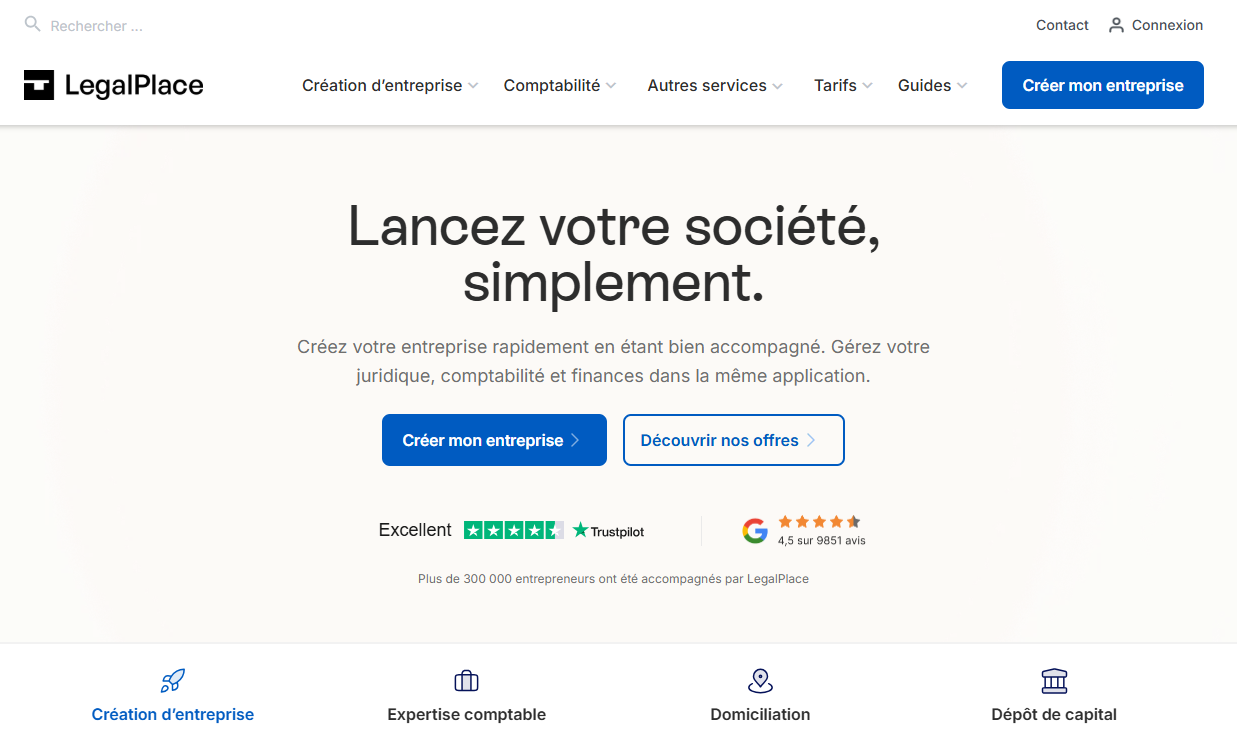
#7 - LegalPlace: The French legal platform for starting and managing a business.

Illustration of Legalplace on Freelance Stack's deal page

LegalPlace is quite different from the previous tools. It is not an electronic signature solution but an online legal platform that assists entrepreneurs with their legal procedures: starting a business, drafting articles of incorporation, managing legal obligations, and filing official documents.

For a freelancer looking to incorporate, an entrepreneur starting their first business, or an SME in need of contract templates that comply with French law, LegalPlace is an invaluable resource.

What the platform covers:

  • Online business formation (SASU, SAS, EURL, SARL, auto-entrepreneur, etc.) with step-by-step guidance.
  • Drafting and amending the articles of incorporation.
  • Sample commercial contracts in compliance with French law (Terms and Conditions, service agreements, NDAs, employment contracts, etc.).
  • Legal filings (legal notices, changes to the registry, etc.).
  • GDPR compliance tools.
  • Support from partner attorneys for complex cases.

Rates:

  • SASU Formation: starting at ~€100 (up to €200, excluding court fees).
  • Library Membership: Affordable rates (depending on the plan you choose).

👤 Who is this for?

🚀 The entrepreneur starting a business:

And who wants to avoid mistakes in their articles of association without paying full price for a notary or a lawyer. LegalPlace makes it possible to set up a solid legal structure at a controlled cost.

📝 Freelancer or consultant:

Who needs compliant contracts without starting from scratch. LegalPlace templates are drafted by legal professionals and aligned with current French law.

🔒 Small businesses looking to comply with the GDPR:

Without hiring a full-time external DPO, organizations can rely on the tools and documentation provided.

✅ The benefits:

  • Verified French legal expertise; documents compliant with current law.
  • Very competitive pricing compared to hiring a lawyer for routine transactions.
  • A clear, step-by-step interface that is accessible to non-lawyers.
  • A wide range of legal acts and documents are covered.

👎 The downsides:

  • This is not a substitute for personalized legal advice in complex situations.
  • Less suitable for established organizations with simple, one-time needs.
  • Some services involve delays due to administrative procedures.
Logo de l’outil LegalPlace sur le deal de Freelance Stack
Benefit from a on LegalPlace.
15% off on any plan
Find our best discount with LegalPlace and save on your software subscriptions. We offer over 850 promo codes and discounts on the best software and SaaS on the market. 
Get the discount

#8 - Legalstart: The reliable alternative for entrepreneurs' legal formalities.

Illustration of Legalstart on the deal page of Freelance Stack

Legalstart is LegalPlace's direct competitor in the French online legal services market. The two companies are vying for the same market position: simplifying legal procedures for entrepreneurs without having to go through a traditional law firm.

Legalstart has developed a comprehensive suite of services ranging from business formation to trademark protection, including contract drafting and handling administrative procedures.

What Legalstart offers:

  • Formation of every legal business structure, with guidance.
  • Trademark protection at the INPI (filing, monitoring, renewal).
  • Business registered address service.
  • Drafting contracts and legal documents (terms and conditions, commercial contracts, shareholder agreements, etc.).
  • Filings and formalities: dissolution, transfer of shares, amendment of articles of incorporation.
  • Access to partner attorneys for needs that go beyond standard procedures.

Rates:

  • Complete business formation: starting at ~€100 (up to €250, depending on the legal structure).
  • À la carte services: detailed rates (available on the website).

There is also a Legalstart x Wemind partnership for independent professionals looking for a package that combines legal services with health insurance.

👤 Who is this for?

🛡️ The entrepreneur who wants to protect their brand:

Right from the start, Legalstart will serve as a one-stop shop: business formation AND INPI trademark registration—all within the same interface.

📋 Freelancer or consultant working through an umbrella company:

who need reliable contractual documents to safeguard their projects and formalize their business relationships.

💡 The early-stage startup:

who want to handle the legal formalities associated with their company's growth (fundraising, amendments to articles of incorporation, shareholder agreements) without having to rely on an outside law firm at every step.

✅ The benefits:

  • A very comprehensive package that covers much more than just starting a business.
  • A trademark protection service that sets it apart from LegalPlace.
  • A seamless interface and well-guided processes.
  • Transparent and competitive rates.

👎 The downsides:

  • Like LegalPlace, it is not a substitute for a lawyer in unusual situations.
  • The quality of the support provided may vary depending on the specific case and the partner legal professionals.
  • Some delays in administrative procedures (outside the platforms’ control).
Logo de l’outil legalstart sur le deal de Freelance Stack
Benefit from a on Legalstart.
20% off on any plan
Find our best discount right now with Legalstart and save on your software subscriptions. We offer over 850 promo codes and discounts on the best software and SaaS on the market. 
Get the discount

Overall Comparison Table. 🗂️

Here is a summary to help you get your bearings quickly. All of these tools have a discount on Freelance Stack.

ToolCategoryStarting atKey strengthIdeal for
YousignElectronic signature~25s €/montheIDAS Compliance, Made in FranceFreelancers, French small and medium-sized businesses
DocuSignElectronic signature~15s €/monthFreelancers, French SMEsInternational, large teams
PandaDocDocs + Signature~19s €/monthProposal Editor + AnalyticsSales Teams
SignNowElectronic signature~8s €/monthValue for the moneySmall organizations, tight budgets
Zoho SignElectronic signature~14s €/monthZoho Ecosystem IntegrationZoho Users
ContractbookCLM + Signature~30s €/monthContract Lifecycle ManagementStartups, SMEs with multiple contracts
LegalPlaceLegal PlatformVariableDocuments in Compliance with French LawBusiness Formation, Compliance
LegalstartLegal PlatformVariableBusiness formation + trademark protectionEntrepreneurs, startups

Prices are for informational purposes only and are subject to change. Please check the current terms and conditions directly with the publishers.

See all the software of this category: Juridique
Check out all the other software and discount we offer in this category. Explore other tools and choose the perfect solution to grow your business.
Explore this category

FAQ: Your Questions About Legal Tools and Electronic Signatures. 💬

Questions on this topic come up frequently, especially from independent professionals approaching this kind of tool for the first time. Here are the answers to the most common ones. To go further on related management and productivity tools, you can also browse the Contracts & Electronic Signatures and Compliance & GDPR categories on Freelance Stack.

1️⃣ Does an electronic signature really have the same legal validity as a handwritten signature?

In France and throughout the European Union, yes, provided that the solution used complies with the eIDAS Regulation (Electronic IDentification, Authentication, and Trust Services). All the solutions presented in this article comply with this regulation for both simple and advanced signature levels. A qualified signature (the strongest level) requires enhanced identity verification. For the vast majority of standard commercial contracts, an advanced signature is sufficient.

2️⃣ What is the difference between a simple, advanced, and qualified signature?

A simple signature provides basic identification of the signer (email, name). It is suitable for routine, low-risk transactions. An advanced signature links the signature to the signer’s identity in a more robust manner (OTP, certificate) and allows for the detection of any subsequent modifications to the document. This is the most widely used standard. A qualified signature requires physical identity verification or verification via a qualified certificate and provides the highest level of proof, which is required for certain specific transactions (such as electronic notarial acts).

3️⃣ Can these tools be used for contracts with foreign clients?

Yes. Solutions such as DocuSign, PandaDoc, and SignNow are recognized in many countries. DocuSign complies with the U.S. ESIGN Act, the European eIDAS Regulation, and other regulations. For documents subject to specific local laws (such as employment contracts abroad or real estate documents), it is still advisable to consult a local legal professional.

4️⃣ Is it mandatory to retain electronically signed documents? For how long?

Yes. Most commercial contracts must be retained for at least 5 years. Certain documents (articles of incorporation, intellectual property agreements) must be retained for a longer period. All the solutions presented here offer archiving with an audit trail. However, it is recommended that you supplement this archiving with your own system (Google Drive, Notion, Airtable, etc.).

5️⃣ Can LegalPlace and Legalstart really replace a lawyer?

For standardized instruments and codified formalities (business formation, trademark filing, standard terms and conditions), these platforms are perfectly suited and offer excellent value for money. For unusual situations, disputes, complex negotiations, or major corporate finance transactions, a specialized lawyer remains essential. These platforms are not law firms: they industrialize routine legal instruments.

6️⃣ Are there tools available to automate signing in business workflows?

Absolutely. Yousign, DocuSign, PandaDoc, and SignNow all offer robust APIs. For no-code automation, tools like Make let you connect your e-signature tool to your CRM, invoicing tool, or any other business software. For example: automatically generate a contract and send it for signature as soon as an opportunity changes to “won” status in your CRM.

7️⃣ What is mandatory electronic invoicing, and which tool should you use?

The electronic invoicing reform in France is gradually requiring VAT-registered businesses to issue and receive their invoices through registered platforms (PDPs). If this applies to you, tools such as Tiime Electronic Invoicing are specifically designed to support this transition. This is a separate issue from electronic signatures, but one that deserves your attention if you are subject to VAT.

8️⃣ Which tool should I choose if I'm just starting out as a freelancer and want to focus on the essentials?

For a freelancer just starting out, the most practical combination is often: Yousign for electronic signatures (simple, in French, and compliant) and LegalPlace or Legalstart to secure their first standard contracts and legal structure. These two building blocks cover 90% of the needs of an independent professional getting started without committing a large budget.


Tags
Management Contracts Signature Yousign DocuSign PandaDoc SignNow Zoho Sign Contractbook LegalPlace Legalstart

Additional Resources

Check out more articles on this topic.
1 2 3 4

Don't miss out on any more deals!

We add +20 new deals every week. Get notified by email, just like we already do with our +85,000 entrepreneurs and startups. 
We won't spam you, and you can unsubscribe with just one click! 
linkedin facebook pinterest youtube rss twitter instagram facebook-blank rss-blank linkedin-blank pinterest youtube twitter instagram