




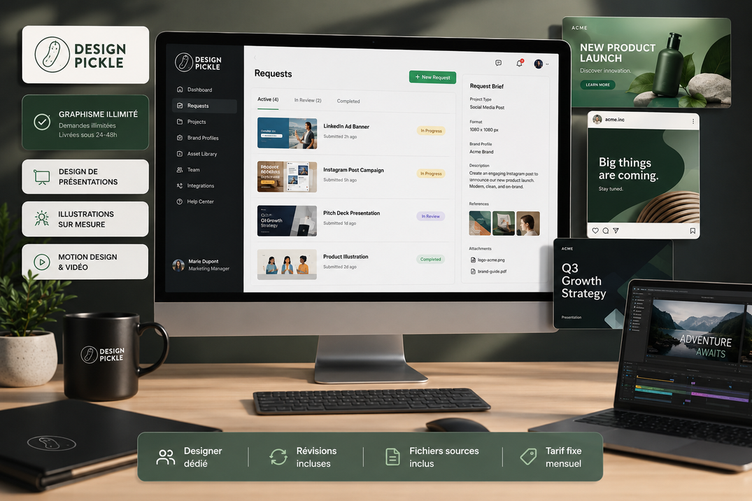
Design Pickle: The Complete Guide to Outsourcing Your Graphic Design
This guide will help you understand how the service works, who it's really for, how much it costs, and…
Read more


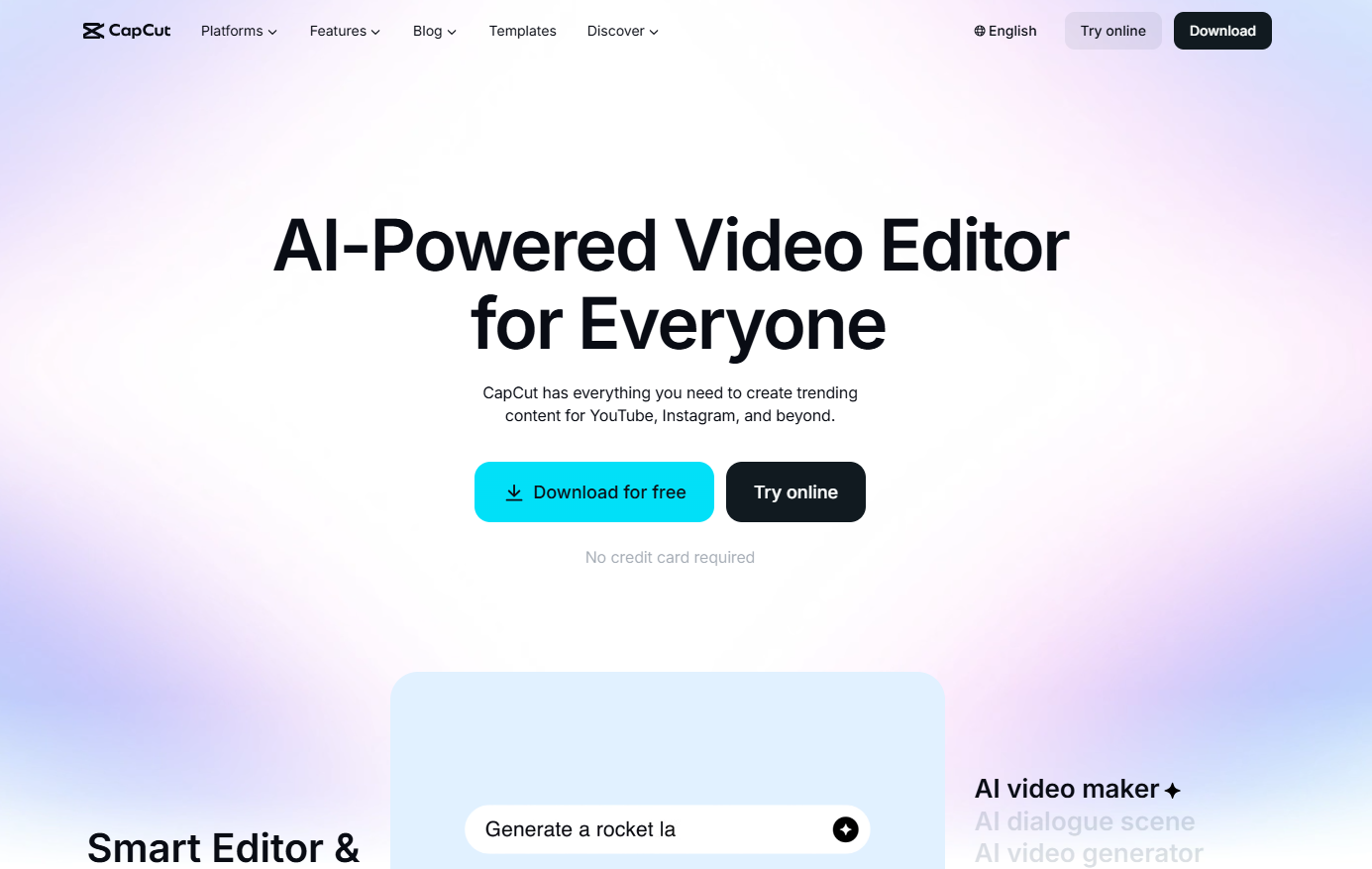
CapCut is a video editing software developed by ByteDance, the same company behind TikTok. Launched in 2020 under the name Viamaker, it quickly established itself as one of the go-to tools for anyone creating video content on social media. Today, the platform claims to have more than 800 million monthly active users, according to Sensor Tower (2026), making it the most downloaded mobile video editing app in the world.
What appealed to so many people right from the start was a simple formula: powerful features, an intuitive interface, and free access. For a freelancer or entrepreneur who wants to produce professional content without any specific training in video editing, this promise is a reality.
CapCut is available on iOS, Android, Windows, macOS, and as a web version that runs directly in your browser. These four platforms are not exactly the same: the desktop version remains the most feature-rich, particularly when it comes to multitrack editing and advanced AI tools.

It's worth asking this question frankly, because CapCut isn't right for everyone in the same way.
For content creators on TikTok, Instagram Reels, or YouTube Shorts, this is probably the best-optimized tool on the market. The templates are designed for vertical formats, automatic music synchronization is built in, and exporting takes just a few clicks.
For freelancers or " entrepreneur s" who use social media to promote their work, CapCut makes it easy to create short videos without requiring hours of training. A video response to a customer, a service presentation, or a project teaser—all of these can be done quickly.
For a small business or startup that handles its own internal communications, the collaborative features of the Teams plan allow multiple people to work together on the same projects using a shared brand kit.
On the other hand, if you're working on complex video projects involving multi-camera video production, or if you need professional color grading, CapCut will quickly show its limitations compared to software like DaVinci Resolve or Premiere Pro.
CapCut restructured its pricing plan in December 2024, which led to some confusion. Here is the current situation for France (prices verified in 2026):
| Plan | Monthly price | Annual Award | What it unlocks |
|---|---|---|---|
| Free | 0 € | 0 € | Multitrack editing, basic templates, 1080p export, basic AI subtitles, effects, and transitions |
| Standard | 11,99 €/month | €109.99/year | Watermark removal, expanded library of templates and resources, advanced editing tools |
| Pro | 23,99 €/month | €199.99/year | 4K and HDR export, comprehensive premium library, 1 TB of cloud storage, 1,400 AI credits, camera tracking, voice isolation, and subtitles with speaker identification |
| Teams | Starting at €24.99/month/seat | Variable | All Pro features + multi-user access, shared branding kit, real-time collaboration, 1 TB of storage |
Here are a few helpful details to consider before making a decision. The free version is genuinely functional for light use, unlike what we see with some competitors, where the free plan is merely a showcase. You’ll be able to create and export videos in 1080p, use templates, and even access automatic captions in a simplified version.
The main complaint about the 2025 restructuring: several features that were once free are now behind a paywall. Certain templates, effects, and AI tools that were previously available to everyone now require a Standard or Pro subscription.
The Pro annual plan costs about €16.67 per month, which is still two to five times cheaper than Adobe Premiere Pro (€26.40 per month in 2026) for 80% of a social media creator’s needs.
A free 7-day trial is available for paid plans.
CapCut's onboarding process is intentionally minimal. There are no mandatory tutorials to complete and no complex initial setup. Here's how to get started effectively.
On mobile devices, download the app from the App Store or Google Play. Be sure to avoid modified APKs circulating on third-party websites: according to Kaspersky (2025), nearly one-third of these files contain malware or trackers.
On a desktop, go directly to capcut.com for the web version, or download the Windows/macOS app from the official website.
Create an account using your work email address instead of your personal one, and enable two-factor authentication right from the start (Google Authenticator or Authy).
CapCut's interface is organized around three main areas:
The timeline at the bottom of the screen, where you assemble your clips, audio, and visual elements across multiple tracks. That's where it all comes together.
The preview pane, located in the center or at the top depending on the interface (web or desktop), allows you to see the results in real time.
The context menu on the right or at the bottom, depending on the platform, which adapts to the selected item (video, text, audio, sticker, etc.).
Create a new project, choose the aspect ratio (9:16 for Reels/TikTok, 16:9 for YouTube), and import your clip. Trim out any silences or unnecessary parts using the trimming tool. Add a template or music from the library. Enable automatic captions if there is spoken dialogue. Export. That's it.
For a freelancer filming a 60-second presentation or client update, the result looks professional in less than a quarter of an hour.
This is probably the most widely used and most appreciated feature. CapCut automatically generates accurate subtitles in just a few seconds using its transcription technology. You can then customize the font, color, animation, and placement. For anyone who posts videos with voiceovers (customer testimonials, presentations, tutorials), this saves a considerable amount of time.
The free version offers basic transcription. The Pro plan unlocks speaker identification, which is useful during interviews or recorded meetings.
No green screen? No problem. The automatic cutout tool works with surprising precision on people filmed against a relatively neutral background. With just one click, you can replace the background with a solid color, an image, or another video.
Available on plan Pro, this feature automatically tracks an object or person in the video so you can place text, a sticker, or a graphic element on it. The result is clean and requires no manual, frame-by-frame adjustments.
The template library is one of the most extensive on the market, with hundreds of templates optimized for TikTok, Instagram Reels, and YouTube Shorts. Transitions, music effects, and beats are often automatically synchronized. A creator can start with a trending template, add their own clips, and export a high-quality video in less than 5 minutes.
CapCut offers an AI-powered voice-over generator with several voices available in French and English. It's useful for explainer videos or tutorials without having to record the voiceover yourself.
The newest and most promising feature: enter some text or a script, and let the AI generate a video structure with clips, music, and transitions. The result often still requires manual adjustments, but the foundation is ready in just a few minutes.
The basic tools (brightness, contrast, saturation, hue) are available on all shots. Pre-configured cinematic filters let you quickly achieve a consistent look without manually adjusting the sliders.
Available on plan Pro, this feature separates the voice from background noise in a video. It's very useful if you've filmed in a noisy environment, at an event, or outdoors.
You’re a entrepreneur consultant and want to post a 60-second video showcasing your expertise. Film with your smartphone, import the video into CapCut, enable automatic captions, add your logo using a sticker or an overlay image, and choose royalty-free music from the library. Export in 1080p without a watermark (Standard plan or higher), and post directly to LinkedIn. The whole process takes 15 to 20 minutes.
A client agrees to give a video testimonial. You film 3 minutes of footage. In CapCut, you trim out the pauses, enable transcription, and identify the 40 most impactful seconds. You remove the background and replace it with your brand color, add animated captions, and export the video in 9:16 aspect ratio for Stories. The result looks professional—no editing skills required.
Are you a trainer or consultant looking to create a series of “30-second tips”? CapCut’s Shorts template automatically handles the aspect ratio, transitions, and music synchronization. You record in one take, trim out the excess, add subtitles, and include a tagline in the intro. The format is ready to be duplicated 10 times with variations.
You have images and videos of your product. CapCut lets you put together a promotional reel by combining videos, photos, animated text, and trending music. Removing the background from product visuals makes it easy to create clean compositions. With a Pro plan, you can export in 4K for use on your website or in advertisements.
A small team wants to produce weekly update videos. The Teams plan allows multiple collaborators to access the same workspace, share brand templates (fonts, colors, logo), and work on projects simultaneously.
In the desktop version, CapCut can automatically detect and remove silences from a video. This is ideal for interviews or class recordings where there are frequent pauses.
Do you have a 16:9 video and want to convert it to 9:16 for TikTok without manually cropping it? CapCut's AI detects the main subject and intelligently crops the video around it.
CapCut tracks the music and sounds that are currently trending on TikTok and Reels. Using these sounds significantly increases your chances of being featured by the algorithm.
Less well-known but available on Pro, it automatically generates visual sequences from descriptive text. Handy for explainer videos when you don't have your own footage.
To animate text, a sticker, or a mask with precision, keyframes let you set the position, size, and opacity at specific points on the timeline. This is what sets a basic edit apart from a dynamic one.
In the desktop version, you can queue up multiple projects for export without having to stay in front of the screen. This is useful when you're managing video production for multiple clients.
CapCut functions largely as a standalone tool, but it integrates well into a broader content creation workflow.
Exporting to TikTok is, of course, built-in, with direct sharing from the mobile app. On other platforms (Instagram, YouTube, LinkedIn), exporting is done via the downloaded video file.
For creators who use Canva for their static visuals, the two tools complement each other: Canva for graphic posts and stories, and CapCut for anything involving video and motion.
If you need to create more elaborate animations and video presentations using avatars or animated slideshows, Powtoon is a useful complement to CapCut for this type of content.
For videos with a strong editorial focus (interviews, video podcasts), Descript remains a powerful complementary option: its approach to video editing via text (you edit the transcript, and the video changes accordingly) is unique.
When it comes to AI-generated video content based on a script, InVideo AI is also a complementary alternative worth exploring.
For teams creating short promotional videos using pre-edited templates, Pitchy (a French solution) makes it possible to produce branded videos without any editing skills.
CapCut does not offer a public API for developers, which limits its integration into automated workflows with tools like Make. For use cases that require this type of automation, other solutions should be considered.
This is the most frequently cited point of contention in user reviews. Since CapCut is developed by ByteDance (which also owns TikTok), legitimate questions arise regarding data collection and processing. Concerns about the collection of personal data—particularly in connection with ByteDance—regularly hinder its adoption in sensitive professional settings. In January 2025, the app was briefly removed from U.S. app stores amid tensions surrounding TikTok. If you handle confidential customer data or work in a regulated industry (healthcare, finance, law), it’s best to consider this issue carefully before storing sensitive content on the app.
An update to CapCut's Terms of Service in 2025 has raised some questions. By uploading content to CapCut, you grant it a worldwide license to use that content. If you create content for clients or brands, make sure this clause is consistent with your own contractual obligations.
Many features that used to be free were moved behind a paywall in 2025. Templates, effects, and AI tools—which were part of CapCut’s original appeal—now require a Standard or Pro subscription. If you started using the free version two or three years ago, the experience today is different.
Projects don't always sync properly between the mobile, desktop, and web versions. A project started on an iPhone may display differently or have different features on a desktop. For a smooth workflow, it's best to choose one main platform and stick with it.
For documentaries, video training courses lasting several hours, or multi-camera film editing, CapCut isn't the right tool. Its focus remains on short-form and social media content. DaVinci Resolve (which is free and very comprehensive) or Premiere Pro remain the go-to choices for these uses.
The web version and certain AI features require a stable connection. When you're on the go without a good connection, the experience deteriorates significantly.
Depending on your situation, other tools may be a better fit for your needs. Here is an unbiased overview of the alternatives available on Freelance Stack :
If you mainly create videos from interviews or video podcasts, Descript is the go-to tool. Its transcription-based editing feature saves you a considerable amount of time on cutting and formatting.
Do you need to create promotional videos based on a script or written brief? InVideo AI automates the creation of marketing videos from plain text.
Are you a brand in need of short videos with a strong visual identity? Pitchy is a French solution designed for marketing teams, featuring templates that are fully customizable to match your brand’s colors.
If you want to create animated presentations or explainer videos, Powtoon and VideoScribe specialize in this format.
Are you looking to incorporate professional visual elements into your videos? Iconscout offers a library of high-quality icons, illustrations, and animations.
If you want to create interactive videos for your customers or prospects: VideoAsk lets you create video clips with response options, which are ideal for forms or customer onboarding.
The most frequently asked questions about CapCut, with straightforward, no-nonsense answers.
The free version is available and remains functional for basic use. It allows you to export in 1080p, use templates and effects, and access automatic subtitles in a simplified version. Since the 2025 restructuring, certain resources and AI tools that were previously included have been moved to the paid plans. If you use it occasionally and don’t need 4K exports or the premium library, the free version is sufficient.
on plan While the app is free, a CapCut watermark may appear on some exports, particularly templates. To remove the watermark automatically, you'll need the Standard plan (€11.99/month).
Yes. The desktop version (Windows and macOS) is available as a free download and offers the same basic features as the mobile version. You get access to the full editor, including the multitrack timeline, and you can even try out all the Pro features without paying, but the final export requires a paid subscription if you want to use the premium features.
For social media content (TikTok, Reels, Shorts, LinkedIn), yes, definitely. For more demanding projects, CapCut supports videos up to 4K with the Pro plan. However, for lengthy edits, advanced color grading, or professional multi-camera workflows, other software is required.
This is something you should check carefully. CapCut’s music library contains tracks under various licenses. Some may only be used for personal purposes or for organic use on social media, but not for advertising or commercial content. Read the terms and conditions for each track carefully before using it in a paid or sponsored video.
Partially. The desktop version lets you work on your local projects without an internet connection, but AI features, loading templates online, and cloud exporting require an internet connection. The web version, on the other hand, is entirely dependent on an internet connection.
These are two separate products. CapCut is the general-purpose video editor featured in this article. Pippit (formerly CapCut Commerce Pro) is a solution geared toward e-commerce and product marketing, designed to automatically generate videos and visuals from product listings. If you run an online store, Pippit has a special offer available at Freelance Stack.
Yes, through the Teams plan (starting at €24.99/month per seat). It lets you share a common workspace with a shared brand kit (logo, fonts, colors), access the same projects from multiple accounts, and collaborate in real time.
This is a legitimate question given the app’s origin. ByteDance is a Chinese company, which raises questions about the location and use of data in certain regulated contexts. For companies subject to the GDPR, it is important to verify that CapCut complies with your data protection policy before storing sensitive content on it.
The Standard plan removes watermarks and expands the resource library. The Pro plan adds 4K and HDR export, advanced AI tools (camera tracking, voice isolation, and speaker identification in subtitles), 1 TB of cloud storage (compared to 100 GB for the Standard plan), and a complete premium library. For a freelancer who regularly produces video content, the Pro plan is generally the right choice if export quality and AI tools are important factors.
For content creators, freelancers, and small teams who need to produce high-quality short videos without a steep learning curve, CapCut is likely the most effective tool available today. Its comprehensive set of features for short-form editing, built-in AI tools, and cross-platform accessibility make it a tough choice to beat in this category.
Three things to keep in mind before you get started:
The free version is still useful, but the true CapCut experience begins with the Standard or Pro plan. Don't judge the tool solely based on the fre on plan d in 2026, which is more restrictive than it was at launch.
Questions about data and the Terms of Service are legitimate. If your business involves sensitive data or confidential customer information, read the Terms of Service and determine whether they are appropriate for your situation.
CapCut isn't a one-size-fits-all solution. For long-form video content, professional editing, or specialized projects (animation, extended training, film), other tools are better suited. Check out the "Alternatives" section above to find the one that fits your needs.