Submagic
Additional 30% off on any plan








✅ Deal information:
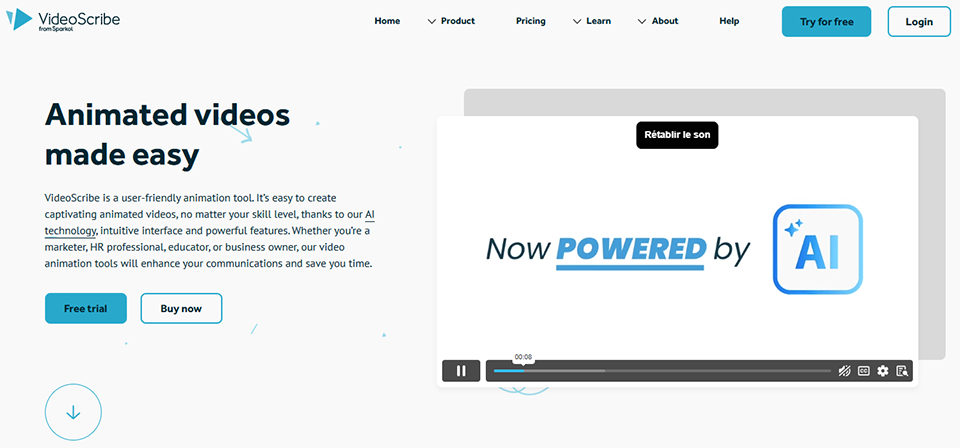
VideoScribe is a hand-drawn animation video creation application, often used to produce explanatory videos and engaging visual presentations. It allows users to design videos using a variety of graphics, illustrations and text, with animation effects that mimic hand-drawn on a whiteboard. VideoScribe offers an intuitive interface and a wide range of pre-designed templates and elements, making it easy to create videos without advanced technical skills.
The platform also lets you add voice-overs, music and transitions to personalize videos. Thanks to its visual creation tools and simple animation features, VideoScribe helps users produce captivating content that explains concepts, presents ideas and captures the attention of their audience.
Why VideoScribe?
Choose VideoScribe and get:
VideoScribe is revolutionizing the creation of whiteboard animation videos by enabling anyone to produce engaging visual content without advanced technical skills. This British platform, developed by Sparkol, has established itself as a leader in the world of animated visual communication, offering an accessible alternative to traditional, complex animation software.
The tool stands out for its intuitive approach, which faithfully replicates the effect of a hand drawing in real time on a whiteboard. This technique, which is particularly effective at holding the viewer’s attention, has applications in a variety of fields: online training, sales presentations, explainer videos, educational content, and even internal corporate communications. VideoScribe thus makes an animation style accessible to everyone-a style previously reserved for motion design professionals.
VideoScribe's strength lies in its ability to transform abstract concepts into engaging visual stories using a rich library and advanced customization tools. The drag-and-drop interface greatly simplifies the creative process, allowing users to focus on the message rather than the technical aspects of video production.
This combination of features makes VideoScribe an ideal tool for trainers, marketers, teachers, and entrepreneurs who want to create impactful video content without investing in complex technical solutions or hiring external service providers.
VideoScribe offers a range of pricing plans tailored to different needs, from occasional creators to businesses. The plans include access to the image and music library, with flexible options based on how often you use the software.
All plans allow you to create HD-quality videos and export them without a watermark, with variations in the number of simultaneous projects and collaborative features.
| Plan | Rates | Included |
|---|---|---|
| Free trial | Free for 7 days | Temporary full access, watermark on exports |
| Monthly | 25€/month | Unlimited projects, full library, HD export |
| Annual | €14/month (billed annually) | All the benefits of the Monthly plan, save 44% |
| Pay Once | €665 one-time purchase | lifetime license, full features, updates included |
The monthly planis ideal for testing the tool one-off projects or exploring its capabilities before committing to a longer-term plan. The subscription renews automatically but can be canceled at any time, offering valuable flexibility for creators whose needs vary from time to time.
The annual subscriptionoffers the best value for money, with a substantial 44% savings compared to the monthly rate. This plan is designed for regular users, trainers, marketers, and agencies who incorporate VideoScribe into their daily workflow. Payment is made in a single installment at the start of the term, ensuring uninterrupted access during months.
A lifetime licenseis a strategic investment for heavy users or organizations. Although the initial investment is significant, this option pays for itself after about four years of use compared to an annual subscription. It includes all future updates and eliminates recurring costs entirely, making it particularly attractive for educational institutions or businesses with capital budgets rather than operating budgets.
All paid plans provide access to the entire asset library, which includes over 8,000 hand-drawn images, hundreds of royalty-free music tracks, and a collection of custom fonts. Exporting is available with no resolution or duration limits, and multiple formats are supported, including MP4, MOV, and WMV. Import capabilities are also comprehensive: custom images, audio files, system fonts, and even SVG drawings for advanced users.
The seven-day trial periodallows you to fully evaluate the software with no financial commitment. during period, you have access to all premium features; only the VideoScribe watermark will appear on your exports. This restriction is removed immediately upon subscribing to a paid plan, and the projects you created during remain accessible.
VideoScribe offers a 30-day money-backguarantee on all its plans, giving you the peace of mind to test whether the tool meets your specific needs. This guarantee even applies to the lifetime license, demonstrating the publisher’s confidence in the quality of its product.
Educational ratesoffer a discount upon presentation of appropriate documentation. Schools, universities, and nonprofit organizations can obtain volume licenses under preferential terms. These special rates apply to both individual licenses and volume deployments for classrooms or multimedia labs.
For teams and businesses, VideoScribe offers customized solutions with centralized billing, user management, and priority support. These enterprise plans often include personalized training and early access to new features. Pricing is tailored to the number of users and specific deployment and integration needs.
1️⃣ If you are a freelancer or consultant:
For your solo video creation needs, Vyond stands out as an excellent option with its customizable templates and intuitive interface, allowing you to create professional animations without advanced technical skills. The tool offers a variety of character and asset libraries, perfect for creating impactful client presentations. Powtoon is also a smart choice, with its storytelling features and ease of use that let you quickly produce animated content for your marketing campaigns or training materials. Its drag-and-drop system and ready-to-use templates are perfectly suited to the time constraints of freelancers. Renderforest is also worth considering, with its affordable pricing and versatility that covers everything from explainer videos to corporate presentations, offering you a comprehensive solution to diversify your video content creation services.
2️⃣ If you are a startup:
Loom has established itself as a modern alternative that’s particularly well-suited for agile teams that need to quickly create product demo videos or internal tutorials. Its ease of use and collaborative features allow the entire team to participate in video content creation without any prior training. Animaker offers excellent value for money with its templates specifically designed for corporate presentations and its 2D animation tools, which will help you create animated pitch decks to win over your investors. The tool also offers brand kit features to maintain visual consistency in your communications. Moovly stands out for its integration capabilities with other tools in your tech stack and its flexibility, which allows it to adapt to your startup’s evolving needs-from early explainer videos to more sophisticated marketing campaigns.
3️⃣ If you are a small business or an SME:
For established organizations seeking robust solutions, Adobe After Effects combined with Adobe Premiere Pro offers the most comprehensive creative control, even if it requires an investment in training. This professional suite allows you to create broadcast-quality animations and maintain a premium brand image. Camtasia strikes an ideal balance between power and simplicity, making it particularly effective for creating internal training materials, customer tutorials, or corporate presentations. Its built-in screen recording and video editing features make it a versatile tool for your marketing and training teams. Wistia is also worth considering if you’re looking for a comprehensive platform that combines video creation and professional hosting, with detailed analytics to help you measure the impact of your video content on your business goals and optimize your digital communication strategy.
Otherwise, these other software programs may also be a good alternative to Videoscribe.No resources currently available.