The 9 Essential Tools for Launching Your App in 2026.
This article lists the nine tools that, in 2026, form a cohesive stack for building and launching a robust application-whether mobile, web-based, or both. Each tool was selected because it has an active deal on Freelance Stack, offering discounted access. In short: you can get started with this stack while significantly reducing your initial costs.
Launching an app in 2026 is no longer the exclusive domain of engineering teams that spend months laying the technical groundwork. The barriers to entry have dropped significantly. Solo founders, designers, and consultants with no development background are releasing viable apps every week-some of which turn a profit within the first few months.
Yet behind this apparent ease lies a real decision to be made: choosing the right tech stack. And that’s where many get lost. Too many options, incomplete comparisons, and advice often tailored for startups backed by millions of dollars. The reality for entrepreneurs, small teams, or those in the launch phase is quite different.
This article lists the nine tools that, in 2026, form a cohesive stack for building and launching a robust application-whether mobile, web-based, or both. Each tool was selected because it has an active deal on Freelance Stack, offering discounted access. In short: you can get started with this stack while significantly reducing your initial costs.
One last point before we get down to business: there is no one-size-fits-all stack. The nine tools presented here address different needs. Some will be relevant to everyone, while others will depend on your profile or the type of project you’re working on.
#1 - Bubble: The no-code platform that truly functions as a programming language.
Benefit from our free deal on Bubble.
Up to 20% off on annual plan
Find over 300 free deals as well as over 850 Premium deals right now with Bubble and save on your software subscriptions. Whether you're an entrepreneur, a startup or a solo freelancer, save hundreds of euros thanks to our discounts and promo codes.
Among all no-code app builders, Bubble stands out from the rest. It is likely the most comprehensive tool on the market for creating fully functional web apps without writing a single line of code, and it is also one of the most challenging to master.
The concept is simple on paper: you build your app using a visual editor, defining pages, workflows (actions triggered by user behavior), and an integrated database. In practice, Bubble lets you build apps with features as complex as those developed using traditional coding methods: role and permission management, advanced conditional logic, REST APIs, third-party integrations, payments, and more.
Here's what Bubble actually lets you do:
Creating responsive interfaces using a drag-and-drop editor.
Integrated database with relationships between entities.
User management, authentication, permissions.
Sign-in external APIs using the native plugin or third-party plugins.
Direct deployment to a Bubble subdomain or your own domain.
Pricing:
Free Plan: Free (full access to the editor, Bubble hosting, subdomain included).
Starter Plan: starting at ~$32/month (custom domain, removal of Bubble branding, increased server capacity).
Growth Plan: starting at ~$134/month (enhanced performance, advanced optimization features).
Team Plan: starting at ~$349/month (multi-user, development branches, collaborative features).
Why choose Bubble based on your profile:
🧑💼 Non-technical founder:
This is probably your best option for building a fully functional MVP without hiring a developer. There is a learning curve (expect to spend 2 to 4 weeks getting the hang of it), but once you’ve mastered it, you’ll have full control over your product.
👩🎨 Product Designer:
If you're comfortable with Figma or other prototyping tools, the transition to Bubble comes naturally. You'll be able to go far beyond a static prototype.
🧑💻 A developer who wants to move fast:
Bubble may seem limited compared to writing code from scratch, but for an early-stage SaaS project, the speed of iteration it offers is a real advantage.
👍 The benefits:
In most cases, there's no need for a separate backend.
A very active community, with tons of templates and plugins.
Deployment is included in the subscription.
👎 The downsides:
Performance issues can be a major source of friction.
Costs rise quickly as traffic increases.
The learning curve is steeper than with other no-code builders.
Benefit from a on Bubble .
$200 in credits during 3 months
Find our best discount right now with Bubble and save on your software subscriptions. We offer over 850 promo codes and discounts on the best software and SaaS on the market.
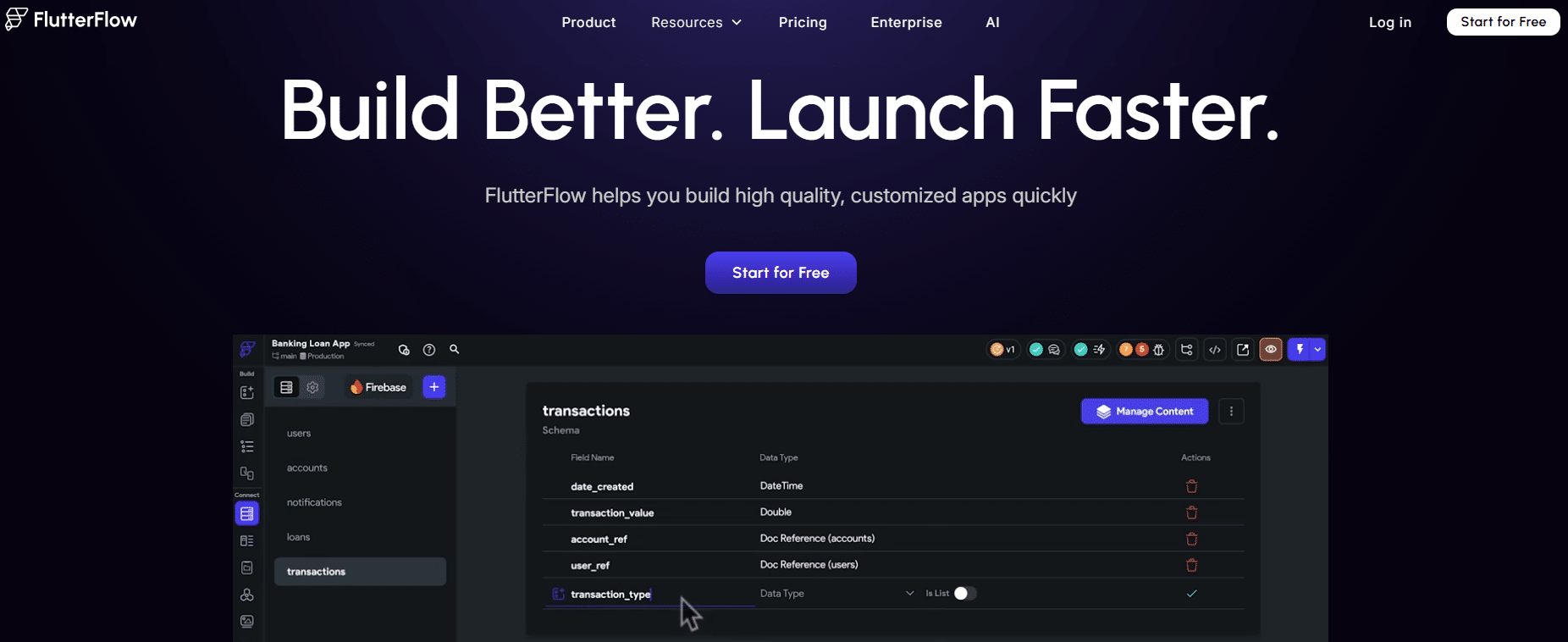
#2 - FlutterFlow: Build native mobile apps visually.
If your project requires a native mobile app (iOS and Android), FlutterFlow stands out as one of the leading tools in 2026. It leverages Flutter, Google’s open-source framework, to generate high-quality native code from a visual interface.
The key difference from other mobile builders: FlutterFlow generates real, exportable Flutter code. It’s not a closed system where you’re locked into the platform. If you ever want to hand the project over to a team of Flutter developers, they’ll walk away with clean, usable code.
Key features:
Comprehensive visual interface for screen design.
Navigation logic and page flow.
Native integration with Firebase (Auth, Firestore, Storage).
Sign-in the REST and GraphQL APIs.
Generating and exporting Flutter code.
Publish directly to the App Store and Google Play Store.
Pricing:
Free Plan: Free (access to the editor and preview, without code export).
Standard Plan: starting at ~$30/month (code export, 1 project).
Pro Plan: starting at ~$70/month (multiple projects, advanced features).
Teams Plan: Pricing based on a quote (depending on team size).
Why choose FlutterFlow based on your profile:
📱 Mobile app developer:
If the app you're building is primarily designed for mobile, FlutterFlow will save you a significant amount of time compared to traditional native development, while still giving you the option to transition to pure code.
🧑💻 Flutter Developer:
The tool can serve as a time-saver for the UI side of things, especially on recurring client projects or for quick prototyping.
🏗️ No-code agency / freelancer:
FlutterFlow has become must-have delivering mobile apps to customers without having to build a dedicated development team.
👍 The benefits:
Generation of high-quality, exportable native code.
Direct deployment to the blinds from the interface.
Compatible with popular backend tools (Supabase, Firebase, Xano).
👎 The downsides:
To truly master Flutter, you need a solid foundation in the language to go beyond the basics.
Code export is a paid feature, which can be a barrier for projects on a tight budget.
Certain animations or very specific behaviors require custom code.
Benefit from a on FlutterFlow .
2 months free
Find our best discount right now with FlutterFlow and save on your software subscriptions. We offer over 850 promo codes and discounts on the best software and SaaS on the market.
#3 - Xano: The no-code backend designed for developers who want to move fast.
Benefit from our free deal on Xano.
10% off on any plan
Find over 300 free deals as well as over 850 Premium deals right now with Xano and save on your software subscriptions. Whether you're an entrepreneur, a startup or a solo freelancer, save hundreds of euros thanks to our discounts and promo codes.
When people talk about no-code, they often think of the user interface. But the backend-that is, the server-side logic, the database, and the APIs-is a whole different story. That’s exactly where Xano comes in.
Xano lets you build a complete backend without writing any server-side code. You define your data tables, relationships, API endpoints, and business logic functions using a visual interface. The result is a REST API that you can connect to any frontend (Bubble, FlutterFlow, Webflow, a custom React app, etc.).
What Xano covers:
Hosted and managed PostgreSQL database.
Visual REST API builder.
Complex backend logic: loops, conditions, data transformations.
Integrated authentication (JWT).
Sign-in third-party APIs.
Serverless functions and scheduled tasks (cron jobs).
Plan Scale: starting at ~$99/month (enhanced performance, branches, collaboration).
Business Plan: Pricing available upon request.
Why choose Xano based on your profile:
🏗️ No-code builder using Bubble or FlutterFlow:
Xano is often used as a complement to offload backend logic, which streamlines Bubble applications and offers greater flexibility.
🧑💻 Junior or full-stack developer looking to level up:
Xano lets you deploy a robust backend without having to configure servers, manage infrastructure updates, or write repetitive boilerplate code.
🚀 Solo technical founder:
Managing the front end, back end, and operations all at once during the launch phase is exhausting. Xano significantly reduces the server-side load.
👍 The benefits:
A robust backend powered by PostgreSQL-not some toy.
Excellent compatibility with popular no-code frontends.
No infrastructure management-everything is hosted.
👎 The downsides:
Less flexible than pure code for very specific cases or highly complex logic.
Platform dependency is a factor to consider for very long-term projects.
The most advanced features are available only with paid plans.
Benefit from a on Xano .
Additional 20% off on any plan
Find our best discount right now with Xano and save on your software subscriptions. We offer over 850 promo codes and discounts on the best software and SaaS on the market.
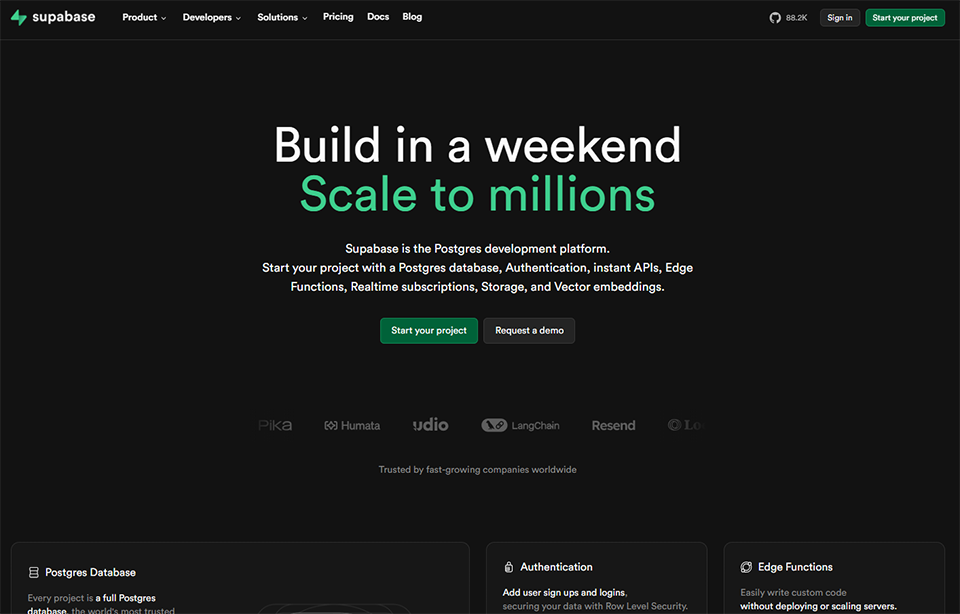
#4 - Supabase: The open-source alternative to Firebase that developers love.
In just a few years, Supabase has established itself as the go-to choice for developers looking for a modern, open, and powerful backend. Often described as "Firebase but open-source," it actually goes far beyond its Google counterpart in certain respects.
At its core: a PostgreSQL database, with an API automatically generated from your schema. On top of that, Supabase offers a comprehensive authentication system, file storage, edge functions, and real-time subscriptions.
What Supabase includes out of the box:
PostgreSQL with a graphical administration interface.
Plan Scale: starting at ~$99/month (enhanced performance, branches, collaboration).
Business Plan: Pricing available upon request.
Why choose Supabase based on your profile:
🧑💻 React / Next.js / Vue Developer:
Supabase offers a high-quality JavaScript SDK. Integrating it into a modern frontend project takes less than an hour for basic functionality.
🚀 Early-stage tech startup:
The free plan is generous, allowing you to test a product without spending a dime on backend costs until you reach a certain volume.
🏗️ A team that plans for growth:
Unlike more closed-off solutions, Supabase is open-source and self-hostable. You’re not locked into the platform if your project takes an unexpected turn.
👍 The benefits:
Open source, no vendor lock-in.
PostgreSQL as a database engine: reliable, high-performance, and extensible.
All the building blocks of a modern backend in a single tool.
👎 The downsides:
Requires a basic understanding of SQL and development to get the most out of it.
The hosted version can become expensive at very large scales.
Some advanced features (such as edge functions) are still under development.
Benefit from a on Supabase .
$50 in free credits
Find our best discount right now with Supabase and save on your software subscriptions. We offer over 850 promo codes and discounts on the best software and SaaS on the market.
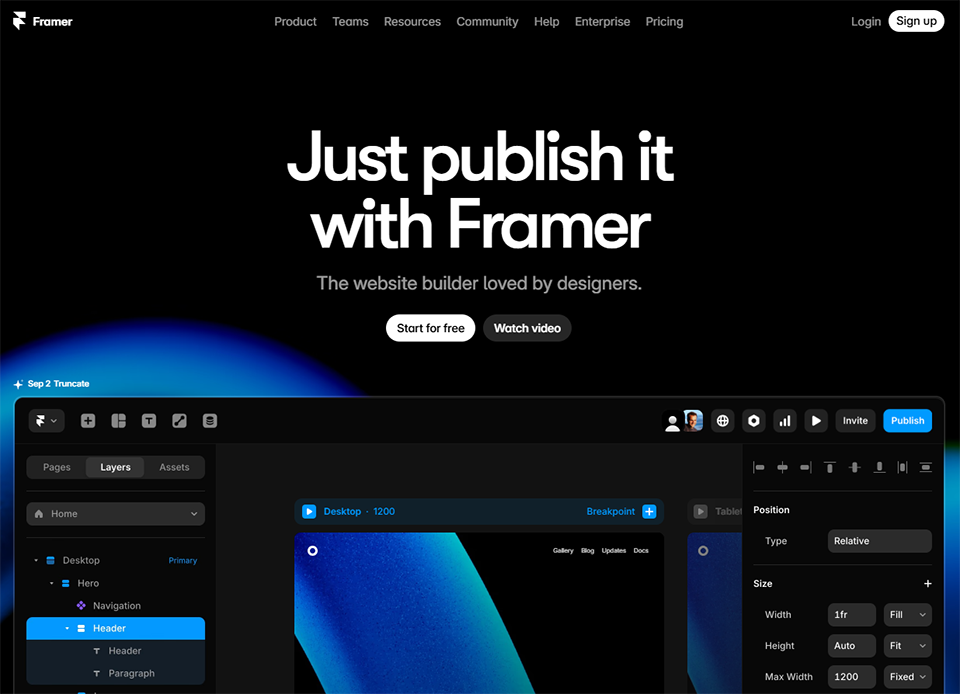
#5 - Framer: Your app’s showcase site, designed to drive conversions.
Benefit from our free deal on Framer.
30% off on annual plan
Find over 300 free deals as well as over 850 Premium deals right now with Framer and save on your software subscriptions. Whether you're an entrepreneur, a startup or a solo freelancer, save hundreds of euros thanks to our discounts and promo codes.
Your app may be brilliant, but if the landing page showcasing it doesn’t convince visitors, you’re starting off at a disadvantage. Framer has established itself as the go-to tool for creating high-quality marketing websites and landing pages, offering design flexibility comparable to that of a tool like Figma, but with direct deployment to production.
What sets Framer apart from other website builders: the quality of the visual output, native support for animations and micro-interactions, and fast rendering for "premium" websites without having to write a single line of CSS. By 2026, many startups are using Framer for their marketing websites while keeping their applications on a separate stack.
Key features of Framer:
High-fidelity visual editor (very similar to Figma).
Advanced animations and interactions without coding.
Built-in CMS for content pages (blog, changelog, etc.).
Native SEO optimization (meta tags, sitemap, etc.).
Mini Plan: starting at ~$10/month (custom domain, 10,000 visitors/month).
Basic Plan: starting at ~$20/month (unlimited pages, CMS, 100,000 visitors/month).
Pro Plan: starting at ~$40/month (200,000 visitors/month, staging, analytics).
A Startup plan is also available with special rates, accessible through Freelance Stack.
Why choose Framer based on your profile:
🎨 Product Designer:
If you're familiar with Figma, you'll pick up Framer in no time. It's probably the only tool on the market that lets you go from prototype to live site without compromising on visual quality.
🚀 Founder in the launch phase:
Framer lets you launch a professional, well-designed website in just a few hours-enough time to test an idea or prepare for a Product Hunt launch.
📣 Marketing Team:
The built-in CMS and self-service page management allow non-technical teams to maintain the site without relying on developers.
👍 The benefits:
Unmatched visual quality in the no-code category.
High performance thanks to static site generation.
A very gentle learning curve for designers.
👎 The downsides:
Less suitable for sites with highly dynamic or transactional logic.
The CMS is still fairly basic compared to Webflow or WordPress.
However, some advanced features still require a basic understanding of HTML and CSS.
Benefit from a on Framer .
Get a free one-year subscription to Framer Pro
Find our best discount with Framer and save on your software subscriptions. We offer over 850 promo codes and discounts on the best software and SaaS on the market.
#6 - Stripe: The payment platform used by millions of apps.
It’s impossible to build a commercial app without a payment solution. And in 2026, Stripe remains the de facto standard for startups and SaaS apps. Not just because it’s the best-known solution, but because it’s technically the most comprehensive.
Stripe does much more than just process payments. Recurring subscriptions, free trial management, automated billing, taxes, PCI compliance, and installment payments-it all comes built-in.
What Stripe offers:
Payments by credit/debit card, bank transfer, and digital wallets (Apple Pay, Google Pay).
Subscriptions and recurring payments (Stripe Billing).
Automated billing and reminder management (Stripe Invoicing).
International tax and VAT management (Stripe Tax).
Hosted payment gateways (Stripe Checkout).
Integrations with the leading no-code and SaaS tools on the market.
Dashboard analytics for tracking revenue.
Pricing:
Online payments: 1.5% + €0.25 per transaction for European cards, 2.9% + $0.30 for U.S. cards (estimated rates; please verify based on your location).
Some products, such as Billing or Tax, incur additional fees based on a percentage of the volume.
No fixed monthly subscription: you pay as you go.
Why choose Stripe based on your profile:
💳 SaaS / subscription:
Stripe Billing is one of the most comprehensive solutions on the market for managing subscriptions, upgrades and downgrades, trial periods, and follow-ups for failed payments.
🌍 Product designed for the global market:
Multi-currency support, compliance in dozens of countries, and local payment options make Stripe a natural choice for products targeting a global audience.
🔌 Developer or no-code builder:
The integration ecosystem is exceptional. Stripe integrates natively with Bubble, Webflow, Framer, and nearly all of the tools mentioned in this article.
Commissions can eat into margins when sales volumes are high.
The admin interface remains complex, with a significant learning curve.
Customer service may not be responsive enough for standard accounts.
Benefit from a on Stripe .
No commissions on payments up to $20,000
Find our best discount right now with Stripe and save on your software subscriptions. We offer over 850 promo codes and discounts on the best software and SaaS on the market.
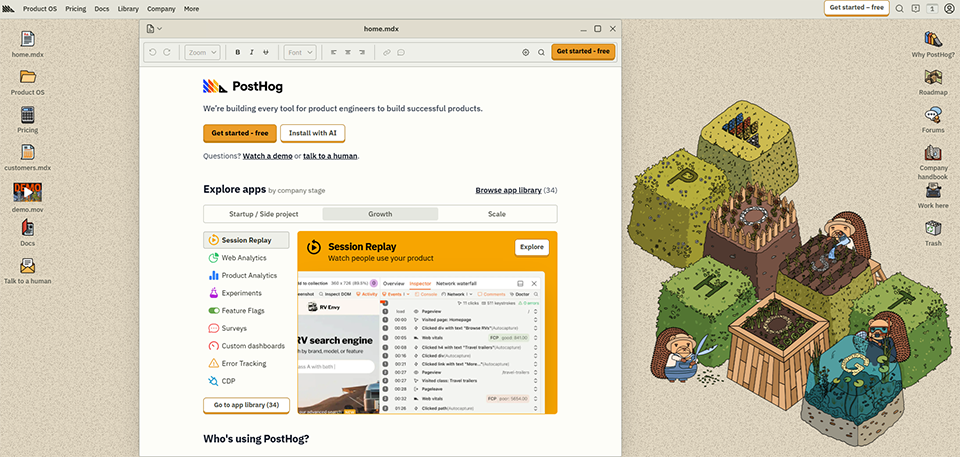
#7 - PostHog: The product analytics tool that replaces multiple tools at once.
Understanding how users interact with your app isn’t a luxury-it’s a necessity. PostHog is an open-source product analytics platform that combines features typically found in Mixpanel, Hotjar, and LaunchDarkly into a single tool.
What makes PostHog particularly appealing to small teams is the generosity of its free plan (1 million events per month) and the wide range of features available right from the start.
Key features :
Analysis of events and user journeys.
Session replay (session recording).
Heat maps and click maps.
Feature flags (enabling/disabling features by segment).
A/B testing.
Conversion funnels.
Retention and cohorts.
Surveys (in-app questionnaires).
Open-source and self-hosted.
Pricing:
Free Plan: 1 million events per month (including 5,000 replay sessions, feature flags, and heatmaps).
Pay-as-you-go plan: Free, with usage-based billing once the free allowance is exceeded.
Prices vary depending on volume; please check the PostHog website.
Why choose PostHog based on your profile:
📊 Data-driven product manager or founder:
PostHog gives you a 360° view of how your product is being used without having to switch between multiple tools. The session replay feature alone is often reason enough to adopt it.
🧑💻 Developer:
Built-in feature flags and A/B testing allow you to roll out new features incrementally, without the need to maintain additional infrastructure.
🚀 Early-stage startup:
The free plan is one of the most generous on the market. You can start using it for your app from day one at no cost.
👍 The benefits:
An all-in-one tool that eliminates the need for multiple subscriptions.
An extremely generous free plan for the launch phase.
Open-source, with the option to self-host so you can retain control over your data.
👎 The downsides:
The interface may seem a bit overwhelming at first glance.
Some advanced features (experimental) require a paid plan.
Self-hosting requires DevOps skills for optimal implementation.
Benefit from a on PostHog .
$50,000 in credits
Find our best discount with PostHog and save on your software subscriptions. We offer over 850 promo codes and discounts on the best software and SaaS on the market.
#8 - Sentry: Because your app is going to crash, and it’s better to know about it before your users do.
No app is perfect when it first launches. Bugs, server errors, and crashes are inevitable. The question isn’t whether they’ll happen, but when-and, more importantly, whether you’ll be notified before your users are.
Sentry is the error-tracking tool that has become the industry standard among development teams for over a decade. It captures errors in real time, provides context (stack trace, application status, affected user), and alerts you immediately.
What Sentry monitors:
JavaScript, Python, Ruby, Go, PHP, Java, Swift, Kotlin, and many others.
Mobile app crashes (iOS and Android).
Transaction performance (response time, N+1 queries, etc.).
Session replays (to understand what led to the error).
Alerts that can be configured based on thresholds, frequency, or affected users.
Integrations with GitHub, GitLab, Slack, Jira, and Linear.
Team Plan: starting at ~$26/month (teams, advanced alerts, enhanced retention).
Business Plan: starting at ~$80/month (SSO, SLA, high quotas).
Prices vary depending on the number of events captured.
Why choose Sentry based on your profile:
🧑💻 Developer or technical team:
This is probably the most widely used tool in this category. It takes less than 15 minutes to integrate it into a project, and you see an immediate return on investment as soon as the first bug is detected.
🚀 Founder who also handles the technical side:
Sentry frees you from constant worry. You know that if a problem arises, you’ll be alerted. This fundamentally changes the way you experience a production deployment.
👥 Any team with real users:
Once your application is live with real users, not having error monitoring is a risk that’s hard to justify.
👍 The benefits:
Quick integration into virtually any technical environment.
Detailed context provided with each error (navigation, user data, stack trace).
Customizable alerts so you don't get overwhelmed by notifications.
👎 The downsides:
The free plan can quickly become insufficient for high-traffic applications.
Managing quotas and alerts requires careful initial configuration.
Performance monitoring (beyond error tracking) is limited on low-end models.
Benefit from a on Sentry .
8 months free on "Team" plan
Find our best discount right now with Sentry and save on your software subscriptions. We offer over 850 promo codes and discounts on the best software and SaaS on the market.
#9 - Retool: The tool that saves weeks of time compared to internal tools.
Every application needs internal interfaces at some point: an admin dashboard, a customer support tool, an order management panel, or a content moderation interface. These tools are often pushed to the bottom of the priority list, developed in a rush, and quickly become a burden to maintain.
Retool changes that equation. It’s a low-code internal interface builder that lets you create tools in just a few hours that would have taken weeks to develop from scratch.
What you can build with Retool:
Administration interfaces connected to your databases (PostgreSQL, MySQL, MongoDB, etc.).
Dashboards with charts, filters, and export options.
Real-time data update forms.
Customer support tools (account viewing, bulk actions).
Interfaces connected to your internal or third-party APIs.
Team Plan: starting at ~$10/user/month (unlimited users, all integrations).
Business Plan: starting at ~$50/user/month (SSO, audit logs, staging environments).
Enterprise Plan: Pricing available upon request.
Why choose Retool based on your profile:
🧑💼 A founder or CEO looking to raise their profile:
With Retool, you can build your own operational dashboard in just a few hours, connected directly to your database, without having to wait for your IT team.
👩💻 A developer who wants to focus on the product:
Outsourcing the development of internal tools to Retool frees up time for product development. The ROI is often immediate.
🎯 Support team or Customer Success:
Retool interfaces allow non-technical teams to access customer data, perform searches, and carry out simple actions without needing direct access to the database.
👍 The benefits:
Sign-in with virtually all data sources on the market.
Build complex interfaces in a matter of hours, not weeks.
The free plan is enough to test it out and get started.
👎 The downsides:
This can become expensive as the number of internal users increases.
Less suitable for interfaces designed for external end users.
Complex logic requires a foundation in JavaScript.
Comparison table of the 9 tools.
Below is a summary of the 9 tools to help you build your tech stack based on your priorities.
💡 The prices listed are for reference only and are subject to change. We recommend that you check the pricing terms directly with each provider before making your decision.
See all the software of this category: Développement Web
Check out all the other software and discount we offer in this category. Explore other tools and choose the perfect solution to grow your business.
Frequently Asked Questions About Launching an App in 2026.
Here are some questions that entrepreneurs and entrepreneurs often ask themselves entrepreneurs set out to develop an app.
1️⃣ Do you really need to know how to code to launch an app in 2026?
No, and the tools mentioned in this article are proof of that. Bubble, FlutterFlow, Xano, and Retool allow you to build functional, robust applications without writing any code. That said, a basic understanding of data logic, REST APIs, and error handling is still helpful for getting the most out of these tools. Knowing how to code remains an advantage, not a requirement.
2️⃣ What is the difference between Xano and Supabase?
Both are backend solutions, but they cater to different user profiles. Xano is a no-code platform: you build your backend logic visually, without writing any server-side code. It’s the natural choice for no-code builders. Supabase, on the other hand, is designed for developers: it automatically generates APIs from your PostgreSQL schema, but you work with code (JavaScript, Python, etc.). If you’re a developer, Supabase will likely be more flexible. If you’re a no-code user, Xano will be more accessible.
3️⃣ Do these tools integrate well with each other?
In the vast majority of cases, yes. This stack was specifically designed to be consistent: FlutterFlow and Bubble integrate natively with Xano and Supabase, Stripe offers official integrations with all the frontends mentioned, and PostHog and Sentry can be set up in any environment. The main integration work involves managing authentication and webhooks, which can be handled even without DevOps expertise.
4️⃣ Should you use all these tools right from the start?
Absolutely not. For an initial MVP, a combination of 3 to 4 tools is usually sufficient: a builder (Bubble or FlutterFlow), a backend if needed (Xano or Supabase), a payment system (Stripe), and basic monitoring (Sentry). Tools like PostHog or Retool become really useful once you have real users and need to analyze behavior or manage data in the back office.
5️⃣ What is the total monthly cost of such a stack?
With free plans and introductory offers, it’s entirely possible to get started for less than €100 per month for the entire stack. By taking advantage of the discount on Freelance Stack, this cost can be significantly reduced during first few months, which is especially valuable when you’re still validating a market. For a growing project, the monthly cost will naturally increase as usage grows.
6️⃣ What is the difference between Framer and Webflow for a marketing website?
Both tools are excellent, but they cater to slightly different needs. Webflow offers more control and flexibility, particularly for sites with complex content logic or advanced CMS integrations. Framer, on the other hand, is easier to get started with and produces high-quality visual results with less effort. For a landing page or a startup showcase site, Framer is often the most effective choice. For a site with a lot of content or advanced editorial use cases, Webflow comes out on top.
7️⃣ Are these tools suitable if my application must comply with the GDPR?
GDPR compliance depends largely on how you configure these tools, not just on which ones you choose. As an open-source, self-hostable solution, Supabase gives you maximum control over where your data is stored. Sentry and PostHog also offer self-hosting options. For Stripe, strictly regulated payment data is processed in accordance with PCI DSS standards, which provides a solid guarantee. In any case, be sure to carefully review the Data Processing Agreements (DPAs) for each tool and configure data collection to be as minimal as possible.
8️⃣ Are there any additional tools to consider for a launch?
Depending on your type of application, tools like Airtable for operational data management, Linear for managing your product roadmap, or Brevo for transactional and marketing emails can be useful additions to this stack. You can find discount all of these tools on Freelance Stack, in theApplication Development and No-Code & Low-Code Tools Categories .
This guide brings together the 12 must-have e-commerce tools must-have 2026, selected for how well they complement each other: platforms to create your…