The 10 Tools That Changed the Way We Develop and Launch Web Products in 2026
This article reviews 10 tools that have fundamentally redefined what it means to be a "builder" in 2026: what they do, why they’re essential, who they’re designed for, and what you need to know before adopting them.
Just five years ago, launching a web app required a substantial budget, a technical team, and several months of development. Today, the landscape has changed dramatically. A solo founder, a designer with an idea, or an ambitious freelancer can take an idea from concept to a live product in just a few weeks-sometimes even less.
This transformation isn't the result of a single technology. It's a convergence of several factors: the emergence of no-code and low-code tools, the widespread adoption of AI-powered code generators, cloud infrastructures accessible without DevOps expertise, and product analytics platforms that were once the exclusive domain of large tech companies.
By 2026, the tech stack used by an indie hacker or a startup in its launch phase bears little resemblance to what it was three years ago. Certain tools have become indispensable not because they are perfect, but because they drastically reduce the time it takes to go from an idea to a working product in the hands of real users.
This article reviews 10 tools that have fundamentally redefined what it means to be a "builder" in 2026: what they do, why they’re essential, who they’re designed for, and what you need to know before adopting them.
#1 - Lovable: The AI-powered full-stack app generator.
Benefit from our free deal on Lovable.
16% off on annual plan
Find over 300 free deals as well as over 850 Premium deals right now with Lovable and save on your software subscriptions. Whether you're an entrepreneur, a startup or a solo freelancer, save hundreds of euros thanks to our discounts and promo codes.
Lovable perhaps embodies better than any other tool the shift currently taking place in product development. The concept is simple to explain, though harder to execute: you describe your idea in natural language, and Lovable generates a fully functional React app-with an integrated Supabase backend if needed-that you can deploy right away.
What sets Lovable apart from many other code generators is the quality of the output and the consistency of the code it produces. It’s not just snippets to paste into an existing project, but a complete, structured, and customizable application. You can iterate directly within the interface, request adjustments, connect third-party APIs, and see the results in real time.
Key features :
Generating complete React applications from a textual description.
Native integration with Supabase for database management and authentication.
Visual editor and code editor available simultaneously.
One-click deployment, version management.
Sign-in with GitHub to sync your repository.
Pricing:
Free Plan: Free (5 messages per day, basic features).
Pro Plan: starting at ~$50/month (priority processing, early access to new features, priority support).
💡 Who is this for?
Lovable is the perfect tool for non-technical founders who want to validate an idea without hiring a developer, and for experienced developers who want to prototype quickly without wasting time on the technical infrastructure. Freelancers also find it a powerful tool for delivering MVPs to their clients faster.
✅ What makes it stand out:
The speed of execution is impressive. Going from an idea to a deployed app in less than an hour is no longer the exception. The quality of the generated code is clean enough to go into production or be taken over by a developer.
⚠️ Limits:
Highly complex applications or those with very specific business logic quickly reach the system's limits. And as with any AI tool, human review remains essential.
Benefit from a on Lovable .
Additional 10% off on annual plan
Find our best discount right now with Lovable and save on your software subscriptions. We offer over 850 promo codes and discounts on the best software and SaaS on the market.
#2 - Bubble: The most powerful no-code platform for building web apps.
Benefit from our free deal on Bubble.
Up to 20% off on annual plan
Find over 300 free deals as well as over 850 Premium deals right now with Bubble and save on your software subscriptions. Whether you're an entrepreneur, a startup or a solo freelancer, save hundreds of euros thanks to our discounts and promo codes.
Bubble occupies a unique position in the no-code ecosystem. Launched well before the current wave, it has established itself as the must-have platform must-have building visual web applications with real-world business logic, relational databases, and complex workflows-all without touching a line of code.
What makes Bubble so powerful is the breadth of what it enables you to do. It’s not just a landing page tool or a simple form builder. It’s a comprehensive visual development environment capable of powering marketplaces, SaaS platforms, community platforms, and internal tools.
Key features :
A drag-and-drop editor for interface design.
Integrated database with entity relationship management.
A visual workflow system for all application logic.
User and permission management.
Plugin marketplace to expand functionality.
API Connector for interfacing with third-party services.
Pricing:
Free Plan: Free (hosting on a Bubble subdomain; full features currently under development).
Starter Plan: starting at ~$32/month (custom domain, increased server capacity).
Growth Plan: starting at ~$134/month (enhanced performance, advanced logs).
Team Plan: starting at ~$349/month (multi-user collaboration, enterprise features).
💡 Who is this for?
Solopreneurs and small teams looking to launch a real product without an in-house developer. No-code consultants and agencies that build client applications. And startups in the validation phase that want to test a model before investing in custom development.
✅ What makes it stand out:
The creative freedom is real. Unlike many no-code tools that impose rigid templates, Bubble lets you build exactly what you have in mind. The community is huge, and resources are plentiful.
⚠️ Limits:
The learning curve is steeper than it seems. Performance can become an issue at scale, and migrating to custom code remains challenging as the product grows.
Benefit from a on Bubble .
$200 in credits during 3 months
Find our best discount right now with Bubble and save on your software subscriptions. We offer over 850 promo codes and discounts on the best software and SaaS on the market.
#3 - Webflow: The de facto standard for creating websites and visual interfaces.
Webflow isn't exactly a competitor to Bubble: the two tools cater to different needs. Webflow excels where others only do the bare minimum: visual quality, CSS control, animation, and the ability to create websites that truly look like what you set out to build.
In 2026, Webflow further enhanced its capabilities with customization features, A/B testing, and integration with analytics tools. It remains the go-to platform for marketing websites, SaaS showcase sites, editorial blogs, and product pages that require flawless presentation.
Key features :
Visual designer with full control over CSS and animations.
Built-in CMS for managing structured content.
Lightweight application logic via Webflow Logic.
Global hosting on a CDN with automatic optimization.
Native integrations with Zapier, Make, and leading marketing tools.
Basic Plan: starting at ~$18/month (custom domain, static website).
CMS Plan: starting at ~$29/month (full CMS, up to 2,000 items).
Business Plan: starting at ~$49/month (high traffic, advanced features).
Enterprise Plan: Pricing based on a quote (SSO, SLA, dedicated support).
💡 Who is this for?
Designers and creatives who refuse to compromise on visual quality. Marketing teams that want to manage their content without relying on developers. Web agencies that deliver websites to their clients with clean, high-quality code.
✅ What makes it stand out:
The output is unmatched in the no-code world. The generated code is clean and well-structured. The ecosystem of templates and resources is extensive.
⚠️ Limits:
Webflow isn't designed for building complex applications with actual business logic. There's a real learning curve for non-designers. And costs can quickly add up for high-traffic sites.
Benefit from a on Webflow .
12 months free on "CMS" plan
Find our best discount right now with Webflow and save on your software subscriptions. We offer over 850 promo codes and discounts on the best software and SaaS on the market.
#4 - Framer: From prototyping tool to AI-powered website platform.
Benefit from our free deal on Framer.
30% off on annual plan
Find over 300 free deals as well as over 850 Premium deals right now with Framer and save on your software subscriptions. Whether you're an entrepreneur, a startup or a solo freelancer, save hundreds of euros thanks to our discounts and promo codes.
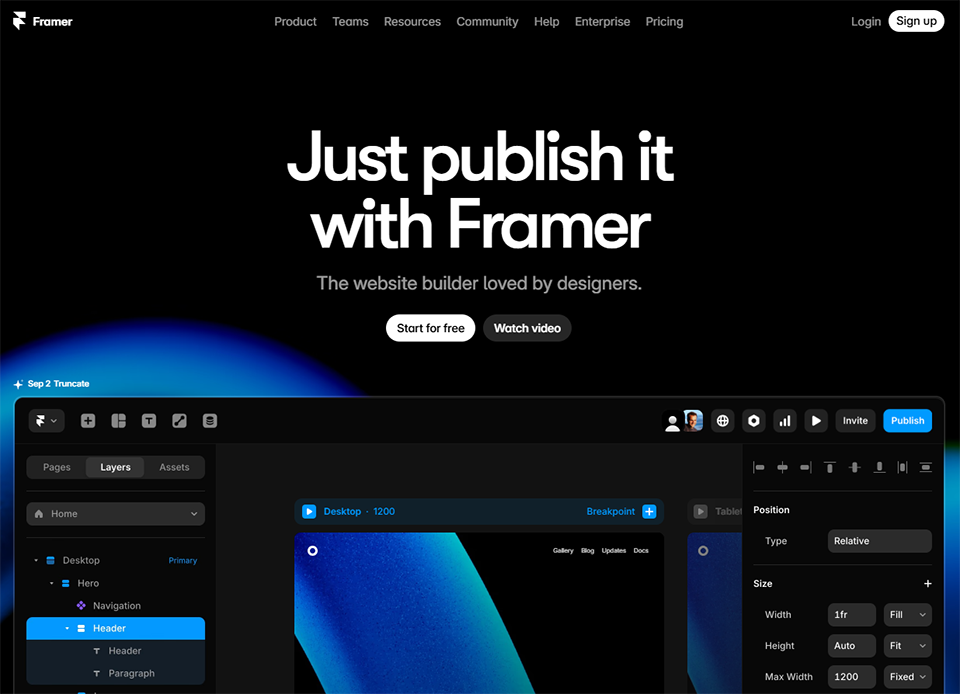
Framer has undergone a remarkable transformation over the past two years. Starting out as an interactive prototyping tool for designers, it has repositioned itself as a website-building platform with a strong AI component. As a result, users can now generate an entire page from a description, refine its visual design, and publish it in just a few minutes.
What makes Framer particularly appealing to developers in 2026 is its ability to produce polished interfaces very quickly, with a high degree of control over the rendering. Native React components allow for the integration of real interactions without the need for plugins.
Key features :
Generating websites and sections using AI based on a description.
Mini Plan: starting at ~$10/month (custom domain, 10,000 visitors/month).
Basic Plan: starting at ~$20/month (CMS, 200,000 visitors/month).
Pro Plan: starting at ~$40/month (extended CMS, advanced analytics, collaboration).
💡 Who is this for?
Designers who want to move seamlessly from mockup to live site. Startups that need a polished web presence quickly. Freelancers who deliver high-quality websites to their clients.
✅ What makes it stand out:
The speed of creation and the native visual quality are hard to beat. The built-in AI significantly speeds up the initial layout process.
⚠️ Limits:
Framer is optimized for marketing websites and portfolios, not for complex applications. The CMS remains limited compared to dedicated solutions.
Benefit from a on Framer .
3 months free on "PRO" annual plan
Find our best discount right now with Framer and save on your software subscriptions. We offer over 850 promo codes and discounts on the best software and SaaS on the market.
#5 - Supabase: The open-source alternative to Firebase.
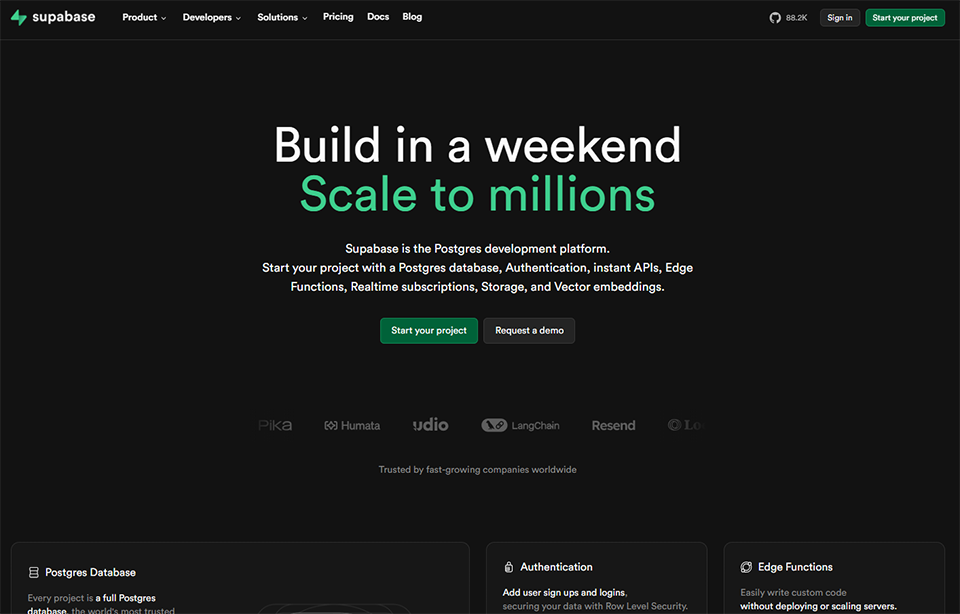
If you’ve been following web development news over the past two years, you’ve surely heard of Supabase. This open-source platform offers a managed PostgreSQL database, an authentication system, file storage, and edge functions-all accessible via an auto-generated API and a dashboard designed for non-engineers.
By 2026, Supabase had become the go-to backend for many AI-generated applications (Lovable, Bolt, v0, etc.). Its native integration with code-generation tools made it a must-have anyone looking to build quickly without sacrificing robustness.
Key features :
PostgreSQL database with a graphical interface.
Full authentication (email, OAuth, magic link, phone).
REST and GraphQL APIs automatically generated from the schema.
File storage with built-in CDN.
Edge Functions for serverless logic.
Realtime for real-time updates.
Pricing:
Free Plan: Free (2 active projects, 500 MB of database space, 5 GB of storage).
Pro Plan: starting at ~$25/month (8 GB of database storage, daily backups, email support).
Team Plan: starting at ~$599/month (SOC2, SSO, SLA, priority support).
Enterprise Plan: Pricing available upon request.
💡 Who is this for?
Developers who want a robust backend without having to manage infrastructure. AI builders who use Lovable, Bolt, or Replit and need a reliable database. Tech startups that want to start with PostgreSQL while retaining the flexibility to migrate to a self-hosted solution if necessary.
✅ What makes it stand out:
The generous free plan lets you get started at no cost. PostgreSQL compatibility ensures you won't be locked into a proprietary system. The ecosystem of integrations is excellent.
⚠️ Limits:
The automatic suspension of free projects after a period of inactivity may come as a surprise. Some advanced features require a solid understanding of PostgreSQL.
Benefit from a on Supabase .
$50 in free credits
Find our best discount with Supabase and save on your software subscriptions. We offer over 850 promo codes and discounts on the best software and SaaS on the market.
#6 - Vercel: The deployment platform that made CI/CD accessible to everyone.
Vercel has changed the way developers think about deployment. Before, deploying a web app required understanding servers, CI/CD pipelines, and DNS configuration. Vercel has simplified all of that to a git push. The application deploys automatically, the CDN handles global distribution, and previews for each branch are generated instantly.
In 2026, Vercel remains the go-to deployment platform for Next.js applications, as well as for React, Vue, Svelte, and most modern frameworks. Its integration with AI tools and code generators often makes it the first place where a project is deployed.
Key features :
Automatic deployment from GitHub, GitLab, or Bitbucket.
Preview deployments for each pull request.
Global CDN with edge caching.
Serverless Functions and Edge Functions.
Built-in analytics and performance monitoring.
Native integration with major databases and backends.
Pricing:
Hobby Plan: Free (personal projects, limited bandwidth and features).
Pro Plan: starting at ~$20/month (team collaboration, increased bandwidth, priority support).
Enterprise Plan: Pricing available upon request (SLA, advanced security).
💡 Who is this for?
Frontend and full-stack developers who want to focus on code rather than infrastructure. Small teams that want a professional deployment workflow without a dedicated ops team. Freelancers who deliver Next.js projects to their clients.
✅ What makes it stand out:
The developer experience is flawless. Automatic previews are revolutionizing the review process. The network's overall performance is excellent.
⚠️ Limits:
Costs can quickly add up for high-traffic applications with many serverless functions. Reliance on the Vercel/Next.js ecosystem can become limiting in the long run.
Benefit from a on Vercel .
No deals currently available
Find our best discount right now with Vercel and save on your software subscriptions. We offer over 850 promo codes and discounts on the best software and SaaS on the market.
#7 - v0: The AI-powered UI component generator that produces ready-to-use code.
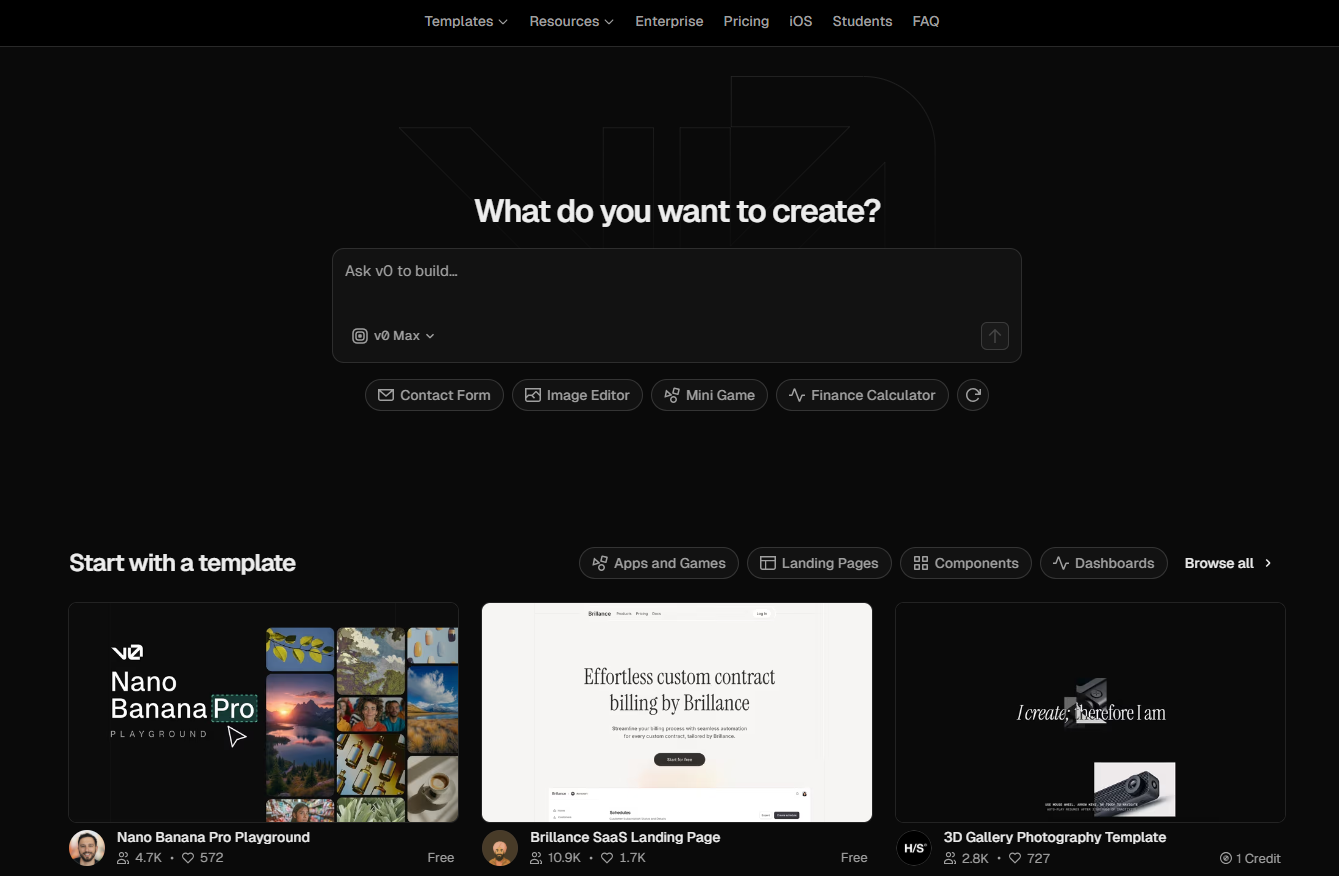
v0 is a Vercel tool that deserves a special mention. Its purpose is clear: to generate React and Tailwind CSS UI components from a description or a screenshot. Not an entire application, not a website, but specific, clean components that can be immediately integrated into an existing project.
What v0 has changed in the way many developers work is their approach to user interfaces. Rather than coding a form or a data table from scratch, you simply describe what you want and end up with usable code. The time saved on repetitive tasks is considerable.
Key features :
Generating React and Tailwind components from a textual description.
Import images or mockups to generate the corresponding code.
Successive iterations on the generated components.
Compatibility with shadcn/ui, Radix UI, and major design systems.
Premium Plan: starting at ~$20/month (more credits, faster generation).
Teams Plan: Pricing by team (collaboration).
💡 Who is this for?
React developers who want to speed up UI development without compromising code quality. Designers who know exactly what they want visually but don’t write code. Full-stack developers who work independently and want to optimize their time on the front end.
✅ What makes it stand out:
The quality of the generated components is superior to most alternatives. The generated code is readable and follows modern coding conventions. Its integration with shadcn/ui makes it a natural fit for modern React stacks.
⚠️ Limits:
v0 is a tool for components, not applications. It does not replace careful consideration of architecture or overall UX. Complex components with heavy business logic yield less predictable results.
Benefit from a on v0 .
Up to $30,000 in credits offered
Find our best discount with v0 and save on your software subscriptions. We offer over 850 promo codes and discounts on the best software and SaaS on the market.
#8 - Replit: The in-browser development environment.
Replit occupies a unique position in this ecosystem: it is a full-featured browser-based IDE that offers code execution, hosting, real-time collaboration, and-since 2023-a built-in AI agent (Replit Agent) capable of building entire applications from a description.
What sets Replit apart from the other tools on this list is its complete accessibility. No installation, no local setup. You open a tab, you code, you deploy. For developers who work on multiple machines, for distributed teams, or for anyone who wants to prototype seamlessly, this is a decisive advantage.
Key features :
Full-featured IDE in the browser, with support for over 50 languages.
Replit Agent: Building AI-powered applications from a description.
Real-time collaboration (multiplayer coding).
Integrated deployment with an instant public URL.
Integrated database (Replit DB).
Management of secrets and environment variables.
Pricing:
Free Plan: free (basic features, public projects).
Teams Plan: Pricing by team (advanced collaboration).
💡 Who is this for?
Junior and intermediate developers who want to learn and prototype without setting up an environment. Distributed teams that need a shared environment. Non-developers who use Replit Agent to build simple internal tools.
✅ What makes it stand out:
Eliminating setup friction entirely is a real advantage. Real-time collaboration is excellent for pair programming sessions or technical customer support.
⚠️ Limits:
Performance remains lower than in a local environment for complex projects. Reliance on internet connectivity can be an issue. Free projects are automatically put on hold.
Benefit from a on Replit .
$10 off on any plan
Find our best discount right now with Replit and save on your software subscriptions. We offer over 850 promo codes and discounts on the best software and SaaS on the market.
#9 - Linear: The project management tool that won over the product teams.
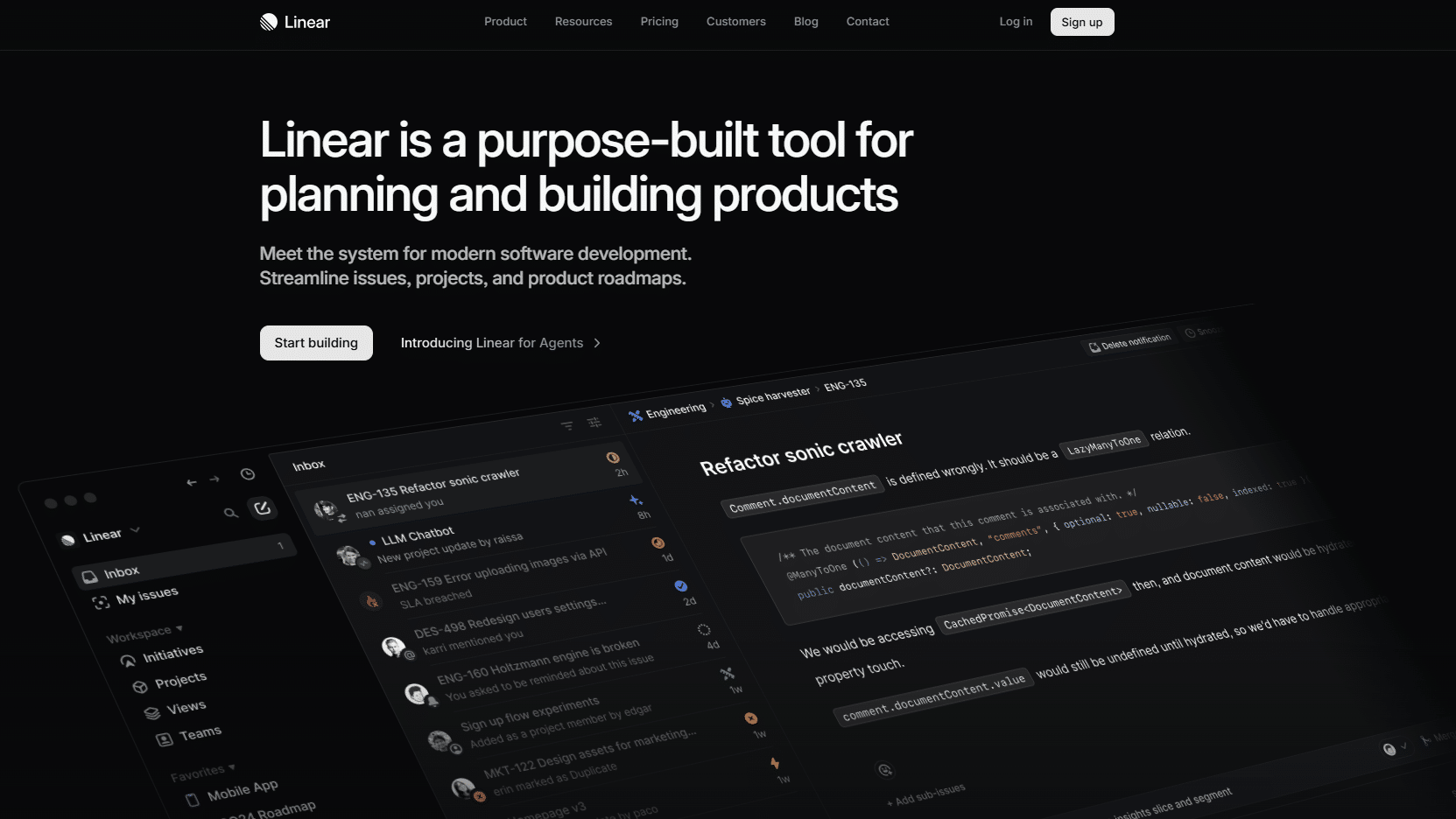
Linear isn't strictly speaking a development tool, but its impact on how product teams work is significant enough to warrant a spot on this list. As development cycles continue to accelerate, having a tracking tool that doesn't slow the team down has become a real competitive advantage.
What has made Linear famous is its speed. The interface responds in a matter of tens of milliseconds, keyboard shortcuts let you do everything without touching the mouse, and the streamlined structure enforces a useful discipline in how issues are managed.
Key features :
Issue management using cycles, projects, and roadmaps.
Ultra-fast interface with comprehensive keyboard shortcuts.
Native integrations with GitHub, GitLab, Figma, and Slack.
Standard Plan: starting at ~$8/user/month (unlimited calls, all integrations).
Plan Plus: starting at ~$14/user/month (advanced features, SLA, priority support).
Enterprise Plan: Pricing available upon request.
💡 Who is this for?
Development teams who find Jira too cumbersome and Trello too basic. Growing startups that want to streamline their product development process without spending too much time on it. Technical solopreneurs who want a clean way to track their projects.
✅ What makes it stand out:
The interface is incredibly smooth. Integration with GitHub allows you to automatically track issues directly from commits and pull requests. The free plan is generous for small teams.
⚠️ Limits:
Linear is designed for software development teams, not for managing creative or marketing projects. Its reporting features fall short compared to Jira for large organizations.
#10 - PostHog: The open-source product analytics platform that gives teams a comprehensive view of user behavior.
Launching a product without analytics is like driving blind. But during , robust product analytics tools were either too expensive or too complex for small teams. PostHog changed that with an open-source approach and a generous offering that lets you get started without spending a dime.
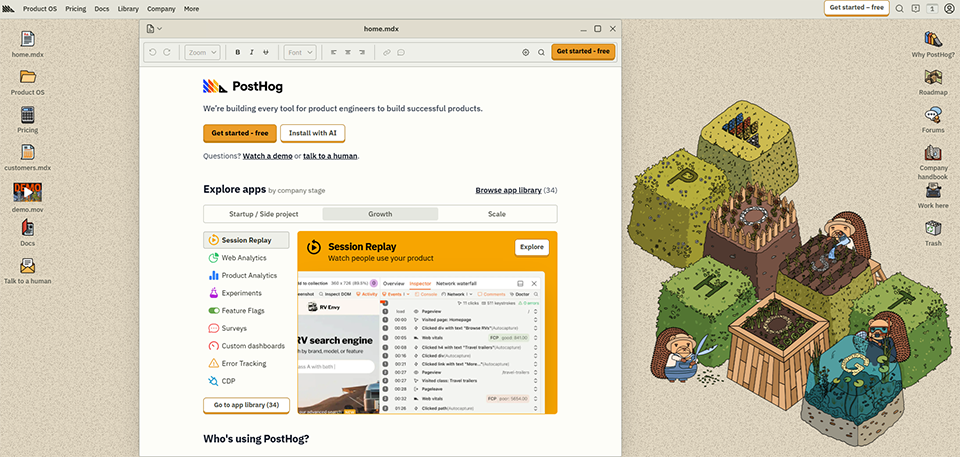
PostHog is much more than just a tracking tool. It’s a comprehensive suite that combines analytics, feature flags, A/B testing, session recording, and surveys all in one platform. By 2026, it had become the go-to solution for product teams looking to understand their users without having to juggle multiple tools.
Key features :
Product analytics (funnels, retention, cohorts, user journeys).
Session recording with heatmaps.
Feature flags for gradual deployments and A/B testing.
In-app surveys to collect user feedback.
Native data warehouse for data teams.
Self-hosting is available to meet compliance requirements.
Pricing:
Free Plan: Free (1 million events/month, 15,000 recorded sessions, all features).
Pay-as-you-go plan: Billed based on usage once the free allowance is exceeded.
Enterprise Plan: Pricing based on a quote (SSO, dedicated support, SLA).
💡 Who is this for?
Product teams that want to understand how their users actually behave. Developers who want to test features through gradual rollout. Startups looking for a comprehensive tool without having to juggle five different platforms.
✅ What makes it stand out:
The free plan is exceptionally generous. The combination of analytics, feature flags, and session recording in a single tool eliminates the need for multiple subscriptions. The self-hosting option meets the GDPR requirements for European teams.
⚠️ Limits:
The interface may seem a bit overwhelming to users who are just looking for basic tracking. The initial setup takes a little time, especially when it comes to custom events. For very advanced data needs, Amplitude or Mixpanel sometimes offer more analytical flexibility.
Comparison Chart 🚀
Before making your decision, here’s an overview of the ten tools featured. The prices listed are for the paid entry-level plans; check each tool’s official website for the most up-to-date pricing.
Tool
Category
Free map
Starting at
Ideal for
Lovable
AI App Generation
✅ (limited)
~$20/month
Quick MVP, non-technical founders
Bubble
No-code application
✅
~$32/month
Complex applications without code
Webflow
No-code website
✅
~$18/month
Marketing websites, agencies
Framer
Website + AI
✅
~$10/month
Designers, startups
Supabase
Backend / Database
✅ (generous)
~$25/month
Robust backend, AI apps
Vercel
Deployment
✅
~$20/month
React/Next.js Developers
v0
Component generation
✅ (credits)
~$20/month
Front-end developers
Replit
Browser-based IDE
✅
~$25/month
No-configuration development, collaboration
Linear
Project management
✅
~$8 per user per month
Product & Dev Teams
PostHog
Product Analytics
✅ (very generous)
For use
User Behavior Tracking
Prices are subject to change. Please check the official websites for the latest information.
See all the software of this category: Développement Web
Check out all the other software and discount we offer in this category. Explore other tools and choose the perfect solution to grow your business.
1️⃣ Do you need to know how to code to use these tools?
It depends on the tool. Lovable, Bubble, Webflow, and Framer are accessible without technical skills. Supabase, Vercel, and v0 require some familiarity with web development, even though their interfaces make things much easier. Replit, Linear, and PostHog are primarily aimed at technical users, but are still accessible to product managers.
2️⃣ Can you really launch a product into production using these tools?
Yes, absolutely. Hundreds of products with tens of thousands of users are running on Bubble, Webflow, or Supabase. Applications generated by Lovable or Replit Agent can be deployed in production. The real question isn’t “can we do it?” but “does this align with the product’s trajectory?”: if you’re planning for rapid growth with very specific needs, the transition to a custom architecture will be inevitable at some point.
3️⃣ How do I choose between Lovable, Bubble, and Webflow?
Three different use cases. Webflow for marketing websites and visual interfaces that don’t require complex application logic. Bubble for building a full-fledged application with a database, workflows, and business logic-without writing any code. Lovable for quickly generating application code and then having full control over that code, or for developers who want to get started quickly with React.
4️⃣ What is the recommended tech stack for an MVP in 2026?
There’s no one-size-fits-all answer, but a common and proven combination is: Lovable or v0 for building the front end, Supabase for the backend and database, Vercel for deployment, and PostHog for tracking early user behavior. This stack lets you move quickly, stick with standard technologies, and scale without having to rebuild everything from scratch.
5️⃣ Does PostHog replace Google Analytics?
Not exactly: the two tools serve different purposes. Google Analytics is optimized for marketing analytics (traffic sources, acquisition, SEO). PostHog is designed for product analytics (in-app behavior, conversion funnels, retention, feature flags). For a startup or SaaS product, PostHog is often more relevant. For a content or e-commerce site, Google Analytics remains a valuable complement.
6️⃣ Are these tools GDPR-compliant?
Most offer compliant options, but the specifics vary. PostHog offers self-hosting to keep data in Europe. Supabase lets you choose the hosting region. Vercel stores data on U.S. servers by default, although Edge options are available. For projects with strict compliance requirements, review each tool’s policies and consider the available European hosting options.
7️⃣ What tool should you use to manage a solo project?
Linear is still a great choice even for solo use, especially if you’re developing software and want to keep a clean record of your tasks and backlog. Its free plan, which supports up to 250 issues, is more than enough. ClickUp or Notion might also be a good fit if you’re looking for a more versatile tool that covers both project management and documentation.