Piktochart
Additional 40% off on any plan
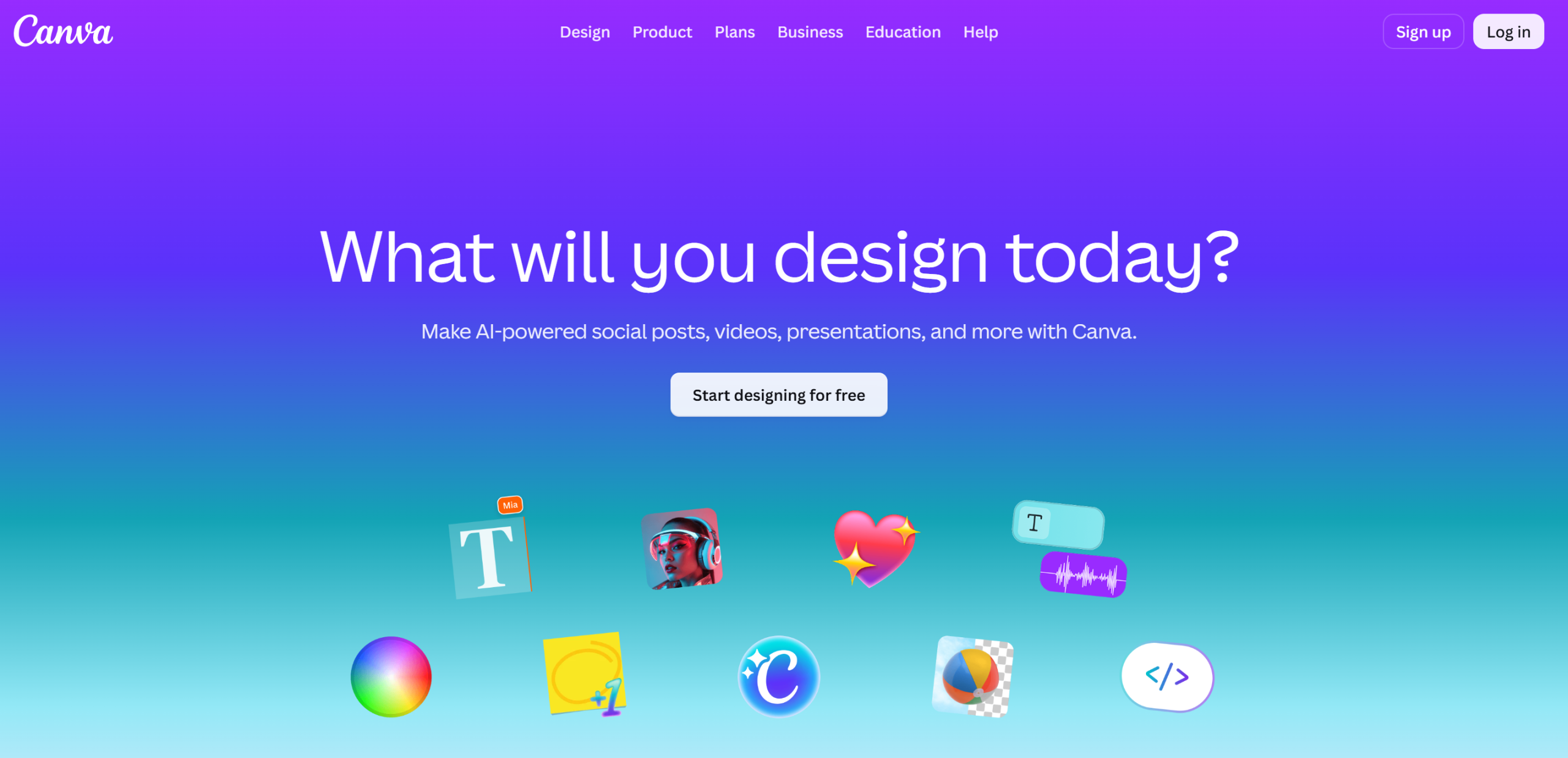







Canva is an online design platform that makes it easy for anyone to create visual content, without the need for advanced graphic design skills. It offers an intuitive drag-and-drop interface and a vast library of templates, images, icons and fonts.
Whether for presentations, social networking posts, posters, CVs or videos, Canva simplifies the creation of visual media for individuals, entrepreneurs and businesses. Its free version offers a host of tools, while premium subscriptions (Canva Pro and Canva for Teams) offer advanced features such as background removal, magic resizing and access to millions of premium elements.
Canva is an online graphic design platform offering a wide range of features suitable for professionals and beginners alike.
Key features include:
Intuitive and accessible interface:
Rich resource library:
Advanced customization tools:
Brand creation and management:
Collaboration and teamwork:
Easy exporting and sharing:
Special features and extensions:
Versions and subscriptions:
Canva has established itself as one of the most accessible graphic design tools on the market, revolutionizing the way individuals and professionals create their visuals. This online platform makes graphic design accessible to everyone by offering an intuitive drag-and-drop interface that allows users to create professional designs without any prior technical skills. Whether you want to create social media posts, presentations, logos, or marketing materials, Canva provides you with a library of millions of ready-to-use graphic elements.
Canva's approach is based on simplifying the creative process through pre-designed templates tailored to every conceivable format and use case. The platform stands out for its ability to adapt to the needs of both a solo entrepreneur and a full marketing team. With its generous free version and premium plans that unlock advanced features, Canva offers a comprehensive ecosystem for all visual communication projects.
This wealth of features makes Canva much more than just a graphic design tool: it is a comprehensive visual communication solution that adapts to evolving digital needs. The regular addition of new features-particularly those related to artificial intelligence-underscores the platform’s commitment to remaining at the forefront of creative innovation.
Canva offers a range of pricing plans tailored to different needs, from a robust free version to professional and team solutions. This approach allows users to choose the level of features that best suits their needs, whether they are casual creators or professional designers.
Canva's pricing structure stands out for its transparency and flexibility, offering monthly and annual plans to help you optimize costs based on your billing preferences.
| Plan | Rates | Included |
|---|---|---|
| Free Canva | 0 € | 250,000+ free templates, 100+ design styles, 1 GB of cloud storage, access to thousands of free elements |
| Canva Pro | €11.99/month (€119.99/year) | All Free + 100 million premium assets, 1 TB of cloud storage, background removal, Magic Resize, Brand Kit |
| Canva Teams | €13.99/month per person (€139.99/year) | All the features of Pro + real-time collaboration, content approval, advanced brand management, and administrative controls |
| Canva Enterprise | Upon request | Everything from Teams + SSO, advanced security controls, priority support, and personalized training |
1️⃣ If you are a freelancer or consultant:
As a freelancer, you need flexible tools that fit your tight budgets while allowing you to create professional visuals quickly. Adobe Express is an excellent option, with templates specifically designed for social media and automation features that save you valuable time. Synchronization with Creative Cloud also lets you upgrade to more advanced tools as your needs grow. Figma is a smart choice if you work in web design or UX, as its prototyping and real-time collaboration capabilities often impress clients. For freelancers focused on digital marketing, Stencil offers a simpler approach with an emphasis on quickly creating visuals for social media, platform-optimized templates, and a built-in image library that eliminates tedious searches.
2️⃣ If you are a startup:
Startups need solutions that scale with their teams while keeping initial costs under control. Figma is particularly well-suited for this, with its built-in collaboration features that allow distributed teams to work together efficiently, its versioning capabilities that prevent file conflicts, and its constantly expanding ecosystem of plugins. Adobe Creative Cloud may seem expensive at first, but its professional approach reassures investors and clients, while its integrated tools enable the creation of a consistent visual identity across all media. For tech startups looking for an open-source alternative, Penpot offers features similar to Figma with the added benefit of full control over your data and the option to self-host the solution. This approach is particularly appealing to startups concerned about their digital sovereignty.
3️⃣ If you are a small business or an SME:
Small and medium-sized businesses are looking for robust solutions that simplify the management of their visual communications while offering good value for money. Adobe Creative Cloud remains the gold standard for companies that want to outsource their graphic design work to external service providers, as it offers universal compatibility and guarantees professional results. Affinity Publisher offers an attractive, cost-effective alternative with a one-time purchase rather than a subscription, making it particularly well-suited for creating print materials such as brochures or catalogs. For teams that need to regularly create content without advanced design expertise, Crello (now VistaCreate) offers an approach similar to Canva but with more advanced animation features and better integration with marketing automation tools. Its library of business-oriented templates and smart resizing options make it easy to adapt your designs across different media.
Otherwise, these other software programs may also be a good alternative to Canva.