Slack
-30% sur l'abo.

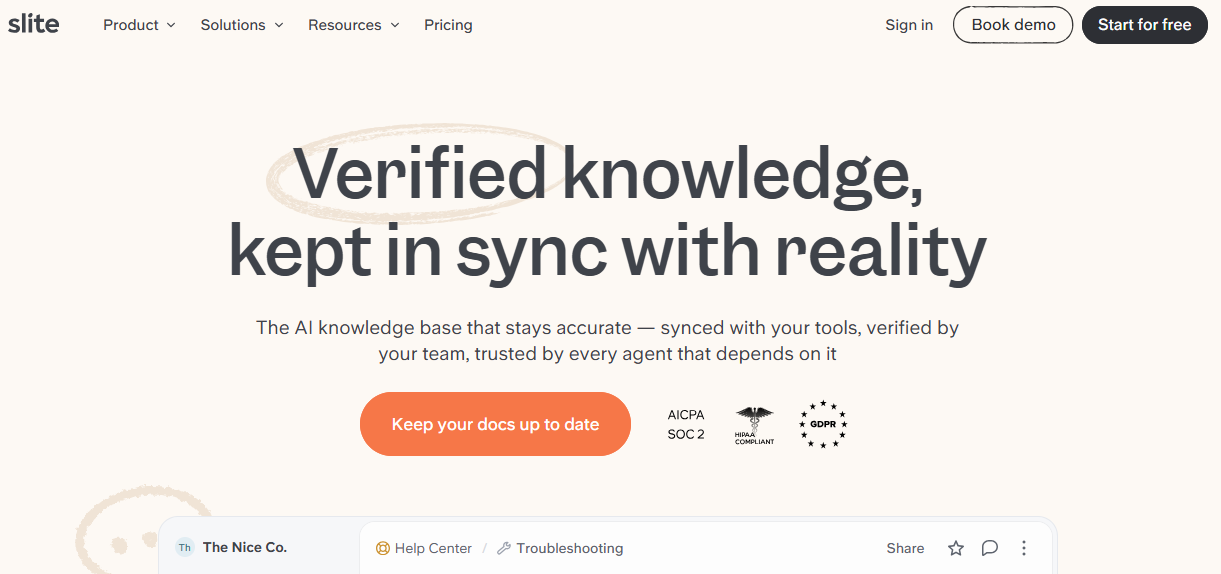







Slite is a collaborative documentation platform designed to help teams organize and share their knowledge effectively. It allows users to create, edit, and manage documents in real-time, facilitating collaboration among team members. Slite offers features such as templates, tags, and advanced search, simplifying access to relevant information.
The platform also promotes note-taking during meetings and the centralization of important documents. By choosing Slite, businesses can enhance transparency and communication within their teams while ensuring that knowledge is easily accessible.
Slite is a collaborative workspace where remote teams get their best work done. It combines beautiful documentation with async decision-making. Document. Discuss. Decide. Do. All in one place.
Creating any kind of document as easy as typing. A powerful editor includes advanced tables, built-in video explainers, sketch, and hundreds of integrations. And with Discussions, your team's important conversations and decisions now live side-by-side with your living documents, making async workflows more effective than ever.
Using Slite will feel familiar. Anyone can create, update and will want to contribute :
Organize, seek and find :
Docs are sorted by channel, so they’re easy to access. Templates for all your teams help get you started. It stays structured as you grow, so you can all get on with your work.
Slite positions itself as a modern knowledge management platform designed specifically for remote and distributed teams who need to create, organize, and share information seamlessly. Unlike traditional wiki tools that often feel clunky and outdated, Slite brings a contemporary approach to team documentation with its clean interface and collaborative features that actually encourage team members to contribute and maintain knowledge bases.
The platform addresses one of the most persistent challenges in modern workplaces: information silos and knowledge fragmentation. Teams using Slite can transform scattered Google Docs, Notion pages, and email threads into a centralized, searchable knowledge hub where information remains accessible and up-to-date. What sets Slite apart is its focus on real-time collaboration and its ability to integrate smoothly into existing workflows without requiring extensive training or setup.
Slite's strength lies in its balance between simplicity and functionality, making it particularly appealing to teams that find tools like Confluence too complex while offering more structure than basic document editors. The platform serves various team sizes and industries, from startups documenting their processes to established companies managing extensive product documentation and internal wikis.
The combination of these features creates a knowledge management ecosystem that actually gets used by teams rather than becoming another abandoned repository. Slite succeeds where many knowledge management tools fail by making information creation and consumption equally pleasant, ensuring that your team's collective knowledge becomes a living, breathing resource rather than a static archive.
Slite offers a simple and transparent pricing structure, tailored to teams of all sizes looking to effectively organize their collaborative documentation.
The platform provides a generous free plan to get started, followed by paid options that unlock advanced features and expanded storage capacity.
| Plan | Pricing | Includes |
|---|---|---|
| Free | Free | 50 notes, 10 collections, 1GB storage, unlimited collaborators |
| Standard | $6.67/user/month | Unlimited notes and collections, 100GB storage, version history, advanced permissions |
| Premium | $12.5/user/month | Everything in Standard + 1TB storage, advanced analytics, SSO, priority support |
Slite's free plan stands out for its generosity, allowing an entire team to collaborate without limitations on the number of users. This approach facilitates tool adoption within organizations, particularly for startups and small teams that can fully test core capabilities before considering an upgrade. The 50 available notes are generally sufficient to structure the initial documentation processes of a growing team.
The transition to the Standard plan feels natural once your team exceeds the limitations of the free plan. At $6.67 per user per month, this package unlocks unlimited notes and collections, eliminating any constraints on the growth of your knowledge base. Storage space increases to 100GB, which is more than enough for the majority of teams, even those regularly integrating images, videos, and documents into their notes. Version history becomes particularly valuable during intensive collaborations, allowing teams to track document evolution and recover older versions if necessary.
The Premium plan at $12.5 per monthly user targets mature organizations with specific security and analysis needs. Moving to 1TB of storage meets the requirements of teams managing large volumes of multimedia content or technical files. SSO (Single Sign-On) integration significantly simplifies access management in large structures, while advanced analytics offer valuable visibility into platform usage and team engagement with documented content.
Slite applies annual billing which reduces the monthly cost of each plan by approximately 15% compared to monthly billing. This approach encourages long-term commitment while offering substantial savings to organizations planning their usage over the year. The platform also offers discounts for non-profit organizations and educational institutions, making the tool accessible to structures with constrained budgets.
The scalability of the plans allows for a progressive approach to tool investment. A team can start for free, test Slite's adoption and effectiveness in their processes, and then migrate to paid plans as their needs grow. This flexibility considerably reduces initial investment risks while ensuring a smooth ramp-up as the team grows or its requirements become more complex.
Customer support varies depending on the chosen plan, with email assistance for all users and priority support for Premium customers. This service differentiation reflects the distinct needs of different user segments, as Premium teams generally have more critical requirements regarding availability and responsiveness. However, Slite maintains a comprehensive knowledge base and learning resources accessible to all users, regardless of their subscription plan.
1️⃣ If you are a freelancer or consultant:
Notion represents the ideal balance between simplicity and power for independent professionals. Its flexible database system allows you to create custom templates for client projects, track deliverables, and maintain a knowledge base without the learning curve of more complex tools. The personal plan offers generous limits, making it cost-effective for solo practitioners. Obsidian excels for consultants who work with interconnected ideas and need to build comprehensive knowledge graphs. Its local storage approach ensures complete data ownership, while the linking system helps you connect insights across different client projects. The tool particularly shines for research-heavy work and strategic consulting where relationships between concepts matter more than collaborative features.
2️⃣ If you are a startup:
Notion has become the go-to choice for early-stage companies thanks to its all-in-one approach that eliminates the need for multiple subscriptions. You can manage everything from product roadmaps to team wikis within a single workspace, which is crucial when budget constraints matter. The collaborative features work seamlessly for remote teams, and the template gallery provides ready-made solutions for common startup needs like OKR tracking and meeting notes. Confluence offers a more structured approach for startups planning to scale quickly. While it requires more initial setup, its integration with Jira makes it invaluable for product development teams. The permission system grows with your organization, and the advanced search capabilities become increasingly valuable as your documentation expands.
3️⃣ If you are a SMB or SME:
Microsoft 365 provides unmatched integration for companies already using the Office ecosystem. SharePoint's document management capabilities, combined with Teams integration, create a seamless workflow for traditional business operations. The enterprise-grade security and compliance features address concerns that become critical as you handle more sensitive client data. Confluence excels for companies with established processes who need robust documentation workflows. Its approval systems, version control, and advanced analytics provide the governance structure that growing businesses require. The Atlassian ecosystem integration becomes particularly valuable if you're already using project management tools, allowing you to create comprehensive digital workspaces that scale with your team size and complexity.
Sinon, ces autres logiciels peuvent également être une alternative intéressante à Slite.